
This page is not an official page of the app or its developer, but an independent editorial publication created for informational and commentary purposes. Unless expressly stated otherwise, neither the app nor its developer is affiliated with, endorsed by, sponsored by, authorized by, or otherwise officially connected with MWM, Apple, Google Play, the app publisher, or the app's developer, and nothing on this page implies that the app was developed using MWM's services. Any trademarks, logos, screenshots, and other content remain the property of their respective owners.

Edith: Presets for Lightroom
Unlock 300+ aesthetic presets, vintage textures, and powerful batch editing tools. Curate your dream Instagram feed and export directly to Lightroom in one tap.
Downloads
1M+User Rating
Total Ratings
13K+Publisher
Category
Photo & VideoLocales
19Latest Version
2.4.9Size
472.2 MBFirst Released
Sep 23, 2019Master Your Signature Aesthetic
Join over 1 million creators using Edith to transform everyday shots into professional content with our all-in-one editing and planning toolkit.
300+ Designer Presets
From vintage film to clean minimalist vibes, get the high-end Lightroom look without the complex manual adjustments.
Seamless Batch Editing
Save hours of work by applying your favorite edits to 10 photos at once—perfect for outfit hauls and travel galleries.
Frequently Asked Questions
Everything you need to know about Edith: Presets for Lightroom
What features does the Edith app offer for photo and video editing?
Edith offers over 300 Lightroom Presets, unique textures, overlays, borders, a Feed Planner, batch editing, and professional adjustment tools like Dim and Grain for photos and videos.
How many presets are available in the Edith app?
The Edith app provides over 300 Lightroom Presets. These include styles like film, moody, bright, retro, and vintage, which users can export and apply.
Does Edith include a feed planner for Instagram?
Yes, Edith features a Feed Planner. Users can curate and preview their Instagram feed with an easy drag-and-drop tool and manage multiple accounts within the app.
Can users edit multiple photos simultaneously with Edith?
Yes, Edith supports Batch Editing. Users can edit up to 10 photos at once, applying the same settings to all selected images efficiently.
What professional adjustment tools are available in Edith?
Edith provides professional adjustment tools including Exposure, Contrast, Sharpen, Clarity, Saturation, Dim, and Grain. These allow users to tweak photos for specific looks.
Where can I find the Terms of Use and Privacy Policy for Edith?
The Terms of Use are available at nappslab.com/pb-terms-of-use.html, and the Privacy Policy is at nappslab.com/pb-privacy-policy.html. The EULA is also linked.
The following screenshots and description are sourced directly from the app's official store listing and are the property of the app developer.
App Store
Screenshots
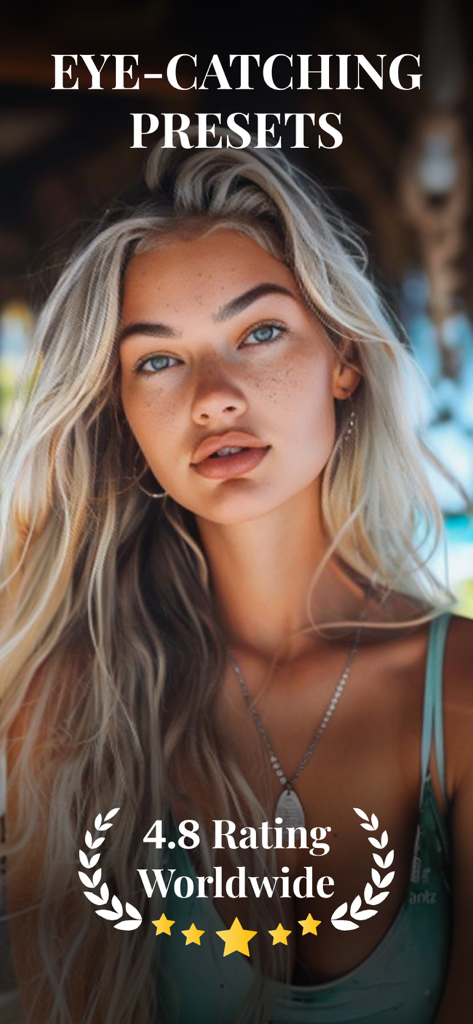
Eye catching presets for Lightroom by Edith app featuring a professional portrait and 4.8 worldwide rating
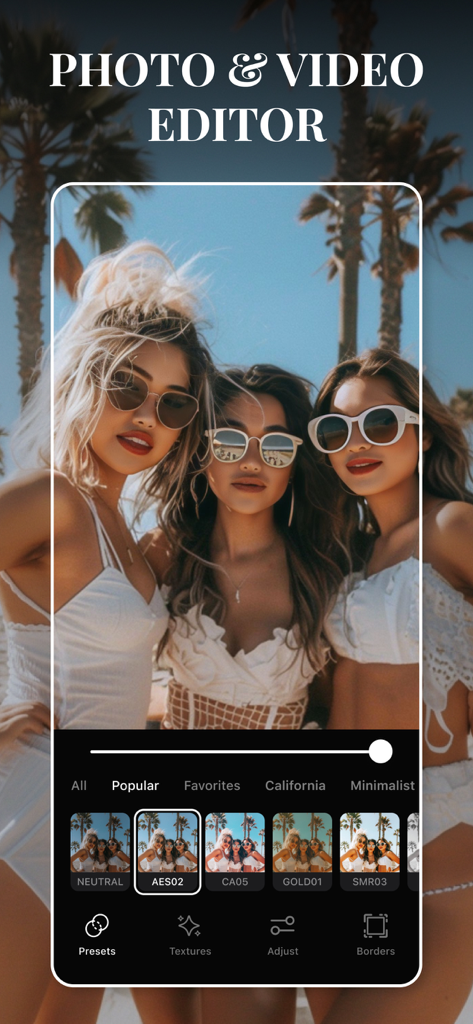
Screenshot of the Edith app interface showing aesthetic presets and photo editing tools over a sunny beach photo
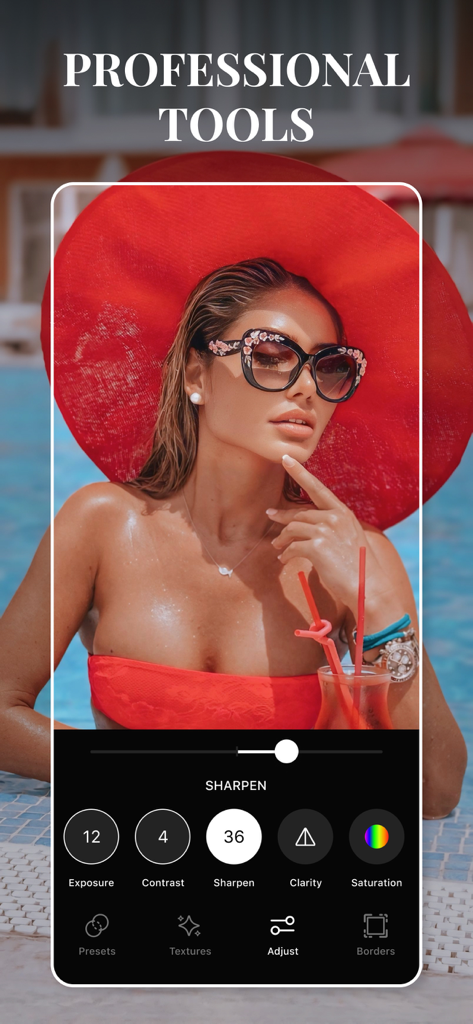
Professional photo adjustment tools interface in the Edith app
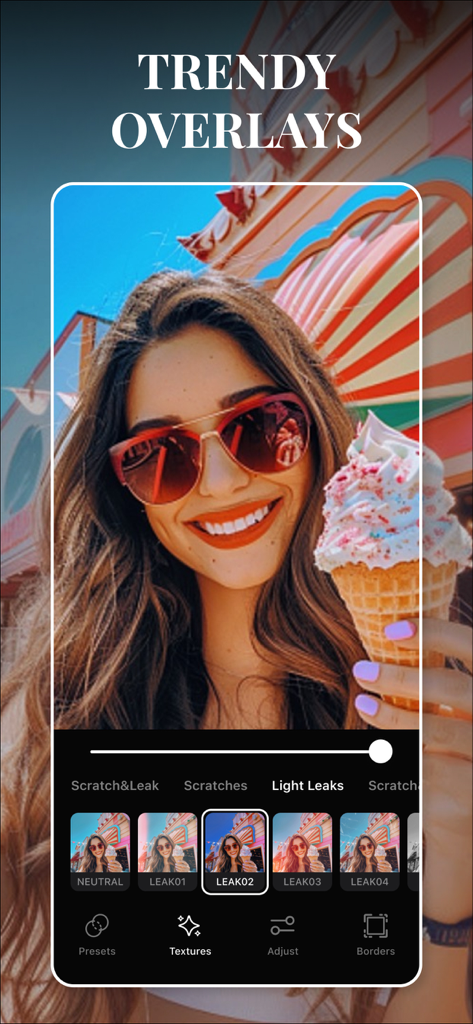
A user applying trendy light leak overlays to a photo in the Edith app
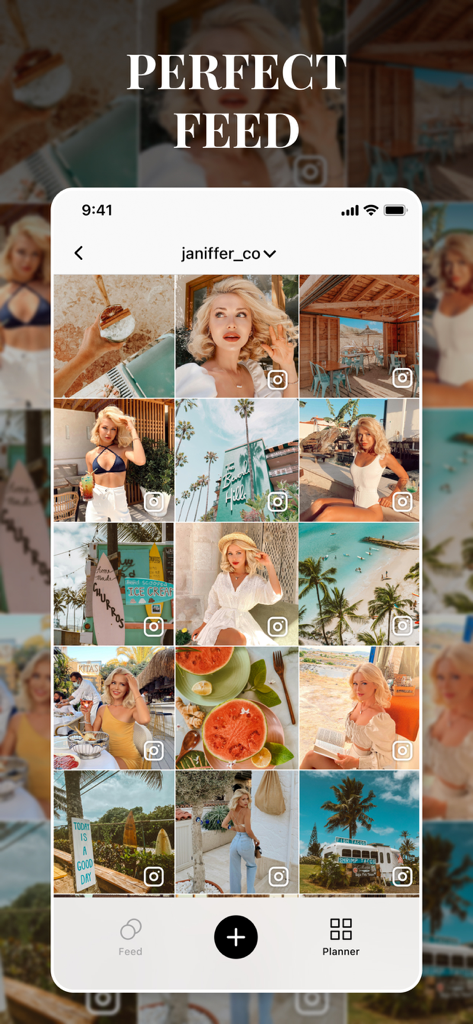
Edith app interface showing a curated and aesthetic Instagram feed planner grid
Description
Download
More Like This
Apps with similar features and user experience

Lightroom: AI Photo Editor
Adobe Inc.

MIX-Photo Editor & Filters
灏 徐

Presets for Lightroom - FLTR
Onelight Apps CY Ltd

Colorby: AI Photo Color Editor
Zhanghan Ke

PRESETS: Filters for Pictures
Gustas Brazaitis

Soft Focus Lite 〜beauty selfie
handyCloset Inc.

BerryFilm - Korean Style Cam
Seungyun Kim

Presets for Lightroom: Filters
Alenrom sp. z o.o.
Video Filters Photo Editor TON
Onelight Apps CY Ltd
This page is not an official page of the app or its developer, but an independent editorial publication created for informational and commentary purposes. Unless expressly stated otherwise, neither the app nor its developer is affiliated with, endorsed by, sponsored by, authorized by, or otherwise officially connected with MWM, Apple, Google Play, the app publisher, or the app's developer, and nothing on this page implies that the app was developed using MWM's services. Any trademarks, logos, screenshots, and other content remain the property of their respective owners.