
This page is not an official page of the app or its developer, but an independent editorial publication created for informational and commentary purposes. Unless expressly stated otherwise, neither the app nor its developer is affiliated with, endorsed by, sponsored by, authorized by, or otherwise officially connected with MWM, Apple, Google Play, the app publisher, or the app's developer, and nothing on this page implies that the app was developed using MWM's services. Any trademarks, logos, screenshots, and other content remain the property of their respective owners.

BinBin Scooters
Ditch the gridlock and embrace sustainable urban travel. Whether it’s for work, class, or fun, find your nearest ride and zip through the city with ease, style, and zero emissions.
Downloads
2M+User Rating
Total Ratings
27K+Publisher
Category
TravelLocales
9Latest Version
12.7.22Size
89.3 MBFirst Released
Aug 22, 2020Smart Urban Mobility, Simplified
Skip the gridlock, save on gas, and help the planet with our all-in-one electric vehicle sharing platform.
Zip Past the Traffic
Turn your daily commute into the best part of your day. No more gridlock or parking stress—just fast and fun urban travel.
Budget-Friendly BinPass
Choose a daily, weekly, or monthly plan that fits your lifestyle. Pay once and ride freely while earning rewards in your wallet.
Frequently Asked Questions
Everything you need to know about BinBin Scooters
What is BinBin Scooters and what services does it offer?
BinBin Scooters is an innovative mobility app that combines urban transportation needs. It offers an economical and sustainable alternative for short and medium-distance trips using e-scooters, and soon mopeds and e-bikes.
What types of vehicles can I rent with BinBin?
BinBin primarily offers e-scooter rentals. The app description states that moped and e-bike rental services are also coming soon, with availability potentially varying by location.
How do I start a ride using the BinBin app?
To start a BinBin ride, download the app, register, and add your payment method. Then, use the in-app map to find the nearest BinBin vehicle and scan its QR code to begin.
What are the steps to end a ride in the BinBin app?
To end a BinBin ride, park the vehicle in a safe, designated area, checking permitted zones on the map. Then, take a photo of the parked BinBin and upload it via the app.
Can I explore the BinBin app features without logging in?
Yes, you can browse BinBin app screens and menus without logging in or providing extra information. However, you must sign in to initiate a ride.
How can I add or manage payment methods in BinBin?
You can add credit/bank cards or top up your BinBin wallet balance. Navigate to the payment methods section within the app to manage these options.
Does BinBin offer subscription or package plans for rides?
Yes, BinBin offers BinPass packages, which include daily, weekly, monthly, or yearly plans. These plans are designed to suit different riding habits and budgets, allowing you to ride freely.
How can I earn rewards or gift balances in BinBin?
Yes, BinBin users can earn rewards by inviting friends, who receive a gift balance upon signing up. After the friend's first ride, the inviter also earns a reward. Topping up your wallet also offers extra value.
Does BinBin offer customer support or assistance?
BinBin provides 24/7 live support through its BinAssistant, accessible via the Help menu in the app. You can chat with a customer support agent at any time.
How do I locate the closest BinBin vehicle?
You can find the nearest BinBin vehicle by opening the app and using the integrated map feature. The map displays available vehicles and their proximity.
The following screenshots and description are sourced directly from the app's official store listing and are the property of the app developer.
App Store
Screenshots
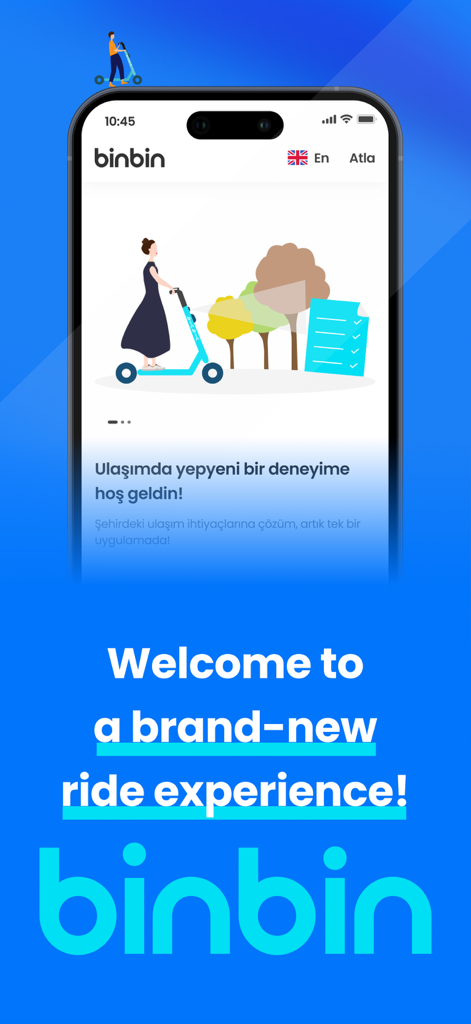
BinBin Scooters mobile app welcome screen featuring an illustration of an electric scooter and a welcome message.
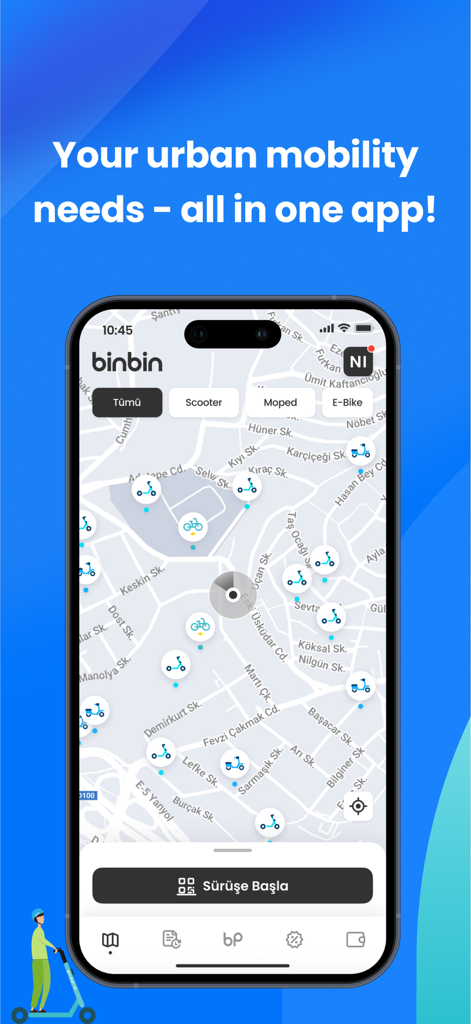
BinBin app showing a city map with available electric scooters and bikes
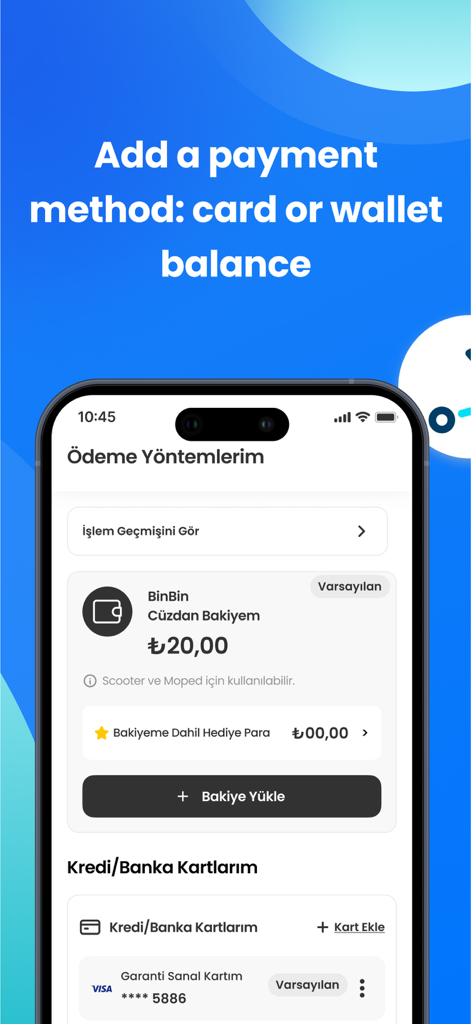
BinBin Scooters app payment methods screen showing wallet balance and credit card options
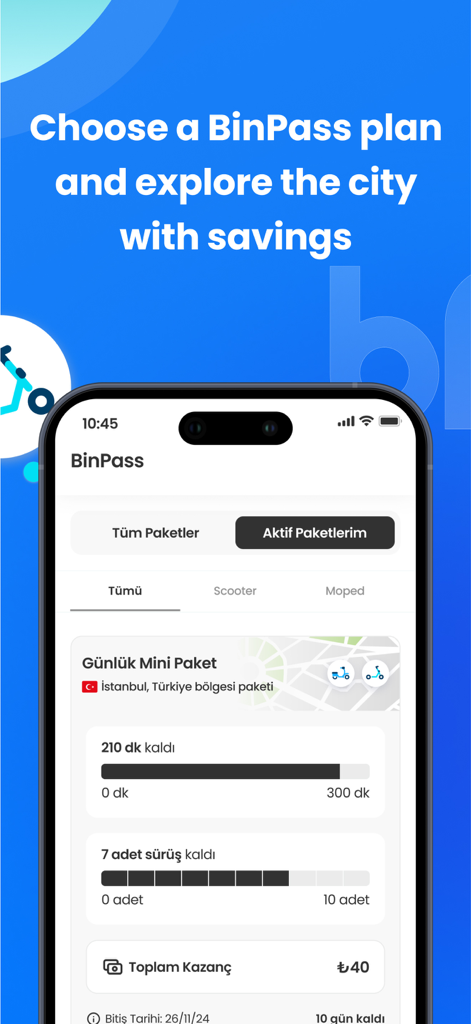
BinBin Scooters app interface displaying BinPass subscription options and ride usage status for urban commuters
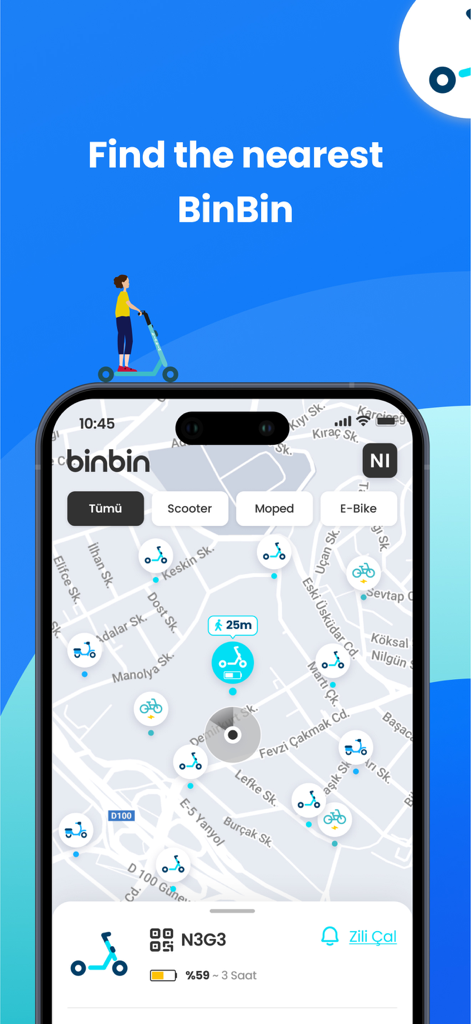
BinBin Scooters app interface showing a city map with available e-scooters and mopeds for rent
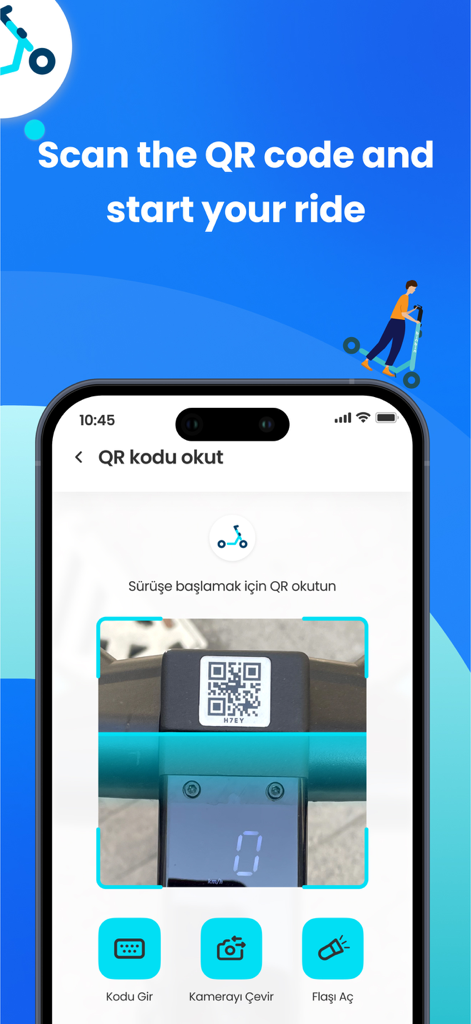
Scanning a QR code on a BinBin scooter to start a ride
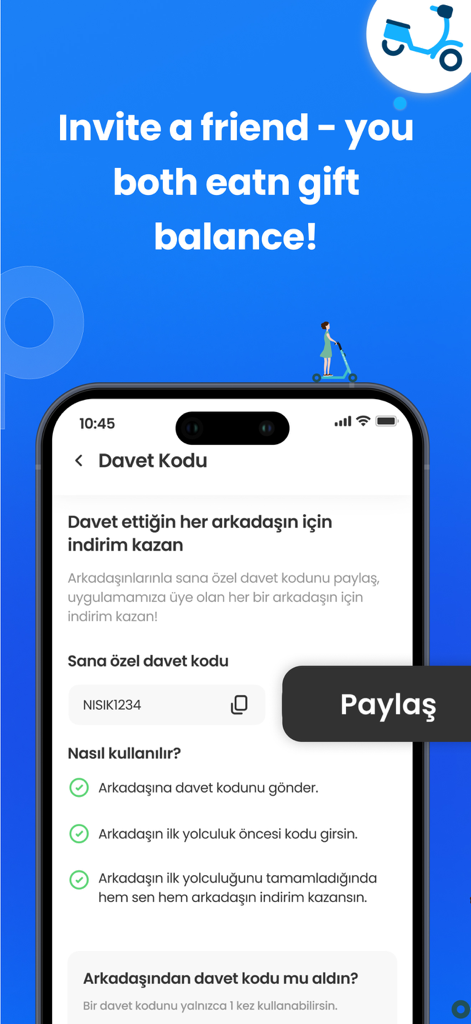
BinBin Scooters app referral screen showing how to invite friends to earn rewards
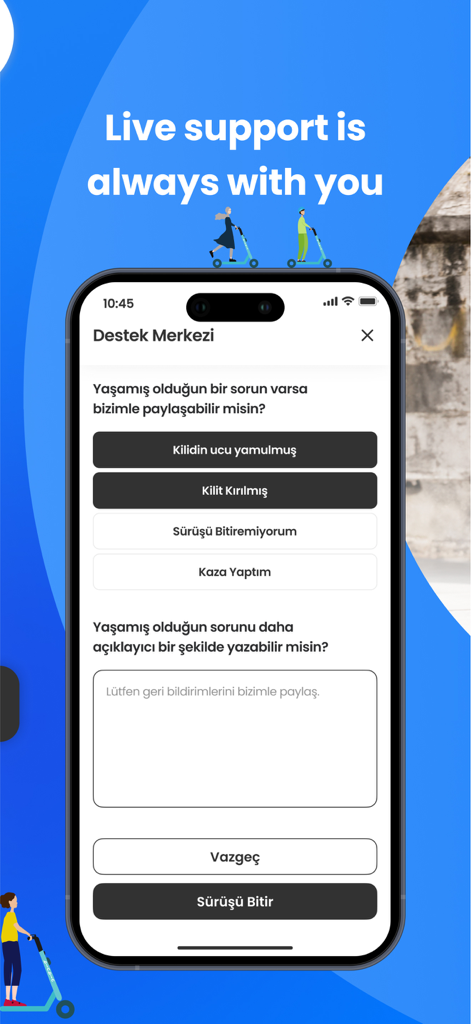
BinBin Scooters app live support screen showing the customer service interface for user assistance
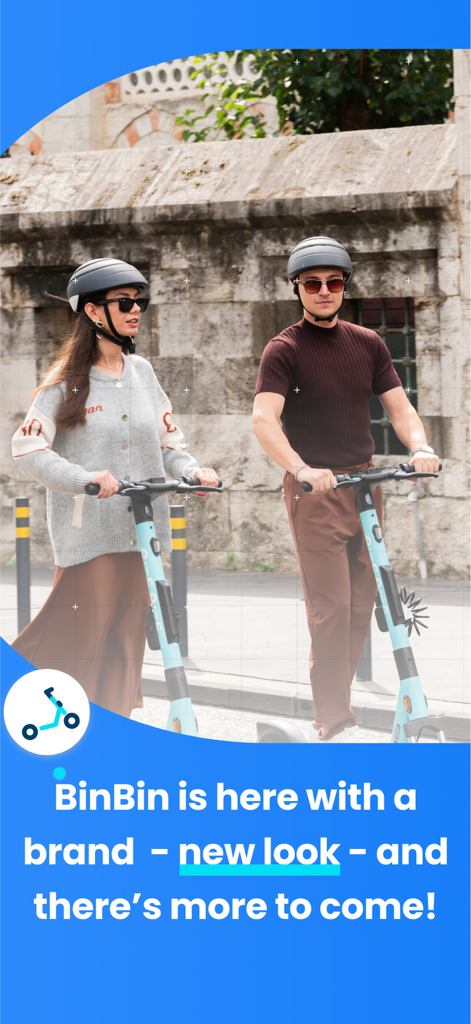
A young man and woman riding BinBin electric scooters on a city street
Description
Download
More Like This
Apps with similar features and user experience

Lime - #RideGreen
Neutron Holdings. Inc.

Whoosh.bike
VUSH, OOO

Voi – e-scooters & e-bikes
VOI Technology AB
HelloRide-Enjoy your ride
HELLOBIKESG PTE. LTD.

Bird — Ride Electric
Blue Jay Transit Inc.
Flamingo Scooters
FLAMINGO TECHNOLOGIES LIMITED

Anywheel
Anywheel Pte. Ltd.
Beam - Escooter Sharing
APAC Escooters Pte. Ltd.

Veo
VEORIDE INC
This page is not an official page of the app or its developer, but an independent editorial publication created for informational and commentary purposes. Unless expressly stated otherwise, neither the app nor its developer is affiliated with, endorsed by, sponsored by, authorized by, or otherwise officially connected with MWM, Apple, Google Play, the app publisher, or the app's developer, and nothing on this page implies that the app was developed using MWM's services. Any trademarks, logos, screenshots, and other content remain the property of their respective owners.