
This page is not an official page of the app or its developer, but an independent editorial publication created for informational and commentary purposes. Unless expressly stated otherwise, neither the app nor its developer is affiliated with, endorsed by, sponsored by, authorized by, or otherwise officially connected with MWM, Apple, Google Play, the app publisher, or the app's developer, and nothing on this page implies that the app was developed using MWM's services. Any trademarks, logos, screenshots, and other content remain the property of their respective owners.


Black Lens
Capture flawless shots using intelligent face tracking and haptic guidance. Designed for low-vision independence and professional rear-camera quality—no buttons, no glare, and no subscriptions.
Downloads
600User Rating
Total Ratings
0Publisher
Category
Photo & VideoLocales
1Latest Version
1.0Size
0.6 MBFirst Released
Nov 19, 2025Capture the Perfect Shot, Eyes-Free
Black Lens combines smart face tracking with intuitive haptic feedback to help you frame and take flawless photos without needing to see the display.
Feel the Frame
Navigate your shot using haptic vibrations. A gentle pulse tells you the face is centered, while a strong vibration warns if someone is being cut off.
Zero-Guesswork AutoCapture
Stop fumbling for buttons. Black Lens automatically takes the photo the moment every face is detected, centered, and perfectly still.
The following screenshots and description are sourced directly from the app's official store listing and are the property of the app developer.
App Store
Screenshots
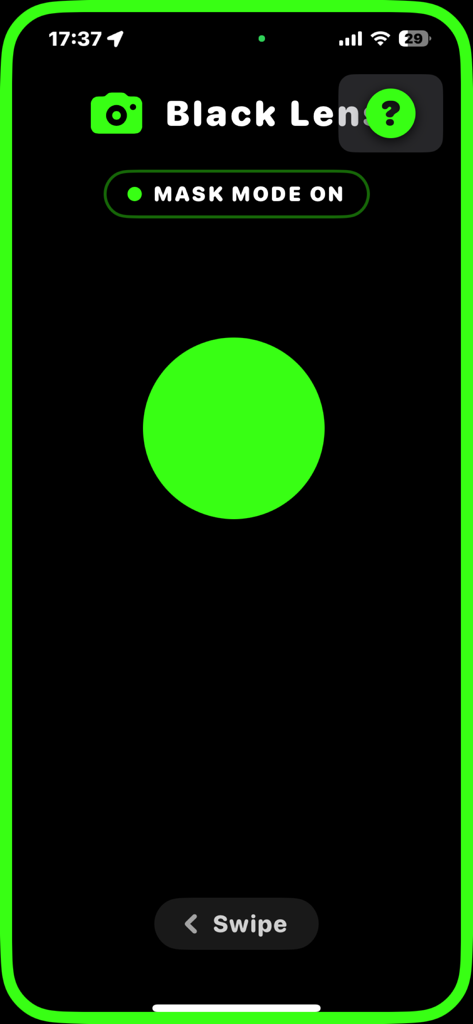
Screenshot of the Black Lens app in Mask Mode featuring a high-contrast interface with a large green circle indicating face detection on a black background
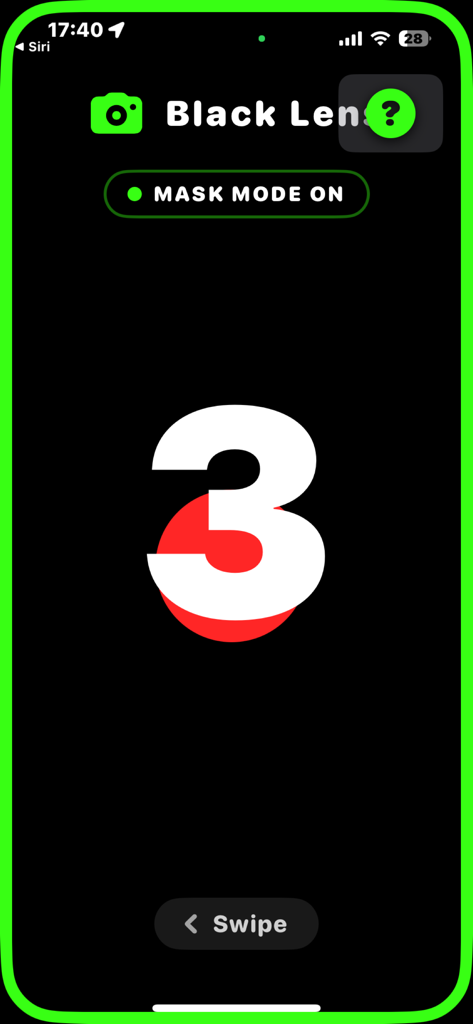
Black Lens app interface showing a large countdown timer during Mask Mode.
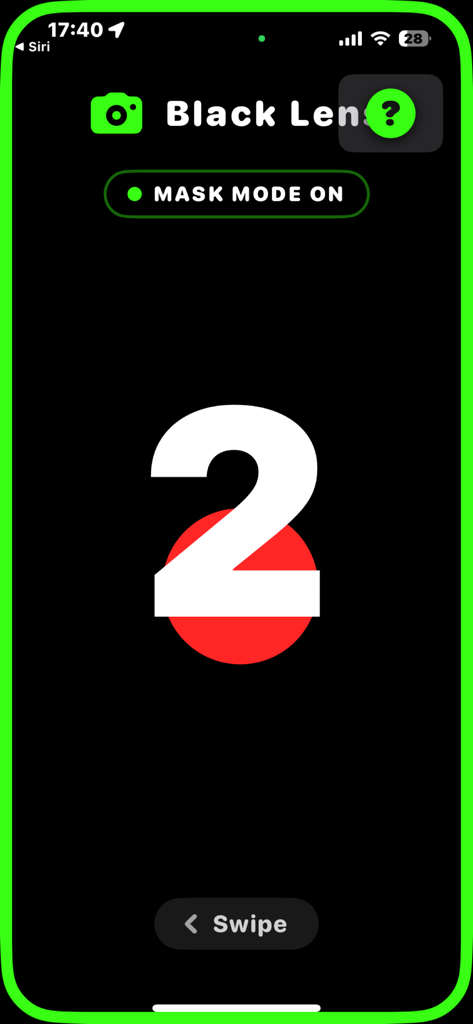
Black Lens app interface in Mask Mode featuring a high contrast countdown over a red face detection target
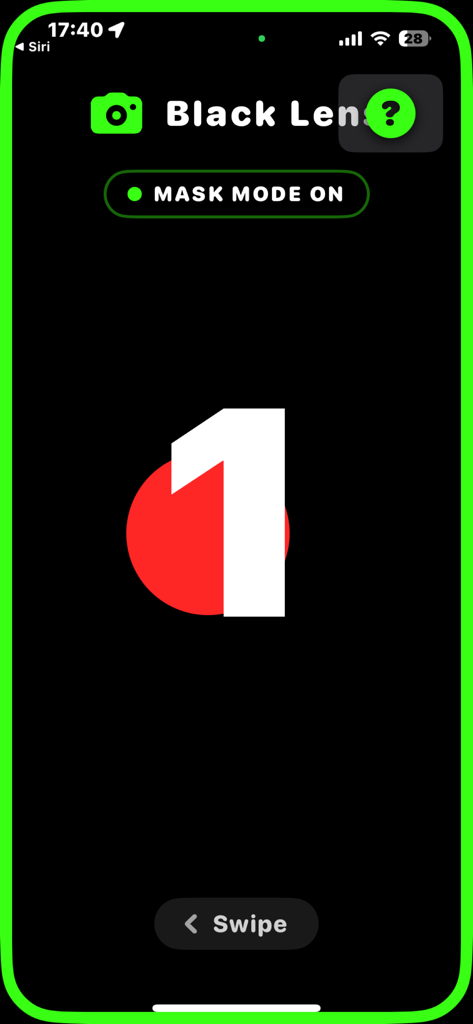
Black Lens app interface in Mask Mode showing a large number one and a red circle indicating one face is detected and ready for auto-capture
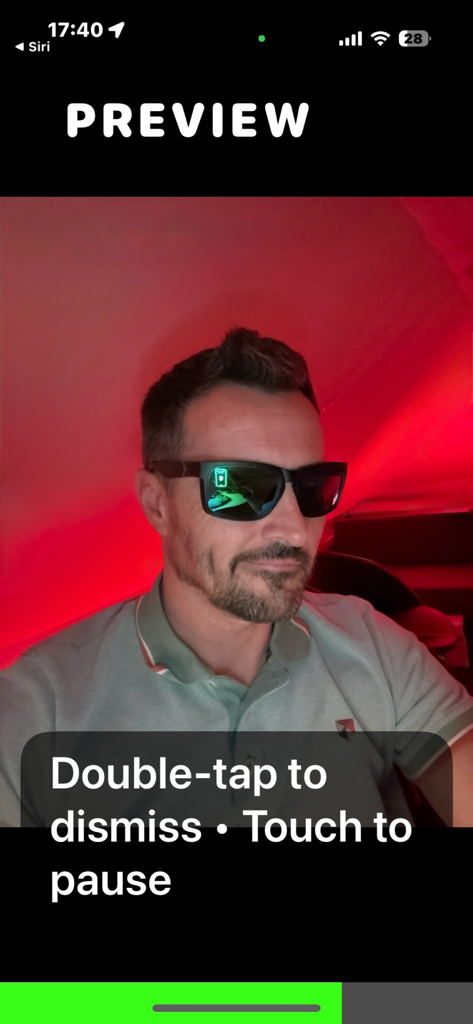
A man wearing sunglasses in a red-lit room shown in the Black Lens app preview screen with a text overlay instructing to double-tap to dismiss or touch to pause.
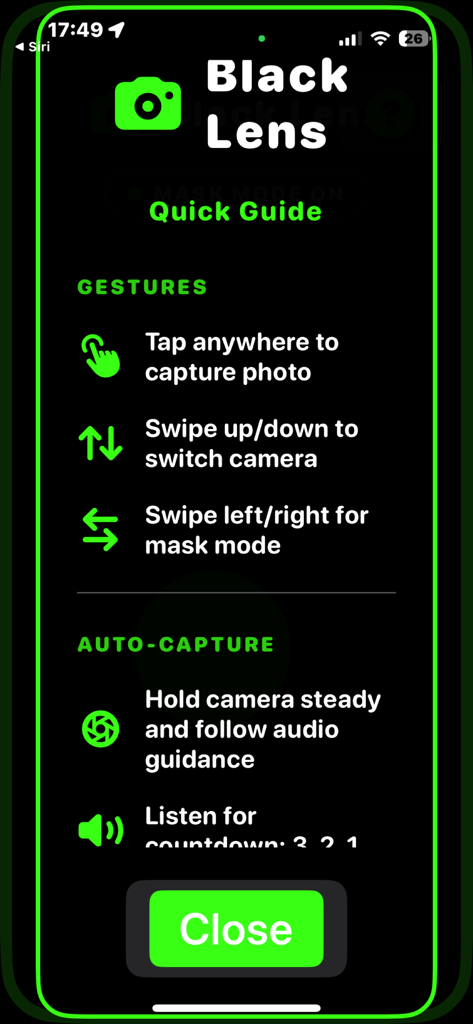
Black Lens app quick guide screen showing gestures for capturing photos and switching cameras with high contrast text
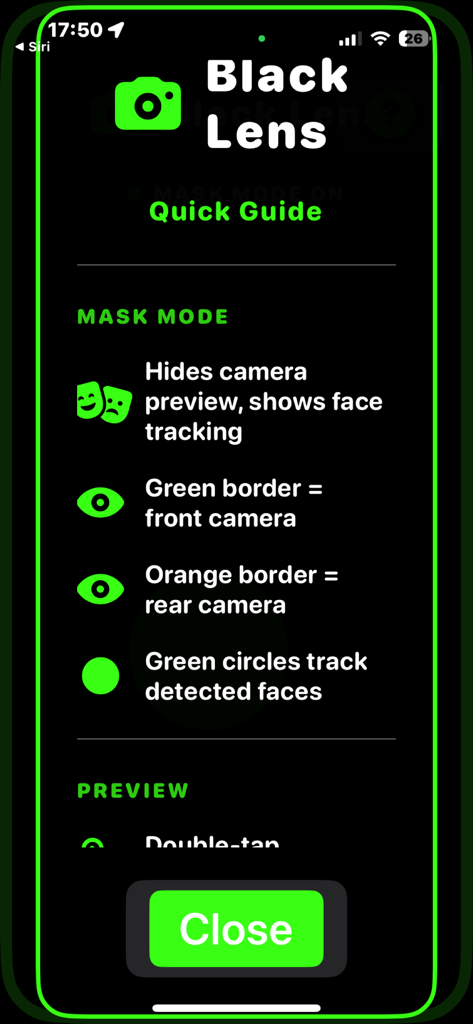
Black Lens app Quick Guide screen explaining Mask Mode and face tracking features in high contrast.
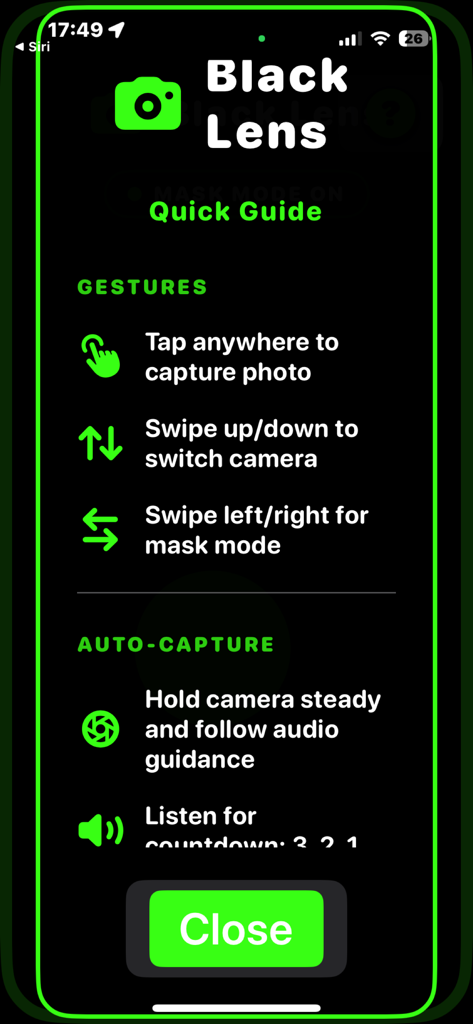
Black Lens app interface displaying a quick guide for camera gestures and auto-capture functionality
Description
Download
More Like This
Top-ranked apps in the same category

CapCut: Photo & Video Editor
BYTEDANCE PTE. LTD.

Instagram, Inc.

YouTube
Google LLC

Canva: AI Photo & Video Editor
Canva Pty Ltd

Snapchat
Snap, Inc.

快手
Beijing Kwai Technology Co., Ltd.

Edits: Video Editor
Instagram, Inc.

Meitu- AI Photo & Video Editor
Xiamen Meitu Technology Co., Ltd.

Google Photos: Backup & Edit
Google LLC
This page is not an official page of the app or its developer, but an independent editorial publication created for informational and commentary purposes. Unless expressly stated otherwise, neither the app nor its developer is affiliated with, endorsed by, sponsored by, authorized by, or otherwise officially connected with MWM, Apple, Google Play, the app publisher, or the app's developer, and nothing on this page implies that the app was developed using MWM's services. Any trademarks, logos, screenshots, and other content remain the property of their respective owners.