
This page is not an official page of the app or its developer, but an independent editorial publication created for informational and commentary purposes. Unless expressly stated otherwise, neither the app nor its developer is affiliated with, endorsed by, sponsored by, authorized by, or otherwise officially connected with MWM, Apple, Google Play, the app publisher, or the app's developer, and nothing on this page implies that the app was developed using MWM's services. Any trademarks, logos, screenshots, and other content remain the property of their respective owners.


BlackVideo (One-Touch Rec!)
The ultimate discreet tool for professional-grade documentation. Capture critical evidence instantly and record safely in the background while navigating your phone.
Downloads
264K+User Rating
Total Ratings
5K+Publisher
Category
Photo & VideoLocales
3Latest Version
3.6Size
2.9 MBFirst Released
Feb 18, 2012Capture Every Moment, Instantly and Discreetly
BlackVideo turns your iPhone into a powerful, low-profile recording tool designed for speed, safety, and high-quality documentation.
Instant One-Touch Recording
Start recording the second the app opens. No menus, no lag—just immediate capture so you never miss a critical event.
Discreet Background Mode
Record while navigating your Home Screen or using other apps. Document your surroundings without drawing unnecessary attention.
The following screenshots and description are sourced directly from the app's official store listing and are the property of the app developer.
App Store
Screenshots
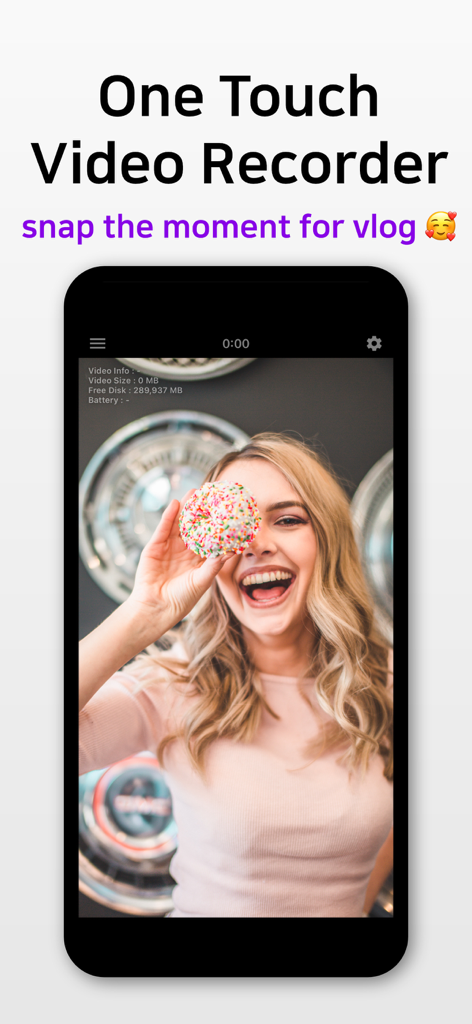
BlackVideo app interface showing a one touch video recording screen and vlogging feature
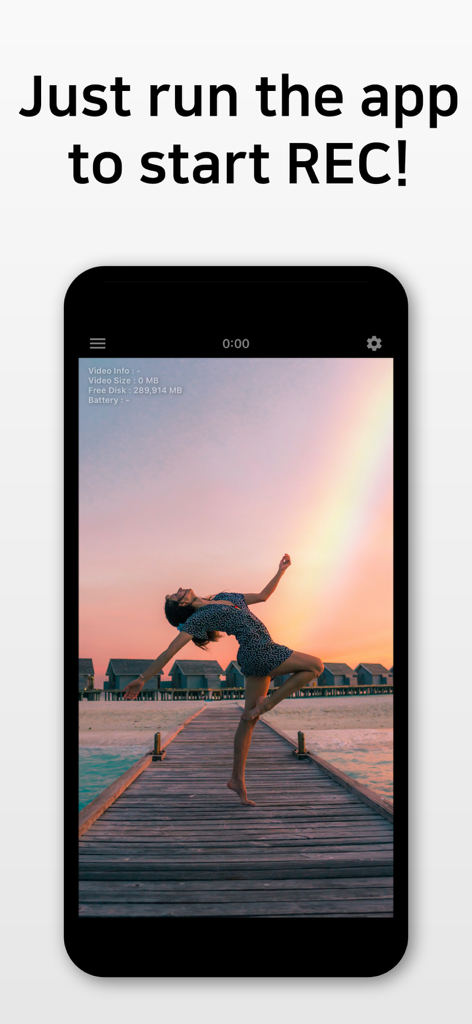
BlackVideo app interface recording a dancer at sunset with a one touch start instruction
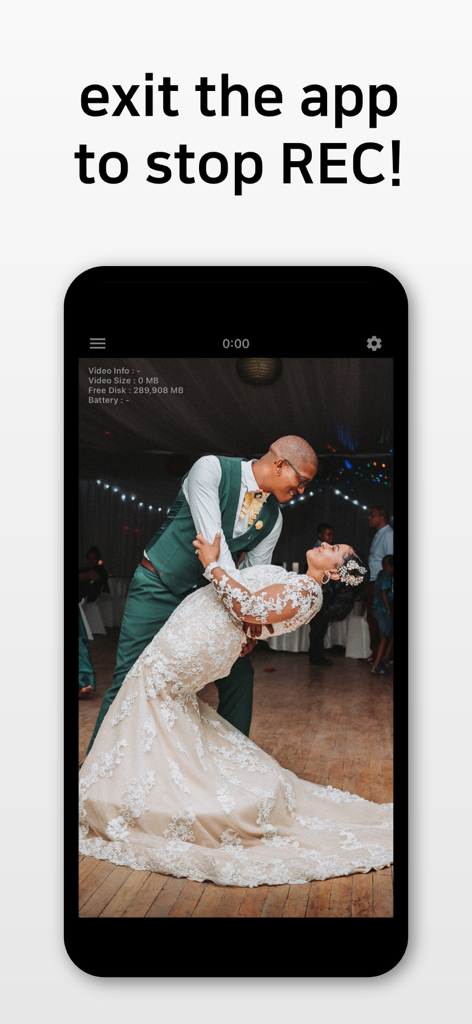
BlackVideo app interface showing a recording of a wedding dance with instructions to exit the app to stop recording
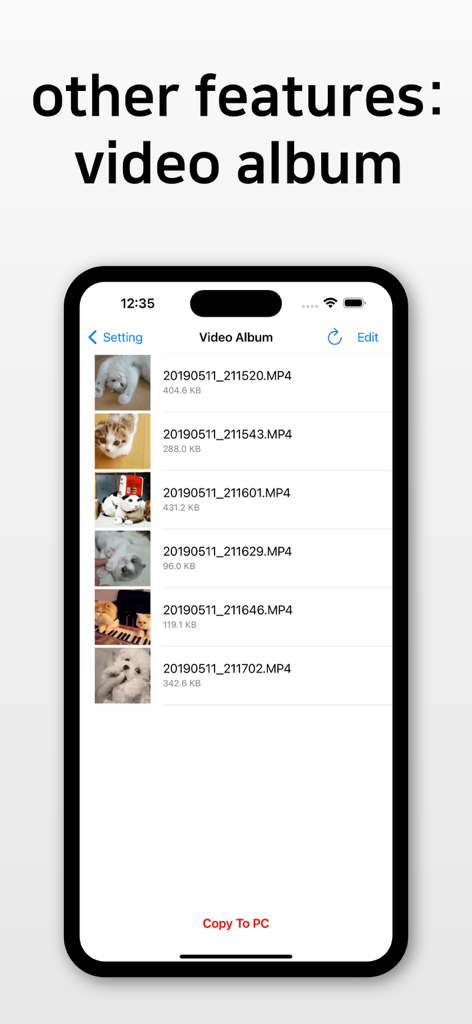
Interface of the BlackVideo app showing a list of recorded video files in the video album with a copy to PC button
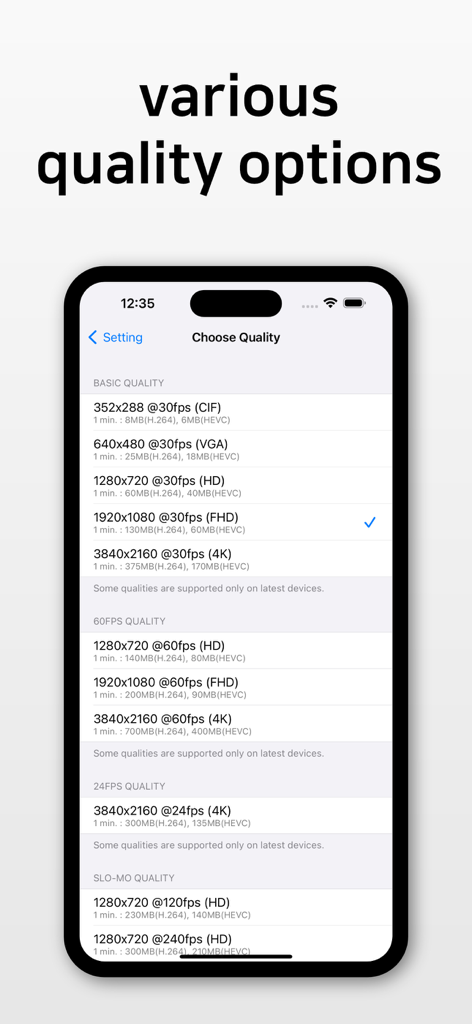
Mobile app screen displaying various video quality options from CIF to 4K at different frame rates including slow motion
Description
Download
More Like This
Top-ranked apps in the same category

CapCut: Photo & Video Editor
BYTEDANCE PTE. LTD.

Instagram, Inc.

YouTube
Google LLC

Canva: AI Photo & Video Editor
Canva Pty Ltd

Snapchat
Snap, Inc.

快手
Beijing Kwai Technology Co., Ltd.

Edits: Video Editor
Instagram, Inc.

Meitu- AI Photo & Video Editor
Xiamen Meitu Technology Co., Ltd.

Google Photos: Backup & Edit
Google LLC
This page is not an official page of the app or its developer, but an independent editorial publication created for informational and commentary purposes. Unless expressly stated otherwise, neither the app nor its developer is affiliated with, endorsed by, sponsored by, authorized by, or otherwise officially connected with MWM, Apple, Google Play, the app publisher, or the app's developer, and nothing on this page implies that the app was developed using MWM's services. Any trademarks, logos, screenshots, and other content remain the property of their respective owners.