
This page is not an official page of the app or its developer, but an independent editorial publication created for informational and commentary purposes. Unless expressly stated otherwise, neither the app nor its developer is affiliated with, endorsed by, sponsored by, authorized by, or otherwise officially connected with MWM, Apple, Google Play, the app publisher, or the app's developer, and nothing on this page implies that the app was developed using MWM's services. Any trademarks, logos, screenshots, and other content remain the property of their respective owners.

Blend: Combine Photo Layers
Design seamless Instagram layouts, unique double exposures, and high-impact photo grids with professional tools made for the modern visual storyteller.
Downloads
64K+User Rating
Total Ratings
7K+Publisher
Category
Photo & VideoLocales
14Latest Version
3.3.4Size
162.4 MBFirst Released
Apr 12, 2015Design Your Perfect Feed
Powerful tools crafted for influencers and creators who want to transform simple photos into professional visual stories.
Seamless Swipeable Carousels
Create panoramic posts that flow perfectly across your feed to boost engagement and maximize dwell time.
Artistic Double Exposure
Blend layers with one click to create surreal, high-end visuals that standard filters simply can't reach.
Frequently Asked Questions
Everything you need to know about Blend: Combine Photo Layers
What is Blend: Combine Photo Layers?
Blend: Combine Photo Layers is an application that allows users to blend, layer, and combine multiple photos. It offers double exposure editing and various effects to create unique images.
Can Blend create double exposure effects?
Yes, Blend provides double exposure editing capabilities. Users can layer and combine photos to achieve complex visual effects, adding a unique twist to their images.
How do I layer photos in the Blend app?
Blend allows users to layer photos easily. The app provides controls to manage multiple image layers, enabling combining and editing with special effects like drawing and erasing.
What editing features does Blend: Combine Photo Layers offer?
Blend offers various editing features including special effects to draw and erase layers, filters, frames, and adjustment tools like Brightness, Exposure, Contrast, Warmth, and Saturation.
Does the Blend app include photo filters?
Yes, the Blend app includes various photo filters. Users can choose from options like Normal, Cartoon, Sepia, Gaussian Blur, and Emboss to enhance their images.
Can Blend create photo collages and Instagram carousels?
Yes, Blend creates unique photo collages and Instagram carousels. It offers endless collage templates, custom grids, and smooth, swipeable carousel designs for social media posts.
How many photos can I add to a project in Blend?
Blend allows users to add over 10 photos in one project. This feature helps creators showcase their full story and integrate more visuals and ideas into a single post.
How much does a Blend subscription cost?
Blend offers three auto-renewing subscription options in the United States: $3.99 per week, $7.99 per month, or $39.99 per year. Pricing may vary by country.
How can I cancel my Blend subscription?
Users can turn off auto-renewal for their Blend subscription at any time from their iTunes account settings. Refunds are not provided for unused portions of the term.
Where can I find the Terms of Use for Blend: Combine Photo Layers?
The Terms of Use for Blend: Combine Photo Layers are available at https://architectapps.co/terms-of-use/. This link provides detailed information on usage policies.
Does Blend have a privacy policy?
Yes, Blend has a Privacy Policy. It is accessible at https://architectapps.co/privacy-policy/, outlining how user data is collected and managed.
The following screenshots and description are sourced directly from the app's official store listing and are the property of the app developer.
App Store
Screenshots
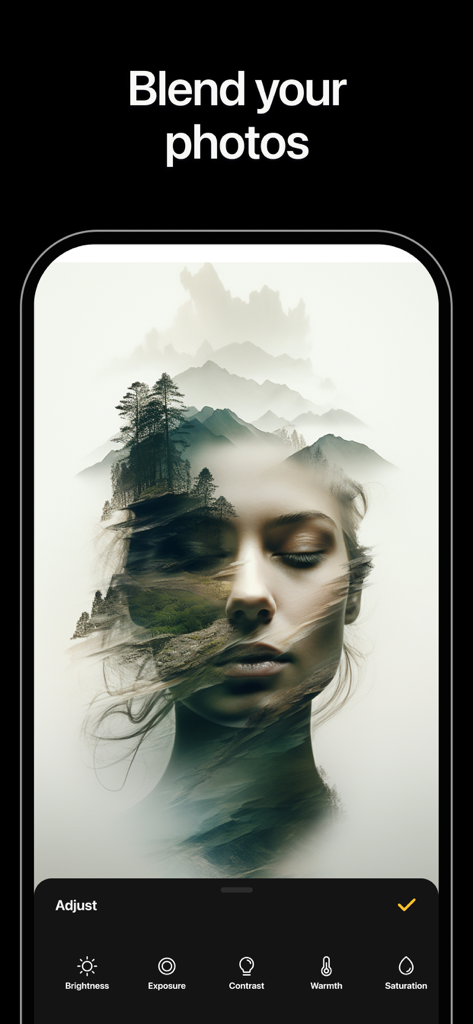
Double exposure effect blending a woman's face with a mountain landscape
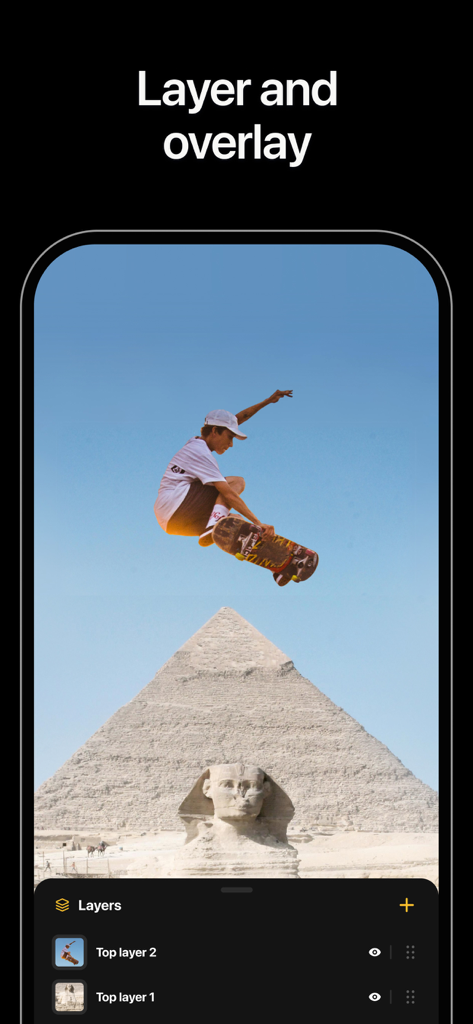
Interface of Blend app showing photo layering and overlay feature with a skateboarder over pyramids
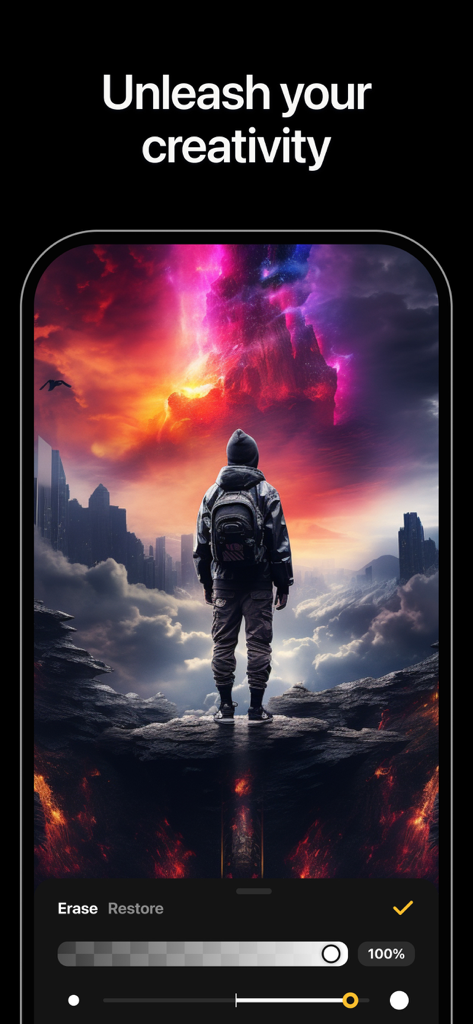
Creative double exposure photo editing in Blend app.
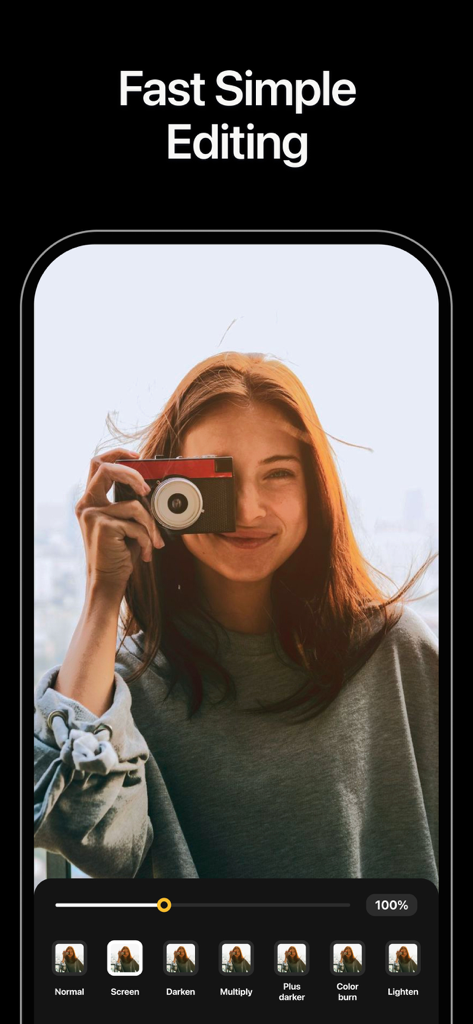
A mobile app screen displaying photo blending options and a young woman holding a vintage camera
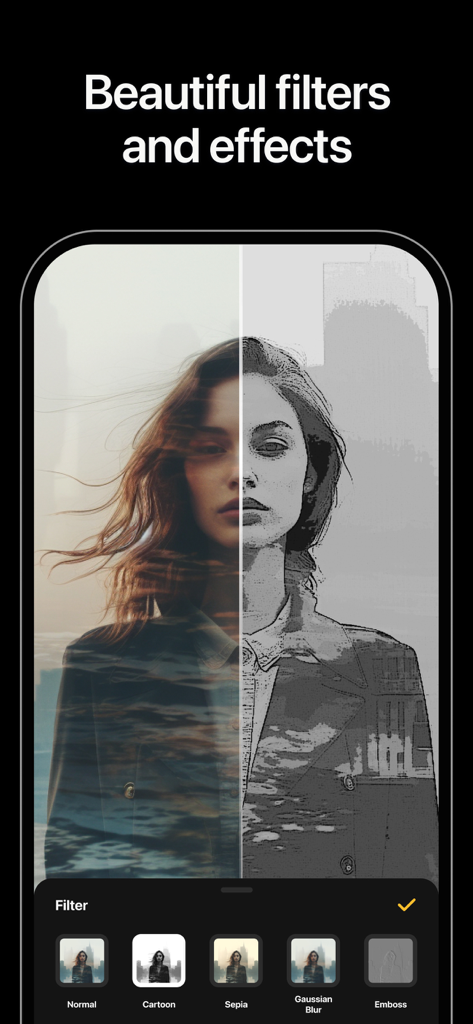
Blend app interface showing a split screen with cartoon and double exposure filters
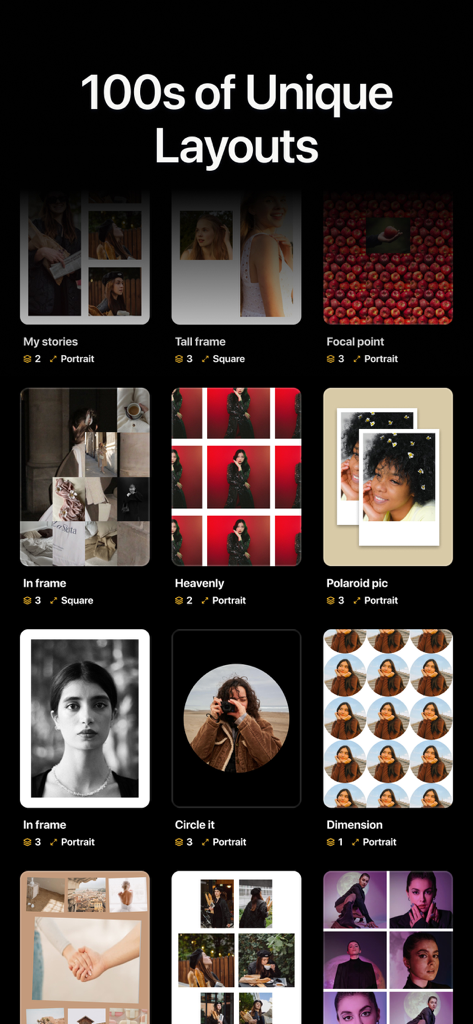
A collection of diverse photo layout templates including collages, Polaroid styles, and circular frames for social media.
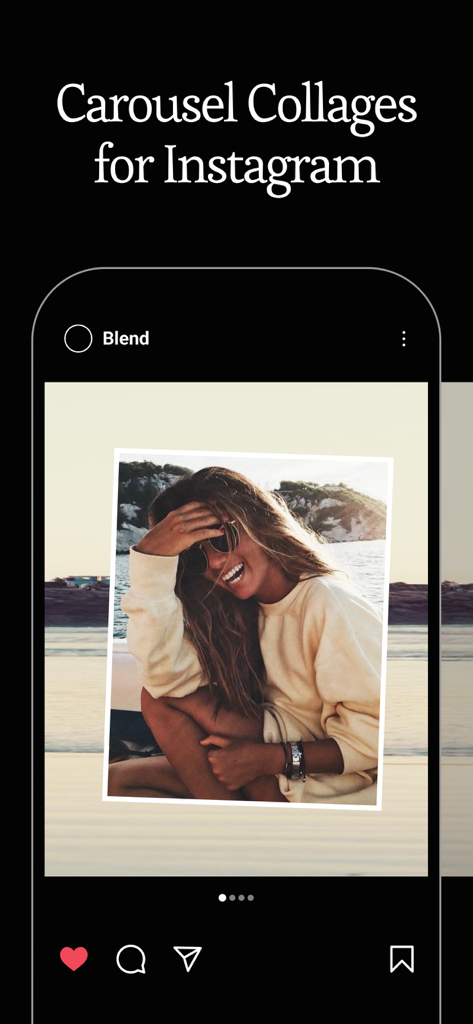
iPhone mockup showing a carousel collage design for Instagram created with Blend app
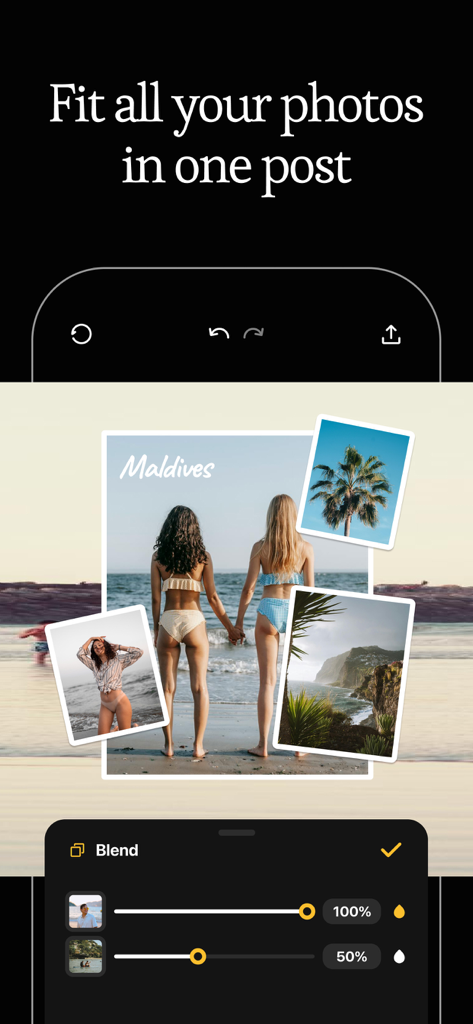
A mobile app interface displaying a multi-photo travel collage with layer blending tools and opacity sliders.
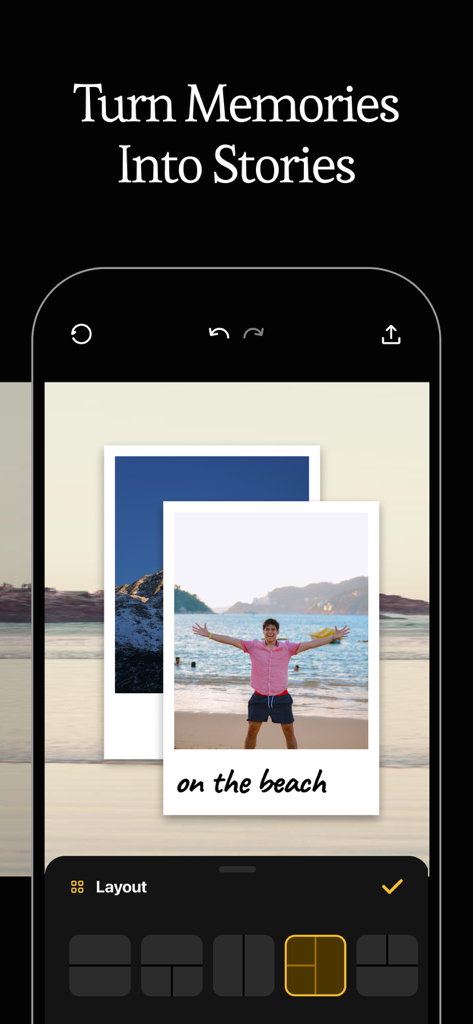
Mobile app interface for turning photo memories into aesthetic stories using layered layouts
Description
Download
More Like This
Top-ranked apps in the same category

CapCut: Photo & Video Editor
BYTEDANCE PTE. LTD.

Instagram, Inc.

YouTube
Google LLC

Canva: AI Photo & Video Editor
Canva Pty Ltd

Snapchat
Snap, Inc.

快手
Beijing Kwai Technology Co., Ltd.

Edits: Video Editor
Instagram, Inc.

Meitu- AI Photo & Video Editor
Xiamen Meitu Technology Co., Ltd.

Google Photos: Backup & Edit
Google LLC
This page is not an official page of the app or its developer, but an independent editorial publication created for informational and commentary purposes. Unless expressly stated otherwise, neither the app nor its developer is affiliated with, endorsed by, sponsored by, authorized by, or otherwise officially connected with MWM, Apple, Google Play, the app publisher, or the app's developer, and nothing on this page implies that the app was developed using MWM's services. Any trademarks, logos, screenshots, and other content remain the property of their respective owners.