
This page is not an official page of the app or its developer, but an independent editorial publication created for informational and commentary purposes. Unless expressly stated otherwise, neither the app nor its developer is affiliated with, endorsed by, sponsored by, authorized by, or otherwise officially connected with MWM, Apple, Google Play, the app publisher, or the app's developer, and nothing on this page implies that the app was developed using MWM's services. Any trademarks, logos, screenshots, and other content remain the property of their respective owners.


Bloom - Conquer Screen Time
Software blockers are too easy to bypass. Bloom uses a physical NFC keycard to provide the intentional friction you need to break the dopamine loop and master deep work.
Downloads
0User Rating
Total Ratings
0Publisher
Category
ProductivityLocales
1Latest Version
4.14Size
66.7 MBFirst Released
Nov 7, 2024Designed for Unbreakable Focus
Software blockers are too easy to bypass. Bloom introduces positive physical friction to help you reclaim your attention and master deep work.
Physical Key Access
The ultimate barrier to doomscrolling. Tap your NFC card to lock distractions and leave the 'key' in another room to ensure you stay on task.
Hardened Strict Mode
Stop the cycle of cheating. Disable app deletion and bypasses during focus blocks so your phone works for you, not against you.
The following screenshots and description are sourced directly from the app's official store listing and are the property of the app developer.
App Store
Screenshots
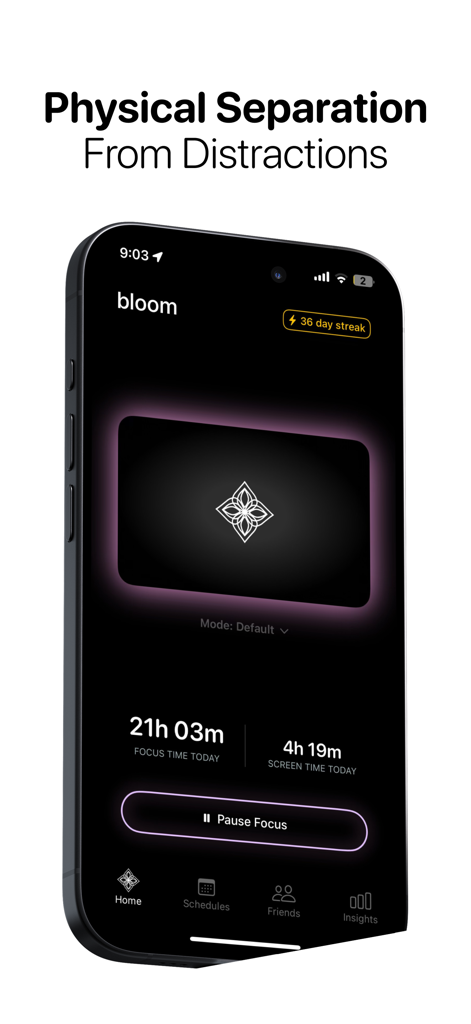
Bloom app home screen showing daily focus time and screen time statistics with a minimalist dark interface.
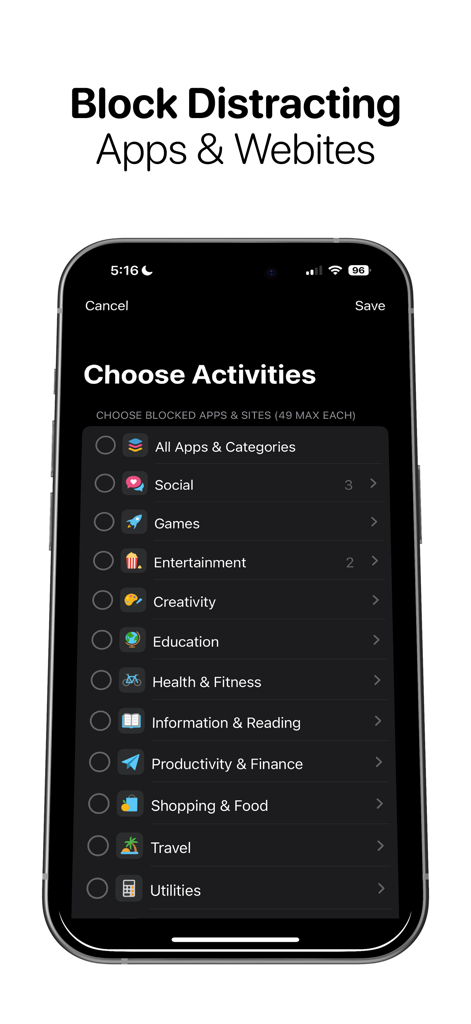
A screenshot of the Bloom app showing the Choose Activities screen where users can select app categories like Social, Games, and Entertainment to block.
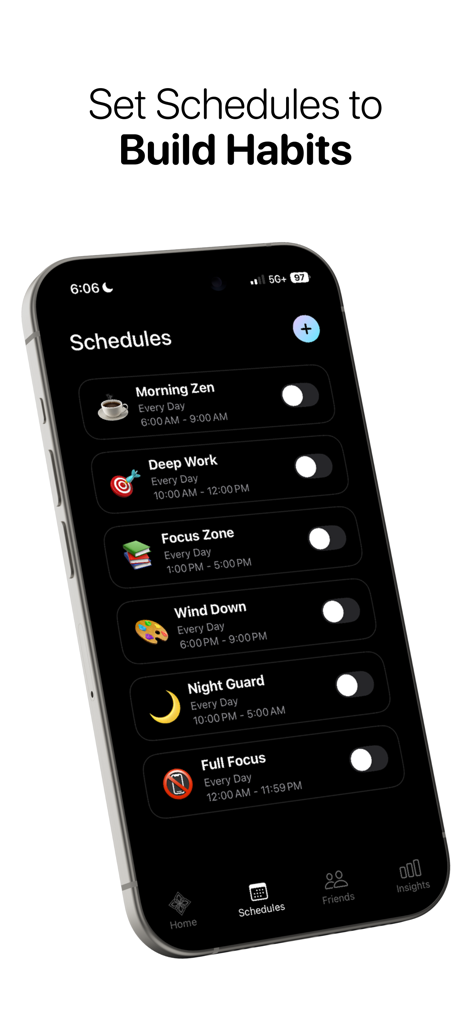
Bloom app interface showing a list of daily productivity schedules to build focus habits
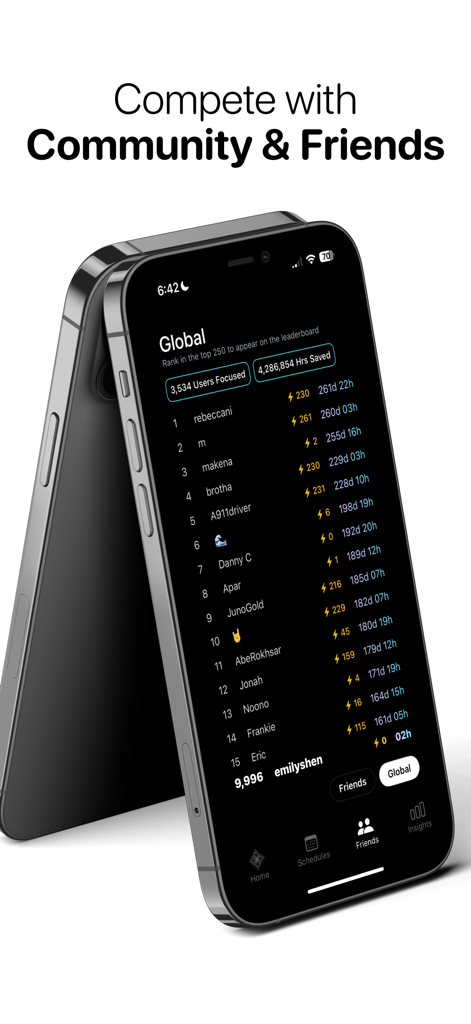
A smartphone display showing the Bloom app global leaderboard where users compete on focus time and hours saved.
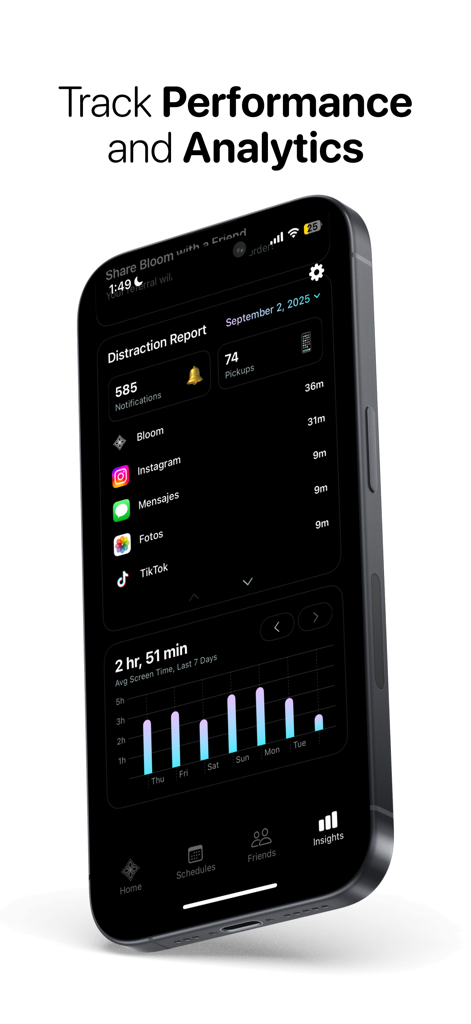
Bloom app dashboard showing a distraction report with app usage statistics and a weekly screen time performance graph.
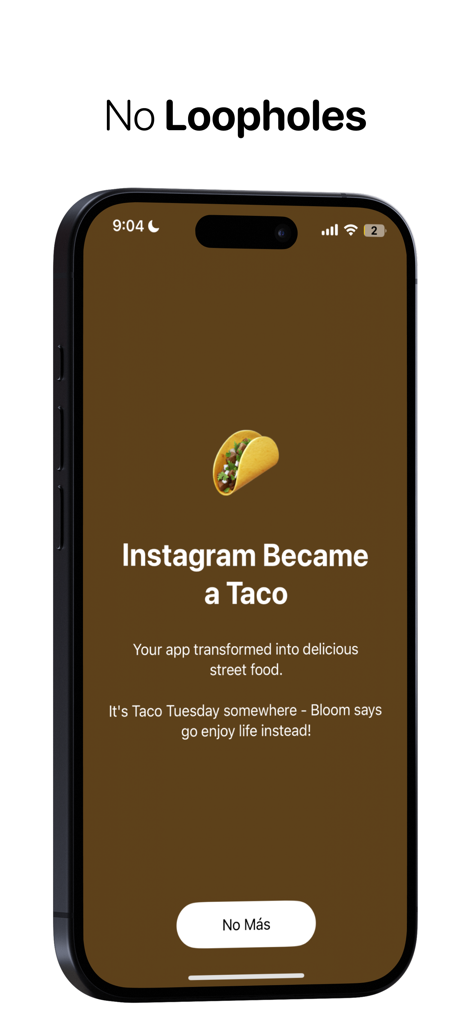
A smartphone screen from the Bloom app showing Instagram blocked by a taco emoji with the heading No Loopholes.
Description
Download
More Like This
Top-ranked apps in the same category

ChatGPT
OpenAI OpCo, LLC
Google Gemini
Google LLC

Gmail - Email by Google
Google LLC

Grok
X.AI Corporation

千问 - 阿里最强大模型官方AI助手
Shanghai Zhixin Puhui Technology Co., Ltd.

Claude by Anthropic
Anthropic PBC

Google Drive
Google LLC

Microsoft Authenticator
Microsoft Corporation

Google Sheets
Google LLC
This page is not an official page of the app or its developer, but an independent editorial publication created for informational and commentary purposes. Unless expressly stated otherwise, neither the app nor its developer is affiliated with, endorsed by, sponsored by, authorized by, or otherwise officially connected with MWM, Apple, Google Play, the app publisher, or the app's developer, and nothing on this page implies that the app was developed using MWM's services. Any trademarks, logos, screenshots, and other content remain the property of their respective owners.