
Bluefire Reader


The powerful, all-in-one reader for Adobe protected EPUBs and PDFs. Whether from your local library, university, or independent bookstore, take full control of your reading experience with advanced customization and seamless organization.
Publisher
Category
BooksDownloads
1M+User Rating
Total Ratings
83K+Locales
13Discover the interface used by 1M+ users.
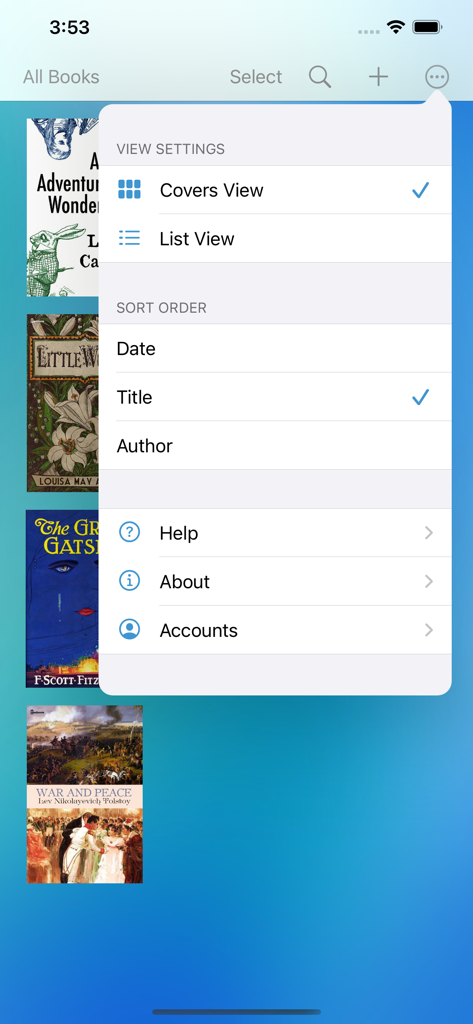

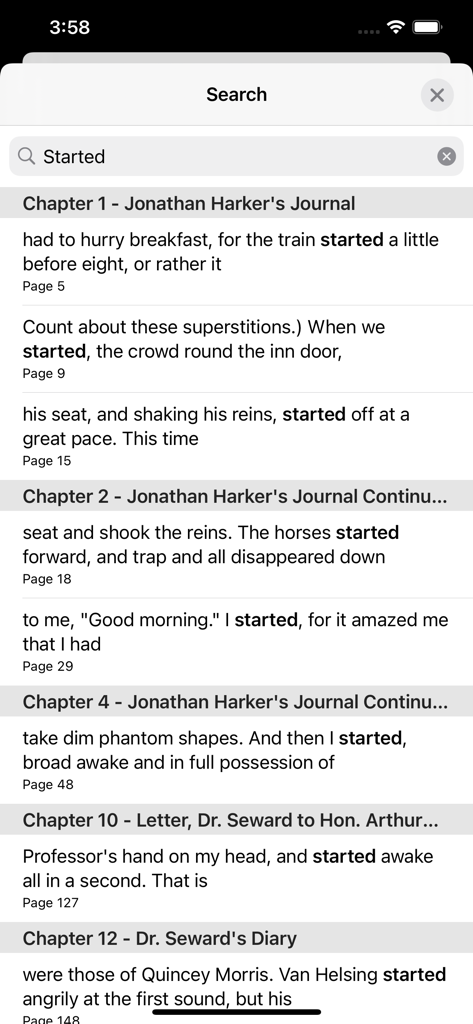
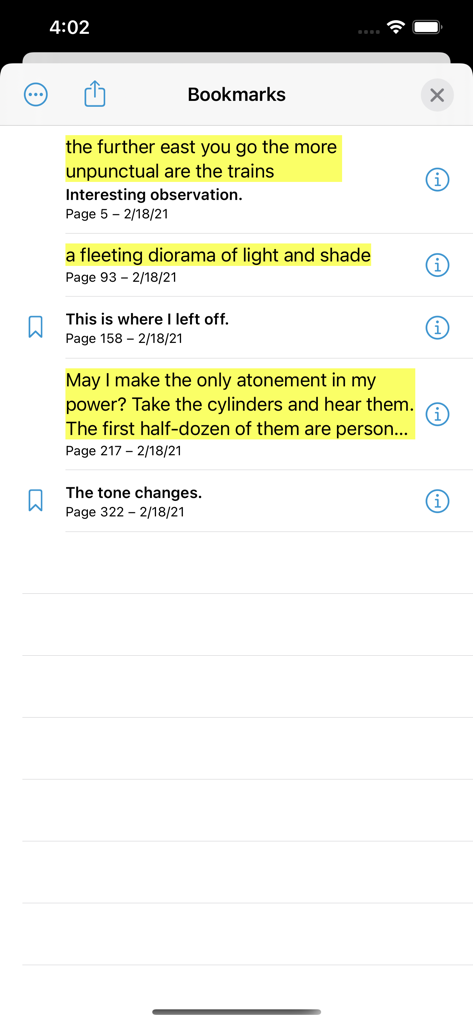
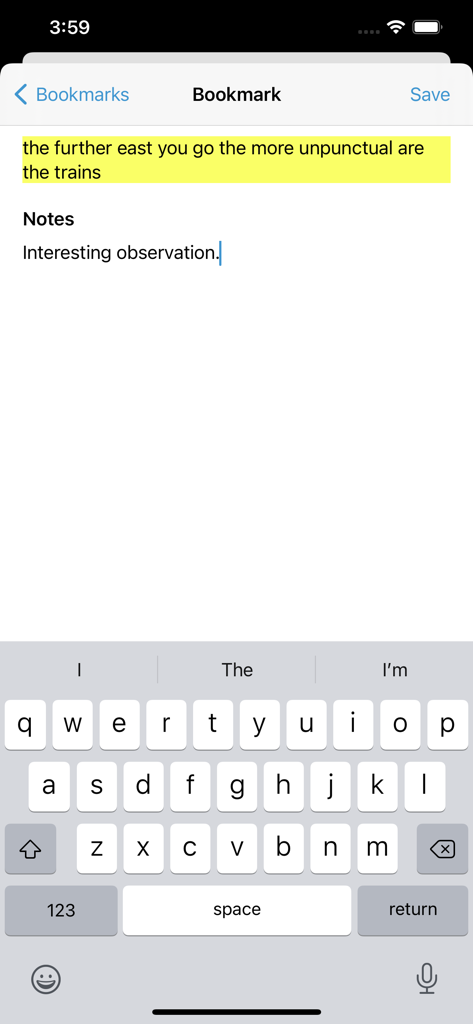
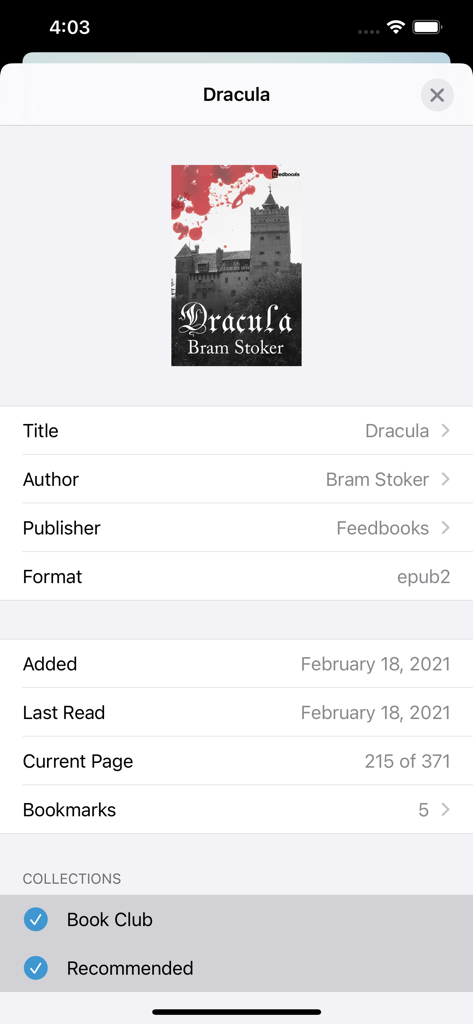
The tools that make this app stand out, trusted by 1M+ users.
Seamlessly read Adobe DRM protected EPUBs and PDFs from public libraries, schools, and independent bookstores in one unified app.
Manage heavy research loads and professional documents with batch imports, custom collections, and powerful annotation tools.
Fine-tune your reading experience with adjustable typography, margins, and lighting modes designed for long-form focus and reduced eye strain.
Everything you need to know about Bluefire Reader.
Description
Latest Version
4.0.6
Size
21.0 MB
First Released
Oct 9, 2010
Join over 1 million power users who trust Bluefire for their professional PDFs and library EPUBs. Take control of your digital library and download the most versatile e-reader for your iPhone and iPad today.
Everything you need to know about Bluefire Reader
Bluefire Reader is an ereader app for iPhone and iPad. It reads Adobe® Content Server protected ebooks, EPUB, and PDF formats from retailers, publishers, and libraries.
Bluefire Reader supports EPUB and PDF ebooks. It specifically handles Adobe® Content Server protected ebooks, enabling access to DRM-protected content from various sources.
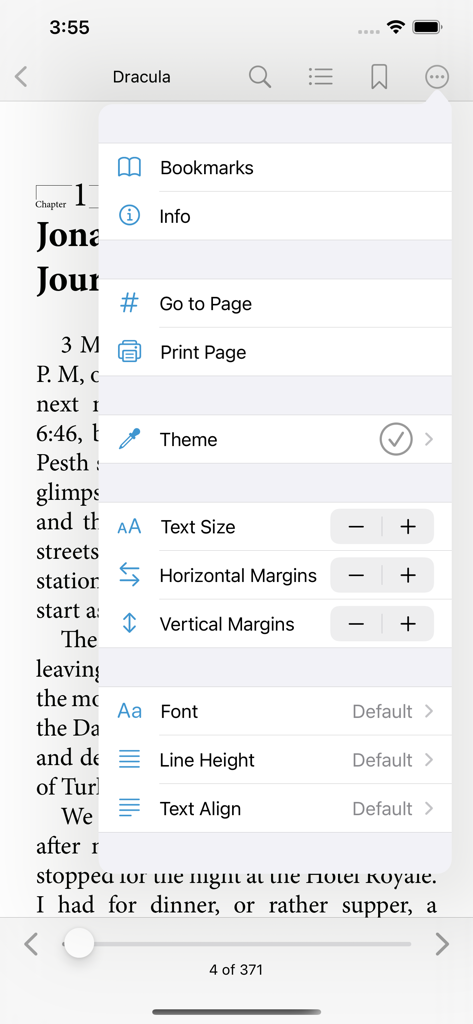
Yes, Bluefire Reader offers extensive customization. Users adjust text size, margins, font, line height, and text alignment from the in-book settings for a personalized reading experience.
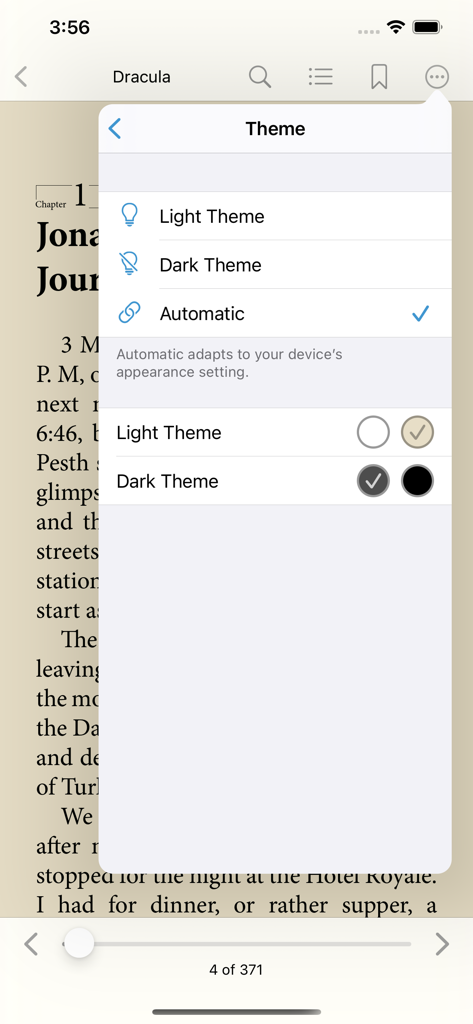
In Bluefire Reader, change the reading theme via the in-book settings menu. Options include Light Theme, Dark Theme, and Automatic, which adapts to your device's appearance settings.
Yes, Bluefire Reader includes bookmarking and notes. Users add bookmarks to pages and attach textual notes to specific highlighted passages or existing bookmarks within the app.
Yes, Bluefire Reader provides an in-app search function. Users search for specific words or phrases within their ebooks and navigate directly to the search results.
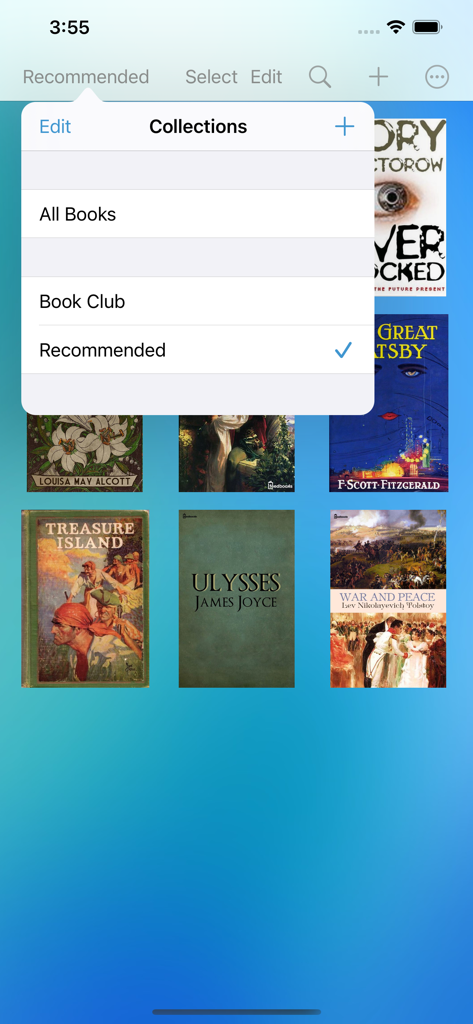
Bluefire Reader allows users to organize ebooks into collections. The app offers viewing and editing existing collections such as "All Books," "Book Club," and "Recommended."
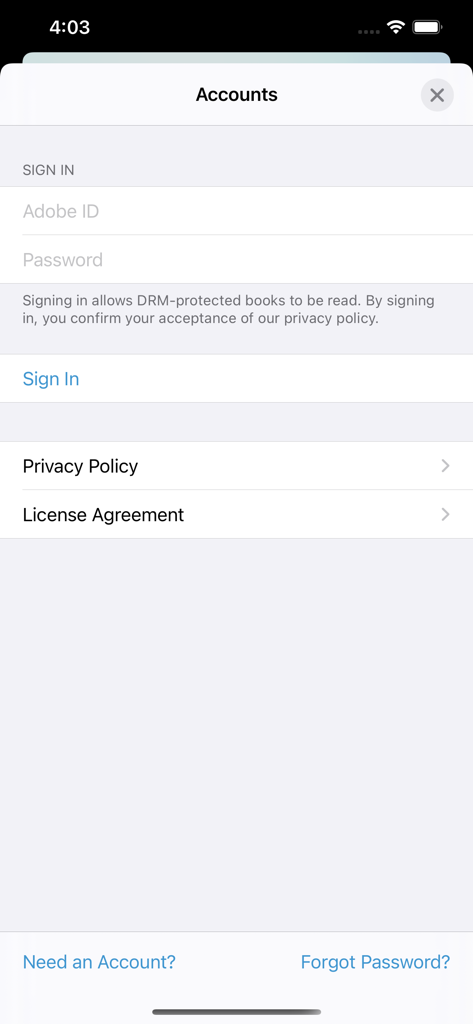
Bluefire Reader supports Adobe® Content Server protected ebooks. Users sign in with their Adobe ID and password in the Accounts section to access these DRM-protected books.
The Privacy Policy for Bluefire Reader is accessible directly within the app. Navigate to the Accounts section, where a dedicated link for the Privacy Policy is displayed.
Bluefire Reader allows users to sort their books by Date, Title, or Author. These options are available within the "View Settings" menu to organize the library display.
Apps with similar features and user experience

REDIT, OOO

添欢 谢

三英 郑

哲魁 左

Luis Ángel San Martín

Kingjet Network Co., Ltd.

俊杰 阮

Beat Raess

Konstantin Bukreev
App information, icons, screenshots, and descriptions displayed on this page are sourced from the Apple App Store and are the property of their respective developers. Download estimates and rankings are based on MWM's proprietary models and may not reflect actual figures. This page is provided for informational and analytical purposes only.
Believe this page infringes your intellectual property? File a dispute