
This page is not an official page of the app or its developer, but an independent editorial publication created for informational and commentary purposes. Unless expressly stated otherwise, neither the app nor its developer is affiliated with, endorsed by, sponsored by, authorized by, or otherwise officially connected with MWM, Apple, Google Play, the app publisher, or the app's developer, and nothing on this page implies that the app was developed using MWM's services. Any trademarks, logos, screenshots, and other content remain the property of their respective owners.


PureLibro: ebook reader
Break free from walled gardens with support for every format, AI-powered image enhancement, and total privacy for your personal digital library.
Downloads
276K+User Rating
Total Ratings
17K+Publisher
Category
BooksLocales
4Latest Version
3.3.2Size
39.3 MBFirst Released
Jan 15, 2021Master Your Digital Library
The ultimate, privacy-focused reader for power users who demand total control over their DRM-free books, comics, and archives.
Universal Format Support
Break free from walled gardens. Seamlessly read EPUB, AZW3, CBR, and even ZIP/RAR files without ever needing to convert a file again.
AI-Enhanced Manga
Bring your comics to life with integrated Waifu2x and Anime4K AI upscaling, ensuring crystal-clear visuals even on high-resolution displays.
Frequently Asked Questions
Everything you need to know about PureLibro: ebook reader
What reading formats does PureLibro support?
PureLibro supports TXT, EPUB, MOBI, AZW3, AZW4, AZW, CBZ, CBR, PDF, ZIP, and RAR (DRM-free files only) for a wide range of reading needs.
Does PureLibro offer comic reading features?
Yes, PureLibro is a comic reader supporting ZIP, RAR, CBZ, and CBR formats. It can also switch PDF, EPUB, and MOBI files to comic mode with one tap.
How does PureLibro synchronize reading data across devices?
PureLibro uses iCloud Sync to automatically keep your reading library, notes, and other data consistent and seamlessly synced across all your devices.
Can I customize the reading interface in PureLibro?
Yes, PureLibro offers full customization. Users can adjust line spacing, paragraph layout, background images, font colors, and choose from various eye-care modes like night mode.
How does PureLibro protect user privacy?
PureLibro prioritizes privacy protection. It supports password, gesture, and Face ID unlock, and allows users to encrypt or hide books for extra confidentiality.
What are the benefits of PureLibro's Professional Version?
The PureLibro Professional Version grants access to all advanced features during the service period and removes all advertising, enhancing the reading experience.
How do I cancel the auto-renewal for PureLibro Professional Version?
On iOS, navigate to "Settings" → "iTunes Store and App Store" → "Apple ID" → "View Apple ID" → "Subscription" on the account page, then cancel the subscription.
Does PureLibro offer text-to-speech functionality?
Yes, PureLibro supports text-to-speech. It provides system narration and Alibaba Cloud TTS with multiple voice options for an auditory reading experience.
Does PureLibro track reading progress and statistics?
Yes, PureLibro tracks reading statistics. It monitors reading time, frequency, and progress to help users stay motivated and achieve their reading goals.
What methods can I use to import books into PureLibro?
PureLibro offers multiple import methods. These include WebDAV, various cloud drives, Wi-Fi transfer, and iCloud, ensuring flexible content acquisition.
Can I add custom fonts to PureLibro?
Yes, PureLibro supports custom fonts. You can choose from system fonts or import your own custom fonts to personalize your reading experience.
Does PureLibro have an eye-care reading mode?
Yes, PureLibro features an eye-care interface. It includes night mode, page curl, slide, and scroll reading modes for comfortable reading.
The following screenshots and description are sourced directly from the app's official store listing and are the property of the app developer.
App Store
Screenshots
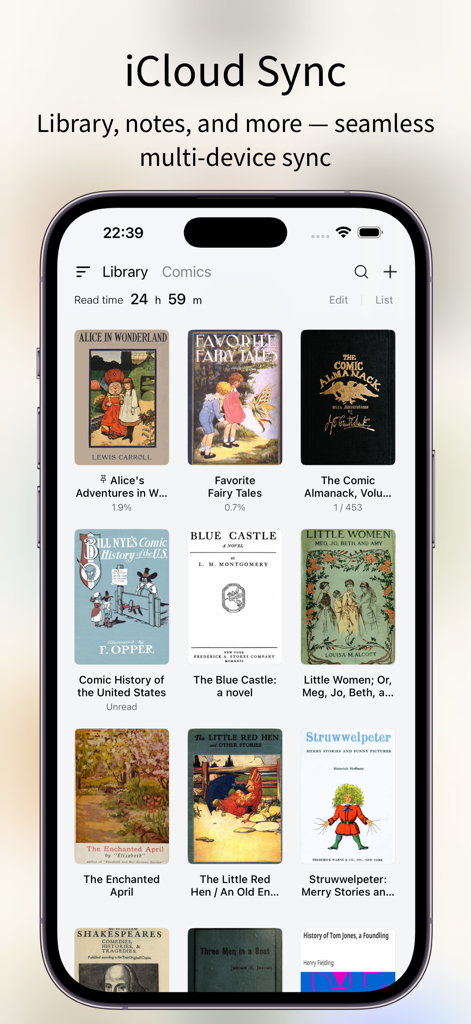
PureLibro app interface showing iCloud sync feature and digital book library
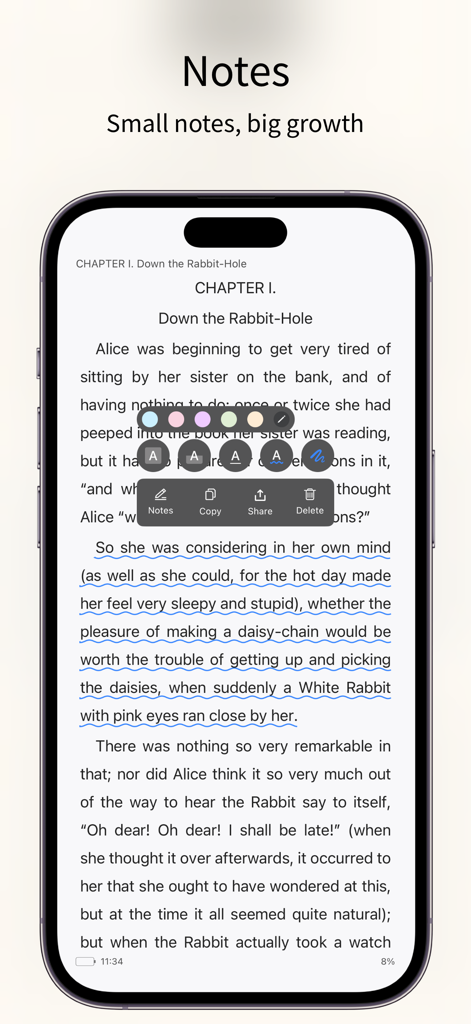
PureLibro app interface highlighting text annotation and note taking tools on an ebook page
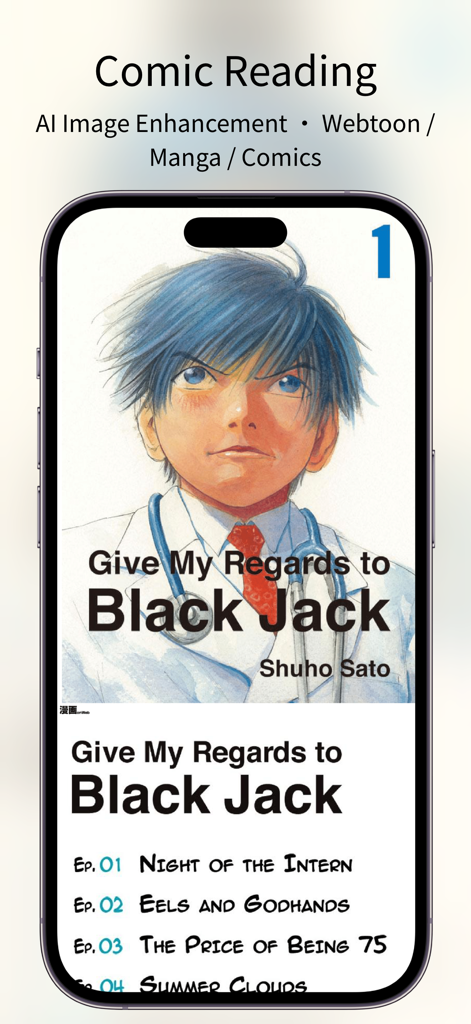
A smartphone showing the PureLibro app interface with manga reading and AI image enhancement features.
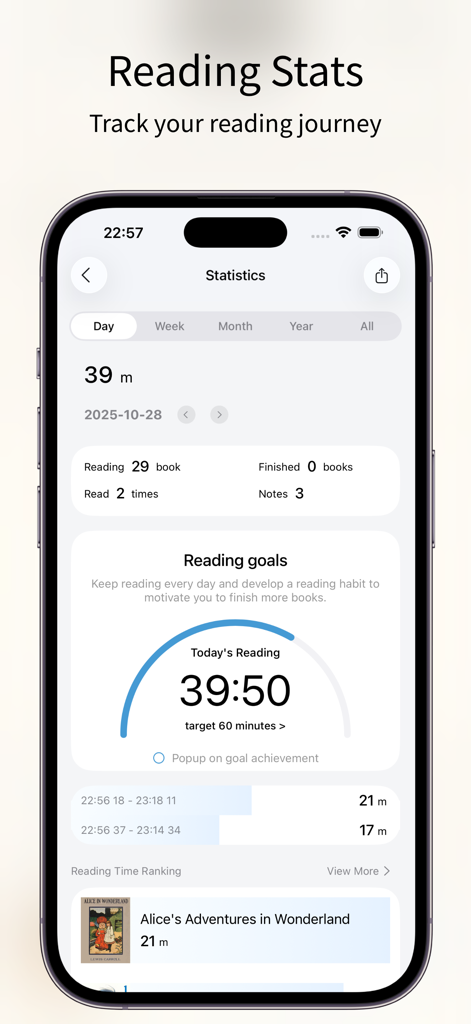
PureLibro ebook reader app statistics screen showing reading progress goals and history
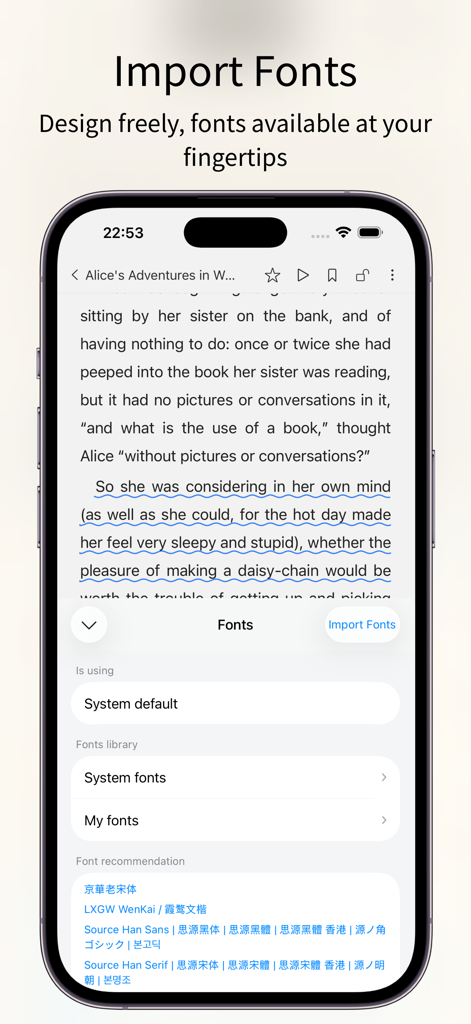
PureLibro ebook reader app interface showing custom font import and selection settings on an iPhone
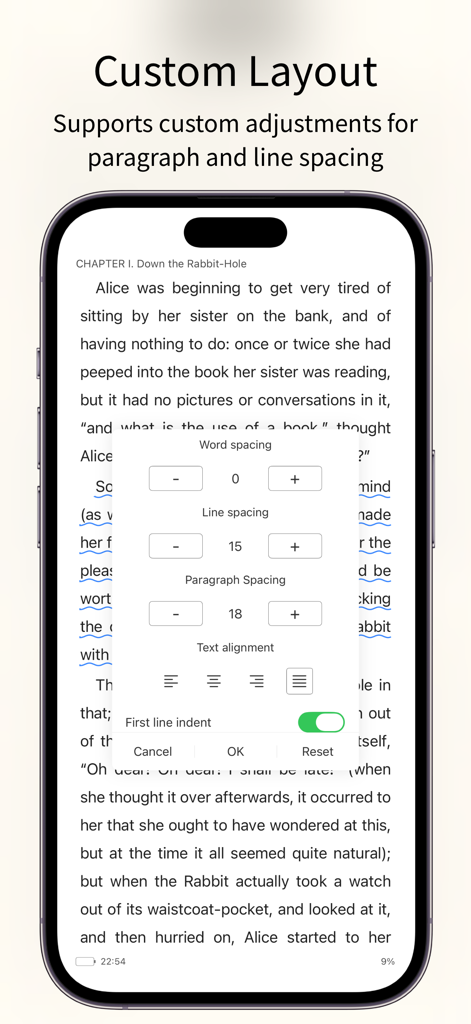
PureLibro ebook reader app showing custom layout settings for word spacing line spacing and paragraph alignment
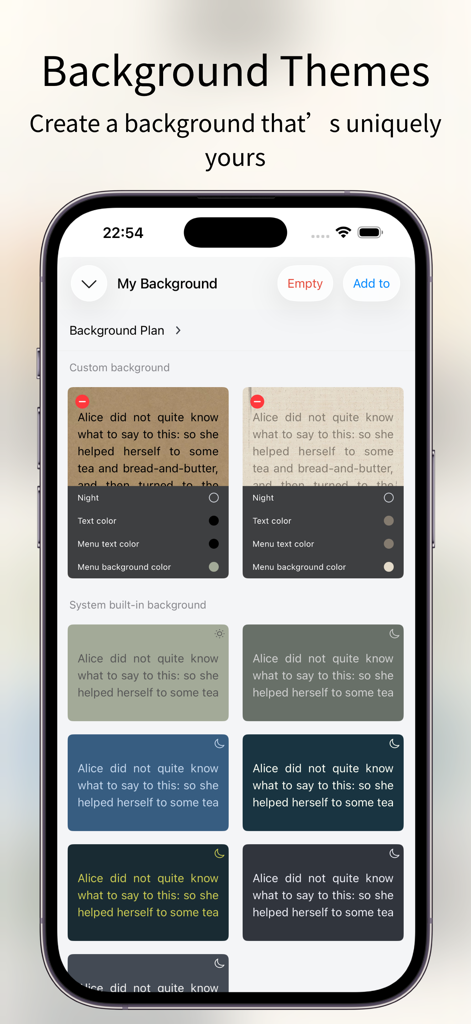
Customizable reading background themes and color options in PureLibro ebook reader
Description
Download
More Like This
Apps with similar features and user experience

eBoox - fb2 ePub book reader
REDIT, OOO

Summit Reader
三英 郑

Readingo
哲魁 左

YACReader - Comic Reader
Luis Ángel San Martín

KRed Reader
Kingjet Network Co., Ltd.

Epub Reader -read epub,chm,txt
俊杰 阮

Yomu EBook Reader
Beat Raess

KyBook 3 Ebook Reader
Konstantin Bukreev

KyBook 2 Ebook Reader
Konstantin Bukreev
This page is not an official page of the app or its developer, but an independent editorial publication created for informational and commentary purposes. Unless expressly stated otherwise, neither the app nor its developer is affiliated with, endorsed by, sponsored by, authorized by, or otherwise officially connected with MWM, Apple, Google Play, the app publisher, or the app's developer, and nothing on this page implies that the app was developed using MWM's services. Any trademarks, logos, screenshots, and other content remain the property of their respective owners.