
This page is not an official page of the app or its developer, but an independent editorial publication created for informational and commentary purposes. Unless expressly stated otherwise, neither the app nor its developer is affiliated with, endorsed by, sponsored by, authorized by, or otherwise officially connected with MWM, Apple, Google Play, the app publisher, or the app's developer, and nothing on this page implies that the app was developed using MWM's services. Any trademarks, logos, screenshots, and other content remain the property of their respective owners.

Summit Reader
Take total control of your digital library. Organize nested folders, extract secure archives, and transform any TXT or PDF file into a beautifully curated reading experience with custom covers and smart chapter segmentation.
Downloads
624K+User Rating
Total Ratings
35K+Publisher
Category
BooksLocales
3Latest Version
5.65Size
81.8 MBFirst Released
Mar 15, 2018The Ultimate Command Center for Your Digital Library
A powerful, all-in-one reader designed for enthusiasts who curate, organize, and customize their own reading collections without limits.
Extract and Read Instantly
Stop switching apps. Open ZIP, RAR, and 7z archives directly within the reader, including password-protected and multi-part files.
Pro-Grade TXT Management
Turn messy files into professional e-books. Use smart segmentation and custom Regex rules to automatically organize chapters for any web novel.
Frequently Asked Questions
Everything you need to know about Summit Reader
Does Summit Reader support unlimited document storage?
Yes, Summit Reader provides unlimited document storage, and this feature is fully functional even in the free version of the app.
Can I organize documents with nested folders in Summit Reader?
Yes, Summit Reader supports nested folders, allowing users to create detailed and multi-level organizational structures for their documents.
What archive formats does Summit Reader support?
Summit Reader supports popular archive formats including zip, rar, and 7z. It can directly decompress these files within the app.
Can Summit Reader convert PDF and Word documents to plain text?
Yes, Summit Reader extracts pure text from PDF and Word documents, eliminating the need for separate applications for format conversion.
Does Summit Reader offer a night mode for reading?
Yes, Summit Reader includes a night mode feature, which provides an eye-friendly interface for comfortable reading in low-light conditions.
Can users customize document covers in Summit Reader?
Yes, Summit Reader allows users to modify document covers. They can import covers from their photo gallery or search for images on Baidu.
How does Summit Reader handle TXT documents?
Summit Reader automatically segments chapters in TXT format and allows custom rules for segmentation, including the use of regular expressions.
Does Summit Reader save my reading position automatically?
Yes, Summit Reader automatically saves your reading position, ensuring you can seamlessly continue reading from where you left off.
What document management features are available in Summit Reader?
Summit Reader offers custom categorization, name editing, order rearranging, and automatic prioritization of recently read documents, allowing movement between categories.
Can I search for files quickly within Summit Reader?
Yes, Summit Reader enables quick file searching, allowing users to efficiently locate specific documents within their stored files.
The following screenshots and description are sourced directly from the app's official store listing and are the property of the app developer.
App Store
Screenshots
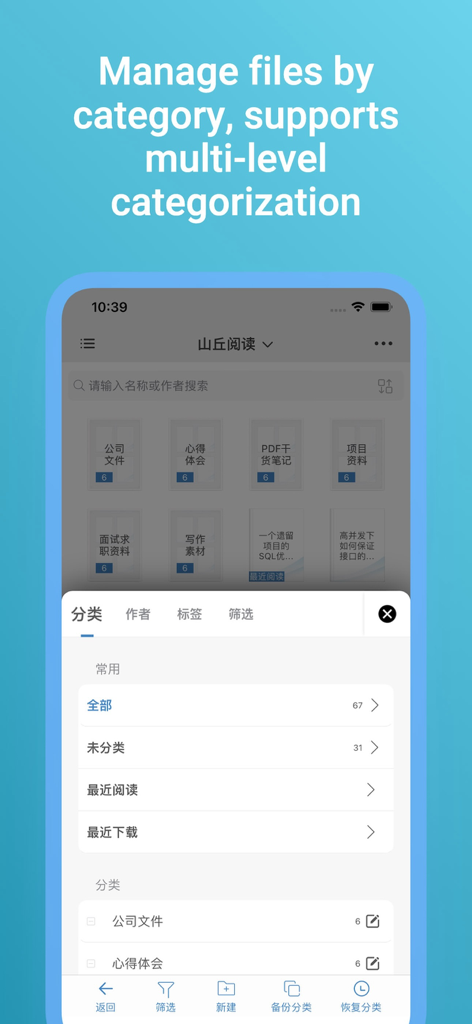
Interface of Summit Reader app displaying document organization by multi-level categories.
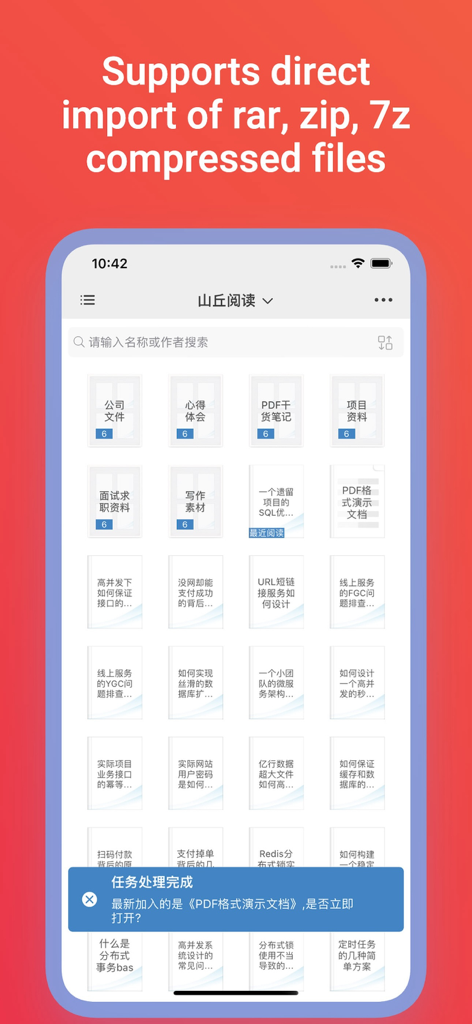
Summit Reader interface showing document library and archive file import support
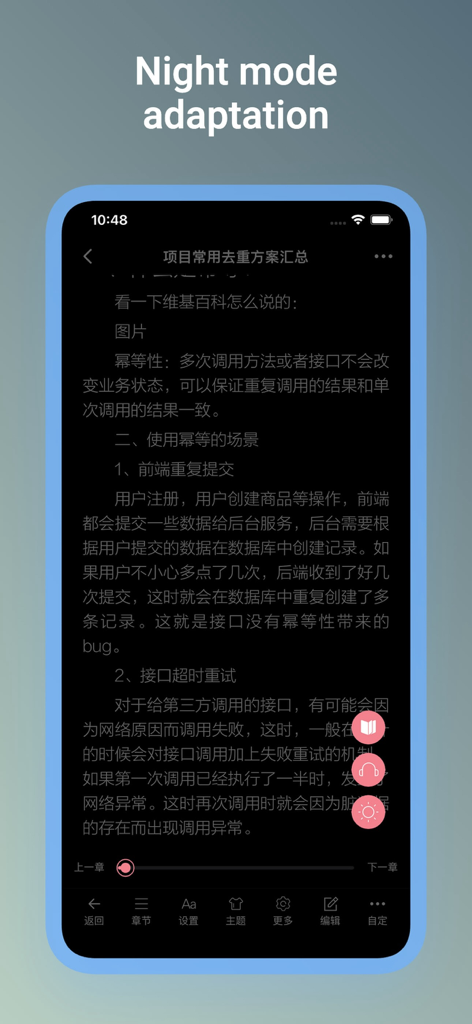
Summit Reader app interface showing night mode adaptation for comfortable reading at night
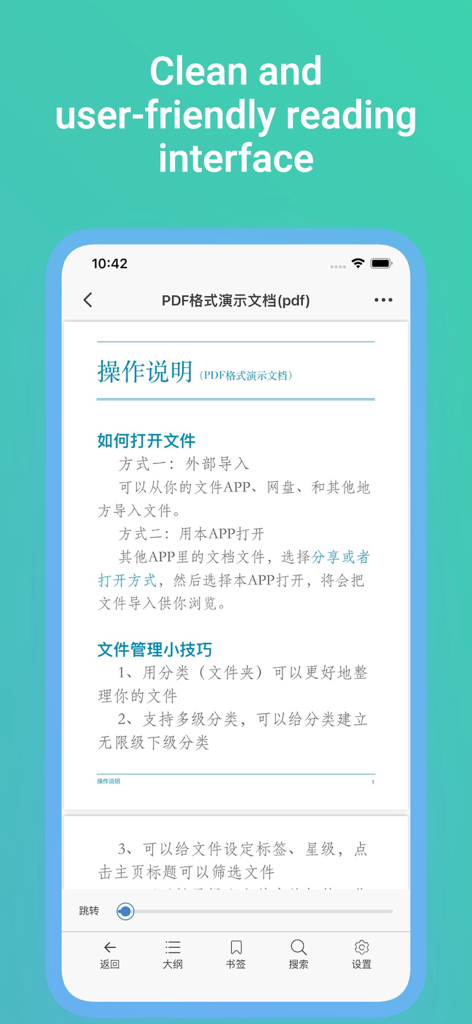
Summit Reader mobile app displaying a clean and user-friendly reading interface with a PDF document.
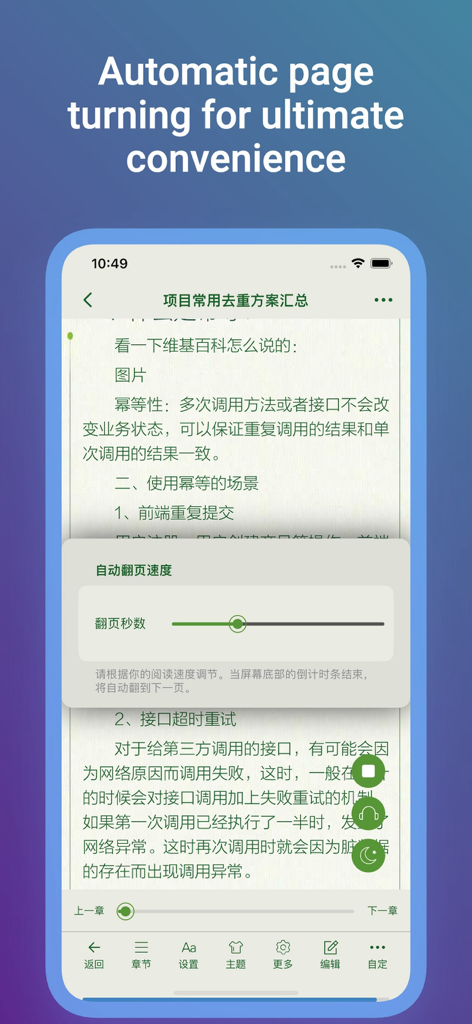
Summit Reader interface showing automatic page turning settings with a speed adjustment slider over Chinese text
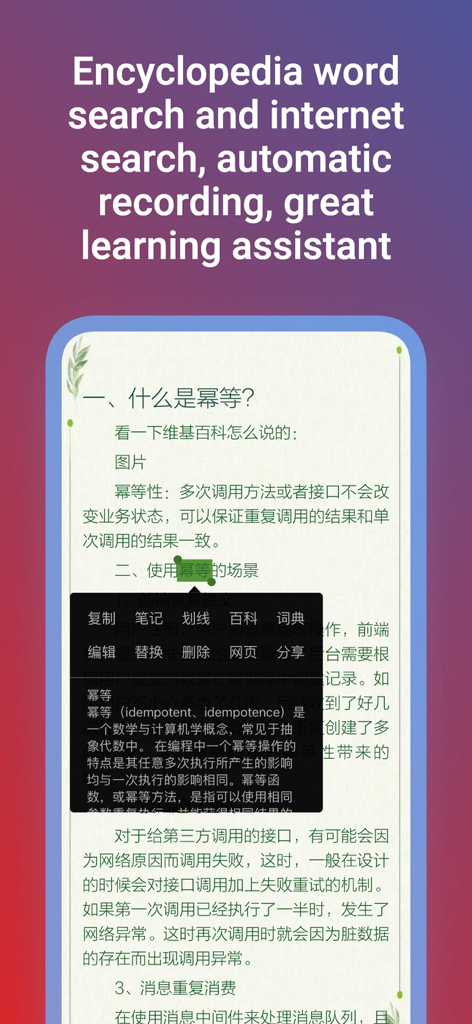
Summit Reader app displaying word search and encyclopedia lookup feature on an e-book page.
Description
Download
More Like This
Apps with similar features and user experience

eBoox - fb2 ePub book reader
REDIT, OOO

PureLibro: ebook reader
添欢 谢

Readingo
哲魁 左

YACReader - Comic Reader
Luis Ángel San Martín

KRed Reader
Kingjet Network Co., Ltd.

Epub Reader -read epub,chm,txt
俊杰 阮

Yomu EBook Reader
Beat Raess

KyBook 3 Ebook Reader
Konstantin Bukreev

KyBook 2 Ebook Reader
Konstantin Bukreev
This page is not an official page of the app or its developer, but an independent editorial publication created for informational and commentary purposes. Unless expressly stated otherwise, neither the app nor its developer is affiliated with, endorsed by, sponsored by, authorized by, or otherwise officially connected with MWM, Apple, Google Play, the app publisher, or the app's developer, and nothing on this page implies that the app was developed using MWM's services. Any trademarks, logos, screenshots, and other content remain the property of their respective owners.