
This page is not an official page of the app or its developer, but an independent editorial publication created for informational and commentary purposes. Unless expressly stated otherwise, neither the app nor its developer is affiliated with, endorsed by, sponsored by, authorized by, or otherwise officially connected with MWM, Apple, Google Play, the app publisher, or the app's developer, and nothing on this page implies that the app was developed using MWM's services. Any trademarks, logos, screenshots, and other content remain the property of their respective owners.


BluKit Workbench
Revolutionize your IoT workflow by recording real devices into Virtual Peripherals. Test CoreBluetooth features directly in the Xcode Simulator and automate your development cycle with ease.
Downloads
0User Rating
Total Ratings
0Publisher
Category
Developer ToolsLocales
1Latest Version
2.0.2Size
2.7 MBFirst Released
Jun 23, 2025Elevate Your Bluetooth Engineering Workflow
Stop waiting for hardware prototypes. BluKit Workbench provides a professional suite of tools to simulate, inspect, and automate CoreBluetooth development across all Apple platforms.
Virtual Device Mocking
Record real Bluetooth peripherals to JSON and 'replay' them instantly. Code and test features anytime, even without physical hardware present.
Simulator-Ready Development
Bring Bluetooth capabilities to the Xcode Simulator. Eliminate the deploy-to-device bottleneck and significantly speed up your iteration cycles.
The following screenshots and description are sourced directly from the app's official store listing and are the property of the app developer.
App Store
Screenshots
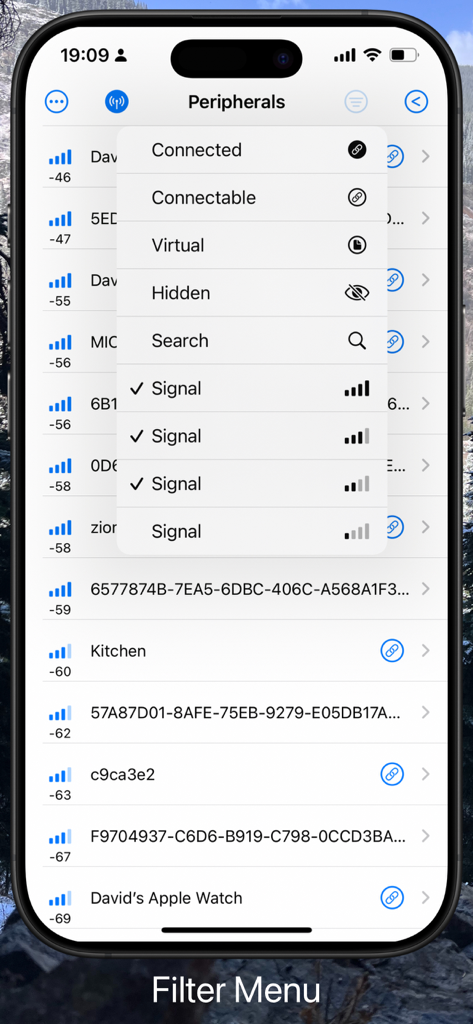
Screenshot of the BluKit Workbench app showing the Bluetooth peripheral filter menu with options for connected, virtual, and signal strength.
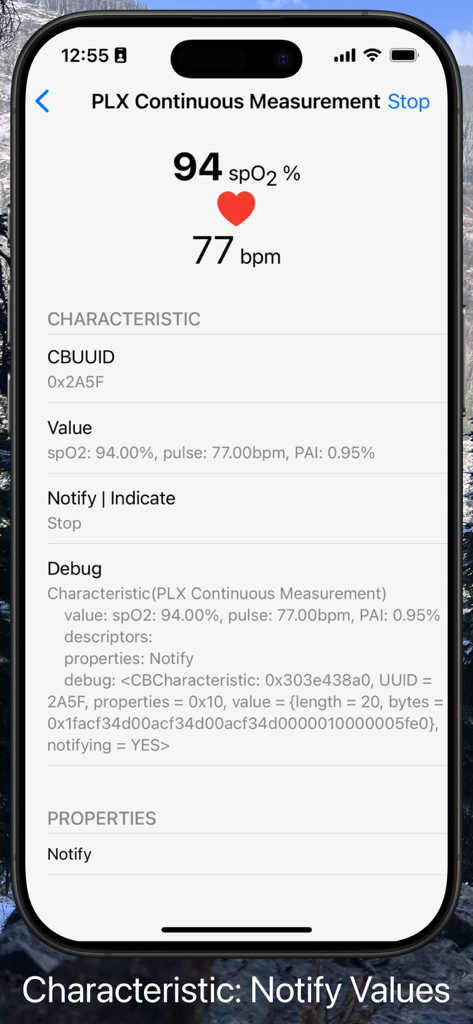
BluKit Workbench app screen displaying real time Bluetooth notification data for spO2 and heart rate measurement
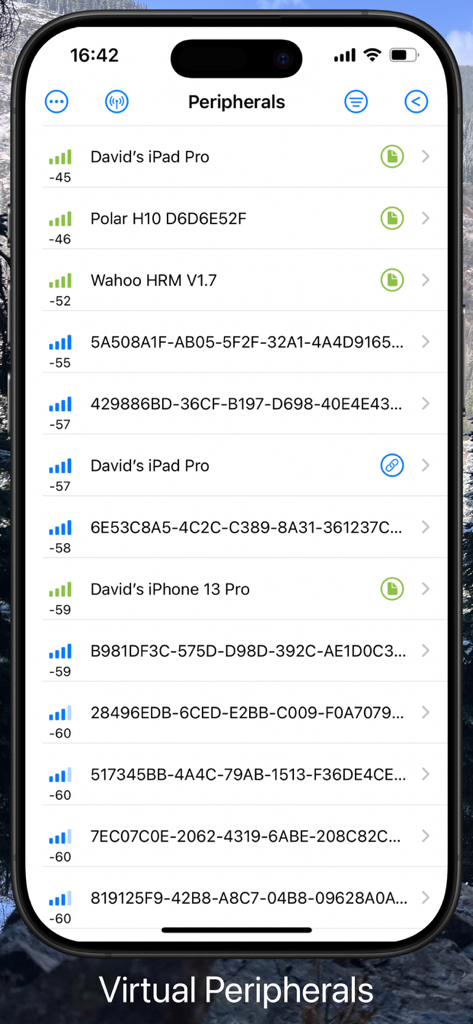
A list of discovered Bluetooth devices and virtual peripherals in the BluKit Workbench app showing device names and signal strength
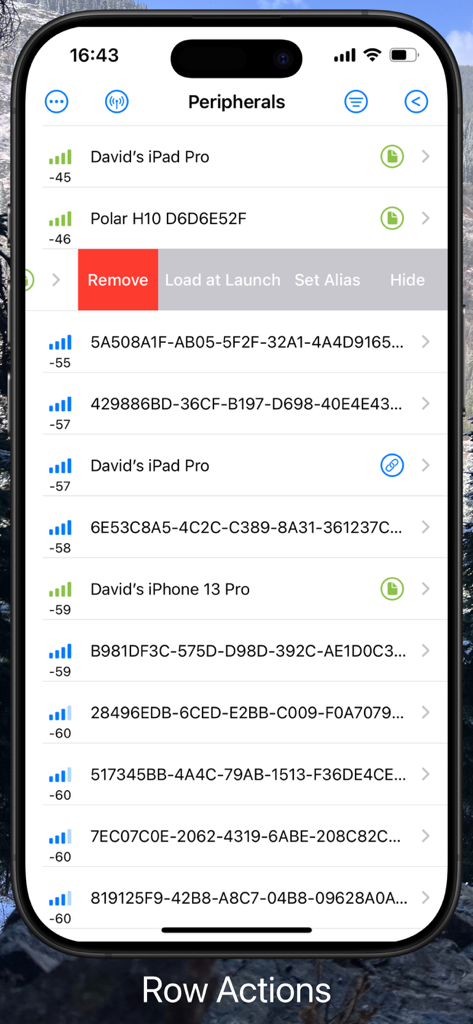
BluKit Workbench iOS app interface showing a list of scanned Bluetooth peripherals and available row actions like remove and hide
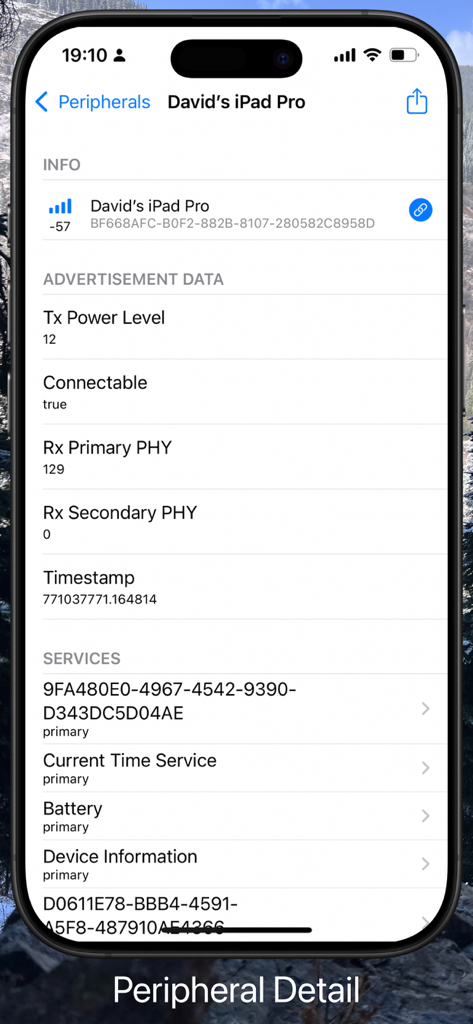
Detailed Bluetooth peripheral information and advertisement data in BluKit Workbench
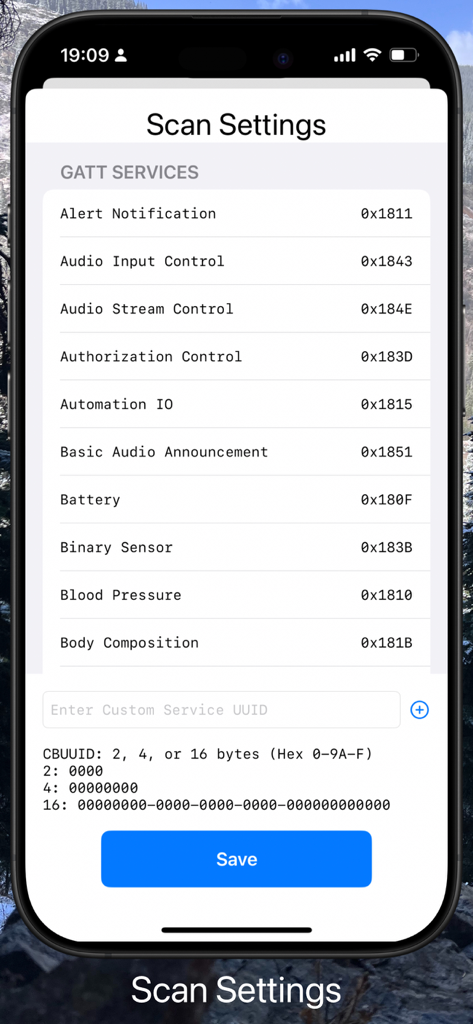
BluKit Workbench scan settings displaying a list of GATT services and their hex UUIDs
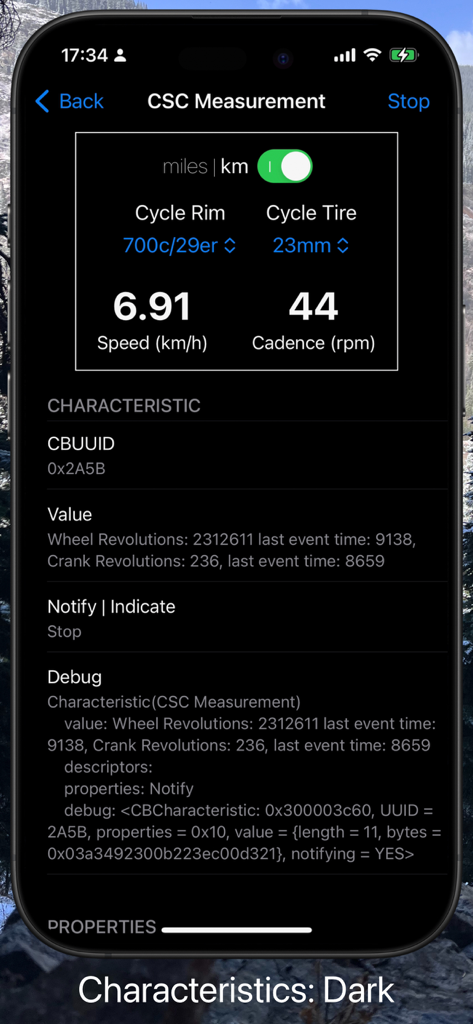
BluKit Workbench app interface showing CSC Measurement characteristic debugging data in dark mode
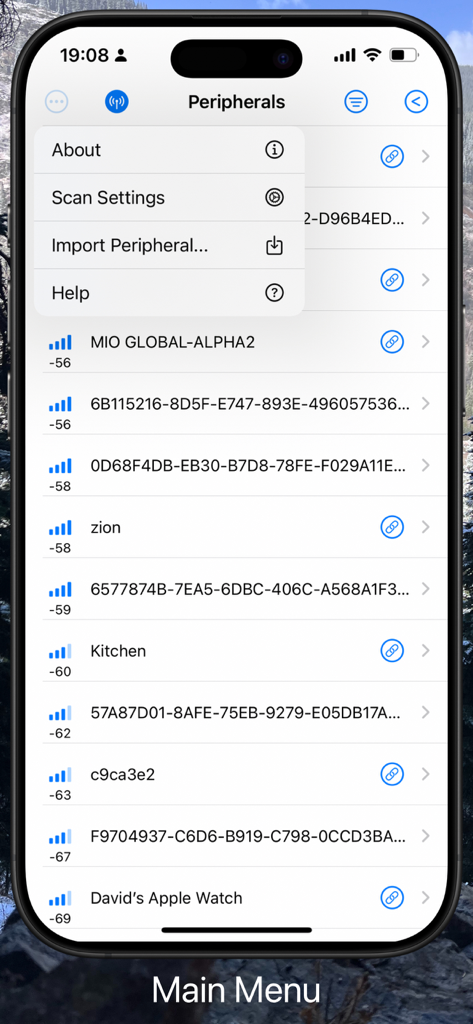
BluKit Workbench app showing a list of Bluetooth peripherals and the main menu options
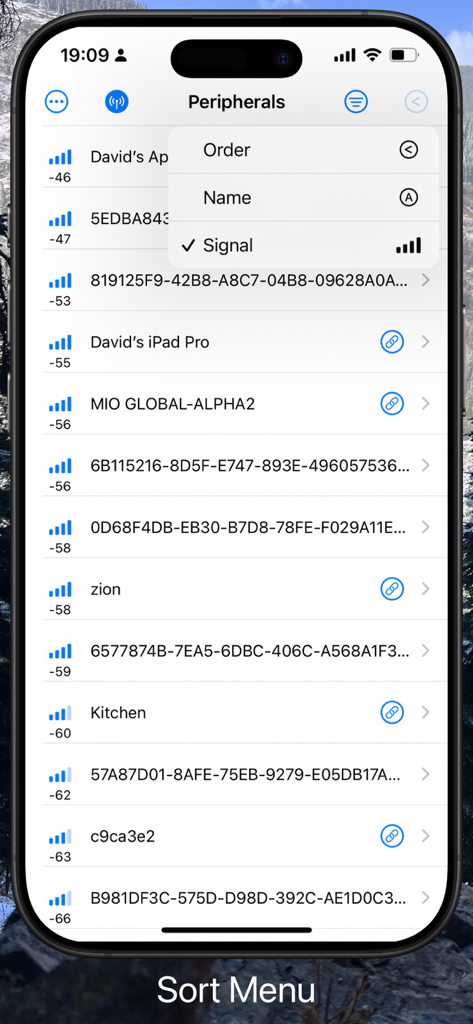
A screenshot of the BluKit Workbench app on an iPhone showing the sort menu for Bluetooth peripherals with options for order, name, and signal.
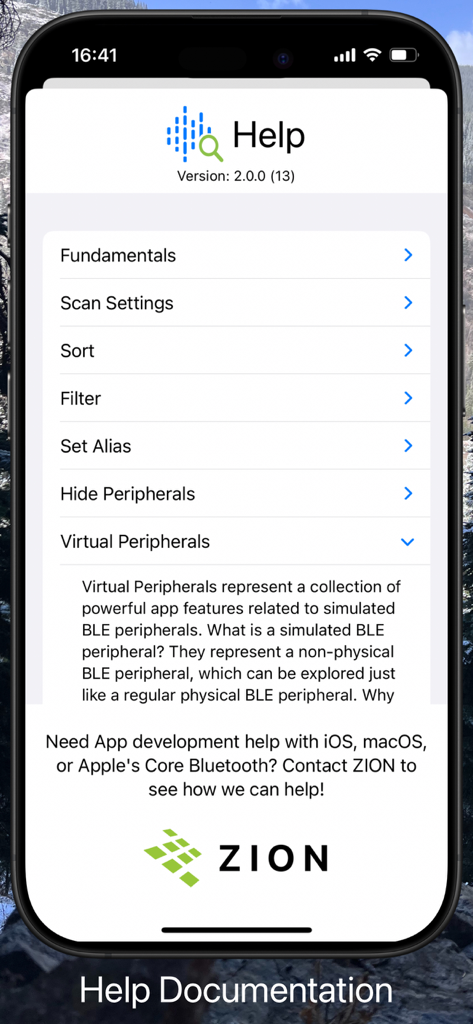
Help documentation screen of BluKit Workbench app highlighting the virtual peripherals explanation section
Description
Download
More Like This
Top-ranked apps in the same category

TestFlight
Apple Inc.

Replit: Vibe Code Apps
Replit, Inc

GitHub
GitHub

O-KAM Pro
Shenzhen VeePai IoT Intelligent Technology LLC

Apple Developer
Apple Inc.

Expo Go
650 Industries, Inc.

Scriptable
Simon Stovring

Stream - Network Debug Tool
Stream Lab Inc.

ProxyPin - Open Source Capture
Minimalist Network Co., Ltd.
This page is not an official page of the app or its developer, but an independent editorial publication created for informational and commentary purposes. Unless expressly stated otherwise, neither the app nor its developer is affiliated with, endorsed by, sponsored by, authorized by, or otherwise officially connected with MWM, Apple, Google Play, the app publisher, or the app's developer, and nothing on this page implies that the app was developed using MWM's services. Any trademarks, logos, screenshots, and other content remain the property of their respective owners.