Brew Meister: Measure & Manage
Download on App Store

This page is not an official page of the app or its developer, but an independent editorial publication created for informational and commentary purposes. Unless expressly stated otherwise, neither the app nor its developer is affiliated with, endorsed by, sponsored by, authorized by, or otherwise officially connected with MWM, Apple, Google Play, the app publisher, or the app's developer, and nothing on this page implies that the app was developed using MWM's services. Any trademarks, logos, screenshots, and other content remain the property of their respective owners.


Logo of Brew Meister: Measure & Manage
Download on App Store

Brew Meister: Measure & Manage

Elevate your homebrewing with laboratory-grade precision. Seamlessly sync with EasyDens and SmartRef to track fermentation, manage batches, and visualize every data point for competition-ready results.

Key Figures

Downloads

200

User Rating

4.8/5

Total Ratings

0

Publisher

Anton Paar ConsumerTec GmbH

Category

Utilities

Locales

12

Latest Version

6.2.0

Size

67.5 MB

First Released

Dec 11, 2020
Features

Master the Science of Your Brew

Bring lab-grade precision to your home brewery. Monitor fermentation and track batch performance with the digital accuracy of Anton Paar.

Zero-Calculation Precision

Stop using manual correction tables. Get instant, temperature-corrected readings for SG, Plato, and Brix directly on your device.

Visual Fermentation Tracking

Watch your beer evolve with real-time graphs. Monitor yeast activity and gravity drops to hit your target ABV every single time.

The following screenshots and description are sourced directly from the app's official store listing and are the property of the app developer.

App Store

Screenshots
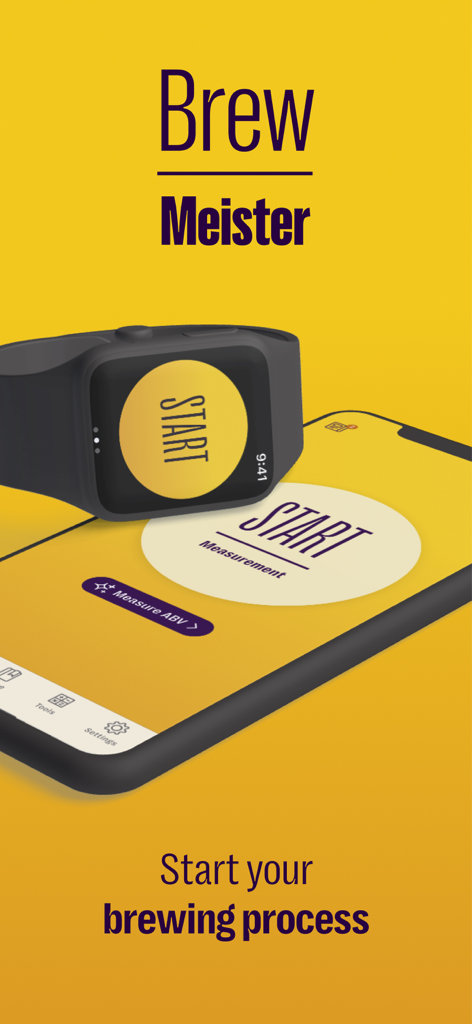
Brew Meister: Measure & Manage - Brew Meister app displayed on a smartphone and smartwatch showing the start measurement screen for home brewing.
Brew Meister app displayed on a smartphone and smartwatch showing the start measurement screen for home brewing.

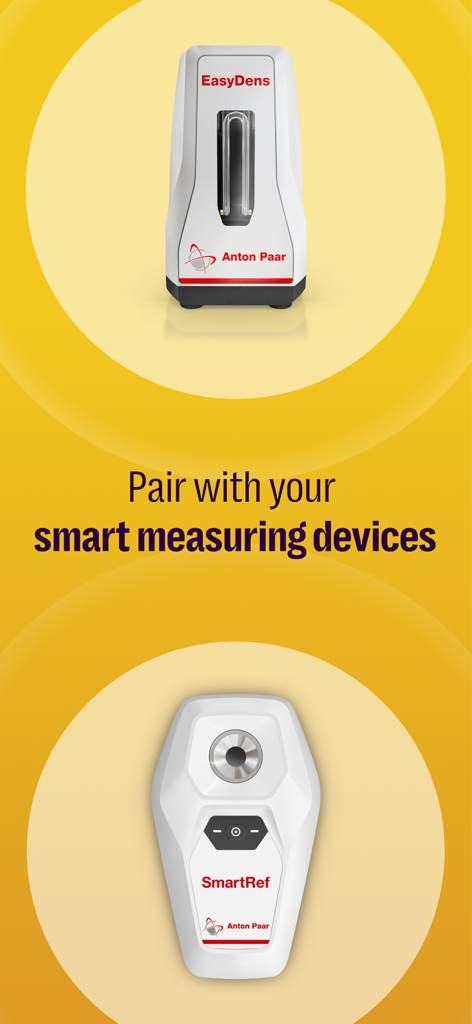
Brew Meister: Measure & Manage - Brew Meister app screen showing EasyDens and SmartRef smart measuring devices for homebrewing
Brew Meister app screen showing EasyDens and SmartRef smart measuring devices for homebrewing

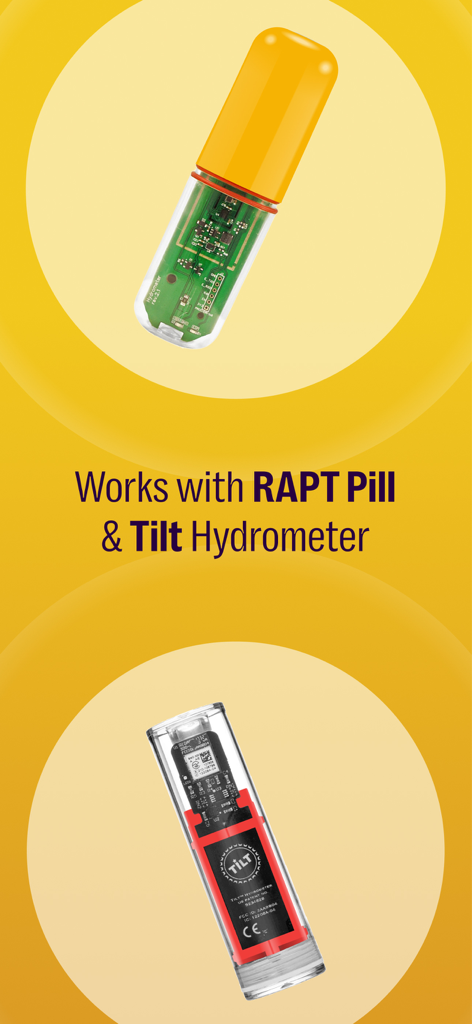
Brew Meister: Measure & Manage - Brew Meister app integration with RAPT Pill and Tilt Hydrometer hardware
Brew Meister app integration with RAPT Pill and Tilt Hydrometer hardware

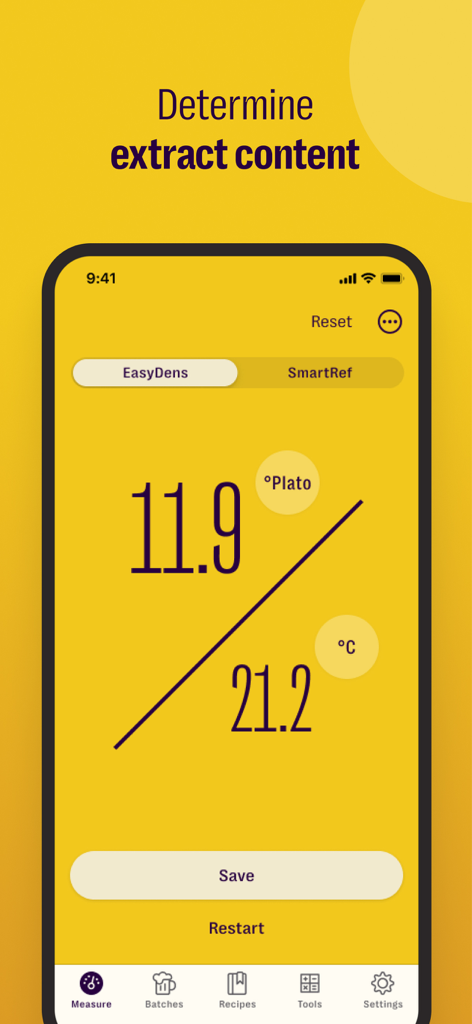
Brew Meister: Measure & Manage - Brew Meister app interface showing a 11.9 degrees Plato measurement and temperature reading.
Brew Meister app interface showing a 11.9 degrees Plato measurement and temperature reading.

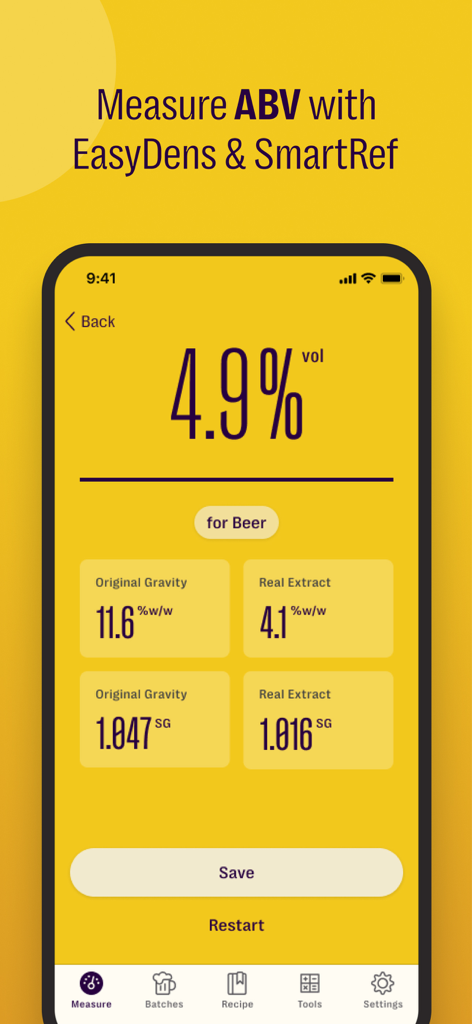
Brew Meister: Measure & Manage - Brew Meister app displaying alcohol by volume and beer gravity measurement results
Brew Meister app displaying alcohol by volume and beer gravity measurement results

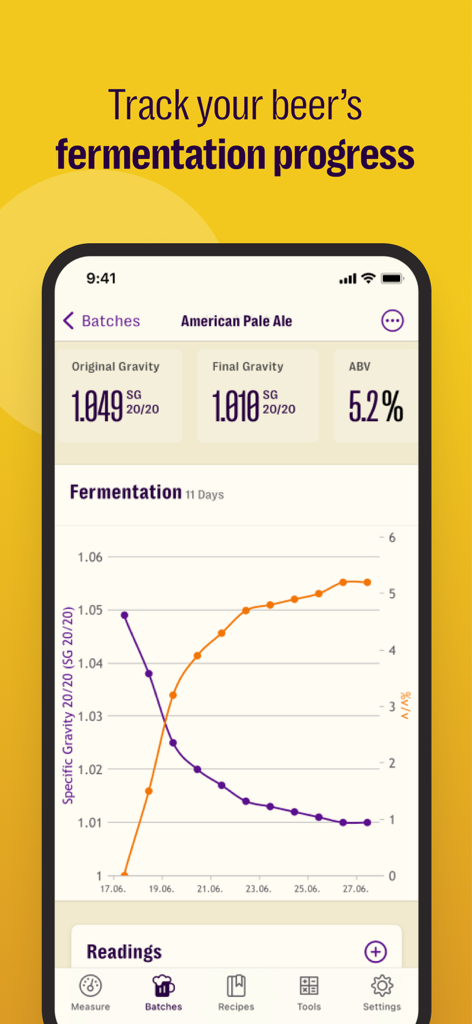
Brew Meister: Measure & Manage - Brew Meister app showing a fermentation progress chart with gravity and ABV metrics for an American Pale Ale.
Brew Meister app showing a fermentation progress chart with gravity and ABV metrics for an American Pale Ale.

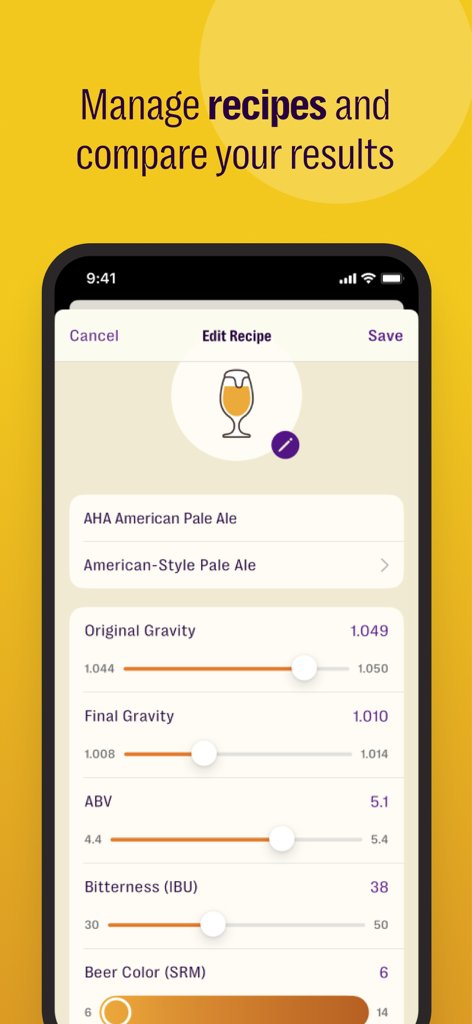
Brew Meister: Measure & Manage - Brew Meister mobile app screen showing brewing recipe metrics like gravity and alcohol content

Brew Meister mobile app screen showing brewing recipe metrics like gravity and alcohol content

Description

Brew Meister - Collects results from the digital density meter EasyDens or the digital refractometer SmartRef by Anton Paar. The EasyDens & SmartRef deliver highly precise results in seconds and allows you to determine the extract content of your beer. In combination with the Brew Meister app, you can monitor the fermentation process of your handcrafted beer and store the measurement results within customizable batches. The Brew Meister mobile app supports you in the management, visualization and exportation of data. FEATURES Brew Meister reports results in the following units: • Density [g/cm³] • Specific Gravity current temperature [SG] • Specific Gravity 20/20 [SG 20/20] • Specific Gravity 20/04 [SG 20/04] • Specific Gravity 15/15 [SG 15/15] • °Plato [°P] (ATC) • °Brix [°Bx] (ATC) • Alcohol Content [% ABV] • Temperature readings are reported in °Celsius [°C] or °Fahrenheit [°F]. • The concentration values shown on your phone are already temperature-corrected, so you need no further calculations and correction tables. • The EasyDens is adjusted using the app and distilled water. For density and concentration measurements, you will require an EasyDens by Anton Paar: http://www.easydens.com For refractive index readings, you will require a SmartRef by Anton Paar: http://www.my-smartref.com SUPPORT Contact us at support@easydens.com or support@my-smartref.com PRIVACY POLICY https://www.easydens.com/pages/privacy-policy https://www.my-smartref.com/policies/privacy-policy TERMS https://www.easydens.com/pages/legal-notice https://www.my-smartref.com/policies/legal-notice --- Auto-Renewable Subscription Terms: Subscriptions are billed monthly or annually at the rate selected depending on the subscription plan. The price corresponds to the same price segment, which is set in the "Apple's App Store Matrix" for other currencies. * Your free trial subscription will automatically renew to a paid subscription unless auto-renew is turned off at least 24 hours before the end of the free trial period. * Please note: any unused portion of a free trial period (if offered) will be forfeited when you purchase a premium subscription during the free trial period. * You can cancel a free trial or subscription anytime by turning off auto-renewal through your iTunes account settings. This must be done 24 hours before the end of a free trial or subscription period to avoid being charged. The cancellation will take effect the day after the last day of the current subscription period, and you will be downgraded to the free service. * Account will be charged for renewal within 24-hours before the end of the current period, and identify the cost of the renewal.

Download

Download on App Store

This page is not an official page of the app or its developer, but an independent editorial publication created for informational and commentary purposes. Unless expressly stated otherwise, neither the app nor its developer is affiliated with, endorsed by, sponsored by, authorized by, or otherwise officially connected with MWM, Apple, Google Play, the app publisher, or the app's developer, and nothing on this page implies that the app was developed using MWM's services. Any trademarks, logos, screenshots, and other content remain the property of their respective owners.








