
This page is not an official page of the app or its developer, but an independent editorial publication created for informational and commentary purposes. Unless expressly stated otherwise, neither the app nor its developer is affiliated with, endorsed by, sponsored by, authorized by, or otherwise officially connected with MWM, Apple, Google Play, the app publisher, or the app's developer, and nothing on this page implies that the app was developed using MWM's services. Any trademarks, logos, screenshots, and other content remain the property of their respective owners.

BrightHR
Join over 1 million users simplifying their work life. Manage shifts, request holidays, and track attendance with a single tap—anytime, anywhere.
Downloads
1M+User Rating
Total Ratings
53K+Publisher
Category
BusinessLocales
1Latest Version
10.18.0Size
149.0 MBFirst Released
May 3, 2016HR Management Made Effortless
Skip the paperwork and manage your work life on the go. From holiday requests to shift rotas, everything you need is right in your pocket.
Instant Holiday Requests
Book your time off in seconds and get real-time updates on your remaining allowance without the back-and-forth emails.
Live Shift & Rota Tracking
Stay on top of your schedule with 24/7 access to your rotas and instant notifications whenever your shifts change.
Frequently Asked Questions
Everything you need to know about BrightHR
What is BrightHR?
BrightHR is a user-friendly mobile HR solution that enables colleagues to communicate attendance, update time off, access documents, and manage various HR tasks efficiently.
How does BrightHR facilitate attendance communication?
BrightHR allows colleagues to communicate their attendance instantly. Users can update sickness, holidays, and personal time with a tap, which then notifies their line manager and provides instant feedback.
Does BrightHR offer access to important documents?
Yes, BrightHR provides access to important documents. It also allows users to scan and upload a fit note directly from the app and store other documents securely with unlimited cloud storage.
Can I manage employee shifts and rotas with BrightHR?
Yes, BrightHR enables planning of shifts and rotas for any working pattern. It allows managers to organize these for individual employees and their colleagues directly from the app.
Who is BrightHR designed for?
BrightHR is HR and health & safety software specifically designed for small businesses. It aims to simplify HR processes and help manage staff compliantly.
How can I view upcoming time off in BrightHR?
BrightHR allows users to view their upcoming time off directly on their home screen. It displays approved time off, showing the number of days remaining until the planned absence.
Can BrightHR help with holiday requests and approvals?
Yes, BrightHR simplifies holiday requests and reduces paperwork. It facilitates the planning and approval of staff holidays, allowing HR managers to approve requests and communicate with employees.
Does BrightHR track employee performance?
Yes, BrightHR includes features specifically designed to track individual employee performance. This allows managers to monitor and evaluate staff progress effectively within the application.
Does BrightHR provide expert HR advice?
Yes, BrightHR provides access to a team of HR and employment law experts. Users can utilize an in-app feature to seek advice on various HR-related topics.
How does BrightHR assist with payroll?
BrightHR assists with payroll by enabling the tracking of employee overtime. This feature helps ensure accurate and timely payroll updates based on recorded work hours.
The following screenshots and description are sourced directly from the app's official store listing and are the property of the app developer.
App Store
Screenshots
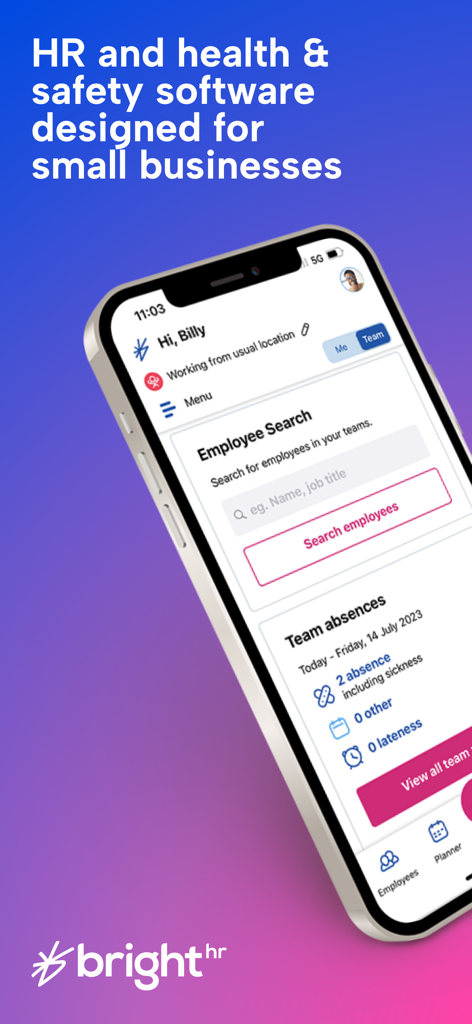
BrightHR mobile app dashboard for small business HR management showing employee search and team absences
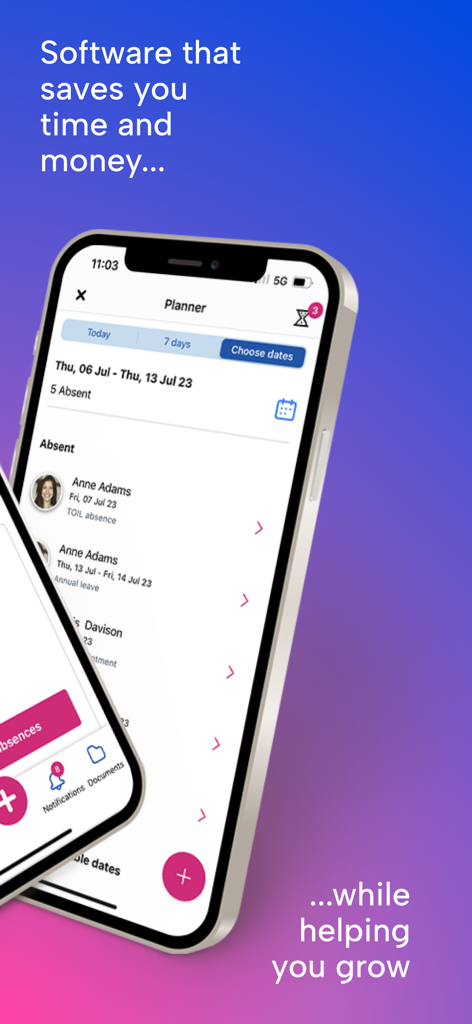
BrightHR mobile app interface displaying an employee attendance planner and absence log
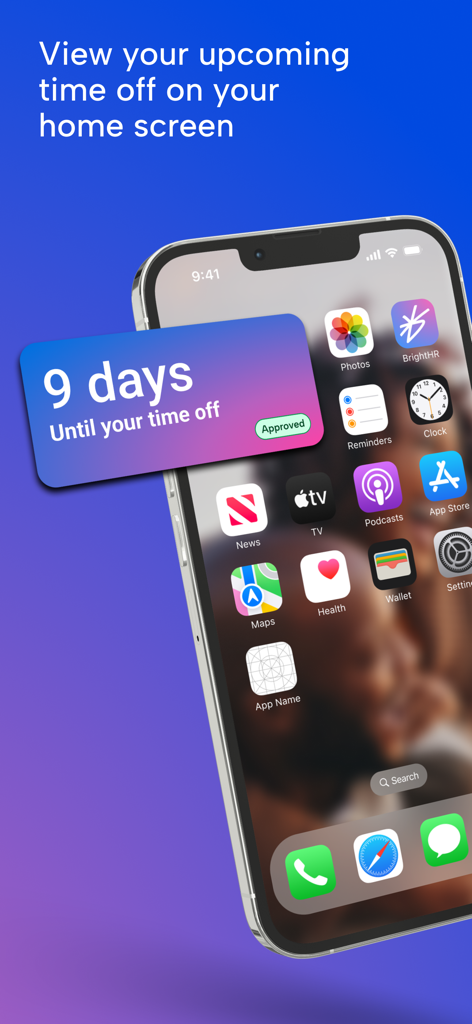
BrightHR home screen widget showing 9 days until approved time off
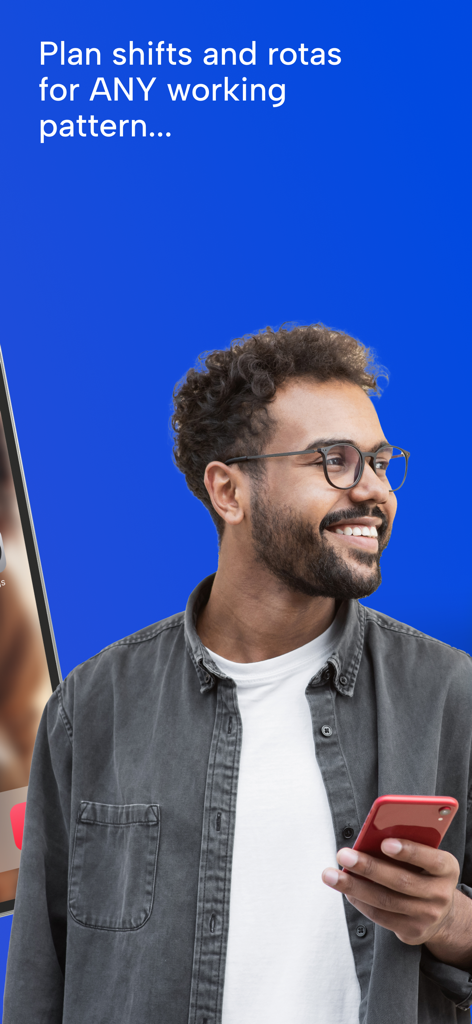
A smiling man holding a smartphone with text about planning shifts and rotas for any working pattern
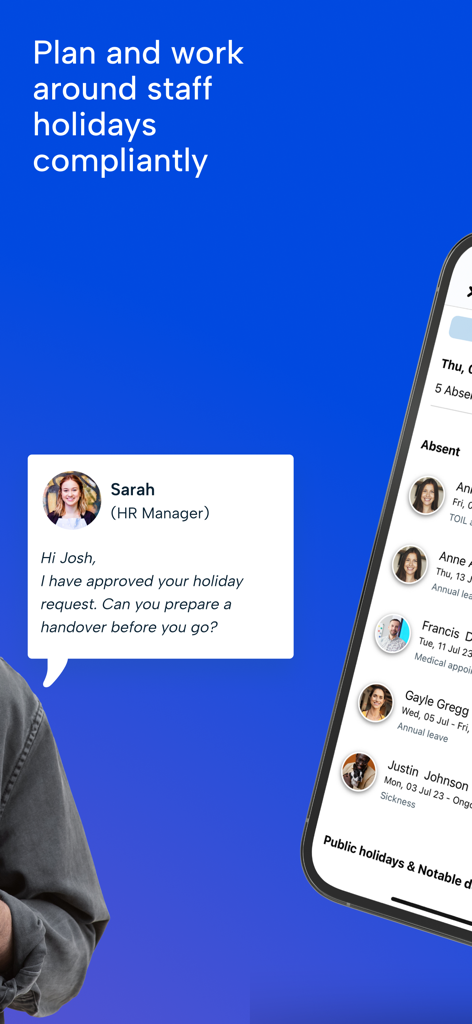
BrightHR mobile app interface displaying a holiday request approval message and a list of absent staff members.
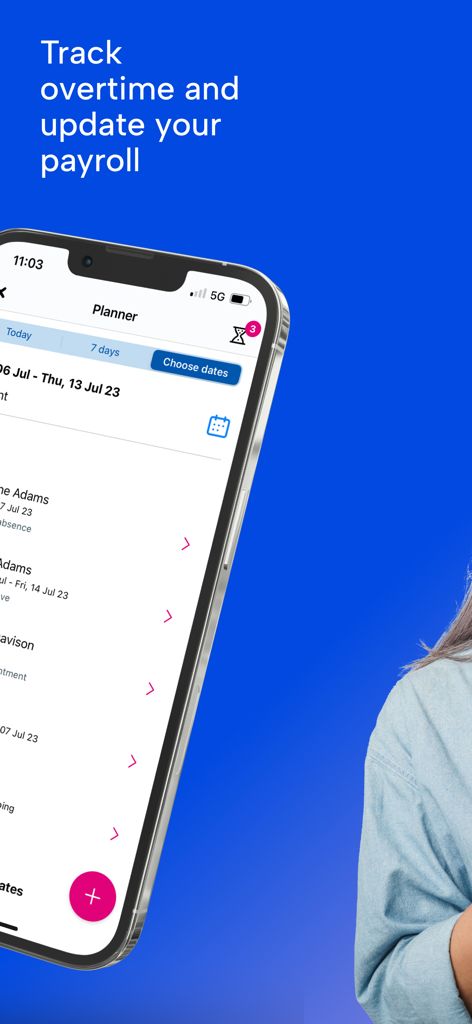
BrightHR mobile app interface showing a planner screen to track overtime and update payroll
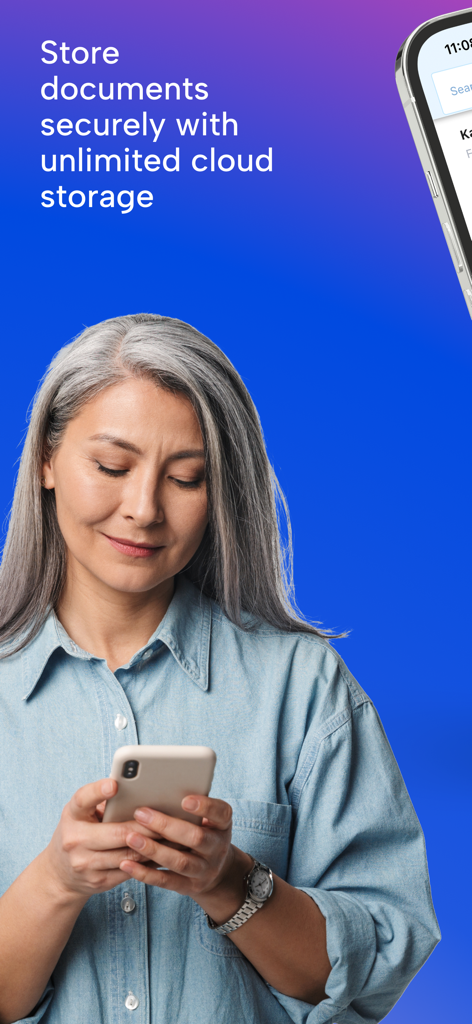
A woman using the BrightHR app on her smartphone for secure document storage
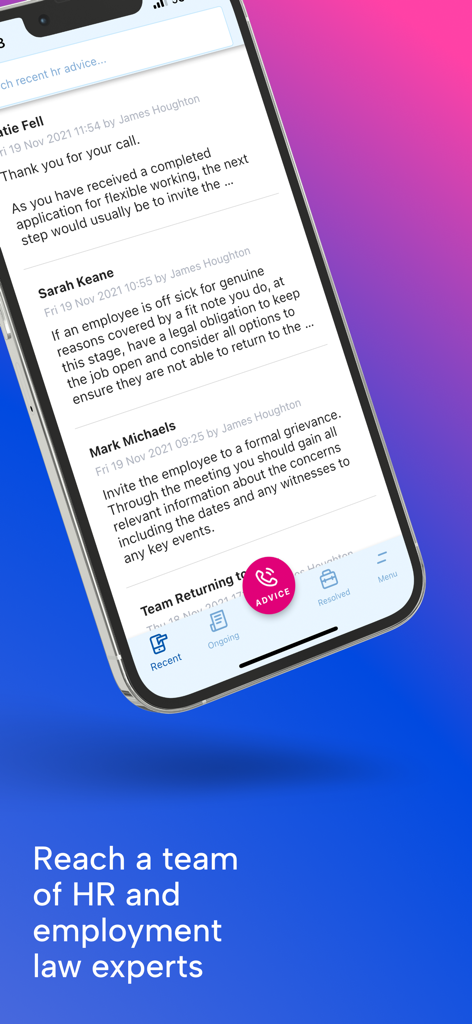
BrightHR mobile app interface showing access to HR and employment law expert advice
Description
Download
More Like This
Apps with similar features and user experience








This page is not an official page of the app or its developer, but an independent editorial publication created for informational and commentary purposes. Unless expressly stated otherwise, neither the app nor its developer is affiliated with, endorsed by, sponsored by, authorized by, or otherwise officially connected with MWM, Apple, Google Play, the app publisher, or the app's developer, and nothing on this page implies that the app was developed using MWM's services. Any trademarks, logos, screenshots, and other content remain the property of their respective owners.