
This page is not an official page of the app or its developer, but an independent editorial publication created for informational and commentary purposes. Unless expressly stated otherwise, neither the app nor its developer is affiliated with, endorsed by, sponsored by, authorized by, or otherwise officially connected with MWM, Apple, Google Play, the app publisher, or the app's developer, and nothing on this page implies that the app was developed using MWM's services. Any trademarks, logos, screenshots, and other content remain the property of their respective owners.


Paylocity
Access your pay early, clock in with a tap, and stay connected with your team. Experience the intuitive HR and payroll platform built for the modern workforce.
Downloads
10M+User Rating
Total Ratings
532K+Publisher
Category
BusinessLocales
3Latest Version
25.11.2Size
282.3 MBFirst Released
Jun 27, 2013Take Control of Your Work Life
The all-in-one mobile experience designed to help you manage your pay, schedule, and team connections from anywhere.
Real-Time Pay & Finance
View your paychecks instantly and access earned wages before payday to keep your budget on track.
Effortless Time Tracking
Clock in and out, view your schedule, and request time off in seconds without the administrative red tape.
Frequently Asked Questions
Everything you need to know about Paylocity
What is the Paylocity Mobile App used for?
The Paylocity Mobile App provides tools for employees to access HR and payroll information. It offers a unified experience to view paychecks, clock in and out, manage schedules, and update personal data.
Can employees view paychecks with the Paylocity Mobile App?
Yes, employees can easily view current and historical pay information, including detailed earnings, directly through the Paylocity Mobile App. Notifications are sent when checks become available.
How do employees clock in and out using the Paylocity app?
Employees can clock in and out directly from the Paylocity Mobile App. The app interface displays the current clock status and provides a clear 'Clock In' button for time tracking.
Does the Paylocity Mobile App support expense management?
Yes, the Paylocity Mobile App allows users to track expenses, submit receipts, and reconcile expenses. It also supports managing company card usage with built-in controls.
Can supervisors approve time-off requests through the Paylocity Mobile App?
Yes, supervisors can submit, view, and approve time-off requests using the Paylocity Mobile App. The app provides real-time push notifications for these activities.
What security features does the Paylocity Mobile App offer?
The Paylocity Mobile App includes biometric login (e.g., Face ID), encrypted activity, session timeouts for inactivity, and account locking for excessive failed login attempts to ensure secure access.
Is the Paylocity Mobile App available to all users?
To use the Paylocity Mobile App, an employer must be a Paylocity client, and the user must be an authorized user with Paylocity credentials. Access and functionality may vary by company.
Can users manage personal information in the Paylocity Mobile App?
Yes, employees can edit personal information directly within the Paylocity Mobile App. They can also search the company directory and access current and historical pay details securely.
Does the Paylocity Mobile App support social collaboration features?
Yes, the Paylocity Mobile App provides access to "Community," Paylocity’s social collaboration hub. Users can get important updates from leaders and connect with peers through this feature.
Can employees request early access to earned wages through Paylocity?
Yes, the Paylocity Mobile App allows employees to request access to a portion of their earned wages before their scheduled payday, providing financial flexibility.
The following screenshots and description are sourced directly from the app's official store listing and are the property of the app developer.
App Store
Screenshots
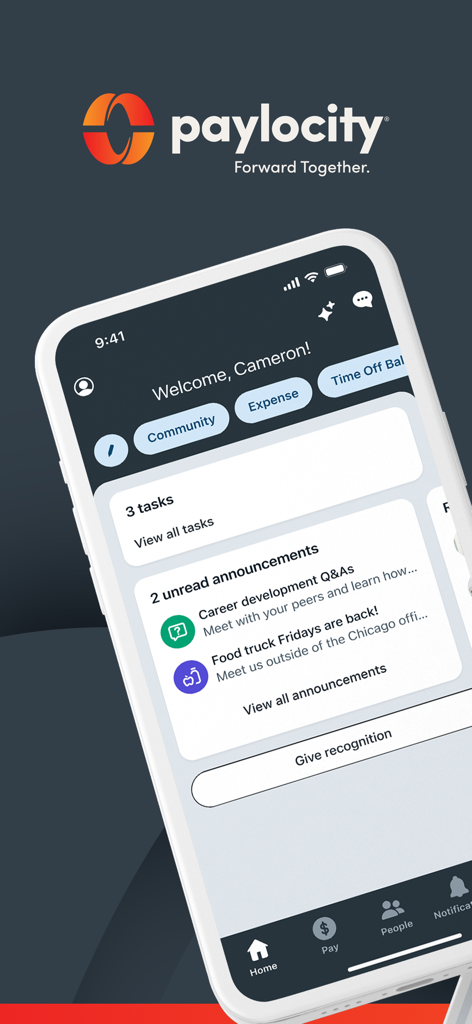
Paylocity mobile app dashboard showing employee tasks and company announcements
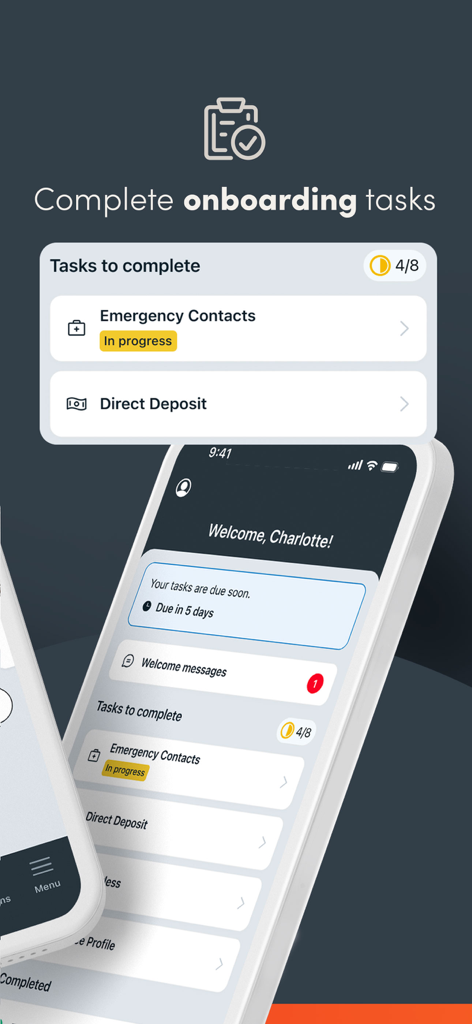
Paylocity app interface showing a checklist of onboarding tasks like Emergency Contacts and Direct Deposit for a new employee.
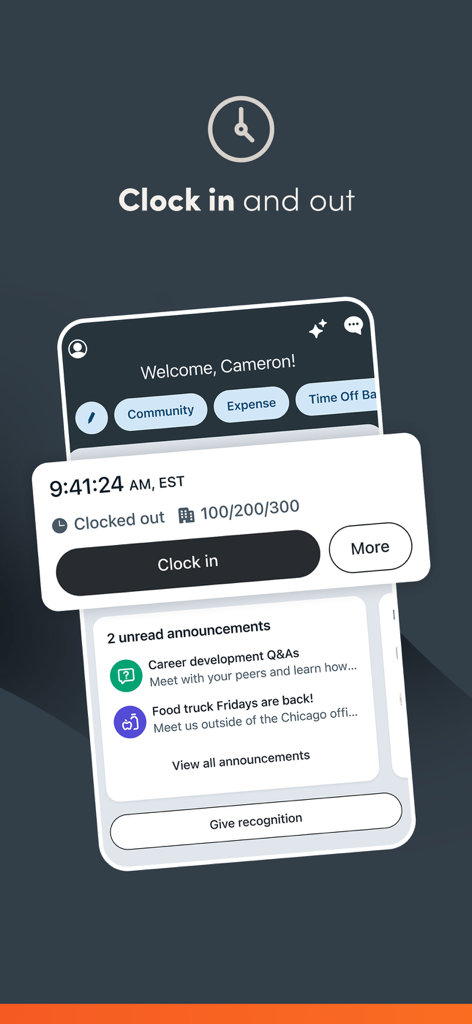
Paylocity mobile app interface showing the clock in and clock out feature for employees
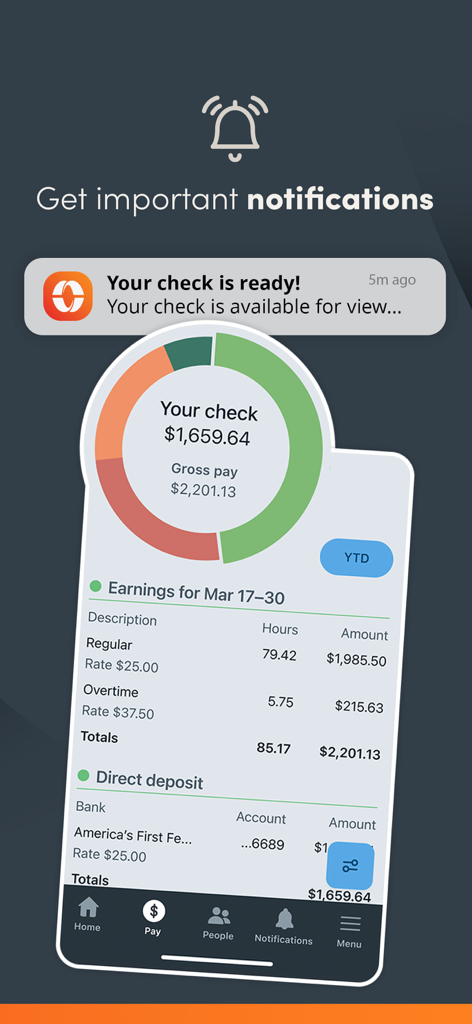
Paylocity app interface showing a paycheck notification and detailed earnings breakdown
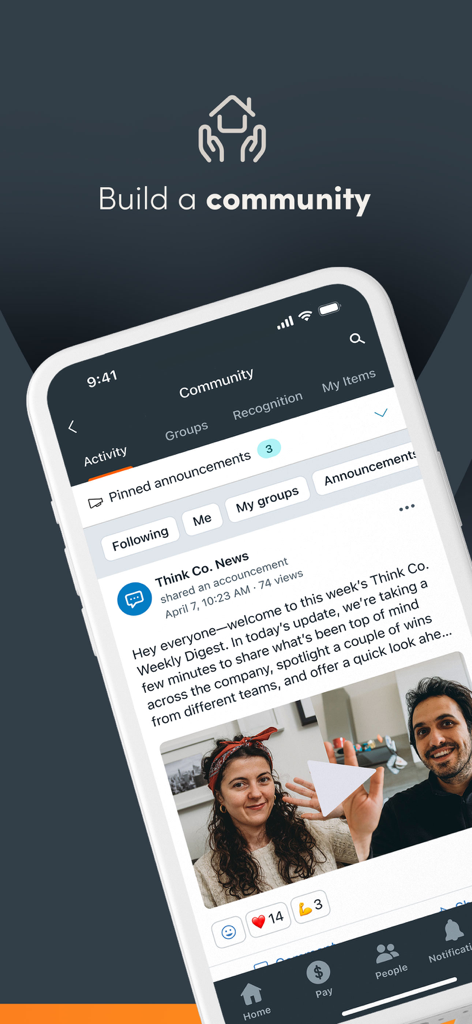
The Paylocity mobile app community feature displaying a company news feed with employee videos and social interactions
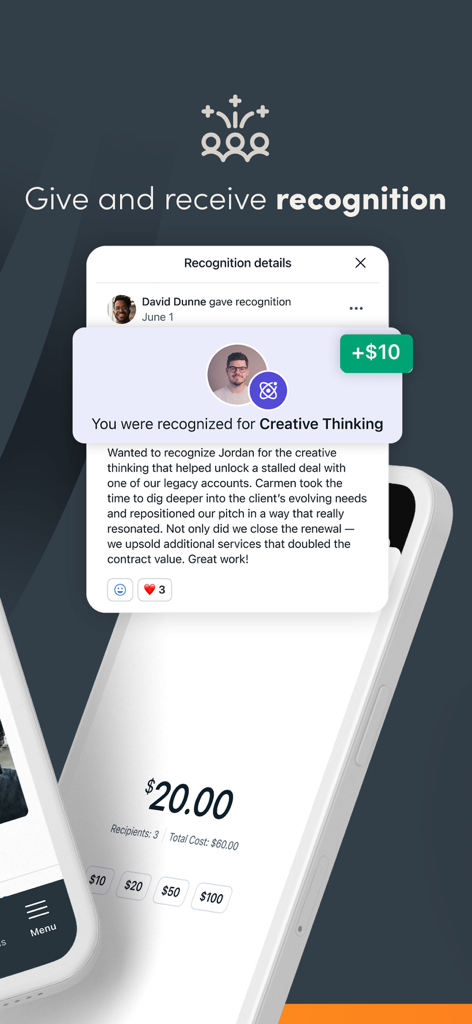
Paylocity app interface for giving and receiving employee recognition with monetary rewards
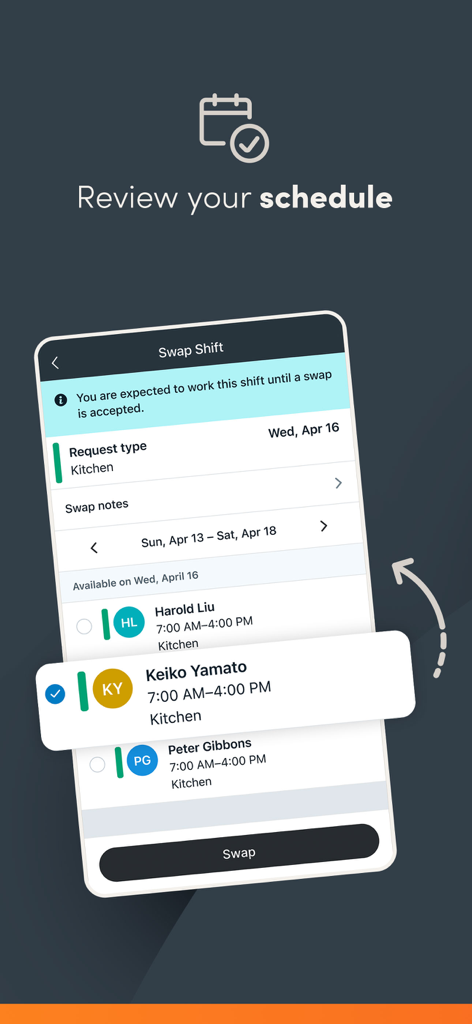
Paylocity mobile app screen showing the swap shift feature for employee schedule management
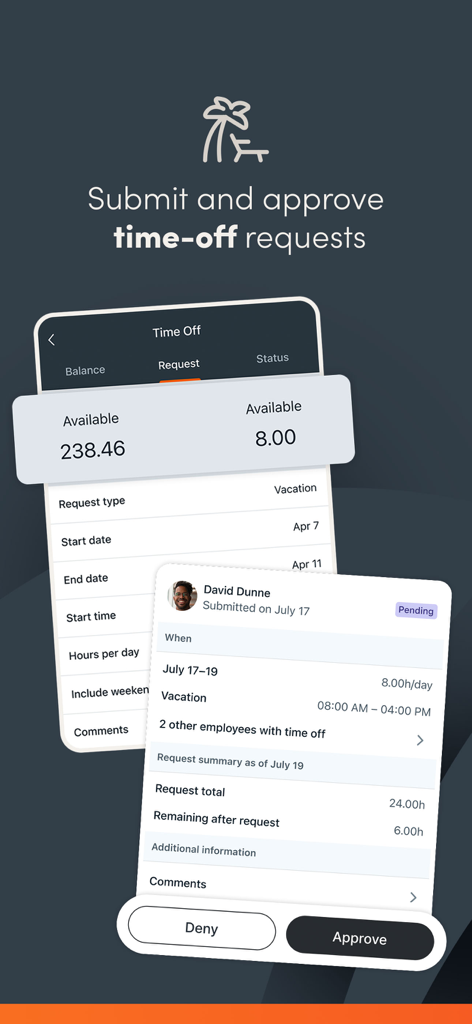
Paylocity mobile app interface showing a screen to submit and approve employee time off requests with available balance and manager approval buttons
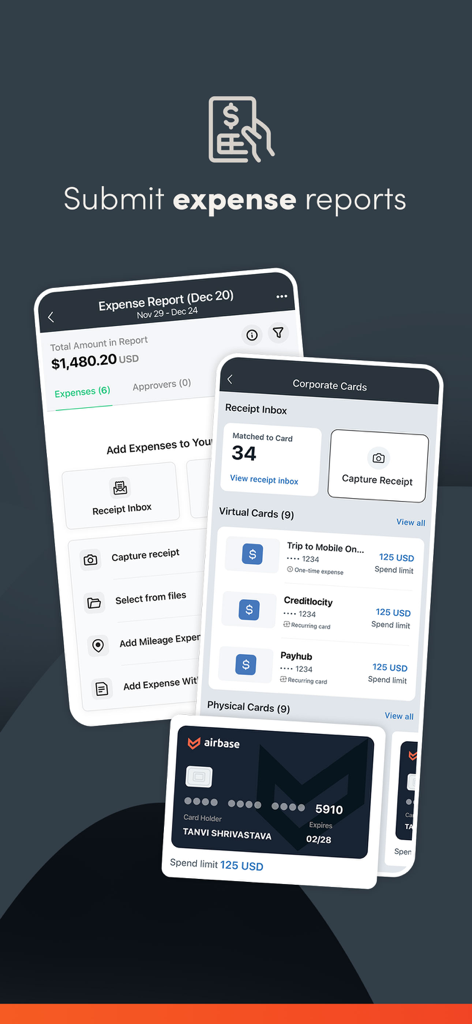
Paylocity mobile app interface for submitting expense reports and managing corporate cards
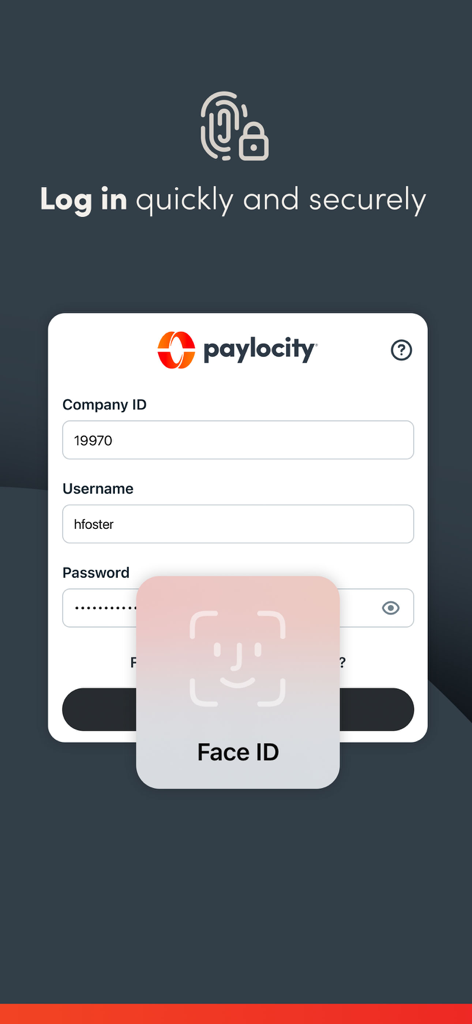
Paylocity mobile app login screen with a Face ID biometric authentication prompt
Description
Download
More Like This
Apps with similar features and user experience









This page is not an official page of the app or its developer, but an independent editorial publication created for informational and commentary purposes. Unless expressly stated otherwise, neither the app nor its developer is affiliated with, endorsed by, sponsored by, authorized by, or otherwise officially connected with MWM, Apple, Google Play, the app publisher, or the app's developer, and nothing on this page implies that the app was developed using MWM's services. Any trademarks, logos, screenshots, and other content remain the property of their respective owners.