
This page is not an official page of the app or its developer, but an independent editorial publication created for informational and commentary purposes. Unless expressly stated otherwise, neither the app nor its developer is affiliated with, endorsed by, sponsored by, authorized by, or otherwise officially connected with MWM, Apple, Google Play, the app publisher, or the app's developer, and nothing on this page implies that the app was developed using MWM's services. Any trademarks, logos, screenshots, and other content remain the property of their respective owners.


ByDesign: ToDo List & Calendar
Ditch the app-switching fatigue. Experience the power of time-boxing, nested note-taking, and seamless calendar integration in one beautiful workspace built for your second brain.
Downloads
300User Rating
Total Ratings
0Publisher
Category
ProductivityLocales
1Latest Version
4.2.4Size
225.2 MBFirst Released
Mar 2, 2021Elevate Your Daily Flow
Experience the power of a unified workspace. ByDesign merges your calendar, tasks, and deep notes into a single aesthetic home for your personal and professional growth.
Visual Time Boxing
Stop staring at endless lists. Drag and drop tasks onto your calendar to reclaim your time and visualize your daily wins.
Interconnected Notes
Use slash commands and nested pages to build a digital library of your thoughts, research, and big ideas.
The following screenshots and description are sourced directly from the app's official store listing and are the property of the app developer.
App Store
Screenshots
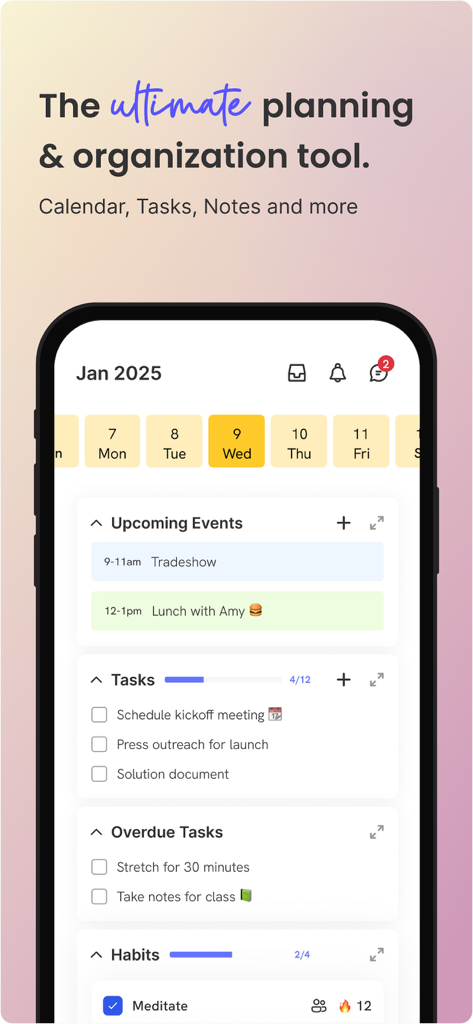
ByDesign app interface showing upcoming events and daily tasks
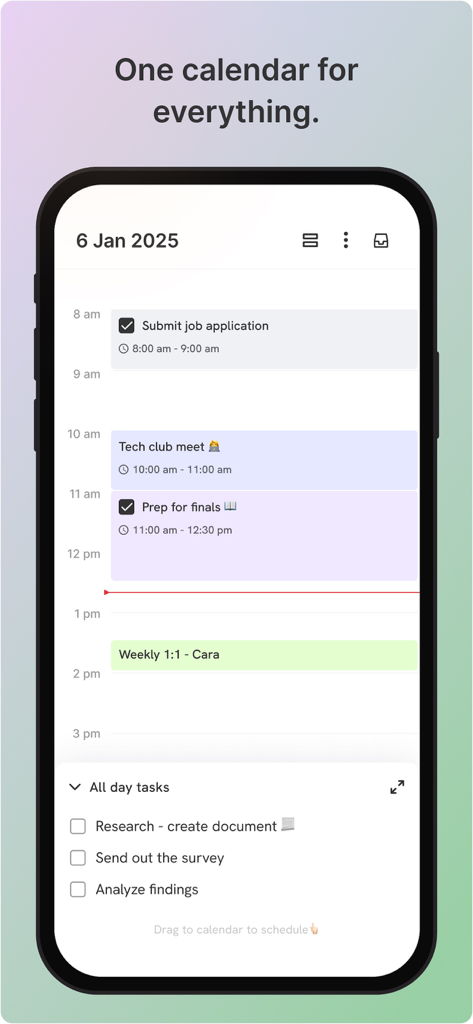
ByDesign app screenshot showing a daily calendar view with time-boxed tasks and a checklist for all-day goals.
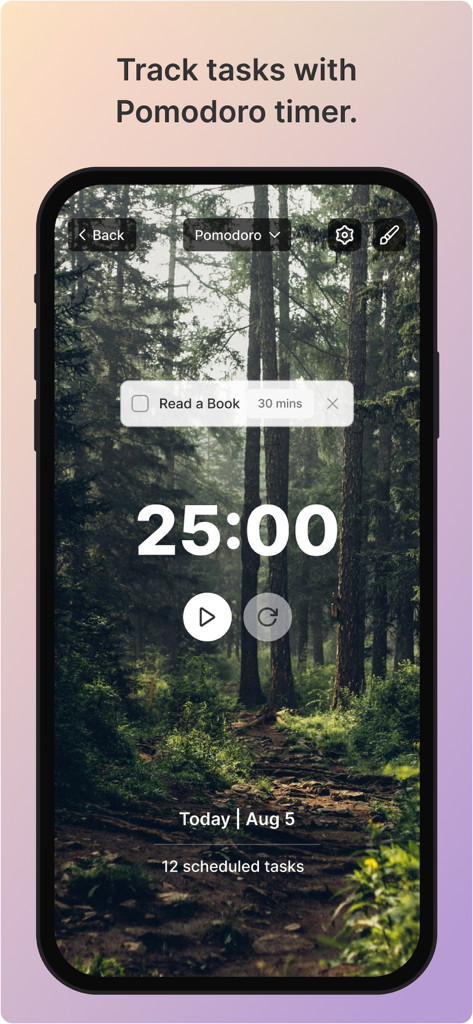
ByDesign app interface showing a pomodoro timer for tracking tasks with a forest background
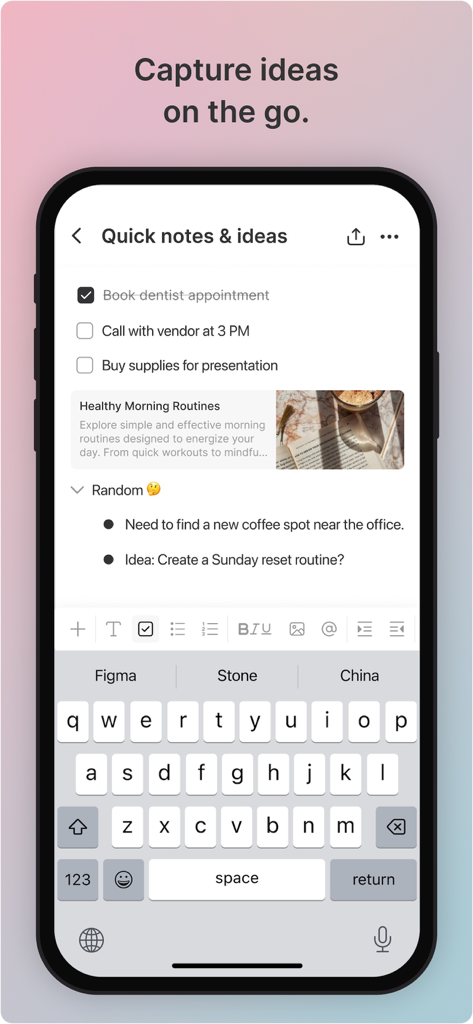
ByDesign app interface on an iPhone showing a quick notes screen with a checklist and nested ideas.
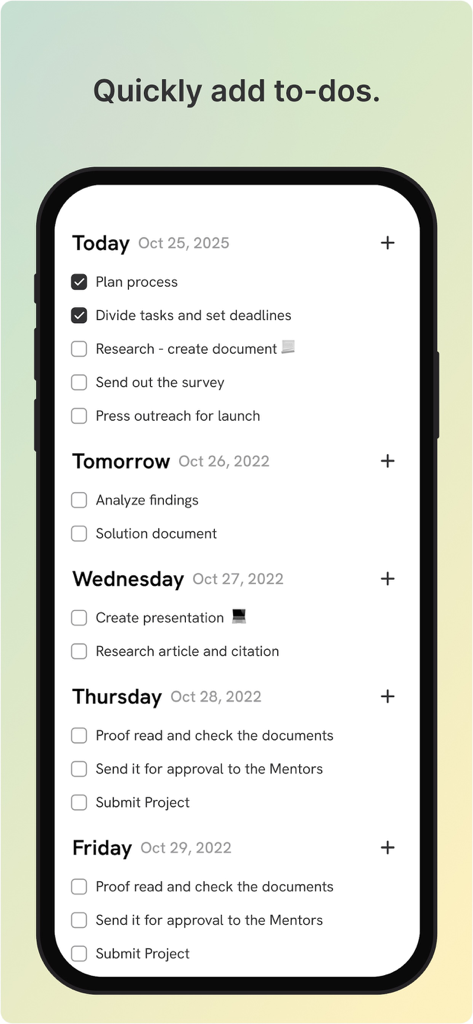
A mobile phone screen showing the ByDesign app with a weekly task list and checkboxes organized by date.
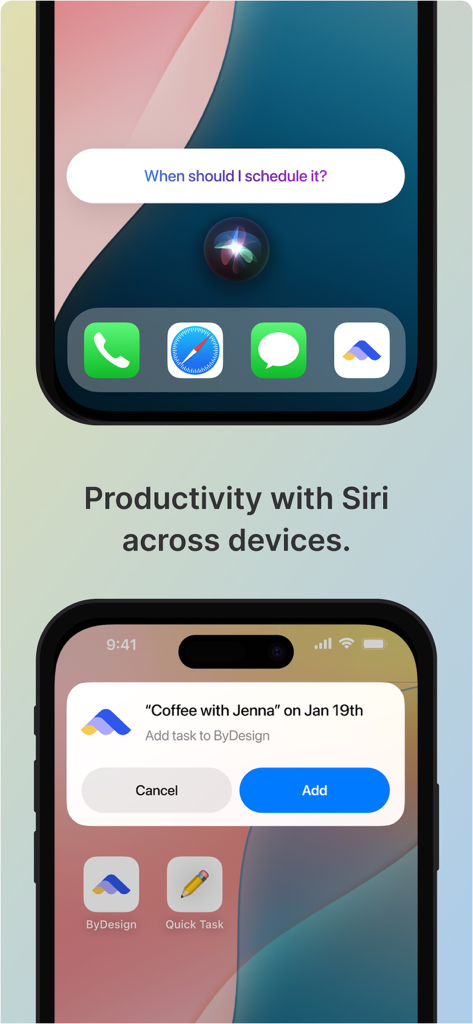
ByDesign app integration with Siri for voice-controlled task scheduling on iPhone
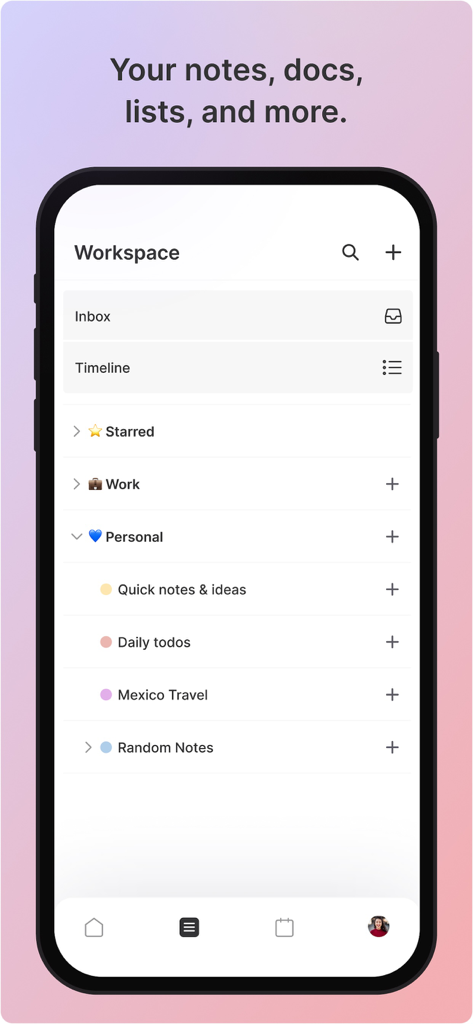
A mobile app interface displaying an organized workspace with folders for personal notes, daily todos, and travel plans.
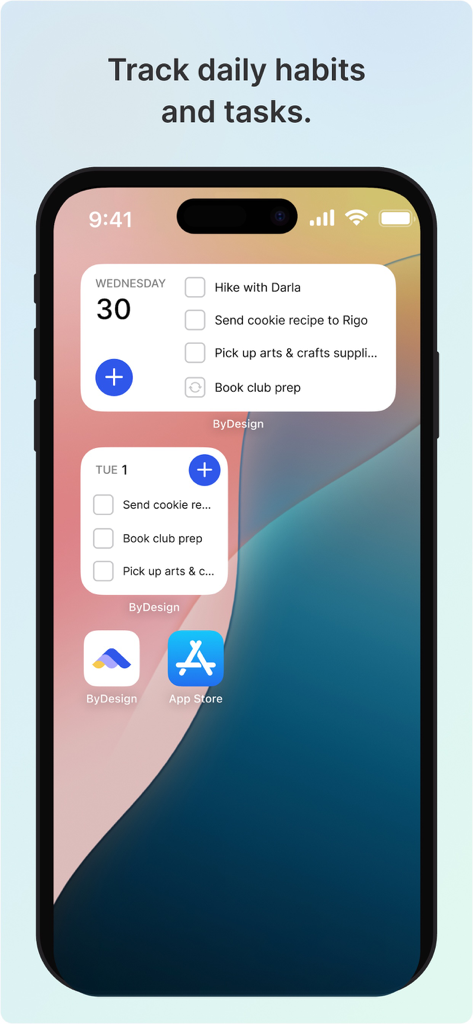
iPhone home screen with ByDesign widgets displaying a daily task list and schedule.
Description
Download
More Like This
Top-ranked apps in the same category

ChatGPT
OpenAI OpCo, LLC

Google Gemini
Google LLC

Grok
X.AI Corporation

Gmail - Email by Google
Google LLC

千问 - 阿里最强大模型官方AI助手
Shanghai Zhixin Puhui Technology Co., Ltd.

Google Drive
Google LLC

Microsoft Authenticator
Microsoft Corporation

Google Sheets
Google LLC

Google Docs
Google LLC
This page is not an official page of the app or its developer, but an independent editorial publication created for informational and commentary purposes. Unless expressly stated otherwise, neither the app nor its developer is affiliated with, endorsed by, sponsored by, authorized by, or otherwise officially connected with MWM, Apple, Google Play, the app publisher, or the app's developer, and nothing on this page implies that the app was developed using MWM's services. Any trademarks, logos, screenshots, and other content remain the property of their respective owners.