
This page is not an official page of the app or its developer, but an independent editorial publication created for informational and commentary purposes. Unless expressly stated otherwise, neither the app nor its developer is affiliated with, endorsed by, sponsored by, authorized by, or otherwise officially connected with MWM, Apple, Google Play, the app publisher, or the app's developer, and nothing on this page implies that the app was developed using MWM's services. Any trademarks, logos, screenshots, and other content remain the property of their respective owners.
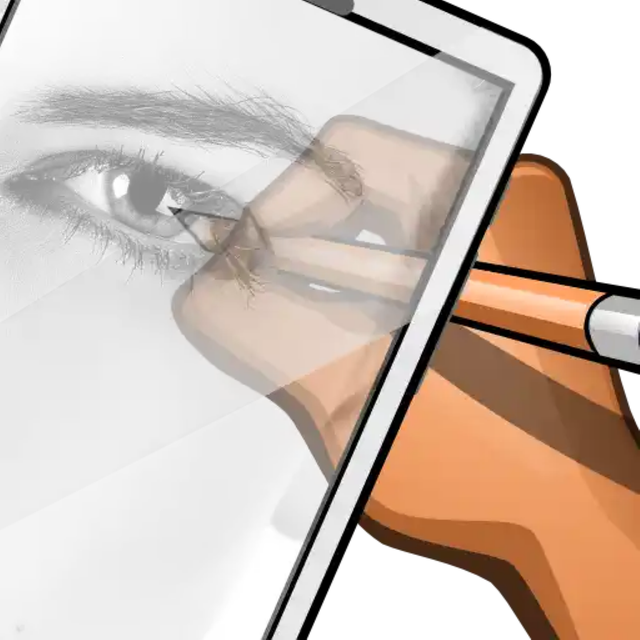

Calca app
Turn your iPhone or iPad into a modern camera lucida. Effortlessly transfer any image, web capture, or 1,550+ custom fonts onto paper, journals, or even walls to create stunning murals and professional-grade art.
Downloads
493K+User Rating
Total Ratings
300Publisher
Category
Graphics & DesignLocales
1Latest Version
222Size
76.5 MBFirst Released
Jun 19, 2021Master the Art of Tracing
CalcaApp bridges the gap between digital inspiration and physical creation, turning your device into a powerful camera lucida for murals, journals, and DIY projects.
Trace Anywhere, Anytime
Project any image from your gallery onto paper or walls to create stunning sketches and murals with professional precision.
1,550+ Custom Fonts
Perfect for bullet journaling and hand-lettering. Trace beautiful typography and scripts to elevate your personalized crafts.
Frequently Asked Questions
Everything you need to know about Calca app
What is CalcaApp?
CalcaApp is a customizable tool for transferring images from a device or camera to paper. It functions as a camera lucida or projector, facilitating artistic creations.
Can CalcaApp be used to draw on walls?
Yes, CalcaApp allows users to draw on walls. Hold the phone upright and look through it at the chosen image projected on the wall.
How does CalcaApp create a 3D effect in drawings?
CalcaApp enables a 3D effect by supporting the device with a 45-degree tilt using a stand. Demonstration videos are available on CalcaApp.com.
Is CalcaApp a free application?
Yes, CalcaApp is completely free for all users. All features are accessible at no cost without restrictions.
How can users remove ads in CalcaApp?
Users can remove advertising in CalcaApp using a point system at no cost. An active subscription also provides access to all unlocked features, including ad removal.
Does CalcaApp offer a subscription?
Yes, CalcaApp offers an annual subscription. This subscription grants access to all unlocked features, reflecting the app's continuous development.
What languages does CalcaApp support?
CalcaApp supports English, Spanish, Portuguese, Italian, Russian, French, Indonesian, German, and Arabic. Users enjoy the app in their preferred language.
What customization options are available in CalcaApp?
CalcaApp offers over 1550 fonts for text and design customization. The app is also customizable in various colors to enhance user inspiration.
Can CalcaApp capture web pages?
Yes, CalcaApp includes an improved web capture feature. Users convert favorite websites into images with a single tap.
Where can I find tutorials for CalcaApp?
Tutorials for CalcaApp are available on CalcaApp.Com. These resources help users maximize all features and tools within the application.
Does CalcaApp require camera permissions?
Yes, CalcaApp requires camera permission on your device. This allows users to view the chosen image through the camera in the drawing area.
Is CalcaApp easy to use for beginners?
CalcaApp requires practice to achieve good results. Demonstration videos are available on CalcaApp.com to guide users and improve their skills.
What is essential for CalcaApp to function correctly?
For CalcaApp to function correctly, the device must focus on the drawing area, including paper, a wall, or the floor.
Does CalcaApp project images onto surfaces?
No, CalcaApp does not project images onto surfaces. A separate projector is necessary for image projection.
How can I prevent autofocus issues when using CalcaApp?
To prevent autofocus issues with CalcaApp, users must avoid passing their hand under the camera. Visual explanations are available on CalcaApp.com.
Is registration required to use CalcaApp?
No, registration is not required to use CalcaApp. Users access the app's features directly without creating an account.
How can users provide feedback for CalcaApp?
Users provide feedback and suggestions for CalcaApp by visiting erbolamm.com or apliarte.com. The app is under continuous development.
How can I select an image source to draw with CalcaApp?
CalcaApp allows users to select images from default options, local files, or directly from the device's camera.
How does CalcaApp assist in the drawing process?
CalcaApp overlays a chosen image onto the live camera feed. This allows users to trace or draw the image on paper or other surfaces beneath the device.
What future features are planned for CalcaApp?
CalcaApp plans to introduce image selection from the cloud and within the app, an image editor, and a capture history.
The following screenshots and description are sourced directly from the app's official store listing and are the property of the app developer.
App Store
Screenshots
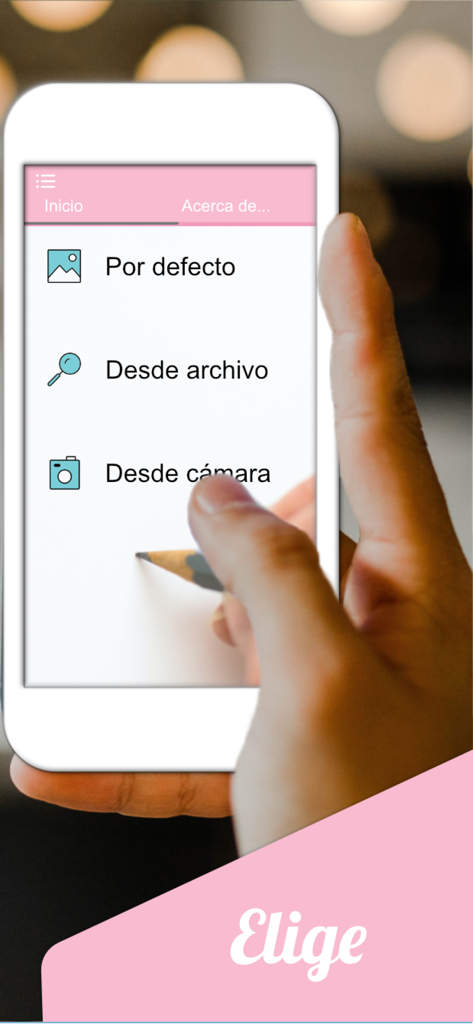
Calca app interface showing options to import images for drawing on paper or walls
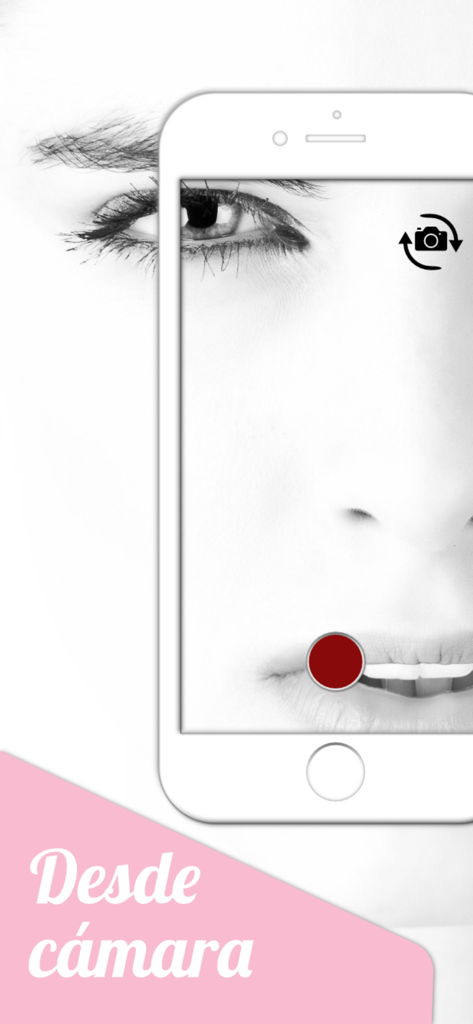
Calca app camera mode showing a face photo for tracing and drawing

A smartphone showing the Calca app image gallery selection screen with various portrait photos and a cat image
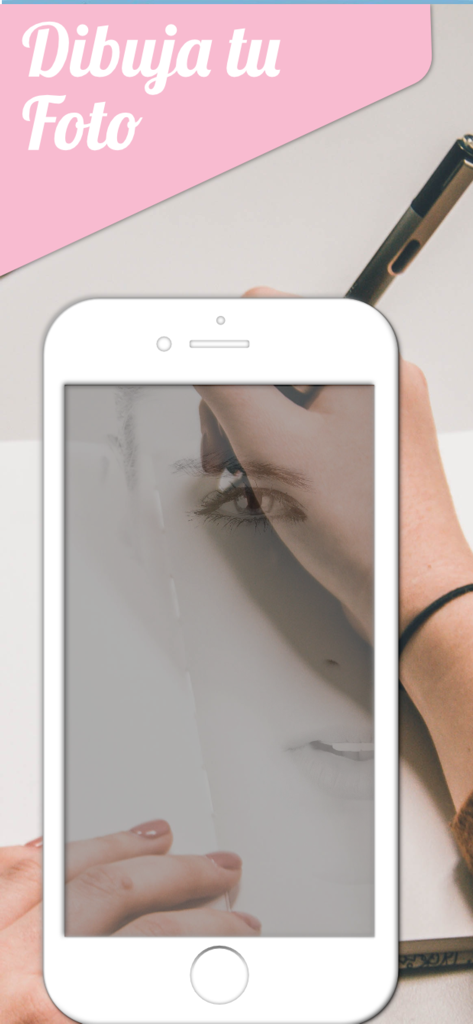
Smartphone displaying a face photo for tracing onto paper with a pen using Calca app
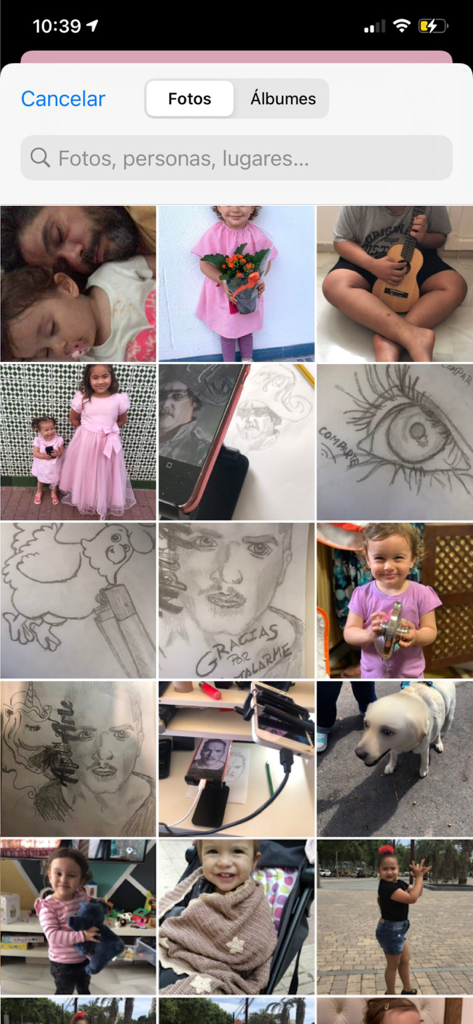
Interface of the Calca app showing the iOS photo gallery grid with personal photos and sketches for tracing selection.

A person using the Calca app to trace a photo of a boy playing a guitar using the camera lucida transparency feature
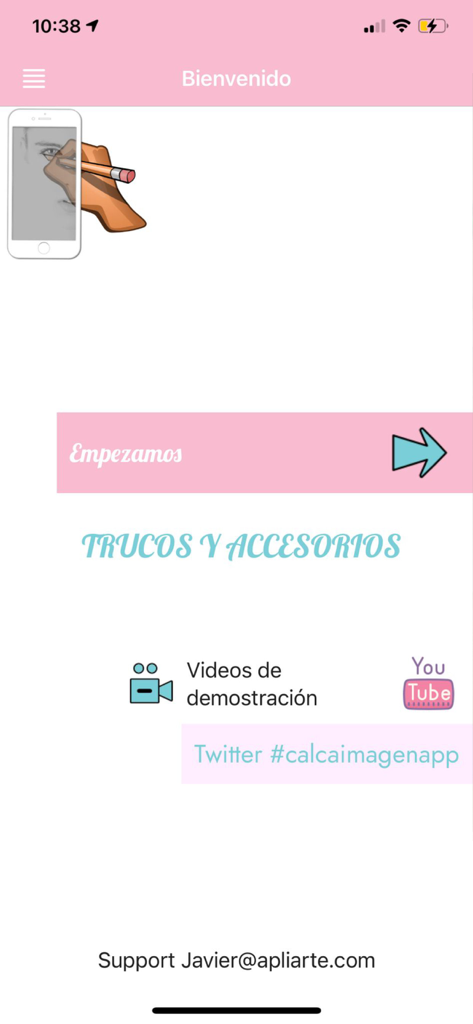
Welcome screen of the Calca app featuring a start button and drawing tutorial links
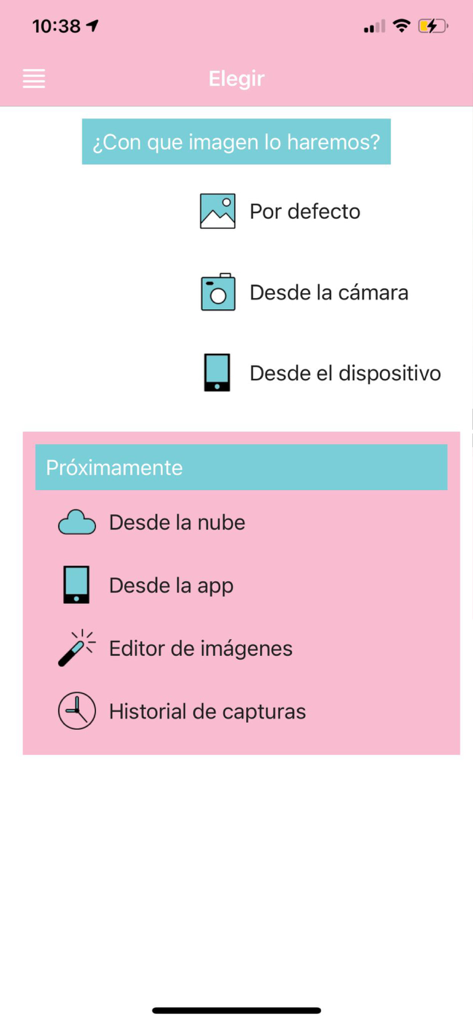
The image selection screen of the Calca app for choosing a picture to trace using the camera lucida feature.
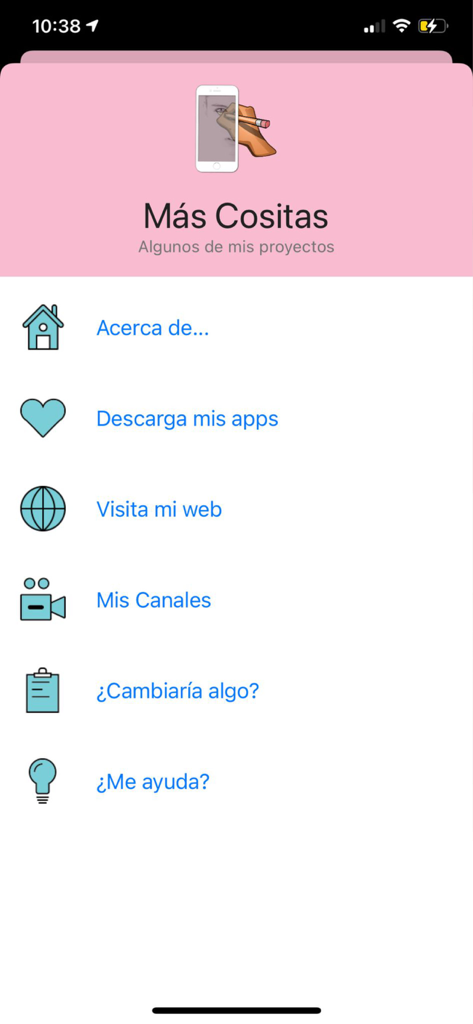
Calca app settings and more projects menu screen in Spanish
Description
Download
More Like This
Apps with similar features and user experience

AR Drawing Paint Sketch Trace
DROIDFUN LIMITED

Camera Lucida™: AR Drawing
Big Idea Design LLC

AR Drawing Sketch App: ArtEasy
SMDA GROUP SP Z O O SP KOMANDYTOWA

PicTrace: AR Drawing & Sketch
ANDROID VIETNAM TECHNOLOGY CORPORATION

AR Draw: Sketching & Painting
EIGEN SOFTWARE LIMITED

AR Drawing How to Draw Sketch
Magomed Dzhamalov

Da Vinci Eye: AR Trace & Draw
Da Vinci Eye LLC

AR Drawing - AR Sketch
Ketanbhai Khokhani

HEY CLAY®
HEY CLAY LTD
This page is not an official page of the app or its developer, but an independent editorial publication created for informational and commentary purposes. Unless expressly stated otherwise, neither the app nor its developer is affiliated with, endorsed by, sponsored by, authorized by, or otherwise officially connected with MWM, Apple, Google Play, the app publisher, or the app's developer, and nothing on this page implies that the app was developed using MWM's services. Any trademarks, logos, screenshots, and other content remain the property of their respective owners.