
This page is not an official page of the app or its developer, but an independent editorial publication created for informational and commentary purposes. Unless expressly stated otherwise, neither the app nor its developer is affiliated with, endorsed by, sponsored by, authorized by, or otherwise officially connected with MWM, Apple, Google Play, the app publisher, or the app's developer, and nothing on this page implies that the app was developed using MWM's services. Any trademarks, logos, screenshots, and other content remain the property of their respective owners.

Calculator XLt
Stop struggling with tiny screens. Get a clear, professional-grade experience with standard, scientific, loan, and tip calculators plus a kitchen-ready unit converter—all featuring the extra-large buttons you deserve.
Downloads
119K+User Rating
Total Ratings
0Publisher
Category
ProductivityLocales
4Latest Version
4.4Size
11.0 MBFirst Released
Nov 20, 2011The Last Calculator You'll Ever Need
Five essential tools in one reliable app. Say goodbye to small buttons and app clutter with a design built for clarity and everyday utility.
Easy to See, Easy to Use
Stop squinting at small numbers. Extra-large, illuminated buttons prevent typos and provide the tactile feel of a classic desk calculator.
5-in-1 Professional Toolkit
One app for everything. Instantly switch between standard, scientific, loan, and tip calculators without ever leaving the screen.
The following screenshots and description are sourced directly from the app's official store listing and are the property of the app developer.
App Store
Screenshots
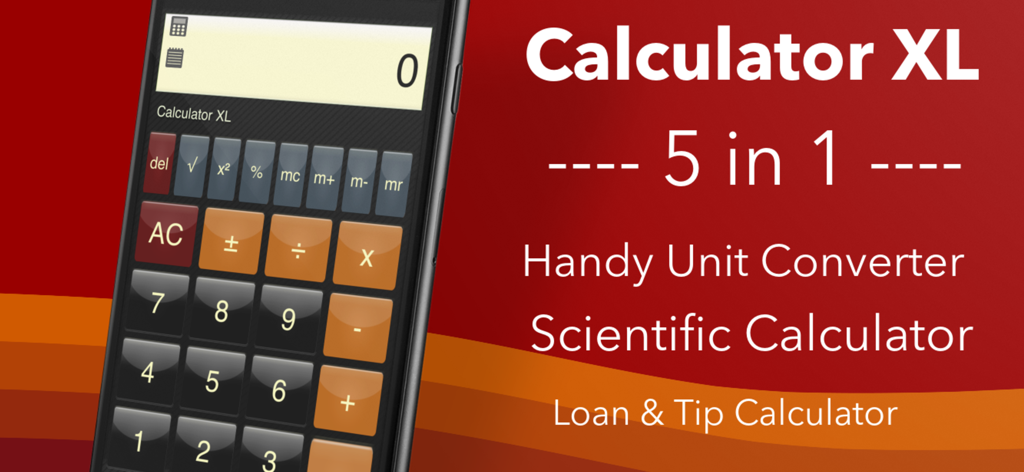
Promotional banner for Calculator XL showing 5 in 1 features including unit converter scientific calculator and loan and tip calculator
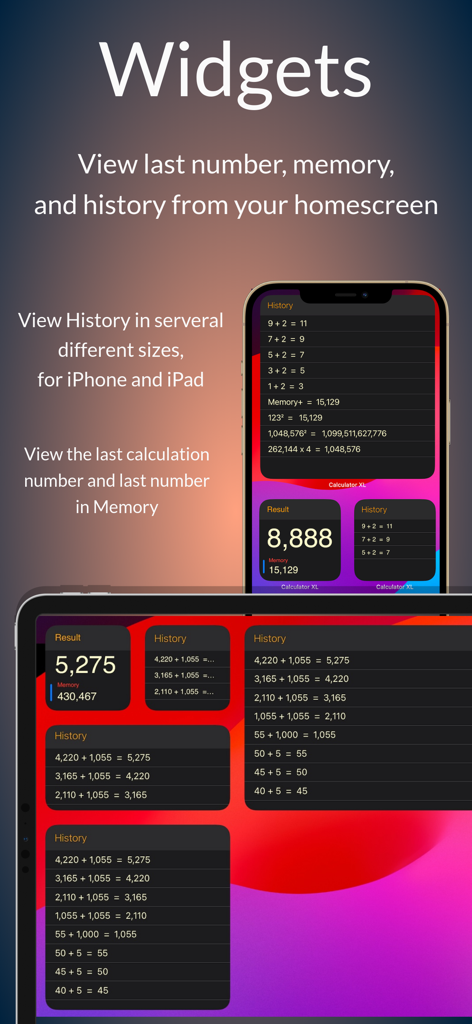
Calculator XLt widgets for iPhone and iPad displaying calculation history and memory results on the home screen
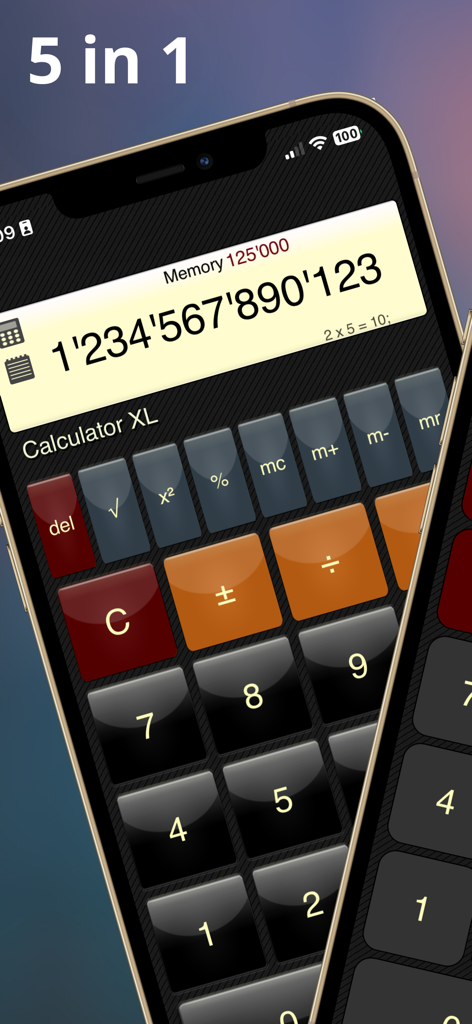
Calculator XLt app interface on iPhone featuring extra large illuminated buttons and a 5 in 1 feature label
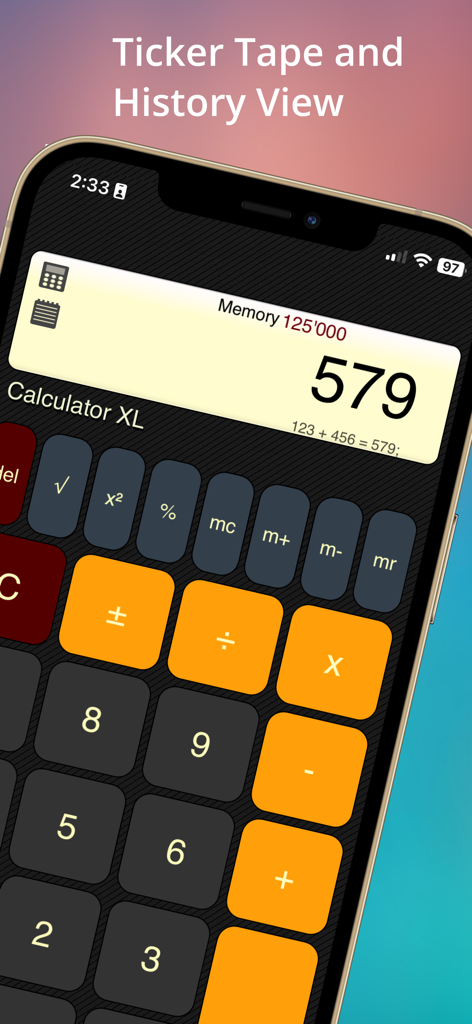
Calculator XLt interface on iPhone displaying the ticker tape history and large buttons
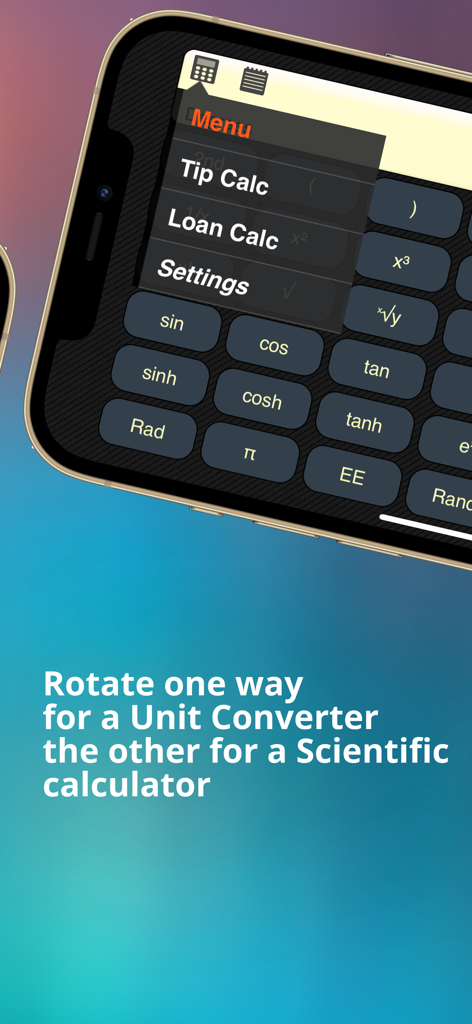
Scientific calculator interface for Calculator XLt showing mathematical functions and feature menu.
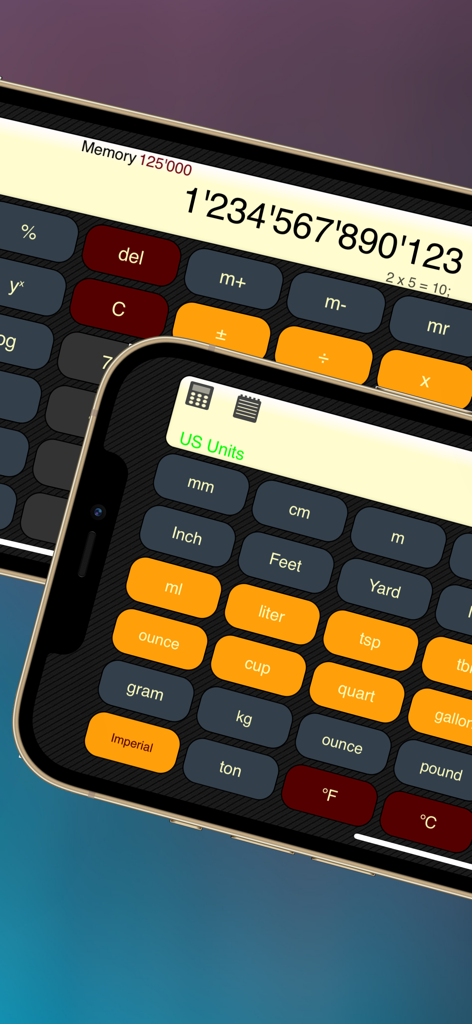
Interface of Calculator XLt app showing a standard calculator and a unit converter with large buttons on an iPhone
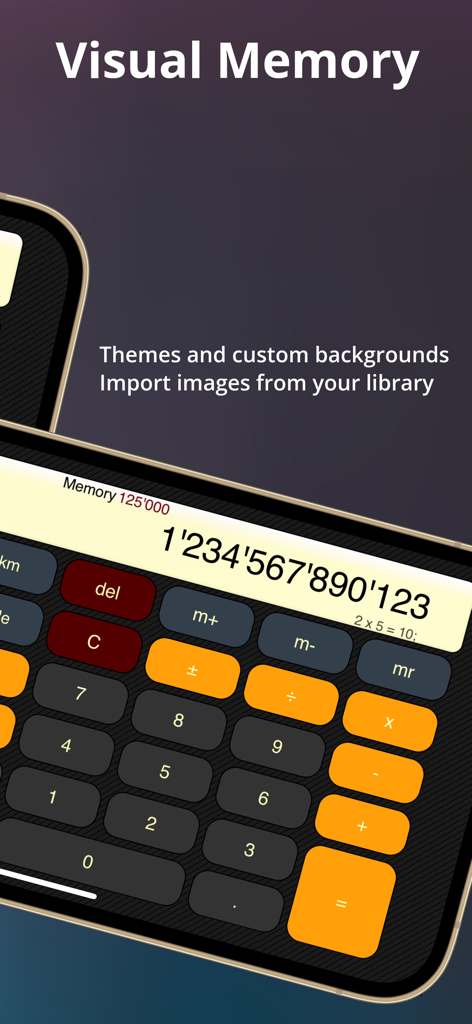
Calculator XLt app interface with large buttons and visual memory display
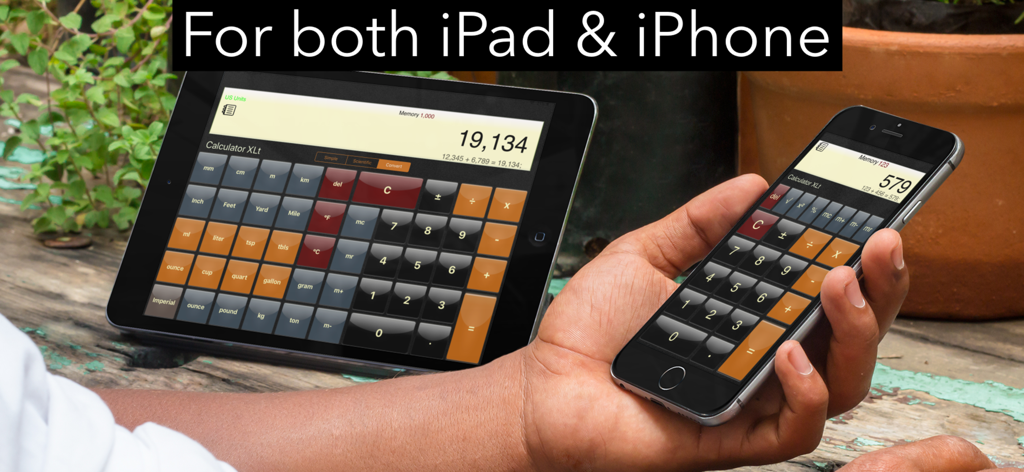
Calculator XLt app displayed on both an iPad and an iPhone showing large buttons and unit conversion features.
Description
Download
More Like This
Top-ranked apps in the same category

ChatGPT
OpenAI OpCo, LLC

Google Gemini
Google LLC

Grok
X.AI Corporation

Gmail - Email by Google
Google LLC

千问 - 阿里最强大模型官方AI助手
Shanghai Zhixin Puhui Technology Co., Ltd.

Google Drive
Google LLC

Microsoft Authenticator
Microsoft Corporation

Google Sheets
Google LLC

Google Docs
Google LLC
This page is not an official page of the app or its developer, but an independent editorial publication created for informational and commentary purposes. Unless expressly stated otherwise, neither the app nor its developer is affiliated with, endorsed by, sponsored by, authorized by, or otherwise officially connected with MWM, Apple, Google Play, the app publisher, or the app's developer, and nothing on this page implies that the app was developed using MWM's services. Any trademarks, logos, screenshots, and other content remain the property of their respective owners.