
This page is not an official page of the app or its developer, but an independent editorial publication created for informational and commentary purposes. Unless expressly stated otherwise, neither the app nor its developer is affiliated with, endorsed by, sponsored by, authorized by, or otherwise officially connected with MWM, Apple, Google Play, the app publisher, or the app's developer, and nothing on this page implies that the app was developed using MWM's services. Any trademarks, logos, screenshots, and other content remain the property of their respective owners.


Camera M - Pro Manual Camera
Unleash the full imaging power of your iPhone; this app delivers DSLR-level control without the bulk.
Downloads
25k+User Rating
Total Ratings
3.3KPublisher
Category
Photo & VideoLocales
5Latest Version
9.2.1Size
23.7 MBFirst Released
Aug 3, 2017An evaluation of core functionalities designed for serious iPhone photography enthusiasts and content creators.
Key Features Analysis: Camera M - Pro Manual Camera
Zero-Process RAW Support
This tool features zero-process RAW capture, ensuring that images retain maximum detail and dynamic range without internal processing, which is ideal for extensive post-production workflows.
Precision Focus Tools
This tool features advanced precision focus tools like focus peaking and a 4x magnifier loupe with panning, ensuring critical sharpness, especially in challenging manual focus scenarios.
Advanced Manual Controls
The app provides fluid gesture-based manual controls with fine-tuning capabilities, enabling precise adjustments over focus, exposure, and white balance for professional-grade results.
Real-time Exposure Analysis
It provides live RGB and RGB luminance histograms, allowing users to assess exposure accurately in real-time and avoid blown highlights or crushed shadows.
Manual White Balance Calibration
The app supports manual gray card calibration for white balance, enabling precise color accuracy and consistency across different lighting conditions.
Comprehensive Image Format Support
The app offers extensive support for various image formats, including ProRAW, RAW, HEIF, JPEG, TIFF, and PNG, providing flexibility for different shooting and editing requirements.
Intelligent Focus Tracking
This tool includes intelligent focus tracking, which helps maintain sharp focus on moving subjects, enhancing the success rate for dynamic action shots.
Max Image Processing
It incorporates Max Image Processing technology, which enhances image quality through superior noise reduction and stabilization across various iPhone models, delivering optimal output even without RAW.
The following screenshots and description are sourced directly from the app's official store listing and are the property of the app developer.
App Store
Screenshots
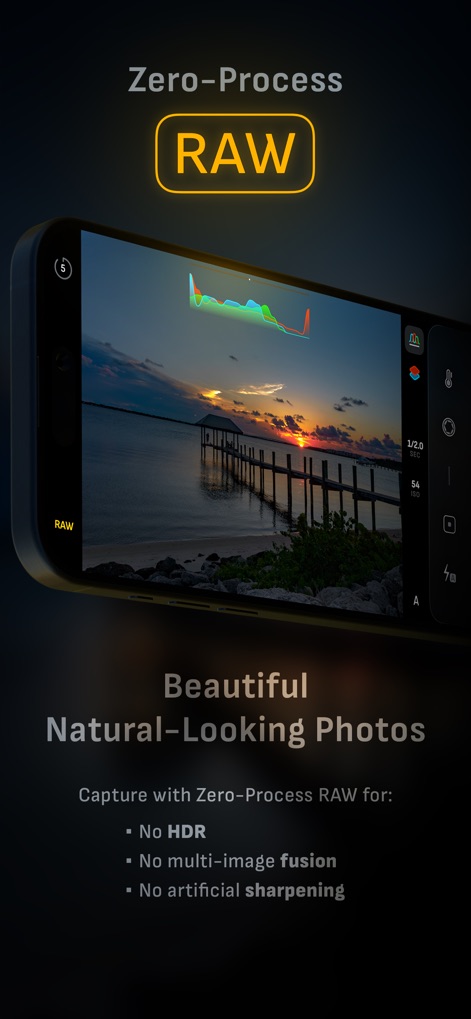
See how Camera M captures unadulterated RAW files, revealing beautiful natural-looking photos without HDR or multi-image fusion.
Zero-Process RAW Power
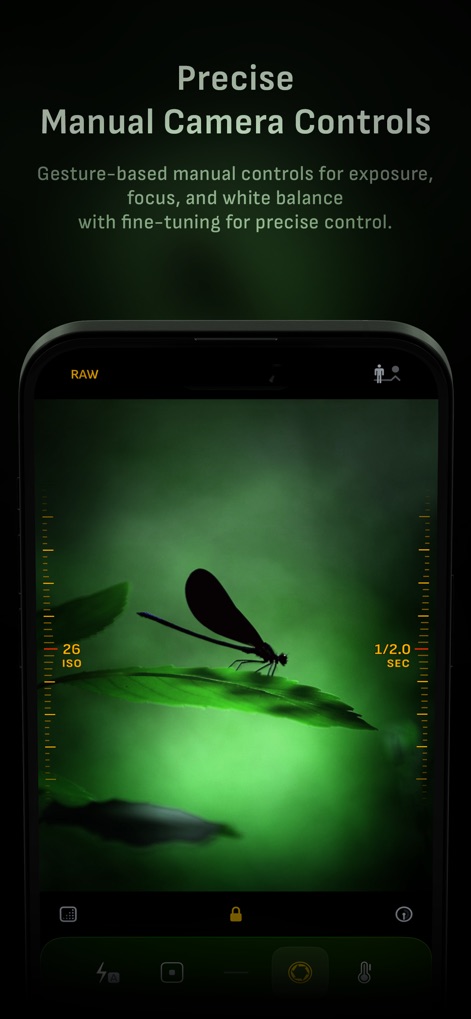
This tool offers precise gesture-based controls for ISO and exposure duration, enabling users to fine-tune every shot for creative control.
Manual Control Mastery
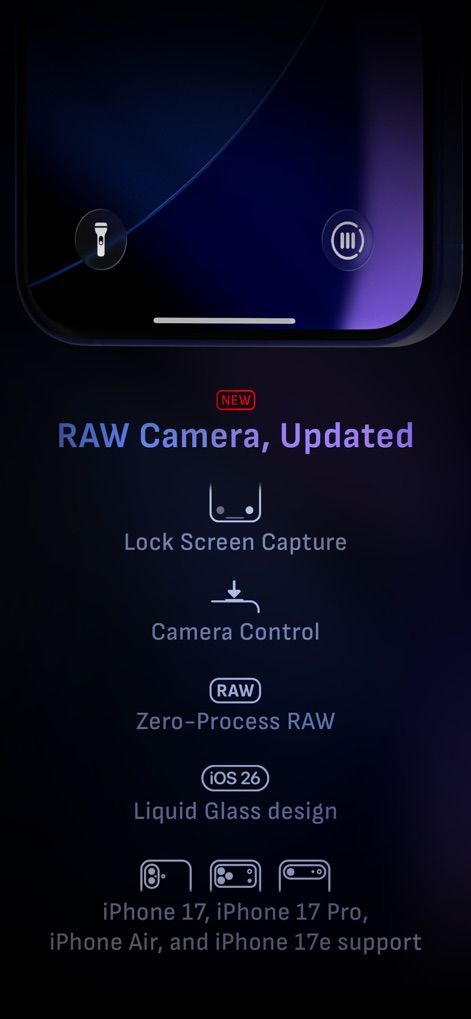
Discover the app's latest enhancements, including Lock Screen Capture and Zero-Process RAW, optimized with iOS 26 Liquid Glass design.
Next-Gen Camera Features
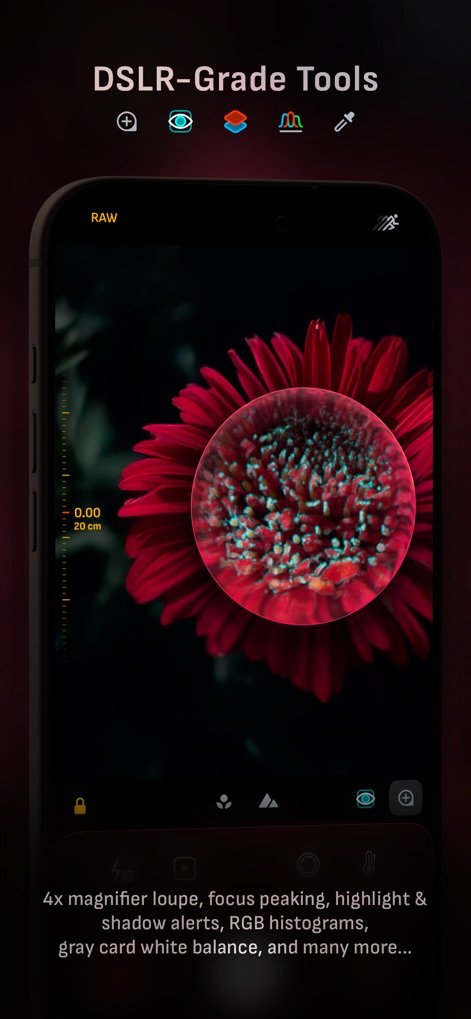
Users can achieve critical focus with the 4x magnifier loupe and analyze exposure using live RGB histograms for optimal results.
Professional Imaging Tools
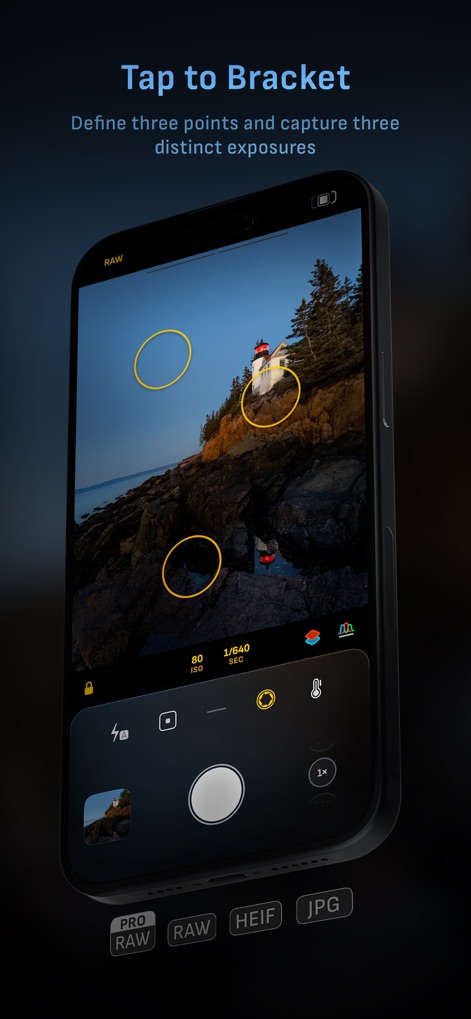
The app facilitates bracket shooting by allowing users to define three exposure points and capture distinct exposures with precision.
Advanced Bracketing Shots
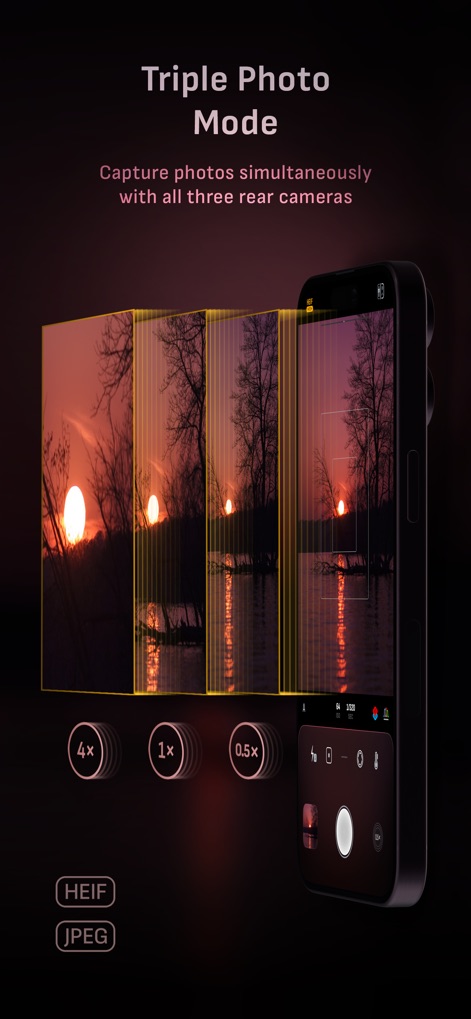
Explore the Triple Photo mode, capturing images concurrently with all three rear cameras, from 0.5x ultra-wide to 4x telephoto.
Simultaneous Multi-Camera Capture
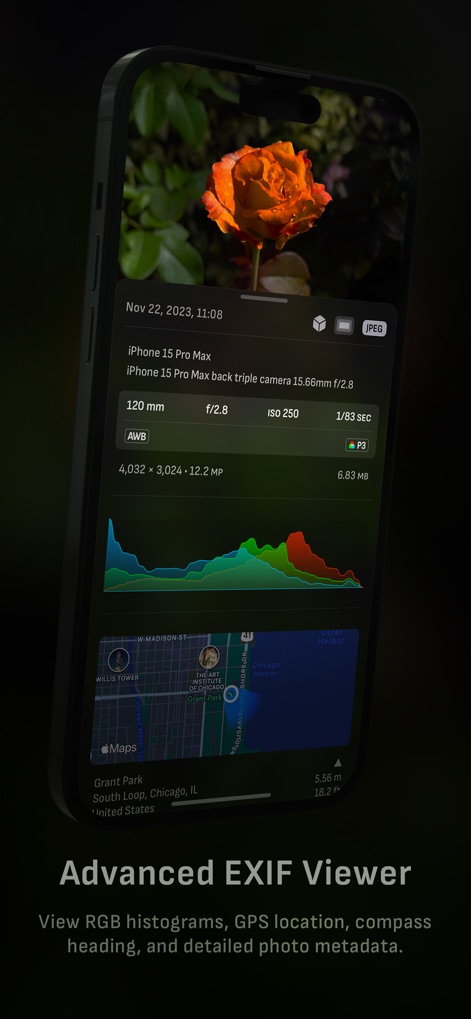
This tool provides an advanced EXIF viewer, displaying detailed metadata like RGB histograms and GPS location for every captured image.
Comprehensive Photo Data
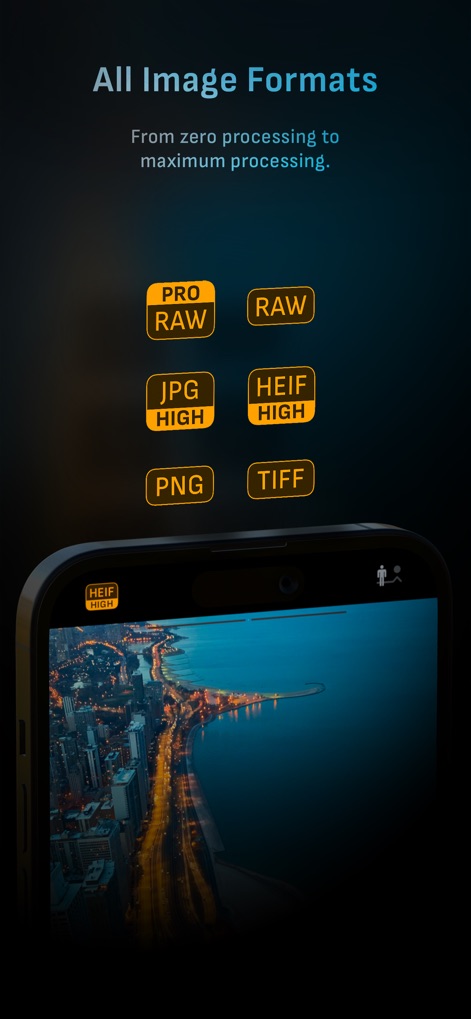
The app supports a wide range of output options, from uncompressed ProRAW and RAW to efficient HEIF and JPEG, ensuring maximum flexibility.
Versatile Image Formats
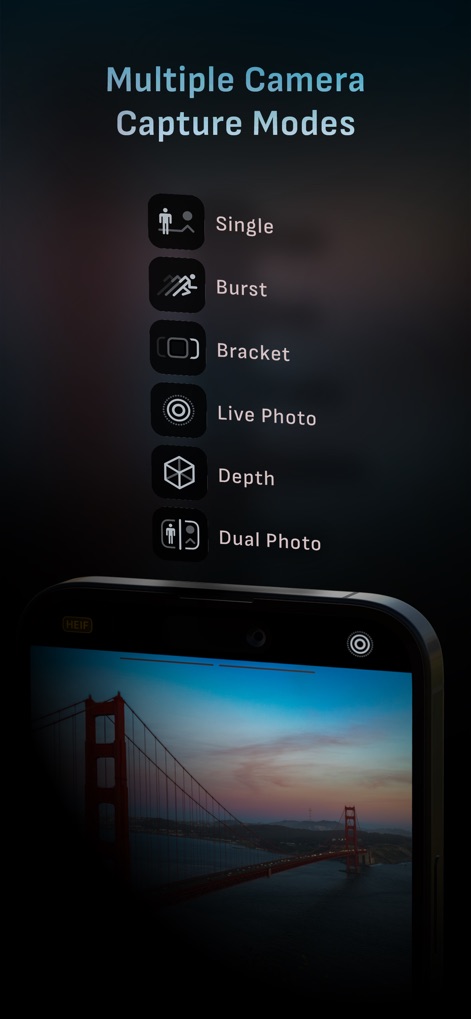
Users can choose from multiple capture options, including Burst mode for action sequences and Depth mode for stunning portraits.
Diverse Shooting Modes
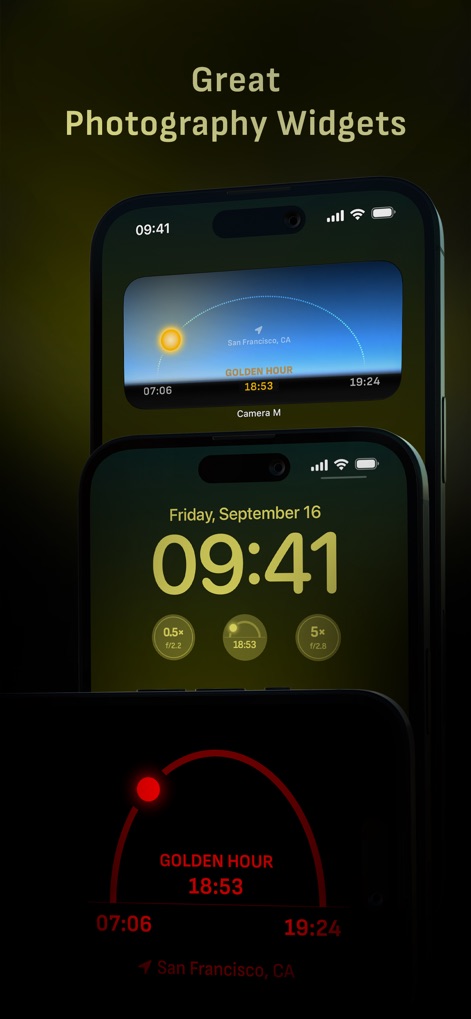
Enhance planning with widgets like the Golden Hour display and control camera functions directly from the Lock Screen for quick access.
Smart Photography Widgets
Description
Download
More Like This
Top-ranked apps in the same category

CapCut: Photo & Video Editor
BYTEDANCE PTE. LTD.

Instagram, Inc.

YouTube
Google LLC

Canva: AI Photo & Video Editor
Canva Pty Ltd

Snapchat
Snap, Inc.

快手
Beijing Kwai Technology Co., Ltd.

Edits: Video Editor
Instagram, Inc.

Meitu- AI Photo & Video Editor
Xiamen Meitu Technology Co., Ltd.

Google Photos: Backup & Edit
Google LLC
This page is not an official page of the app or its developer, but an independent editorial publication created for informational and commentary purposes. Unless expressly stated otherwise, neither the app nor its developer is affiliated with, endorsed by, sponsored by, authorized by, or otherwise officially connected with MWM, Apple, Google Play, the app publisher, or the app's developer, and nothing on this page implies that the app was developed using MWM's services. Any trademarks, logos, screenshots, and other content remain the property of their respective owners.