Camera Scanner - PDF

Camera Scanner - PDF

Download on App Store
Logo of Camera Scanner - PDF

Camera Scanner - PDF: Your High-Performance Portable Office

Scan, edit, and sign documents instantly with pixel-perfect precision. Leverage powerful OCR to turn paper into editable text and keep your professional life organized, secure, and entirely paperless.

Publisher

Position Mobile Ltd SEZC

Category

Business

Downloads

3M+

User Rating

4.4/5

Total Ratings

10K+

Locales

8

Your Office, Reimagined

Discover the interface used by 3M+ users.
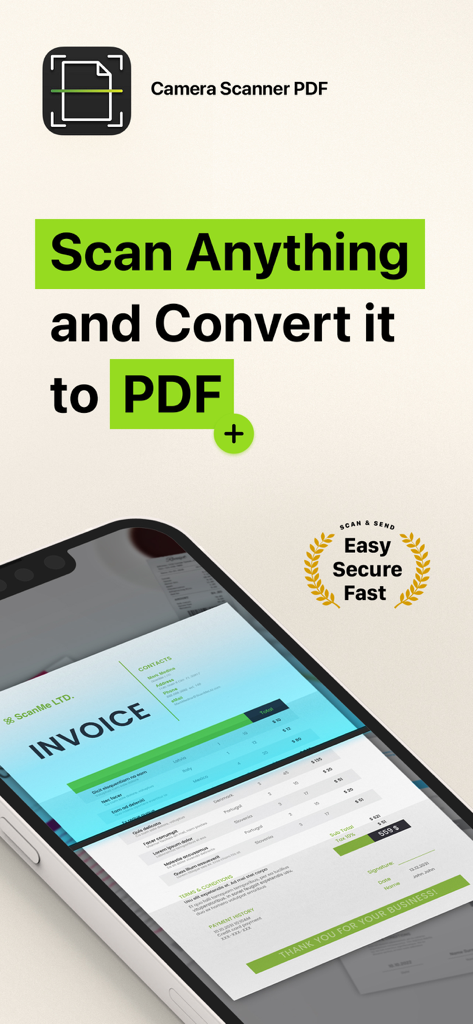
Camera Scanner PDF app interface showing an invoice being scanned on a smartphone screen

Camera Scanner PDF app interface showing an invoice being scanned on a smartphone screen

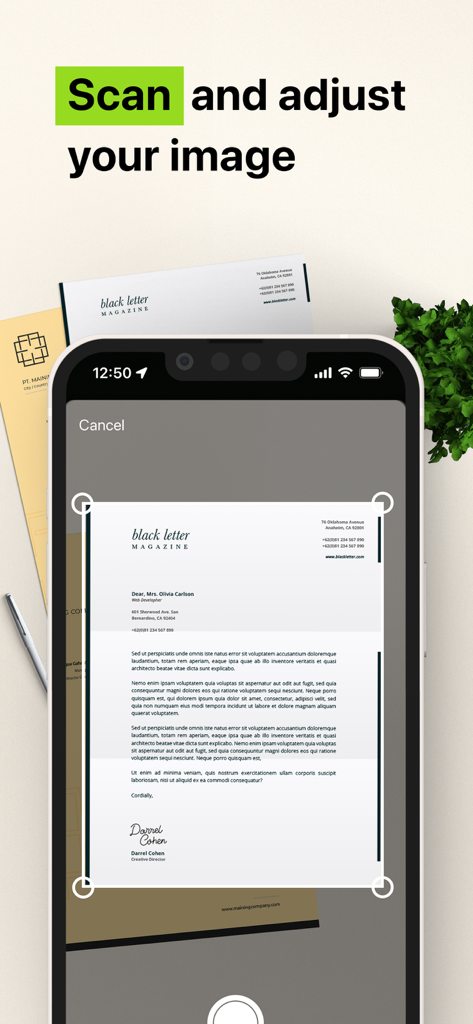
Mobile app interface showing a smartphone scanning and adjusting a paper document into a PDF

Mobile app interface showing a smartphone scanning and adjusting a paper document into a PDF

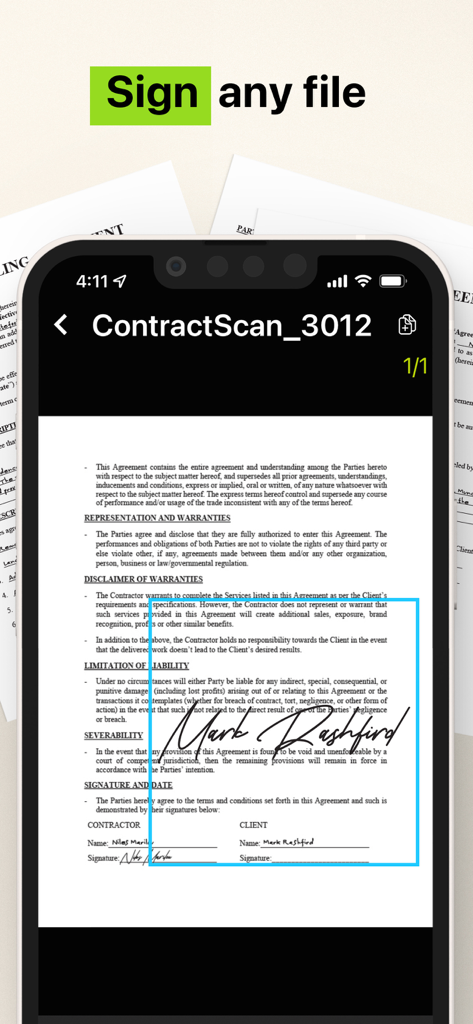
A smartphone interface showing a signed legal contract using the Camera Scanner PDF app

A smartphone interface showing a signed legal contract using the Camera Scanner PDF app

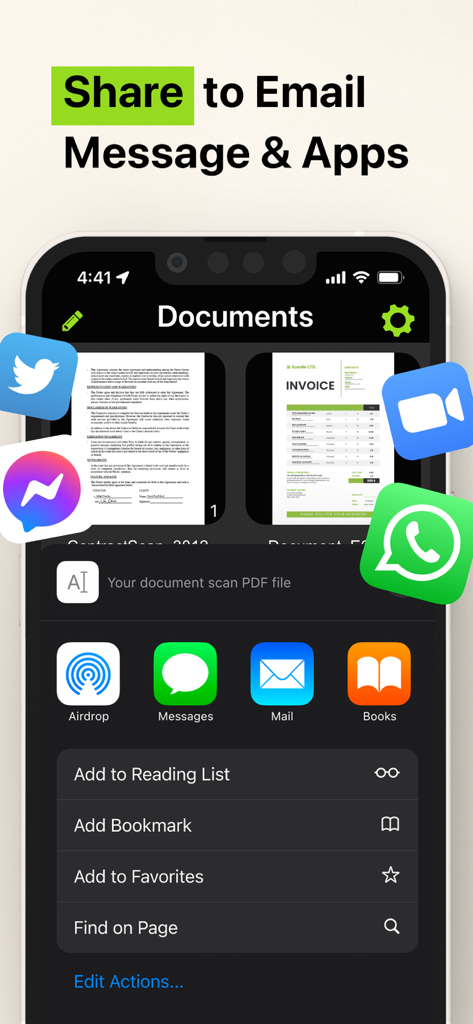
Sharing interface of Camera Scanner PDF app showing options for email and messaging apps

Sharing interface of Camera Scanner PDF app showing options for email and messaging apps

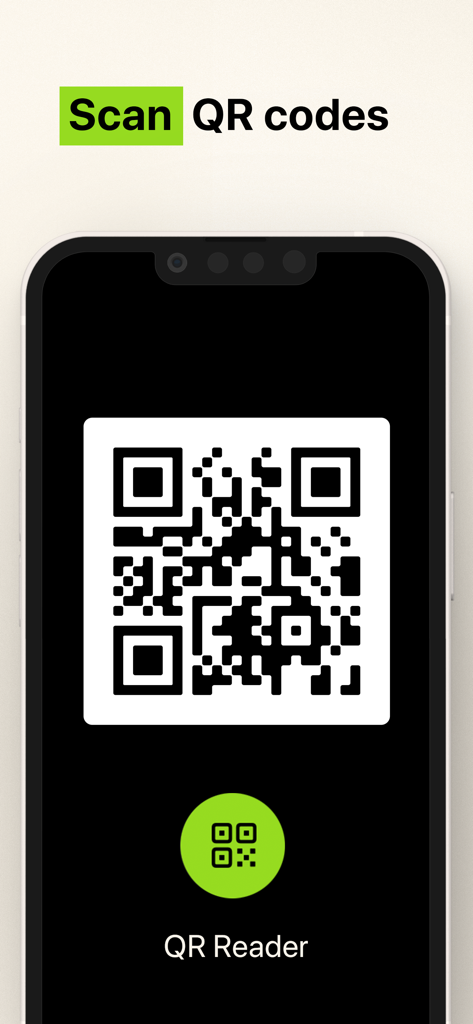
Interface for scanning QR codes with the Camera Scanner app

Interface for scanning QR codes with the Camera Scanner app

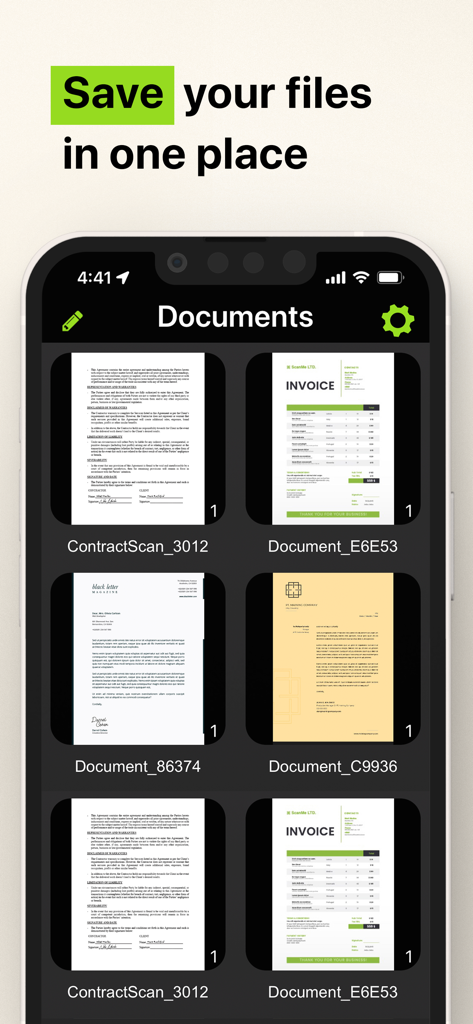
Mobile app interface showing scanned invoices and contracts saved in one place

Mobile app interface showing scanned invoices and contracts saved in one place

Your Entire Office, Right in Your Pocket

The tools that make this app stand out, trusted by 3M+ users.

πŸ“

Smart OCR Text Extraction

Instantly turn printed or handwritten text into editable digital files. Save hours of manual typing with our powerful character recognition engine.

✍️

Sign & Secure On the Go

Finalize contracts in seconds with secure digital signatures. Store sensitive IDs and tax forms locally on your device for maximum privacy.

πŸ“‚

Pixel-Perfect Organization

Keep your life clutter-free. Organize unlimited scans into custom folders and share professional-grade PDFs instantly via Slack, email, or text.

Review Analysis

Insights from user reviews.

Sentiment Score

7%
Negative

Summary

Users express extreme dissatisfaction with this mobile app, primarily due to its aggressive and deceptive subscription model. Many reviews highlight unexpectedly high weekly charges, often incurred automatically after a short or misleading free trial, leading to significant financial frustration. A substantial number of users report considerable difficulty in cancelling subscriptions, with the app lacking clear in-app options, contributing to ongoing unwanted billing and a prevalent feeling of being scammed. Additionally, some users experienced functional shortcomings, such as the app not working as advertised or producing overly large files.

Common Themes

High Subscription Cost(25)
Automatic Charges(22)
Difficulty Cancelling(18)
App Functionality Issues(12)
Scam Allegations(9)
Misleading Free Trial(9)

About the app

Everything you need to know about Camera Scanner - PDF.

Description

The Camera Scanner - PDF app offers you the most accurate PDF scanning capabilities using our powerful text editing (OCR) engine. With enhanced Optical Character Recognition software, you can now edit and sign documents much easier. Your device will become your essential portable document scanner. Manage an endless number of files and folders with just a few taps and keep all your documents securely in one place. You can even share your favorite documents with others easily and immediately or sign them. Use your phone to scan any hand written, printed or graphic material such as: - Contracts - Business Cards - Expenses - School or university documents - Books - Notes - IDs (Driver's License, Passports, Personal Identification, etc) - Tax Forms & Tax Documents PDF Document Scanner with OCR app is easier than ever to use and with a pixel perfect design. Simply follow these easy steps: - SCAN documents from your camera, photos or even from your clipboard - EDIT your documents in order to fit your needs (crop, blur and use many other filters) - PRINT or SHARE your PDF files with anyone via email, message or any other platform that you use - COPY TEXT from your digital scans - STORE securely all your documents on your device with no additional cloud storage cost involved - SIGN your docs in a secure environment This app is your best ally for scanning purposes! -------------------------------------- PDF Document Scanner with OCR Premium Subscription -------------------------------------- Upgrade to the Premium version in order to: - Share your files with no limits - Use our powerful character recognition engine (OCR) to copy and edit text from your scanned files - Enjoy an ad-free experience Document Scanner – PDF, OCR app has different subscription plans. Subscription payments are charged to your iTunes account at confirmation of purchase. Subscription automatically renews unless auto-renew is turned off at least 24 hours before the end of the current subscription period or trial. Subscriptions starting with a trial automatically renew for the indicated price after the trial period ends. Any unused portion of a free trial period, if offered, will be forfeited when you purchase a premium subscription during the trial period. Subscriptions may be managed by you and auto-renewal may be turned off by going to your Account Settings after purchase ("Settings" -> "iTunes & App Store" -> "Apple ID" and select "Subscriptions") * Link to Terms of Use: http://iosdocumentscanner.com/pp.html#terms-of-service * Link to Privacy Policy: http://iosdocumentscanner.com/pp.html#privacy-policy

Latest Version

15.5

Size

81.6 MB

First Released

Aug 12, 2020

Your Entire Office, Perfected for Your Pocket

Join over 3 million professionals transforming how they work. Get the most accurate OCR scanner to sign, edit, and secure your documents today.

Download on App Store

App information, icons, screenshots, and descriptions displayed on this page are sourced from the Apple App Store and are the property of their respective developers. Download estimates and rankings are based on MWM's proprietary models and may not reflect actual figures. This page is provided for informational and analytical purposes only.

Believe this page infringes your intellectual property? File a dispute