
This page is not an official page of the app or its developer, but an independent editorial publication created for informational and commentary purposes. Unless expressly stated otherwise, neither the app nor its developer is affiliated with, endorsed by, sponsored by, authorized by, or otherwise officially connected with MWM, Apple, Google Play, the app publisher, or the app's developer, and nothing on this page implies that the app was developed using MWM's services. Any trademarks, logos, screenshots, and other content remain the property of their respective owners.


CameraFi Live
Transform your iPhone into a pro broadcast station. Connect DSLRs, stream in 4K, and add real-time scoreboards or overlays to YouTube, Twitch, and Facebook.
Downloads
306K+User Rating
Total Ratings
500Publisher
Category
Photo & VideoLocales
18Latest Version
2.60Size
85.2 MBFirst Released
Jun 1, 2023Pro-Level Broadcasting from Your Pocket
Transform your smartphone into a complete live production studio. CameraFi Live brings professional-grade editing, external hardware support, and high-definition streaming to your mobile workflow.
Pro Camera & Gear Integration
Go beyond the selfie lens. Connect your DSLR, camcorder, or drone via USB or Accsoon SeeMo to broadcast with cinematic quality and professional optics.
Live Graphics & Scoreboards
Level up your production value with real-time sports scoreboards, image overlays, and Streamlabs alerts—all managed directly from your screen during the stream.
Frequently Asked Questions
Everything you need to know about CameraFi Live
What is CameraFi Live?
CameraFi Live is an all-in-one app for recording and live streaming content on platforms like YouTube, Facebook, and Twitch. It offers high-quality video, effects, and real-time editing features.
Which streaming platforms does CameraFi Live support?
CameraFi Live supports streaming to YouTube, Facebook, Twitch, OBS, vMix, RTMP, and SRT. It also integrates with Restream and OBS Studio for broader reach.
Can I connect external cameras to CameraFi Live?
Yes, CameraFi Live connects external USB cameras including camcorders, DSLRs, webcams, and drones to your smartphone. It supports Accsoon SeeMo for professional camera use.
Does CameraFi Live allow custom overlays during a live stream?
Yes, CameraFi Live allows users to add image and text overlays during live streams. It also supports web browser overlays for integrating donation/subscription alert platforms like Streamlabs.
What video resolutions does CameraFi Live support for streaming?
CameraFi Live supports video sizes from SD (640×480) up to UHD (4K, 3840x2160). The specific resolutions available depend on the streaming platform and smartphone model.
Can I interact with viewers using CameraFi Live?
Yes, CameraFi Live enables real-time interaction with viewers through its chat feature. Users can watch and respond to chat messages, and Super Chat is also supported.
Does CameraFi Live offer animation effects for streams?
Yes, CameraFi Live provides diverse motion effects. Users can add sports scoreboards, subtitles, and animation effects to their live streams to engage viewers effectively.
Can I save my live streams with CameraFi Live?
Yes, CameraFi Live allows saving live-streaming videos directly to your smartphone's memory. This feature facilitates creating highlight videos from your broadcasts afterward.
What encoders does CameraFi Live use for streaming?
CameraFi Live utilizes H.264 and HEVC encoders for video processing. These industry-standard encoders ensure efficient compression and high-quality output for live streams.
How do I provide feedback or report issues for CameraFi Live?
You provide feedback or report bugs via the in-app feedback button in CameraFi Live. Navigate to settings, then Feedback, to suggest a feature or report an issue.
The following screenshots and description are sourced directly from the app's official store listing and are the property of the app developer.
App Store
Screenshots
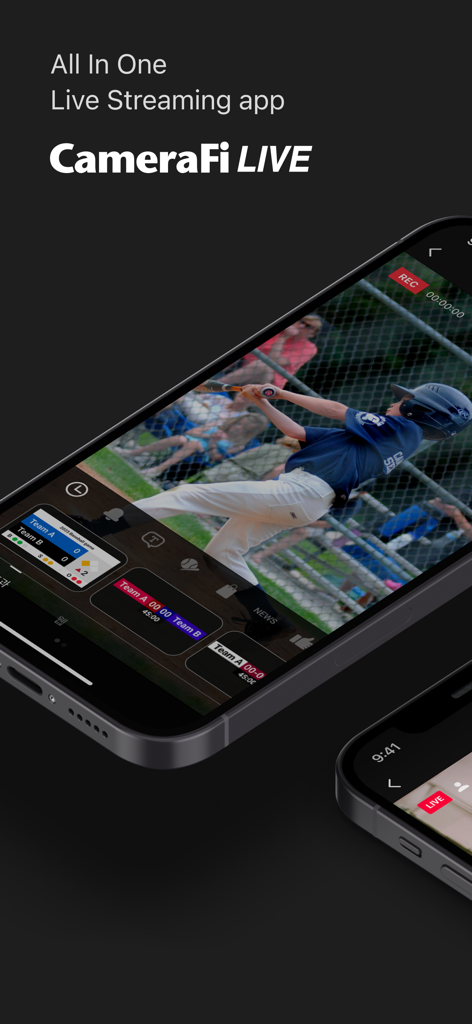
CameraFi Live app interface showing a live baseball game with professional scoreboard overlays on a smartphone
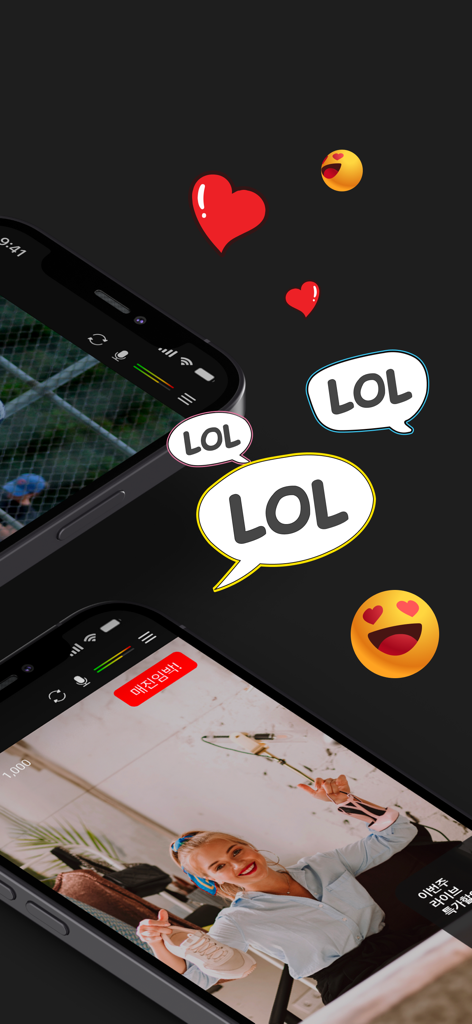
CameraFi Live app interface showing social engagement with hearts and LOL bubbles over sports and live commerce streams
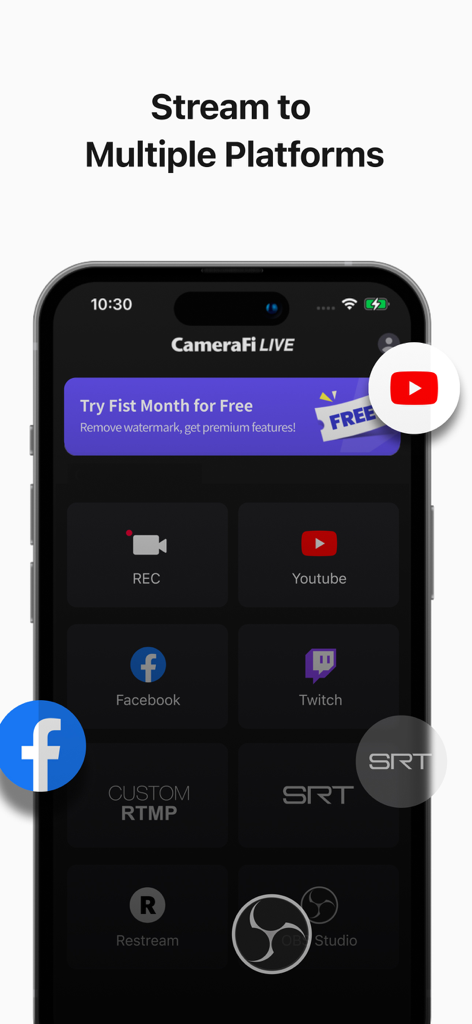
A smartphone screen displaying CameraFi Live app streaming options for multiple platforms like YouTube and Facebook
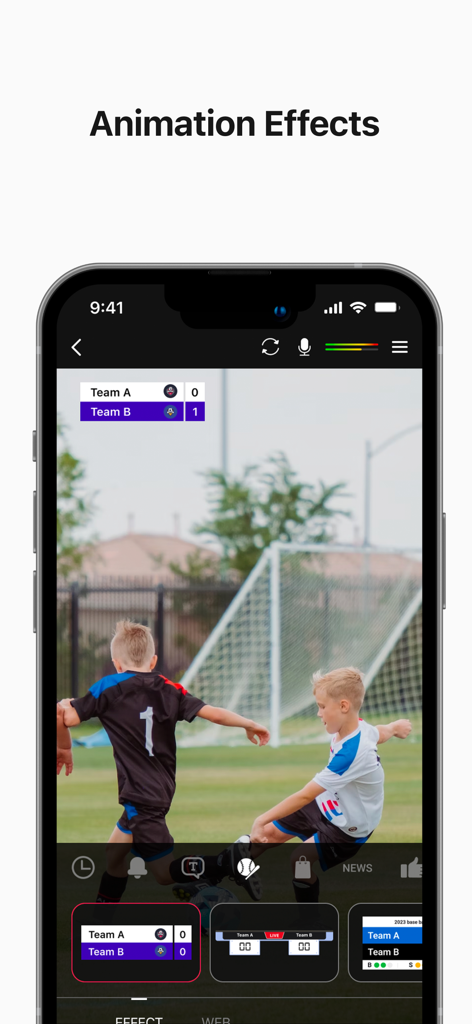
Live stream of a soccer match with a professional scoreboard overlay in the CameraFi Live app
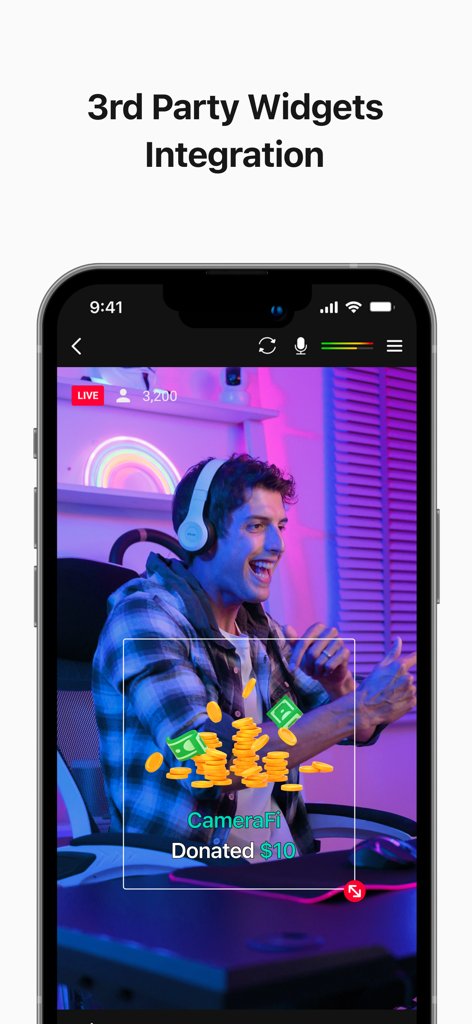
CameraFi Live app interface showing a third party donation widget overlay during a live stream
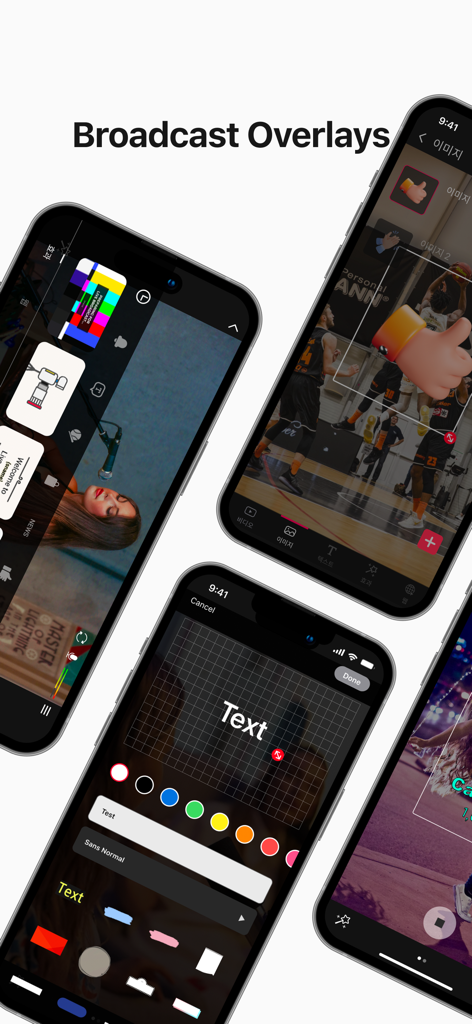
CameraFi Live app interface for adding image and text overlays to a live broadcast.
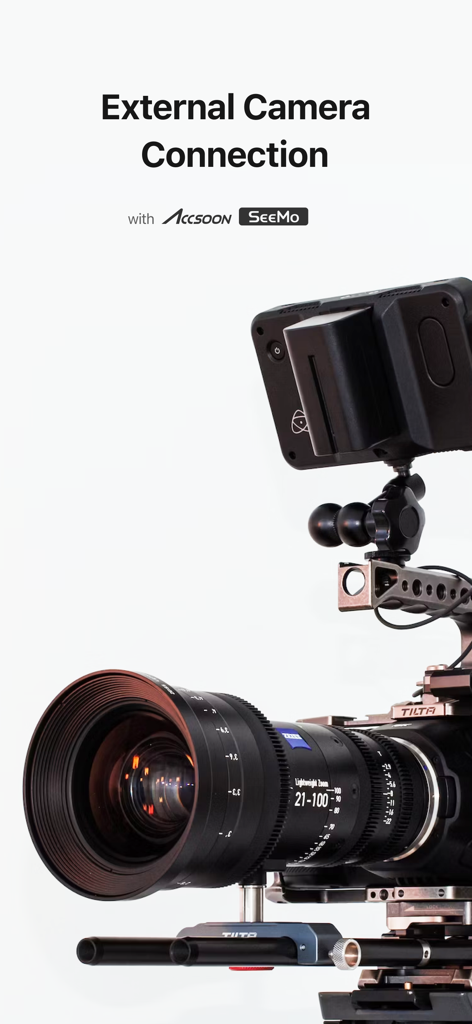
Professional camera setup showing external camera connection for CameraFi Live using Accsoon SeeMo
Description
Download
More Like This
Apps with similar features and user experience
Camo Studio – Stream & Record
Reincubate Ltd

Switcher: Live Streaming App
Switcher Inc.
Logitech Mevo Multicam
Logitech Inc.

Logitech Mevo
Logitech Inc.

Lazy Lighting
AUDITY APPS LLC

Larix Broadcaster: Live Stream
Furtree Systems, Inc.

ManyCam - Easy live streaming.
AVM Software, Inc

RTMP Live Streaming Publisher
WarthogLab
This page is not an official page of the app or its developer, but an independent editorial publication created for informational and commentary purposes. Unless expressly stated otherwise, neither the app nor its developer is affiliated with, endorsed by, sponsored by, authorized by, or otherwise officially connected with MWM, Apple, Google Play, the app publisher, or the app's developer, and nothing on this page implies that the app was developed using MWM's services. Any trademarks, logos, screenshots, and other content remain the property of their respective owners.