
This page is not an official page of the app or its developer, but an independent editorial publication created for informational and commentary purposes. Unless expressly stated otherwise, neither the app nor its developer is affiliated with, endorsed by, sponsored by, authorized by, or otherwise officially connected with MWM, Apple, Google Play, the app publisher, or the app's developer, and nothing on this page implies that the app was developed using MWM's services. Any trademarks, logos, screenshots, and other content remain the property of their respective owners.


Canon Multi-Camera Control
Monitor up to four Cinema EOS or remote cameras from a single screen. Sync recordings, adjust critical settings, and access professional monitoring tools like waveforms and false color for ultimate precision on set.
Downloads
2K+User Rating
Total Ratings
0Publisher
Category
Photo & VideoLocales
1Latest Version
1.5.0Size
47.6 MBFirst Released
Dec 5, 2023Master Your Set from One Screen
Gain complete wireless control over your Canon Cinema EOS and professional camcorders with a centralized, professional-grade monitoring and command suite.
Unified Camera Management
Eliminate the legwork by adjusting ISO, shutter speed, and white balance across up to four cameras simultaneously from your iPad or iPhone.
Pro-Grade Technical Scopes
Ensure perfect exposure and color matching with integrated Waveform, Vectorscope, and False Color tools displayed on a high-resolution mobile screen.
The following screenshots and description are sourced directly from the app's official store listing and are the property of the app developer.
App Store
Screenshots
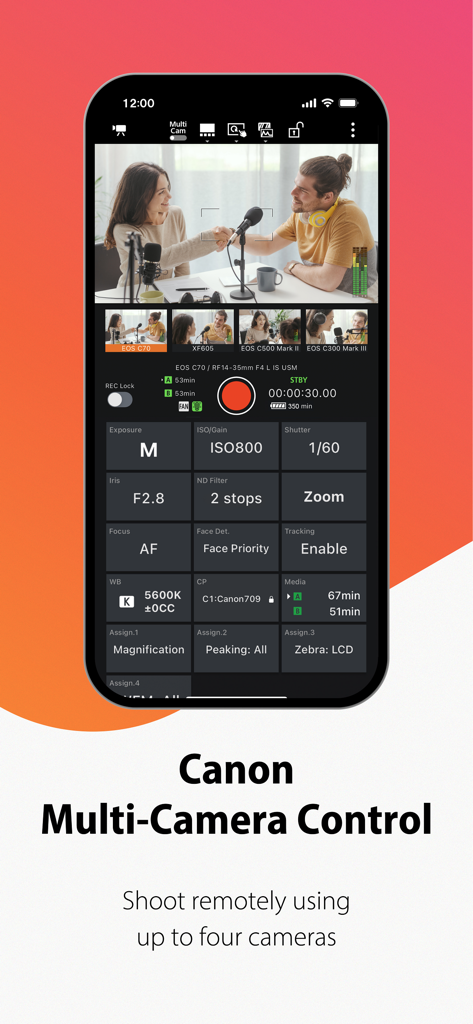
Canon Multi-Camera Control app interface for remote filming with four cameras
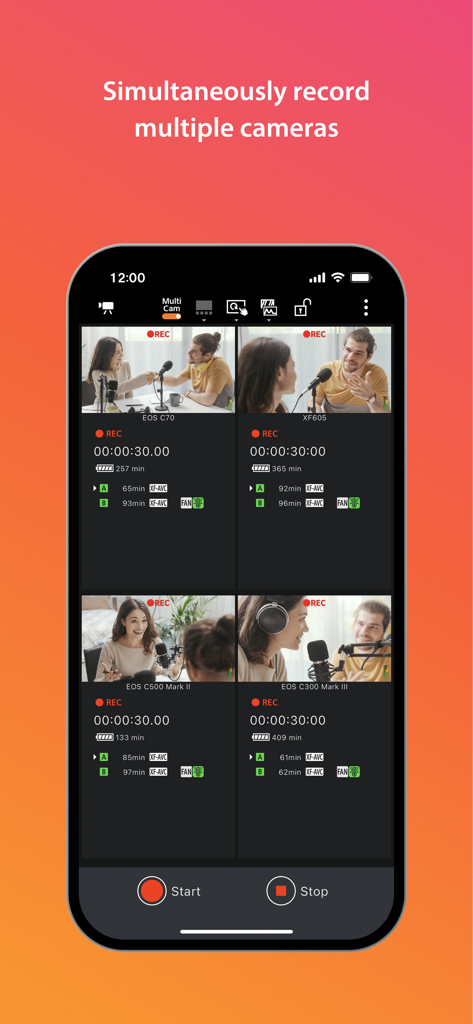
Smartphone screen showing the Canon Multi-Camera Control app interface with four live video feeds from professional cameras recording an interview.
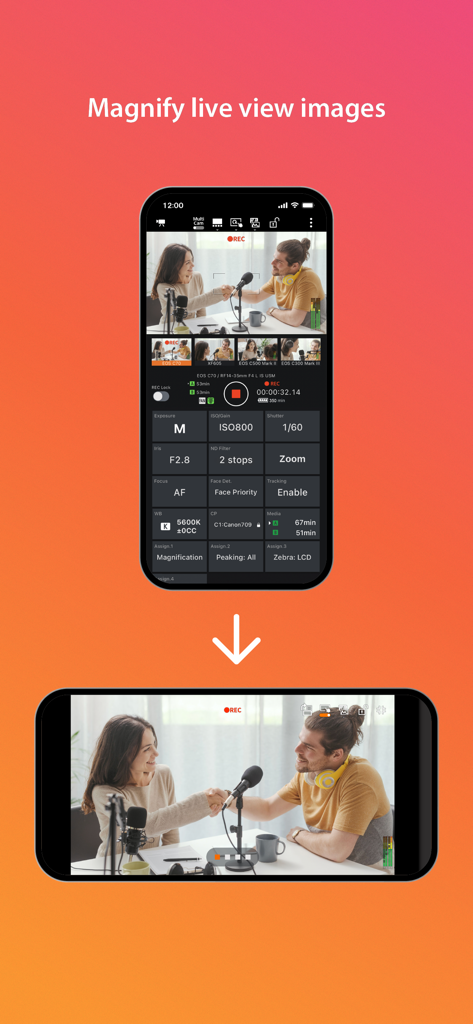
Canon Multi-Camera Control app interface showing a live view image of a podcast interview magnified to full screen on a smartphone
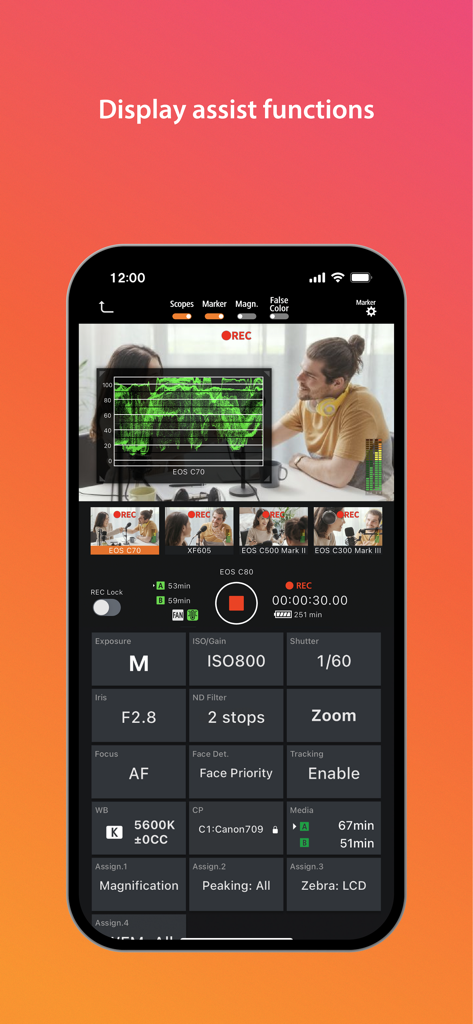
Canon Multi-Camera Control app interface showing a waveform monitor over a live feed and professional camera settings.
Description
Download
More Like This
Top-ranked apps in the same category

CapCut: Photo & Video Editor
BYTEDANCE PTE. LTD.

Instagram, Inc.

YouTube
Google LLC

Canva: AI Photo & Video Editor
Canva Pty Ltd

Snapchat
Snap, Inc.

快手
Beijing Kwai Technology Co., Ltd.

Edits: Video Editor
Instagram, Inc.

Meitu- AI Photo & Video Editor
Xiamen Meitu Technology Co., Ltd.

Google Photos: Backup & Edit
Google LLC
This page is not an official page of the app or its developer, but an independent editorial publication created for informational and commentary purposes. Unless expressly stated otherwise, neither the app nor its developer is affiliated with, endorsed by, sponsored by, authorized by, or otherwise officially connected with MWM, Apple, Google Play, the app publisher, or the app's developer, and nothing on this page implies that the app was developed using MWM's services. Any trademarks, logos, screenshots, and other content remain the property of their respective owners.