
This page is not an official page of the app or its developer, but an independent editorial publication created for informational and commentary purposes. Unless expressly stated otherwise, neither the app nor its developer is affiliated with, endorsed by, sponsored by, authorized by, or otherwise officially connected with MWM, Apple, Google Play, the app publisher, or the app's developer, and nothing on this page implies that the app was developed using MWM's services. Any trademarks, logos, screenshots, and other content remain the property of their respective owners.
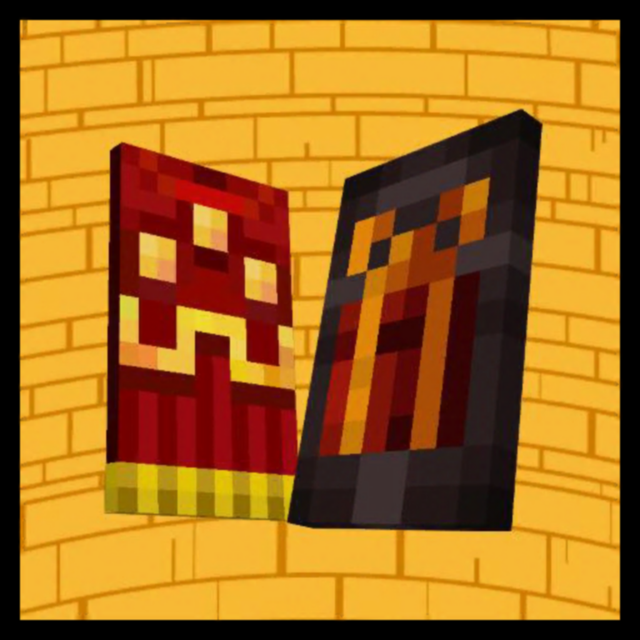

Cape Skin Editor For MCPE
Unleash your creativity with 10,000+ skins and rare capes. Customize every detail in 3D, copy your favorite YouTubers, and export directly to Minecraft to stand out on every server.
Downloads
45K+User Rating
Total Ratings
100Publisher
Category
Developer ToolsLocales
1Latest Version
2.2Size
131.7 MBFirst Released
Feb 12, 2022Stand Out in Every Realm
Unleash your creativity with the most advanced 3D editor. Create, clone, and export custom skins and capes directly to Minecraft Pocket Edition in seconds.
Design Legendary 3D Capes
Turn heads on every server with custom cape designs. Craft your own rare look and show off the high-status style your friends will envy.
Clone Your Favorite Creators
Want to look like your favorite YouTuber? Search any player's name to instantly copy and edit their skin to make it uniquely yours.
Frequently Asked Questions
Everything you need to know about Cape Skin Editor For MCPE
What is the Cape Skin Editor For MCPE app?
The Cape Skin Editor For MCPE is a 3D editor for Minecraft Pocket Edition. It allows users to create, customize, and export unique cape skins for their MCPE characters.
How many online skins and capes does Cape Skin Editor For MCPE offer?
The Cape Skin Editor For MCPE app provides access to over 10,000 online skins and capes. This collection is updated regularly to ensure new content availability for users.
Can I copy other players' skins with Cape Skin Editor For MCPE?
Yes, the Cape Skin Editor For MCPE allows users to copy their favorite player's skin. This is done by simply searching for the player's name within the application.
What editing tools are included in the Cape Skin Editor For MCPE app?
The Cape Skin Editor For MCPE includes advanced tools such as Paintbrush, Fill, Color Grid & Gradient Selector, Eyedropper, Zoom, Rotate, Undo, and Redo for comprehensive editing.
Can I export my custom cape skins to Minecraft Pocket Edition (MCPE)?
Yes, users can directly export their custom cape skins from the Cape Skin Editor For MCPE to Minecraft Pocket Edition. This allows for immediate use in the game.
Is the Cape Skin Editor For MCPE app affiliated with Mojang AB?
No, the Cape Skin Editor For MCPE app is not developed by or affiliated with Mojang AB. It adheres to the terms and conditions set out by Mojang AB.
Can I save my custom cape designs in the app?
Yes, users can save their custom cape creations to their device's gallery. This feature allows for future access and easy sharing of the designs created in the Cape Skin Editor For MCPE.
Does Cape Skin Editor For MCPE allow character body part customization?
Yes, the Cape Skin Editor For MCPE allows users to adjust the visibility of each body part of their MCPE cape skin. This enables ultimate personalization and design flexibility.
The following screenshots and description are sourced directly from the app's official store listing and are the property of the app developer.
App Store
Screenshots

Splash screen of Cape Skin Editor For MCPE showing custom Minecraft capes and a tap to continue button
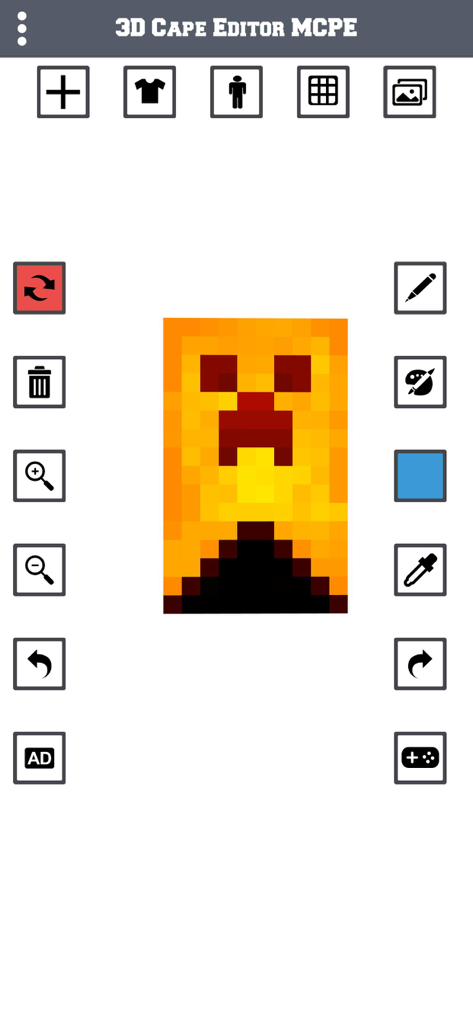
User interface of the Cape Skin Editor for MCPE featuring a custom yellow cape with a creeper face design and editing tools
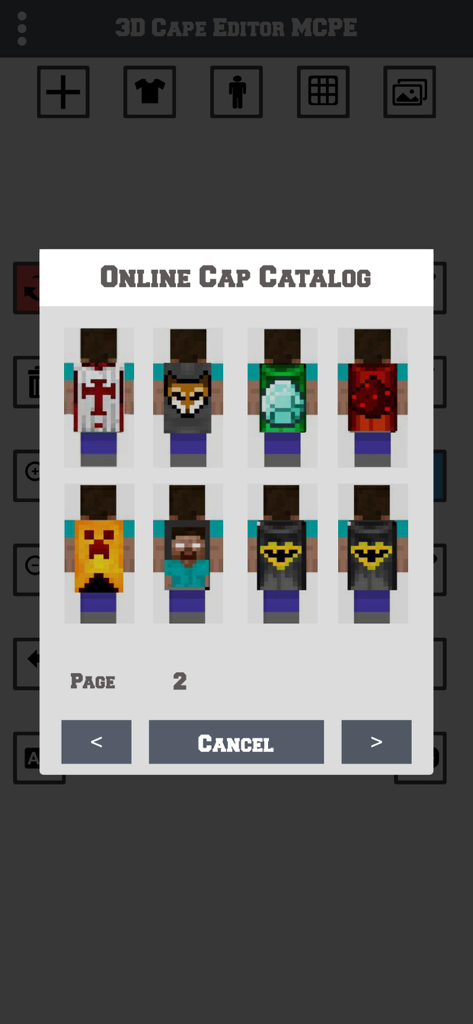
Online catalog showing various custom cape designs for Minecraft skins
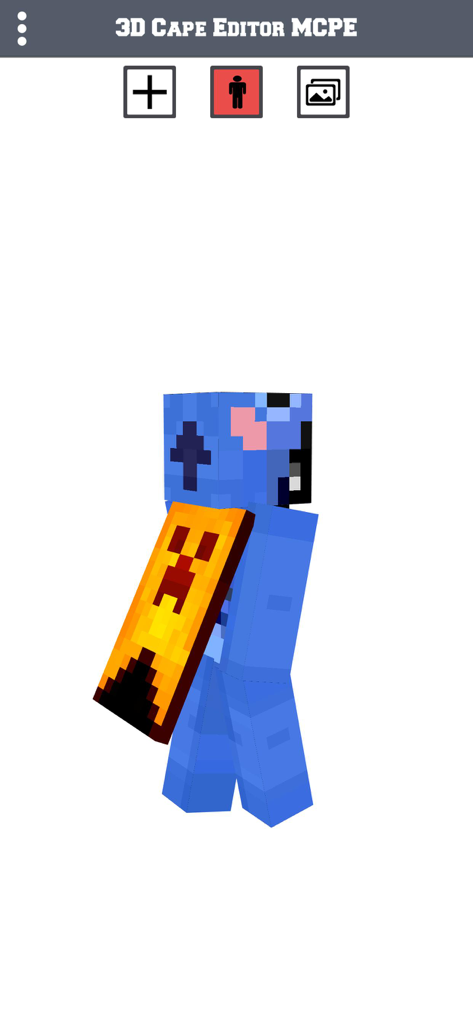
Minecraft character with custom cape in 3D editor
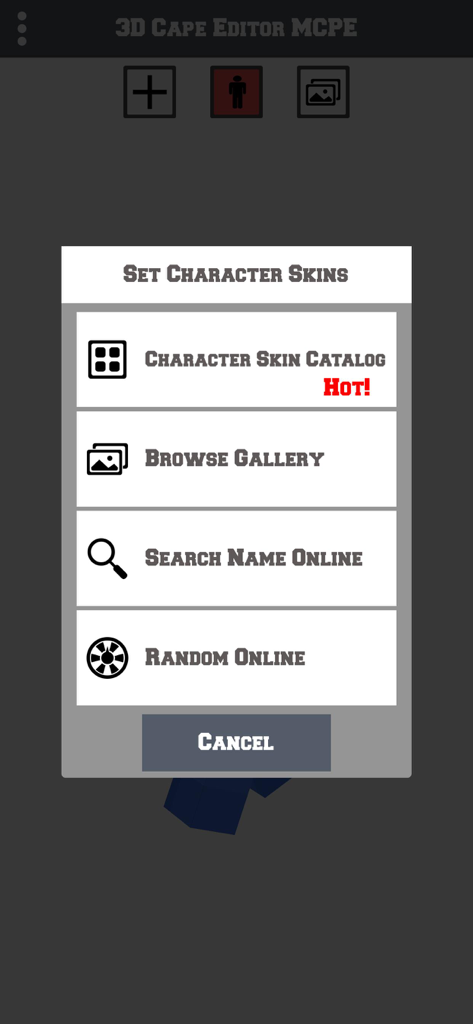
Options menu for selecting character skins in the Cape Skin Editor for MCPE app.
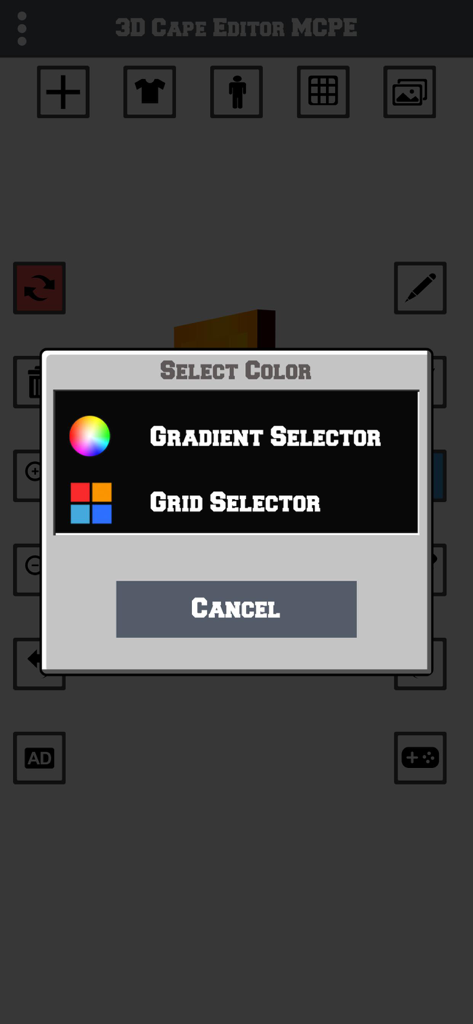
A color selection menu in the 3D Cape Skin Editor for MCPE app showing options for gradient and grid selectors
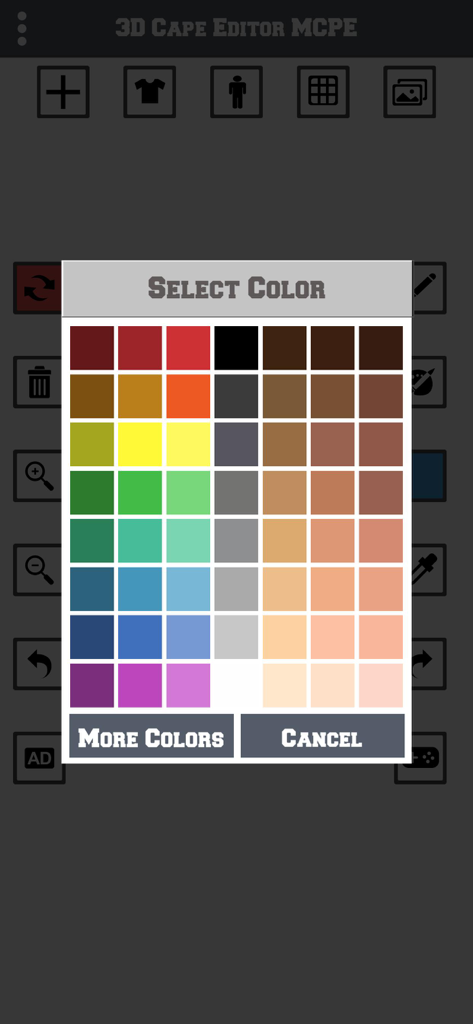
Minecraft cape skin editor color selection menu grid with various shades
Description
Download
More Like This
Top-ranked apps in the same category

TestFlight
Apple Inc.

Replit: Vibe Code Apps
Replit, Inc

GitHub
GitHub

O-KAM Pro
Shenzhen VeePai IoT Intelligent Technology LLC

Apple Developer
Apple Inc.

Expo Go
650 Industries, Inc.

Scriptable
Simon Stovring

App Store Connect
Apple Inc.

Sekai: Create · Remix · Play
Versa AI, Inc.
This page is not an official page of the app or its developer, but an independent editorial publication created for informational and commentary purposes. Unless expressly stated otherwise, neither the app nor its developer is affiliated with, endorsed by, sponsored by, authorized by, or otherwise officially connected with MWM, Apple, Google Play, the app publisher, or the app's developer, and nothing on this page implies that the app was developed using MWM's services. Any trademarks, logos, screenshots, and other content remain the property of their respective owners.