
This page is not an official page of the app or its developer, but an independent editorial publication created for informational and commentary purposes. Unless expressly stated otherwise, neither the app nor its developer is affiliated with, endorsed by, sponsored by, authorized by, or otherwise officially connected with MWM, Apple, Google Play, the app publisher, or the app's developer, and nothing on this page implies that the app was developed using MWM's services. Any trademarks, logos, screenshots, and other content remain the property of their respective owners.

Captions Maker: Video Subtitle
The all-in-one toolkit for modern creators. Record with a smart teleprompter, generate AI auto-captions, and customize your brand style to dominate TikTok, Reels, and YouTube.
Downloads
0User Rating
Total Ratings
0Publisher
Category
UtilitiesLocales
10Latest Version
1.1.5Size
25.3 MBFirst Released
Aug 30, 2024Create Professional Videos in Record Time
The all-in-one studio to record, caption, and brand your videos for social media—no editing experience required.
Magic AI Auto-Captions
Stop typing manually. Instantly generate accurate, eye-catching subtitles that keep viewers engaged even when scrolling on mute.
Script-Ready Teleprompter
Deliver flawless presentations without memorizing a single word. Control the scroll speed and font size to record perfect takes every time.
The following screenshots and description are sourced directly from the app's official store listing and are the property of the app developer.
App Store
Screenshots
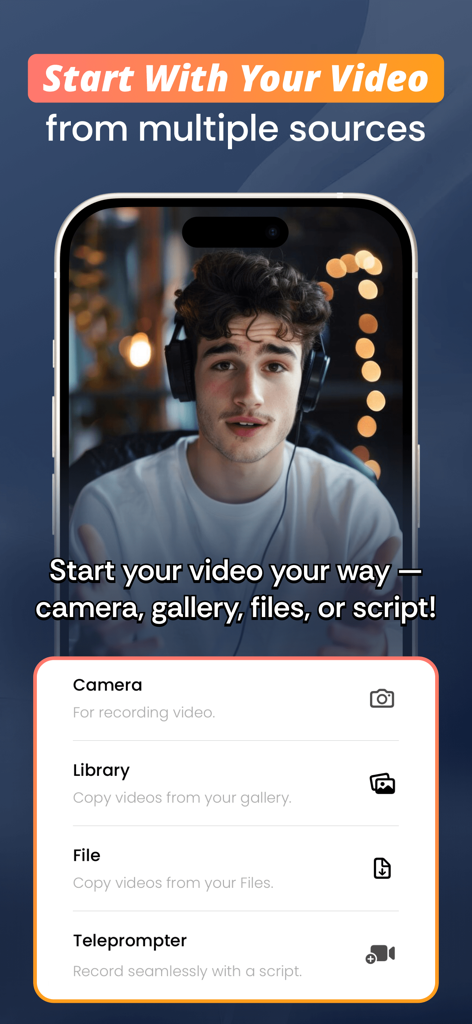
Interface of the Captions Maker app showing video source options like camera library file and teleprompter
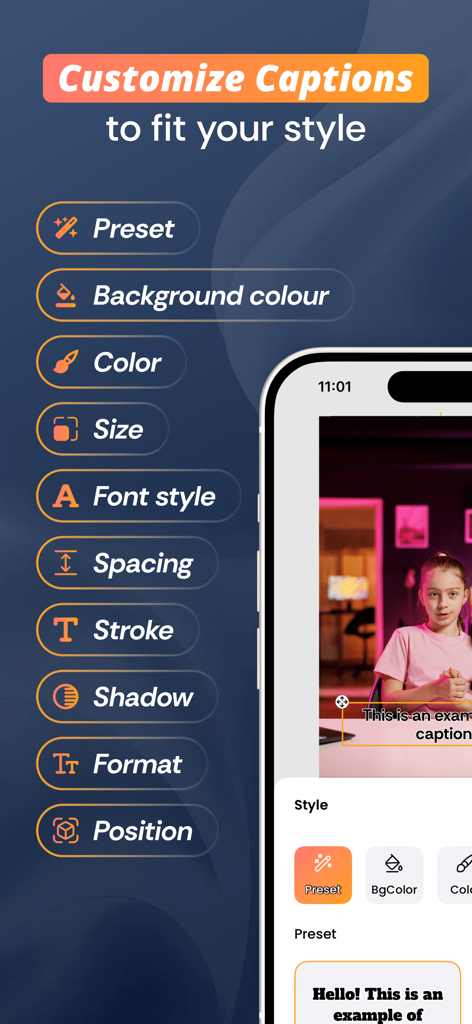
A mobile app interface displaying multiple caption customization options including font style color and positioning
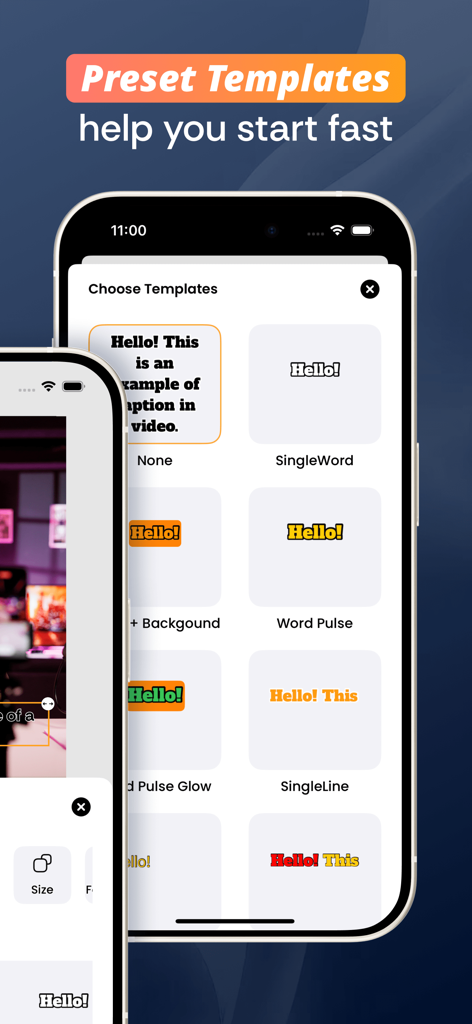
A screen showing various preset subtitle templates for video editing in the Captions Maker app.
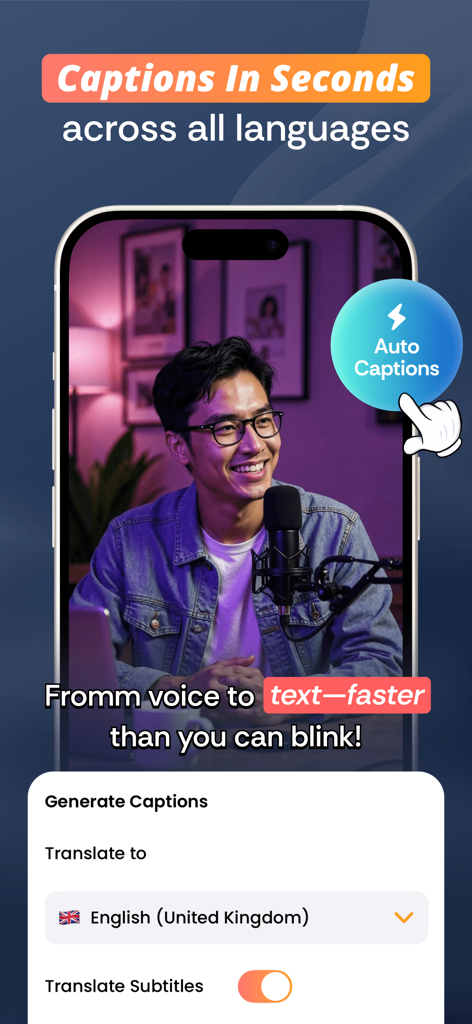
A smartphone interface showing the Captions Maker app with auto-generated subtitles and multi-language translation features for video creators.
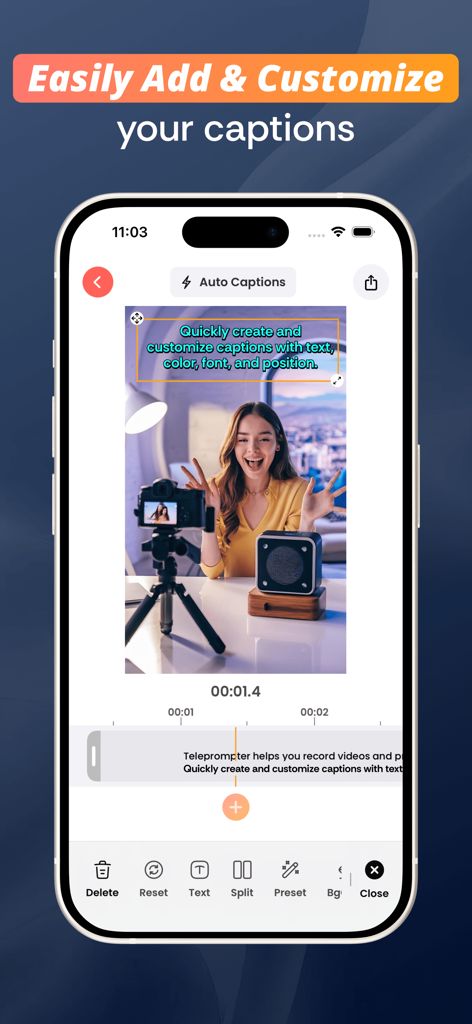
A smartphone screen showing the video subtitle editing interface of the Captions Maker app
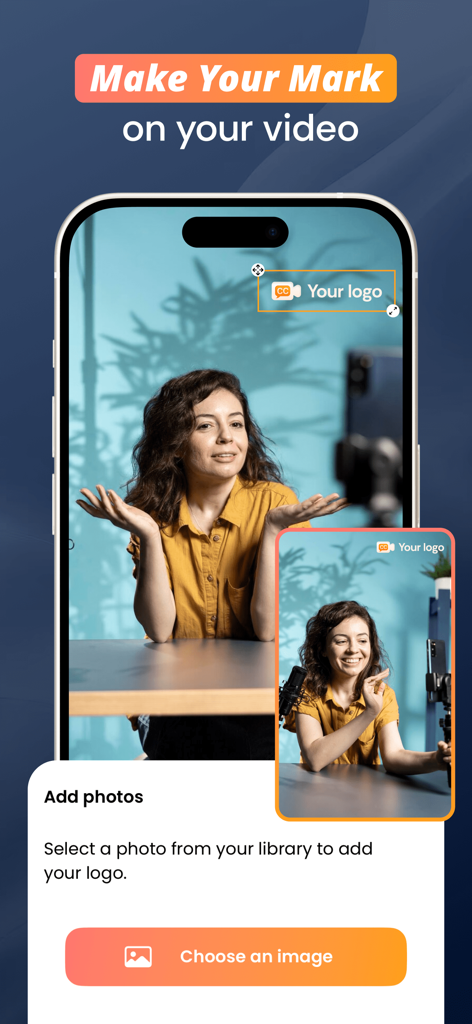
A mobile interface showing the feature to add a custom brand logo overlay to a video recording in the Captions Maker app.
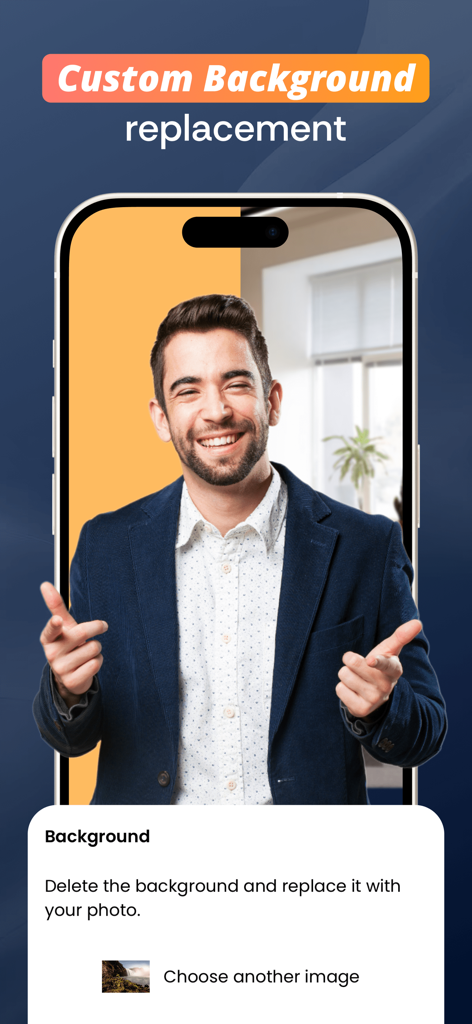
A mobile interface for Captions Maker showing a man replacing his video background with a custom office setting.
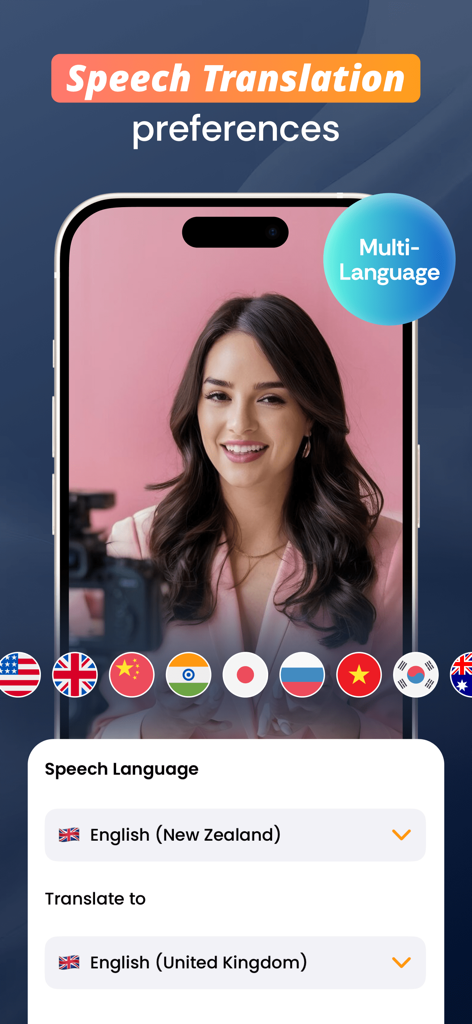
Interface showing speech translation preferences with multi language options and country flags for video captions
Description
Download
More Like This
Top-ranked apps in the same category

Google LLC

Google Chrome
Google LLC

中国移动(手机营业厅)
China Mobile Online Services Co., Ltd.

Google Authenticator
Google LLC

Cleanup: Phone Storage Cleaner
DEEP FLOW SOFTWARE SERVICES - FZCO

Super VPN Fly 2026
YUNFAN TECHNOLOGY CO., LIMITED

gov.br
Servicos e Informacoes do Brasil

百度-AI智能搜索
Beijing Baidu Netcom Science & Technology Co.,Ltd

Microsoft Edge: AI Browser
Microsoft Corporation
This page is not an official page of the app or its developer, but an independent editorial publication created for informational and commentary purposes. Unless expressly stated otherwise, neither the app nor its developer is affiliated with, endorsed by, sponsored by, authorized by, or otherwise officially connected with MWM, Apple, Google Play, the app publisher, or the app's developer, and nothing on this page implies that the app was developed using MWM's services. Any trademarks, logos, screenshots, and other content remain the property of their respective owners.