
This page is not an official page of the app or its developer, but an independent editorial publication created for informational and commentary purposes. Unless expressly stated otherwise, neither the app nor its developer is affiliated with, endorsed by, sponsored by, authorized by, or otherwise officially connected with MWM, Apple, Google Play, the app publisher, or the app's developer, and nothing on this page implies that the app was developed using MWM's services. Any trademarks, logos, screenshots, and other content remain the property of their respective owners.

CastOn - Screen Mirror & Share
Stop passing your phone around and start sharing the moments that matter. Effortlessly beam photos, videos, and apps to any Smart TV with privacy-safe casting that keeps your private messages off the screen.
Downloads
624K+User Rating
Total Ratings
5K+Publisher
Category
UtilitiesLocales
10Latest Version
2.6Size
51.4 MBFirst Released
Oct 1, 2024Experience Your Phone on the Big Screen
Transform your living room into a digital hub. Share photos privately, collaborate on DIY projects, and enjoy your favorite mobile content on any Smart TV without the hassle of extra cables.
Seamless Real-Time Mirroring
Stop passing your phone around like a hot potato. Watch TikToks, browse the web, or share memes with the whole room in high-definition on your Roku, Samsung, or Fire TV.
Private Media Casting
Relive your vacation photos and videos while keeping your personal life private. Cast your gallery to the TV while still being able to reply to texts or check emails on your iPhone.
Frequently Asked Questions
Everything you need to know about CastOn - Screen Mirror & Share
What is CastOn?
CastOn is an app that mirrors your iPhone screen to a Smart TV in real-time, facilitating sharing of photos, videos, web browsers, and live streams.
How do I connect CastOn to my TV?
To connect CastOn, ensure both your iPhone and the target TV are connected to the same WiFi network. CastOn then mirrors your iPhone screen.
What are the main features of CastOn?
CastOn offers Screen Mirroring, Photo and Video Cast, Whiteboard mode, and Live Stream. It also includes an IPTV player and AI movie recommendations.
Does CastOn support screen mirroring?
Yes, CastOn supports real-time screen mirroring, allowing you to display your iPhone content, including photos, videos, and browsers, on a Smart TV.
Can I cast photos and videos with CastOn?
Yes, CastOn allows you to beam photos and videos from your iPhone's Photos library to your TV, letting you use your phone for other tasks simultaneously.
Is there a whiteboard feature in CastOn?
Yes, CastOn includes a Whiteboard mode where anything drawn on your iPhone instantly appears on your TV, facilitating collaborative sketching and games.
Can I live stream my iPhone camera to my TV using CastOn?
Yes, CastOn allows you to turn your iPhone into a live camera feed, enabling you to stream video directly to your TV.
Which TVs are compatible with CastOn?
CastOn is compatible with any Smart TV and supports over 100 TV brands, ensuring broad device accessibility.
Is CastOn streaming ad-free?
Yes, CastOn provides an ad-free streaming experience, ensuring uninterrupted viewing of your content on the TV.
What is the streaming quality of CastOn?
CastOn delivers HD quality streaming, ensuring clear and high-resolution display of your content on the connected TV.
How do CastOn subscriptions work?
CastOn subscriptions provide unlimited access to all features and are billed automatically according to the selected subscription plan.
Does CastOn include an IPTV player?
Yes, CastOn features a ready-to-use IPTV player with categorized channels, including Sports, Travel, and News, for TV viewing.
Does CastOn provide AI movie recommendations?
Yes, CastOn includes an AI feature that suggests movie ideas based on user-selected genres and moods.
Can CastOn display my iPhone's browser on a TV?
Yes, CastOn allows you to show your iPhone's browser content directly on your TV, making it easy to share web pages.
Does CastOn have a privacy policy?
Yes, CastOn has a Privacy Policy, and users confirm its acceptance by using the app. The policy details are available via a provided link.
The following screenshots and description are sourced directly from the app's official store listing and are the property of the app developer.
App Store
Screenshots
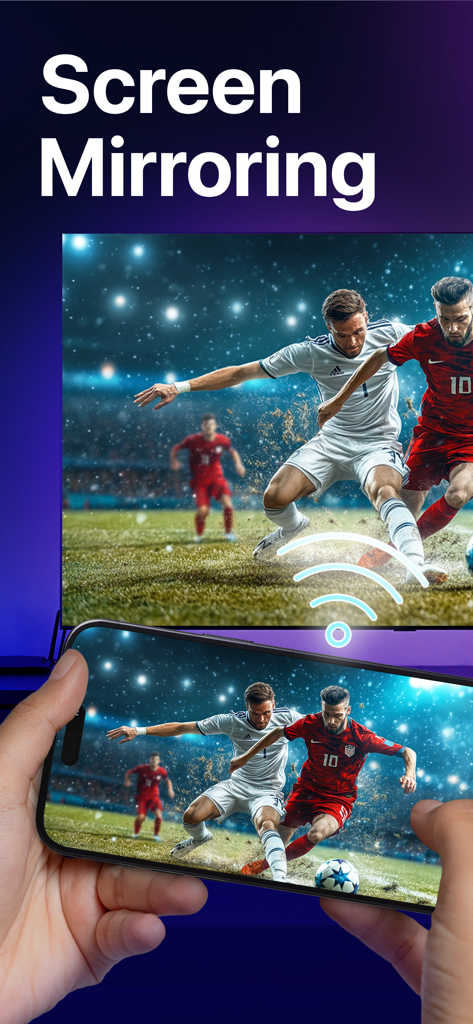
Smartphone mirroring a soccer game to a large television screen
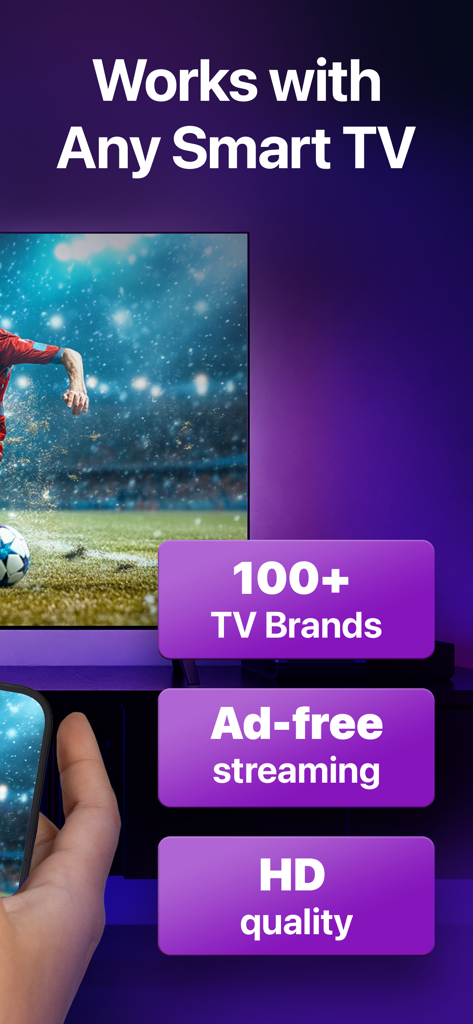
An iPhone screen being mirrored to a large Smart TV showing a soccer match in high definition quality
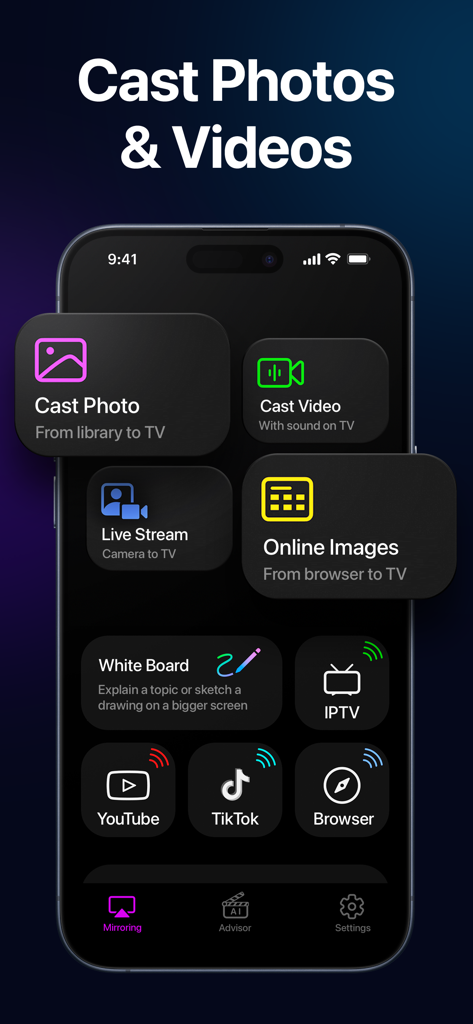
iPhone screen showing the CastOn app interface with options to cast photos videos and live stream to a TV
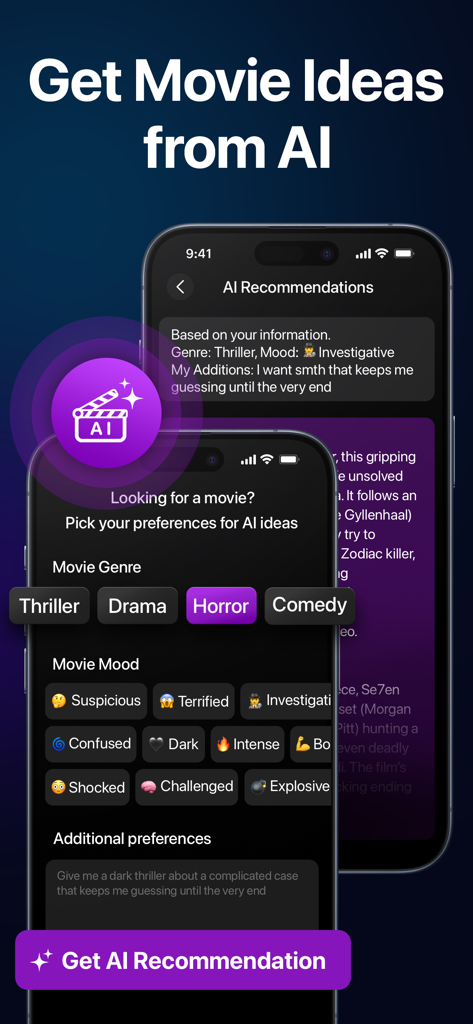
CastOn app interface showing AI movie recommendations with genre and mood selection filters
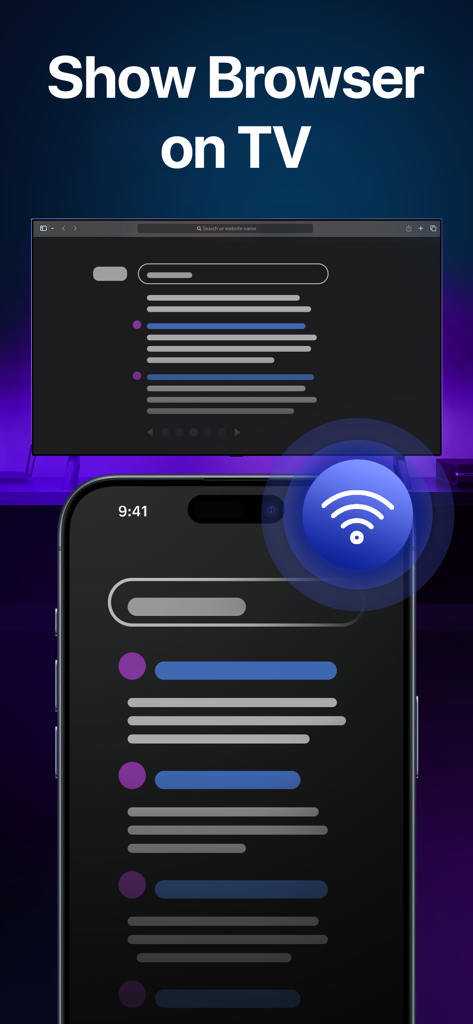
An iPhone screen mirroring a web browser to a television.
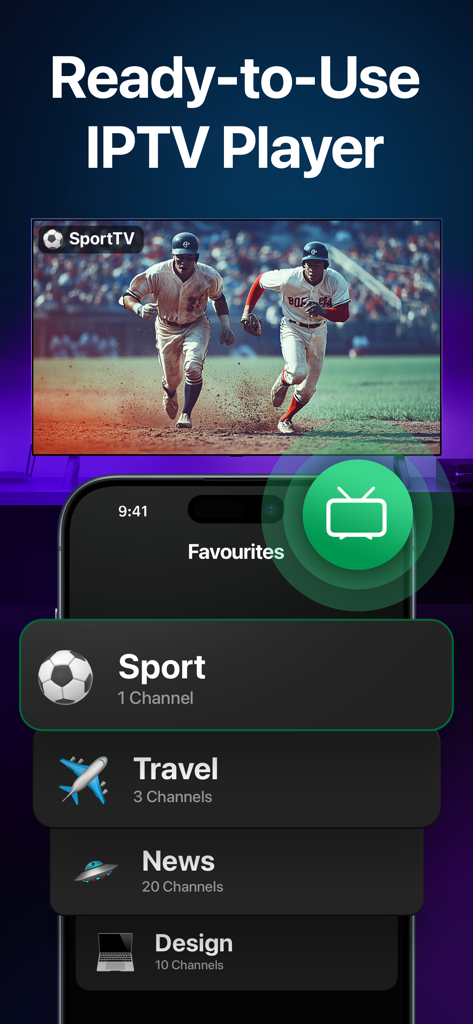
Smartphone displaying an IPTV player interface with a live baseball game mirrored onto a large screen
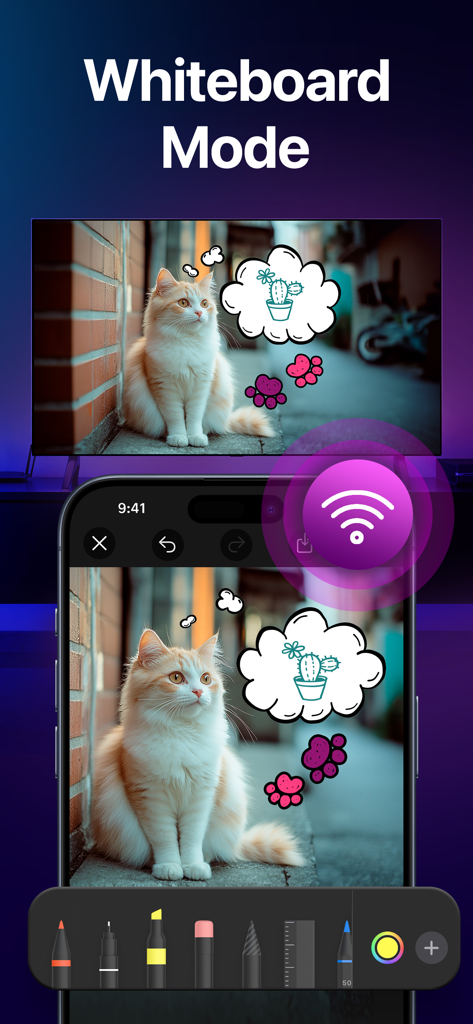
An iPhone screen showing a cat photo with hand-drawn thought bubbles being mirrored onto a large TV screen using the CastOn app's Whiteboard feature.
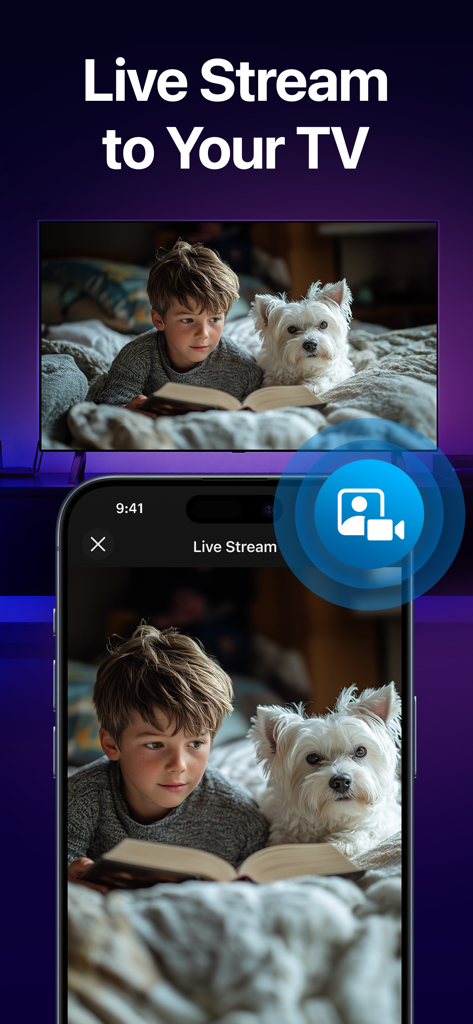
iPhone live streaming a camera feed of a child and dog to a smart TV
Description
Download
More Like This
Apps with similar features and user experience

Web Video Cast | Browser to TV
InstantBits Inc

PigeonCast:Send by Google Cast
Sichuan FalconAI Technology Co., Ltd.

Screen Mirroring • Smart TV
Mihkel Pikk

Screen Mirroring | Cast to TV
Ozuna Limited

Screen Mirroring・Smart View TV
TOGGLE APPS SP Z O O

UbeCast: Music Streamer & PiP
AER SOFTWARE COMPANY LIMITED

AirDroid Cast-screen mirroring
SAND STUDIO CORPORATION LIMITED

Miracast: Screen Mirroring TV
Hainan Delta Software Co., Ltd

Screen Mirroring・Air Cast TV
Dalma Innovation Solutions d.o.o.
This page is not an official page of the app or its developer, but an independent editorial publication created for informational and commentary purposes. Unless expressly stated otherwise, neither the app nor its developer is affiliated with, endorsed by, sponsored by, authorized by, or otherwise officially connected with MWM, Apple, Google Play, the app publisher, or the app's developer, and nothing on this page implies that the app was developed using MWM's services. Any trademarks, logos, screenshots, and other content remain the property of their respective owners.