Censor: Face Blur & Pixelate
Download on App Store

This page is not an official page of the app or its developer, but an independent editorial publication created for informational and commentary purposes. Unless expressly stated otherwise, neither the app nor its developer is affiliated with, endorsed by, sponsored by, authorized by, or otherwise officially connected with MWM, Apple, Google Play, the app publisher, or the app's developer, and nothing on this page implies that the app was developed using MWM's services. Any trademarks, logos, screenshots, and other content remain the property of their respective owners.

Logo of Censor: Face Blur & Pixelate
Download on App Store

Censor: Face Blur & Pixelate

Instantly hide faces, license plates, and sensitive data with professional pixelation and aesthetic blur effects. The ultimate one-tap solution for creators, parents, and privacy-conscious sharers.

Key Figures

Downloads

10K+

User Rating

4.7/5

Total Ratings

100

Publisher

PRODEKS UA, TOV

Category

Photo & Video

Locales

1

Latest Version

1.0.7

Size

174.8 MB

First Released

Sep 1, 2024
Features

Total Privacy. Total Control.

Whether you're protecting your family's identity or creating high-end social content, our AI-powered tools make censoring sensitive details effortless.

Smart AI Detection

Instantly identify and blur faces with one tap. Our advanced AI does the heavy lifting so you can post safely in seconds.

Aesthetic Censorship

Choose from mosaic, pixelate, or stylized black bars. Keep your privacy secure without sacrificing your photo's visual vibe.

The following screenshots and description are sourced directly from the app's official store listing and are the property of the app developer.

App Store

Screenshots
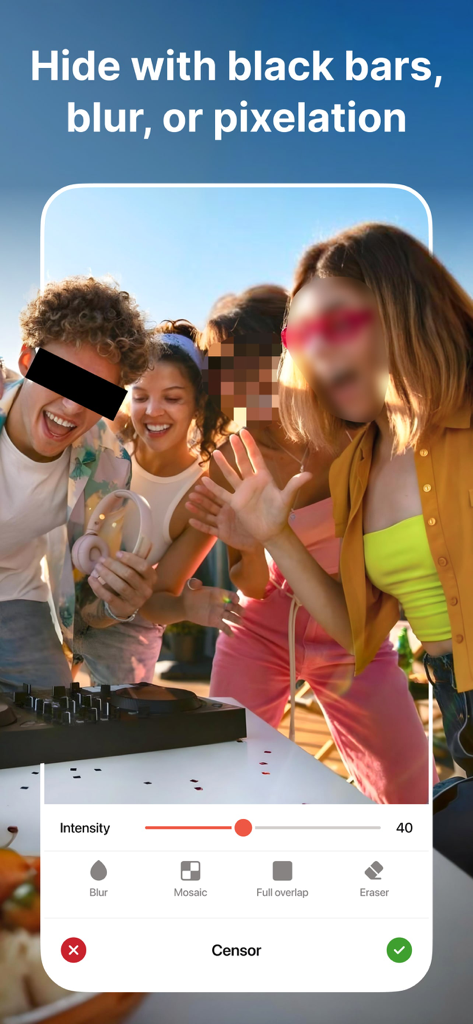
Censor: Face Blur & Pixelate - Interface of Censor app showing options to hide faces with black bars blur and pixelation effects

Interface of Censor app showing options to hide faces with black bars blur and pixelation effects
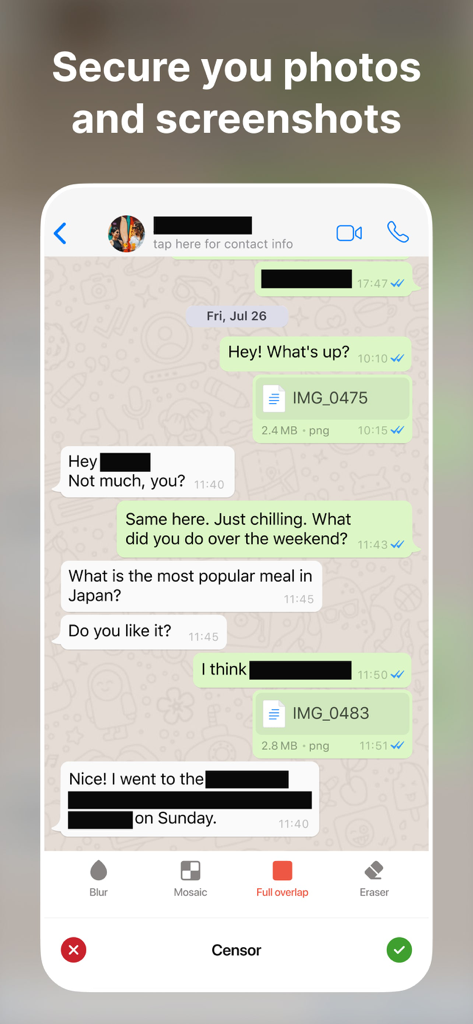
Censor: Face Blur & Pixelate - A messaging app screenshot with names and sensitive text blacked out using the Censor app tools.
A messaging app screenshot with names and sensitive text blacked out using the Censor app tools.

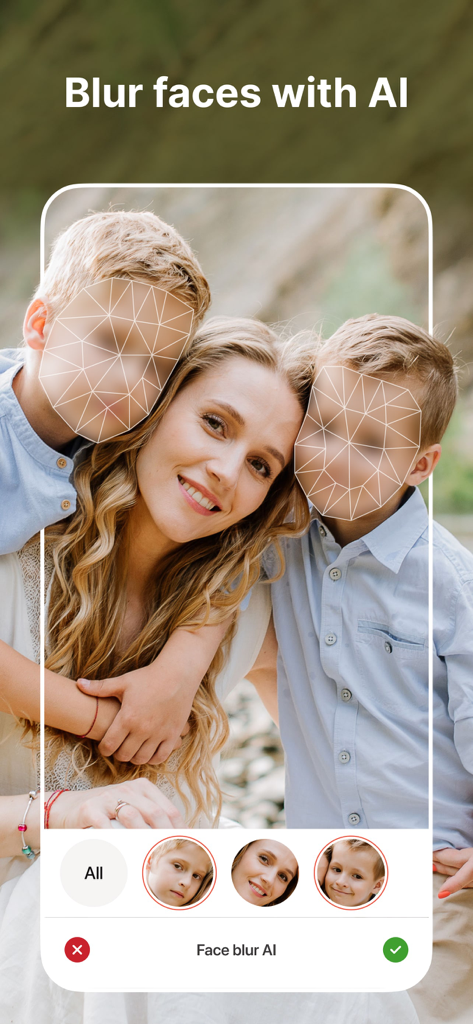
Censor: Face Blur & Pixelate - A mobile app interface using AI to detect and blur children faces in a family photo for privacy
A mobile app interface using AI to detect and blur children faces in a family photo for privacy

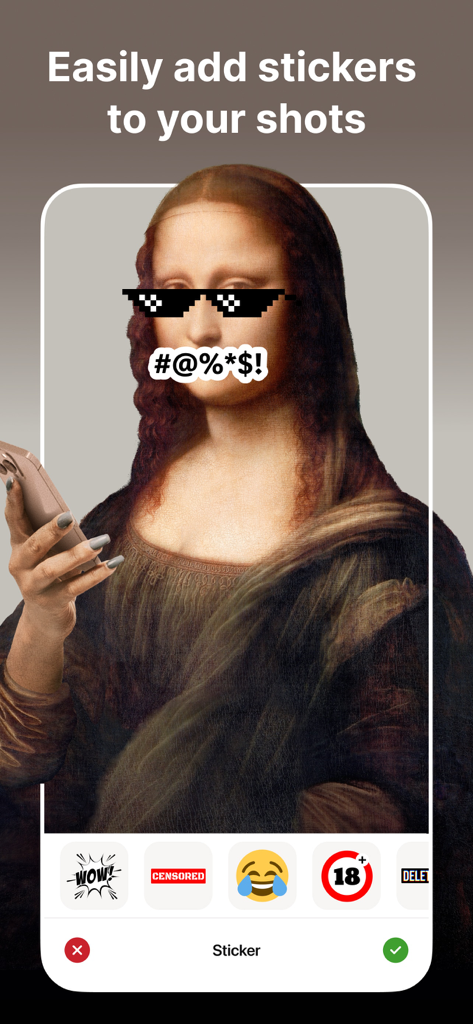
Censor: Face Blur & Pixelate - A mobile app interface showing a photo of the Mona Lisa with pixelated glasses and a censor symbol sticker over her face.
A mobile app interface showing a photo of the Mona Lisa with pixelated glasses and a censor symbol sticker over her face.

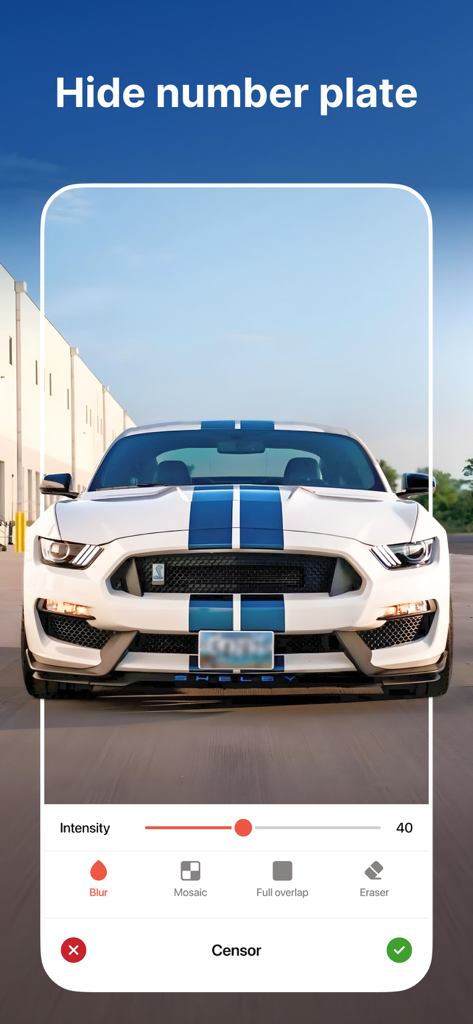
Censor: Face Blur & Pixelate - Censor app interface showing a blurred license plate on a white sports car
Censor app interface showing a blurred license plate on a white sports car

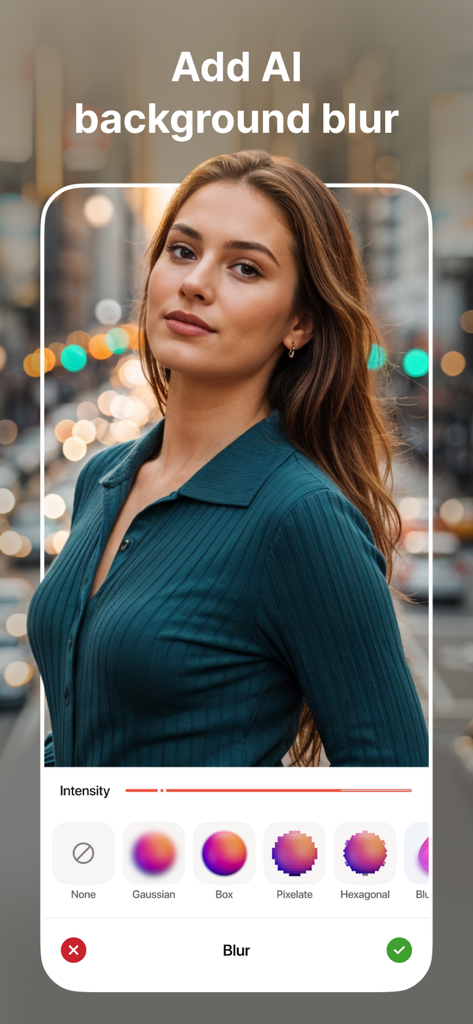
Censor: Face Blur & Pixelate - Portrait photo with AI background blur and various editing style options in the Censor app
Portrait photo with AI background blur and various editing style options in the Censor app

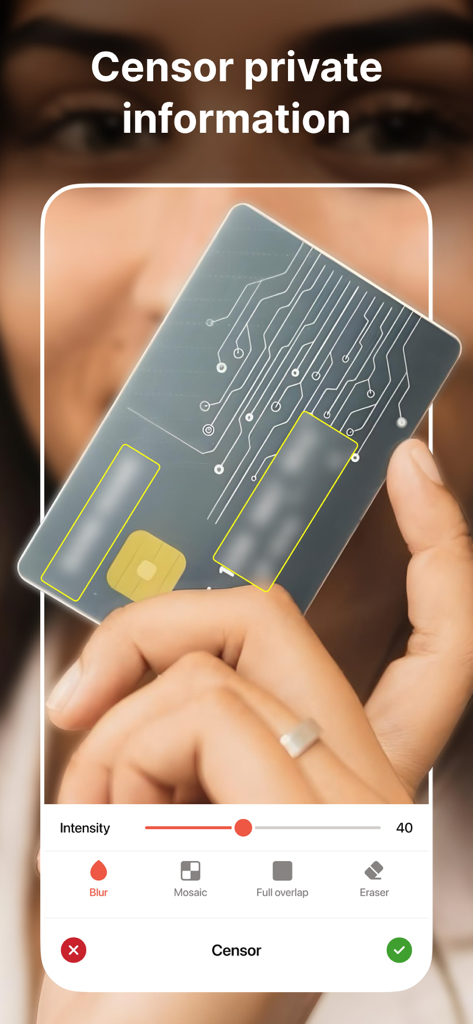
Censor: Face Blur & Pixelate - Censor app interface demonstrating how to blur sensitive information on a credit card.
Censor app interface demonstrating how to blur sensitive information on a credit card.

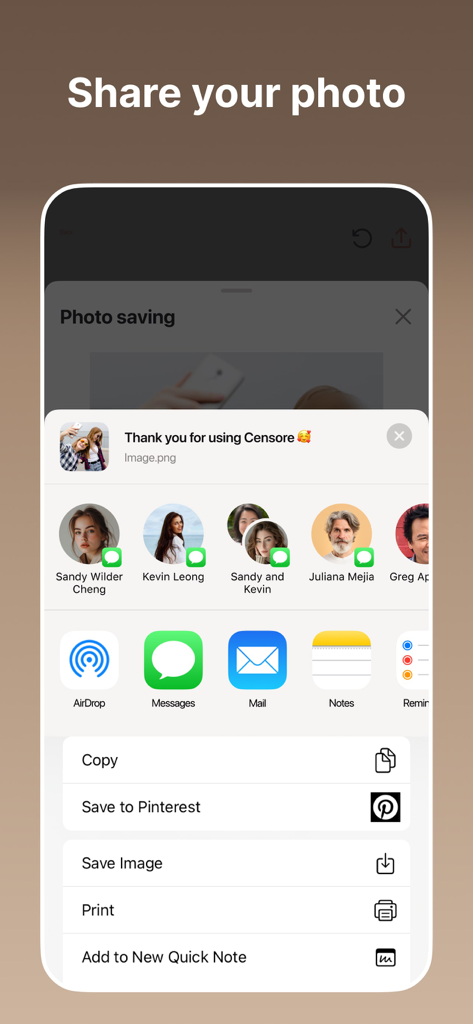
Censor: Face Blur & Pixelate - Interface showing options to share or save a censored photo using the iOS share sheet

Interface showing options to share or save a censored photo using the iOS share sheet

Description

Quickly and easily safeguard your photos with Censor. Our app empowers you to instantly blur, pixelate, or black out sensitive information. Whether it’s a license plate, a face, or any unwanted detail, Censor has you covered. With our advanced face blur technology, you can effortlessly blur face details in any photo. Censor makes face blur photo editing fast and easy. KEY FEATURES: - Powerful Face Blur Tools Easily apply a face blur effect or pixelate photo online using AI-powered detection. Automatically detect and blur faces in a photo, or tap manually to censor part of image, like license plates, screens, or private info. Choose from smooth blur effect on face, motion blur, mosaic, or pixel blur face - all with precise control. - Hide Faces & Censor Images Need to hide a face in a picture or keep someone anonymous? Censor makes it easy to censor image, blur your face, or even censor photos in seconds. Great for creators who need to cover faces in photos or censor pics with zero quality loss. - Aesthetic Blur Options Looking for a more stylish touch? Create a blur face aesthetic with effects like pixelize, blurry face photo effect, or add censor bar to picture. Whether you want a blurred face effect or a simple black bar, the app gives you full creative control. - Custom Pixelation & Detail Editing Need to pixelate my face or blur a face in a picture? Use Censor’s smart tools to select any area - face, text, screen, or object - and apply photo pixelator, image face blur, or censor face. Whether it’s a quick fix or advanced edit, you’re covered. - For Creators & Everyday Users Whether you're a journalist, vlogger, or someone who wants to blur face on photo before sharing, Censor is your all-in-one solution. Use it as an app to hide faces in photos, apply blur face free, or experiment with photography blur face for artistic edits. - High-Quality Export Once you're done editing, export your face blur image or photo face blur in high resolution. No compression, no quality loss - perfect for both personal and professional use. Subscription Details Upgrade to a premium account and unlock all the premium features. You can get unlimited access to all the advanced features (such as face blur, mosaic, and black bars) by subscribing to a weekly or annual plan in the app. There is also a free 3-day trial to see what Censor has to offer. Payment will be charged to your Apple ID at the time of purchase confirmation. Subscriptions are automatically renewed unless cancelled at least 24 hours before the end of the current period. The renewal fee will be charged to your account within 24 hours of the end of the current period. You can manage and cancel your subscriptions by going to your account settings in the App Store after purchase. Privacy Policy: https://sites.google.com/prodex.net.ua/censor/privacy-policy Terms of Use: https://sites.google.com/prodex.net.ua/censor/terms-of-use Standard Apple Terms of Use (EULA): https://www.apple.com/legal/internet-services/itunes/dev/stdeula/ Do you have any ideas on how to improve Censor? Please fill out the form - https://forms.clickup.com/24527565/f/qcgpd-26792/V8QLDS14K0D0V0U4X4. Your privacy is our priority. With Censor, you stay in control of what you share. Download Censor today – the best face blur and photo pixelator tool for iOS. Whether you need to blur your face, censor pics, or create a blurry face pic for artistic effect - we’ve got you covered.

Download

Download on App Store

This page is not an official page of the app or its developer, but an independent editorial publication created for informational and commentary purposes. Unless expressly stated otherwise, neither the app nor its developer is affiliated with, endorsed by, sponsored by, authorized by, or otherwise officially connected with MWM, Apple, Google Play, the app publisher, or the app's developer, and nothing on this page implies that the app was developed using MWM's services. Any trademarks, logos, screenshots, and other content remain the property of their respective owners.








