
This page is not an official page of the app or its developer, but an independent editorial publication created for informational and commentary purposes. Unless expressly stated otherwise, neither the app nor its developer is affiliated with, endorsed by, sponsored by, authorized by, or otherwise officially connected with MWM, Apple, Google Play, the app publisher, or the app's developer, and nothing on this page implies that the app was developed using MWM's services. Any trademarks, logos, screenshots, and other content remain the property of their respective owners.

Clap to Find My Phone & Finder
Stop the searching and end the micro-panics. Whether it's buried in the laundry or hidden under a cushion, just clap twice to find your iPhone—even on silent mode. No GPS required and ultra-low battery drain.
Downloads
131K+User Rating
Total Ratings
3K+Publisher
Category
UtilitiesLocales
8Latest Version
1.7.5Size
47.0 MBFirst Released
Aug 12, 2024Smart Solutions for Busy Lives
Stop the frantic searching. Whether your phone is hidden in the laundry, under a couch cushion, or left in another room, our intelligent finder helps you recover it in seconds without needing another device.
Clap to Locate Instantly
No more 'micro-panics' before leaving the house. Simply clap twice and your phone will ring immediately, guiding you straight to its hiding spot.
Bypass Silent Mode
Most users keep their phones on silent to avoid distractions, making them impossible to call. This app overrides silent settings so your phone always answers your clap.
The following screenshots and description are sourced directly from the app's official store listing and are the property of the app developer.
App Store
Screenshots
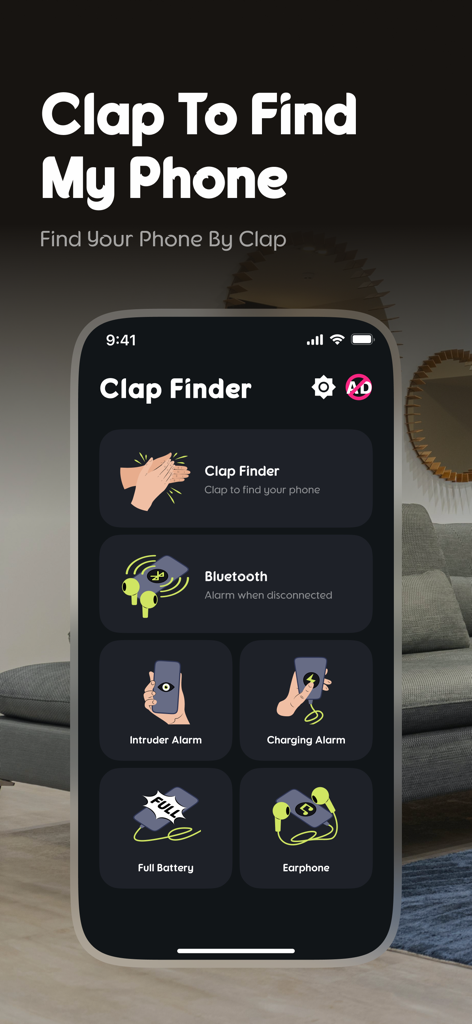
The main interface of the Clap to Find My Phone app highlighting its recovery and security tools
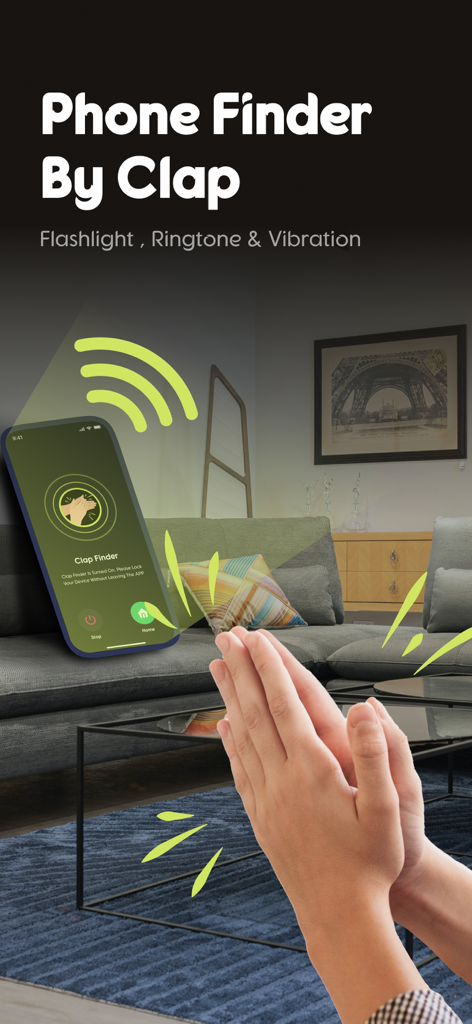
Hands clapping to find a smartphone on a coffee table using the Clap to Find My Phone app
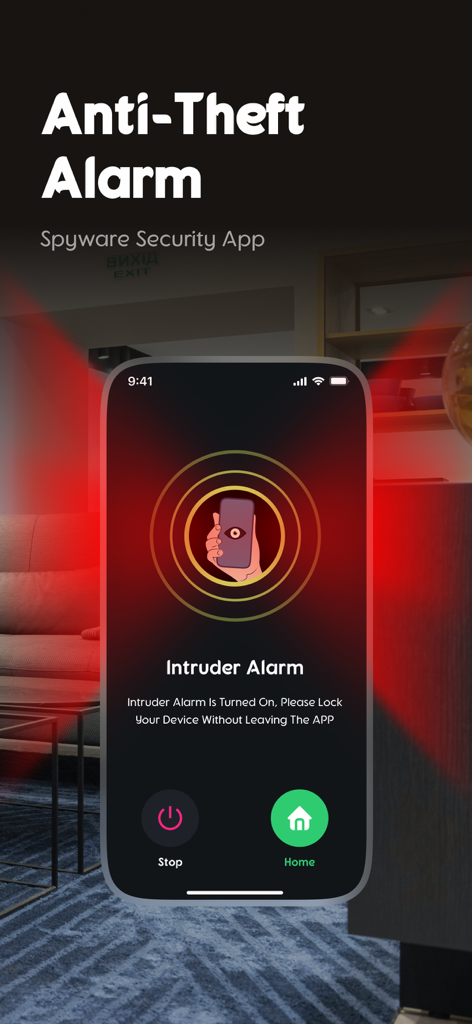
Screenshot of the intruder alarm interface in the Clap to Find My Phone app
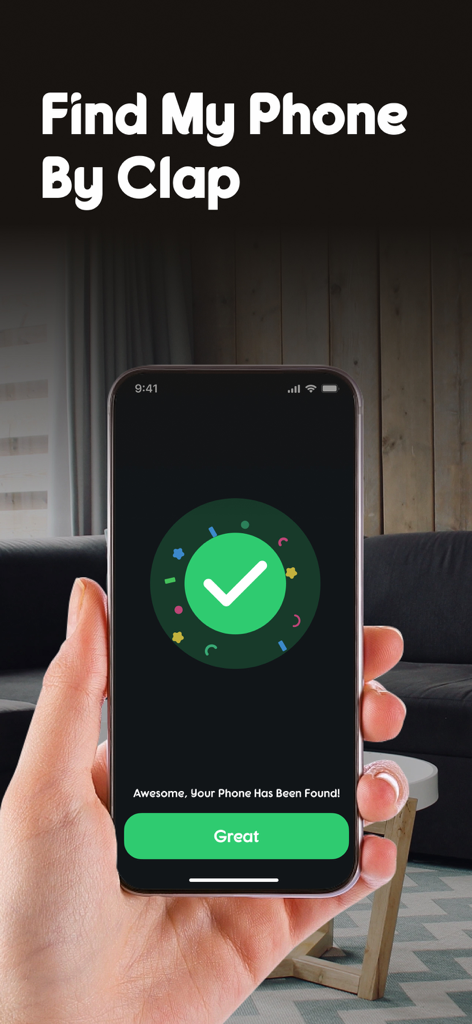
A person holding an iPhone displaying a green checkmark and success message after finding the device by clapping in a living room.
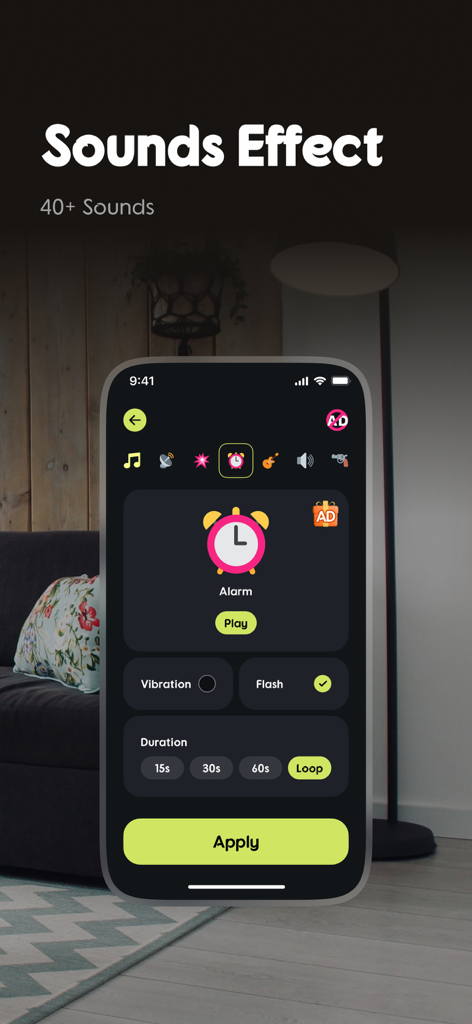
Interface of the Clap to Find My Phone app showing various sound effect options and alarm settings
Description
Download
More Like This
Top-ranked apps in the same category

Google LLC

Google Chrome
Google LLC

中国移动(手机营业厅)
China Mobile Online Services Co., Ltd.

Google Authenticator
Google LLC

CNH do Brasil
Servicos e Informacoes do Brasil

Cleanup: Phone Storage Cleaner
DEEP FLOW SOFTWARE SERVICES - FZCO

gov.br
Servicos e Informacoes do Brasil

中国电信-全国统一官方服务平台
CHINA TELECOM Corporation Ltd.

Microsoft Edge: AI Browser
Microsoft Corporation
This page is not an official page of the app or its developer, but an independent editorial publication created for informational and commentary purposes. Unless expressly stated otherwise, neither the app nor its developer is affiliated with, endorsed by, sponsored by, authorized by, or otherwise officially connected with MWM, Apple, Google Play, the app publisher, or the app's developer, and nothing on this page implies that the app was developed using MWM's services. Any trademarks, logos, screenshots, and other content remain the property of their respective owners.