
This page is not an official page of the app or its developer, but an independent editorial publication created for informational and commentary purposes. Unless expressly stated otherwise, neither the app nor its developer is affiliated with, endorsed by, sponsored by, authorized by, or otherwise officially connected with MWM, Apple, Google Play, the app publisher, or the app's developer, and nothing on this page implies that the app was developed using MWM's services. Any trademarks, logos, screenshots, and other content remain the property of their respective owners.


Clip2Comic: Toon Photo Editor
This app lets you bend reality. It puts the power of a digital artist directly in your hand.
Downloads
5M+User Rating
Total Ratings
121.4KPublisher
Category
Photo & VideoLocales
11Latest Version
8.0.1Size
555.1 MBFirst Released
Jul 31, 2014An evaluation of key functionalities designed for creative individuals and social media enthusiasts prioritizing privacy and high-quality artistic transformations.
Clip2Comic: Toon Photo Editor - Core Feature Analysis
On-Device Privacy & Offline Functionality
It ensures complete privacy and seamless workflow by processing all transformations directly on the user's device, eliminating the need for internet connectivity or data uploads.
High-Resolution Photo & Video Transformation
The app allows users to transform both photos (up to 64 MP) and videos (up to 4K/60 FPS) into high-quality cartoons, comics, and caricatures, catering to diverse creative needs.
Diverse & Customizable Artistic Styles
This tool features a diverse collection of curated comic, poster, sketch, and outline styles, along with the ability to create and sync custom styles across multiple devices for consistent artistic expression.
Caricature & Deformation Tools
It provides robust deformation tools, enabling users to create playful caricatures and exaggerated expressions by stretching, reshaping, and bloating parts of an image with ease.
Precise Editing & Retouching
The app offers precise editing tools, allowing users to fine-tune every detail of their creations, including adjusting outlines, detail levels, colors, and using pixel-precise retouching.
Project Management & Saving
It allows users to save their creative edits as projects, enabling them to return to their work at any time, explore variations, and share their progress with others.
Frames & Decorative Elements
The app provides professionally designed comic panel frames and over 30 decorative elements like comic dots, speed lines, and cartoon clouds to complete and enhance the comic book aesthetic.
Integrated Sharing & Printing
The app facilitates easy sharing to popular social media platforms like Instagram and TikTok, and also integrates with printing services for postcards and canvas prints.
The following screenshots and description are sourced directly from the app's official store listing and are the property of the app developer.
App Store
Screenshots
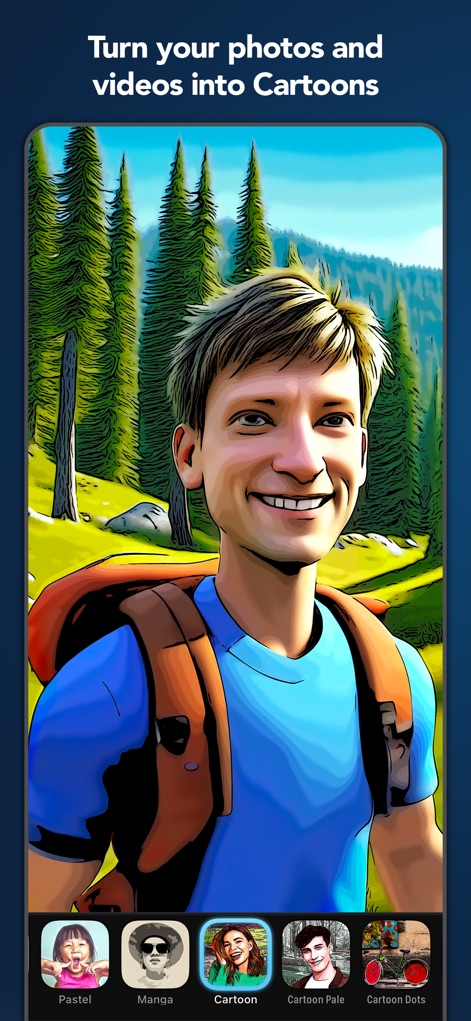
Discover how Clip2Comic instantly applies engaging styles like "Cartoon" and "Manga" to your photos with an intuitive selector.
Instant Cartoon Transformation
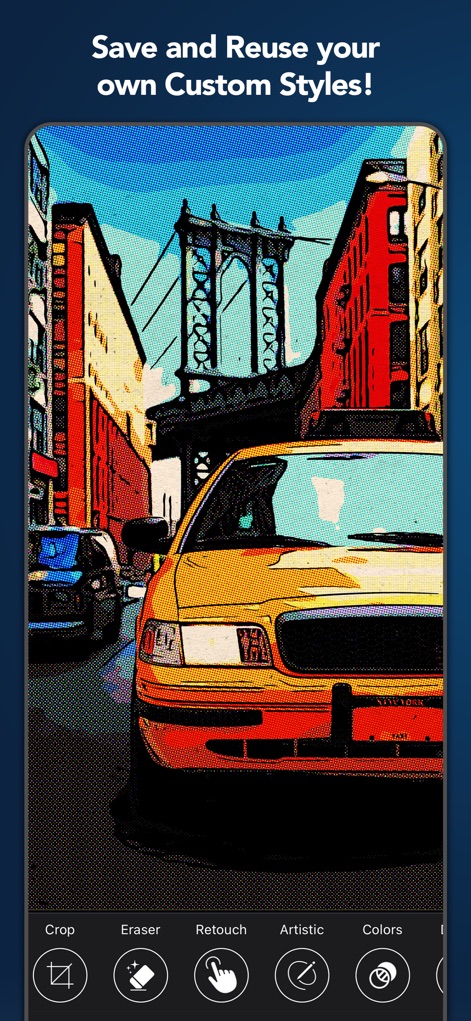
This tool allows users to save personalized styles and easily access editing tools like "Artistic" and "Colors" for unique effects.
Custom Style Creation
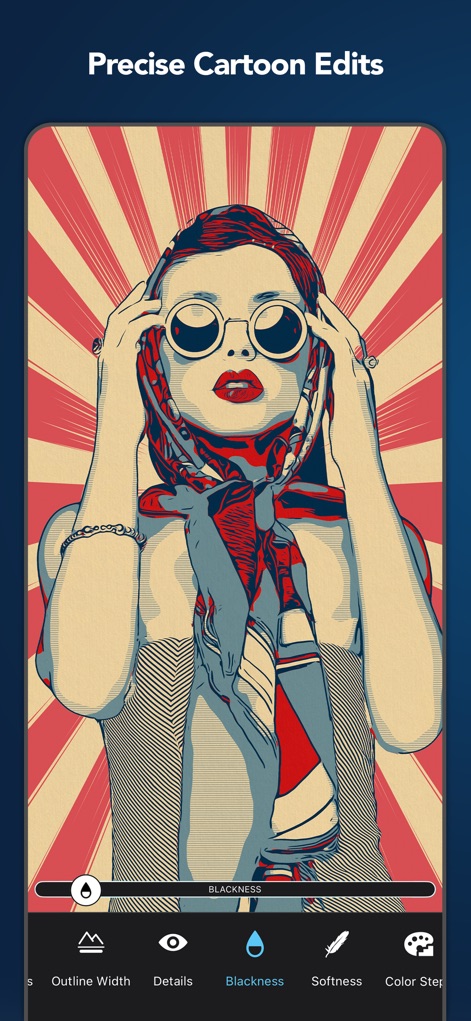
Users can achieve precise control over their artwork, adjusting elements such as "Outline Width" and "Blackness" for bespoke results.
Fine-Tune Artistry
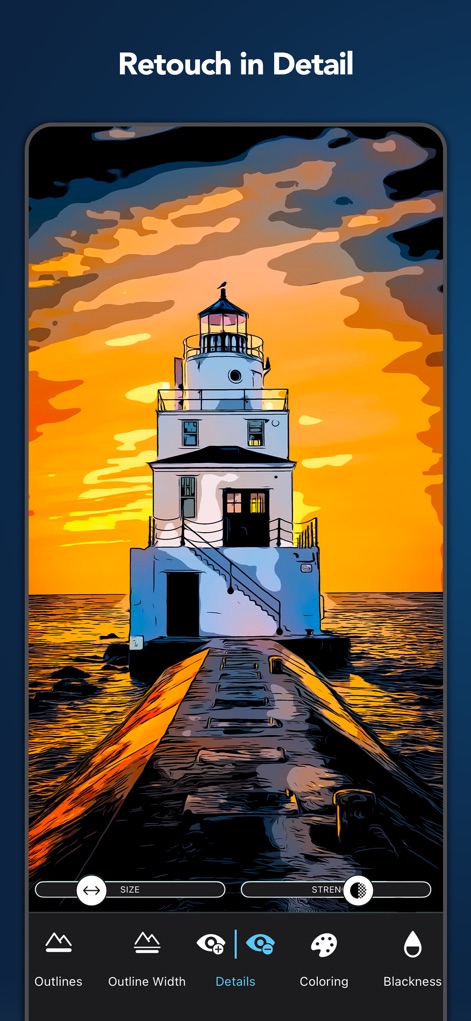
The app offers advanced retouching capabilities, enabling users to fine-tune "Details" and "Coloring" with pixel-perfect accuracy.
Detailed Retouching Controls
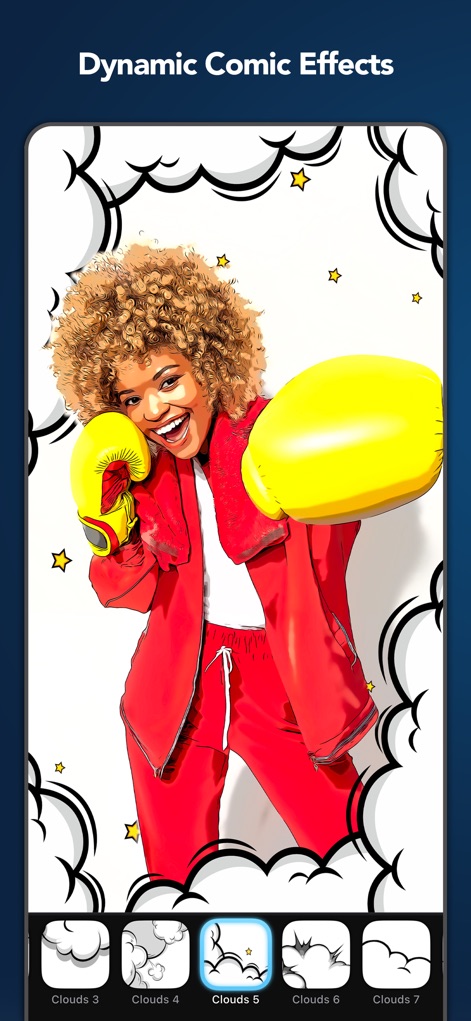
Enhance comic creations with dynamic elements such as expressive "Clouds" and vibrant star decorations to bring scenes to life.
Add Dynamic Accents
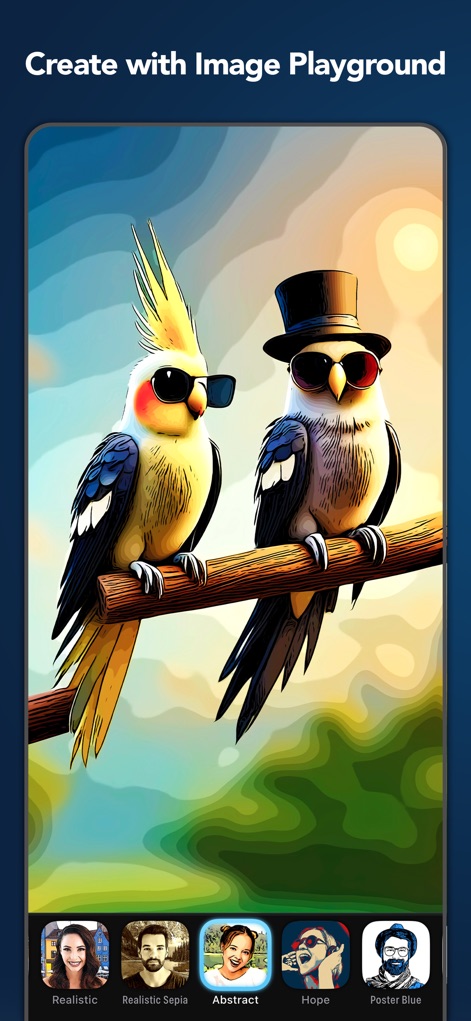
The "Image Playground" offers a diverse range of artistic styles including "Abstract" and "Poster Blue" to transform any image.
Explore Creative Styles
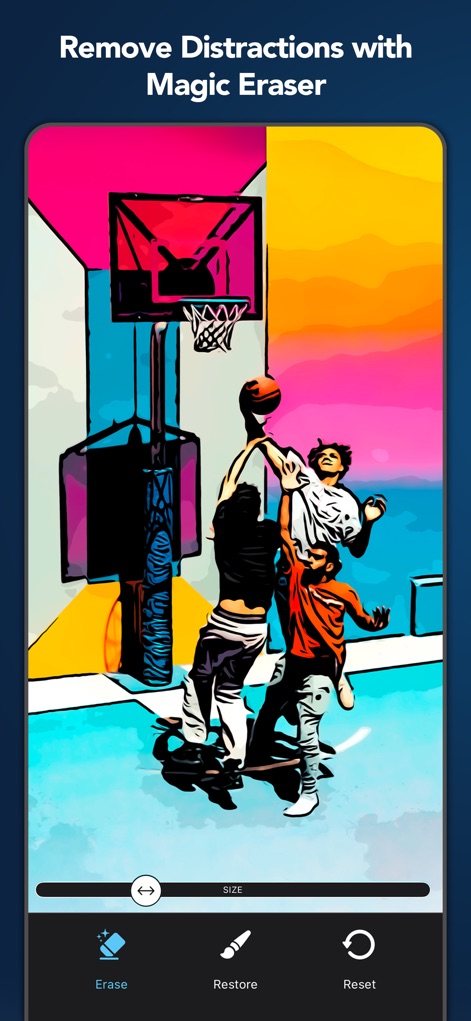
Utilize the "Magic Eraser" tool to effortlessly remove unwanted distractions and "Restore" original details with ease.
Magic Eraser Precision
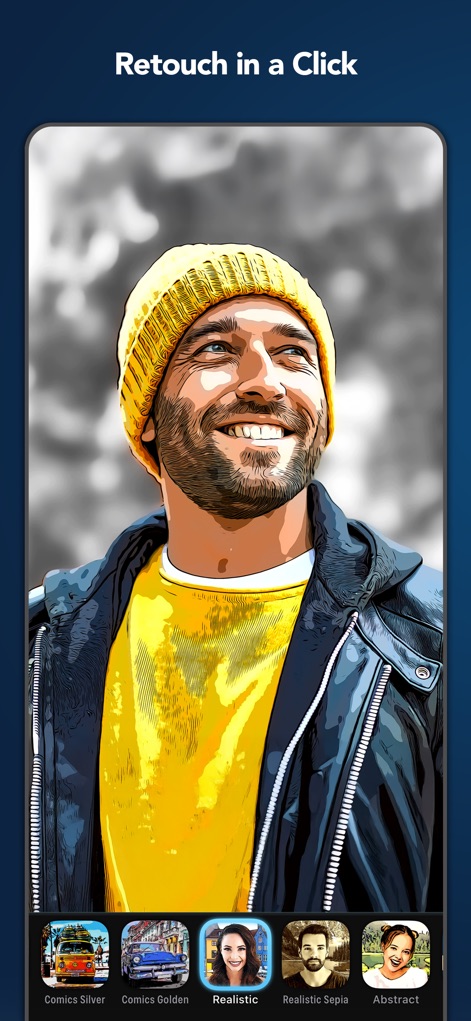
Users can quickly apply a wide array of artistic looks like "Realistic" and "Comics Golden" with a single click for immediate transformations.
Instant Style Application
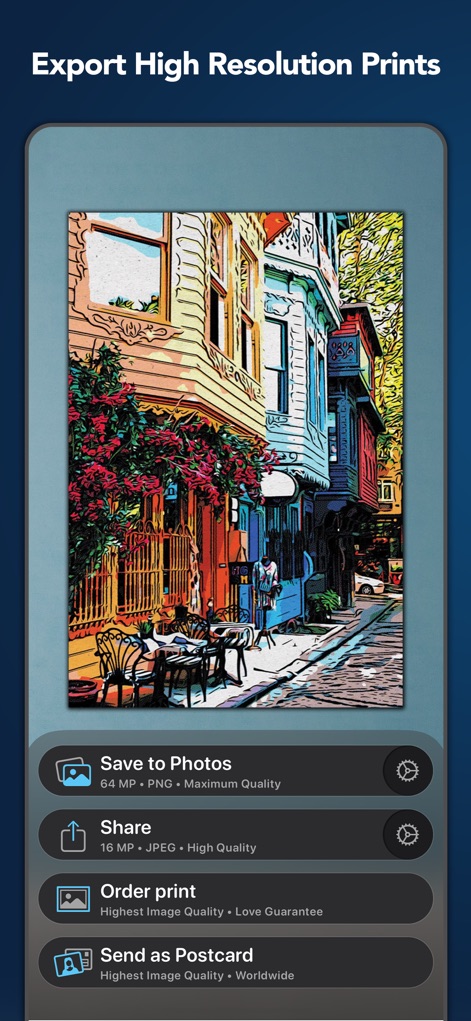
This tool supports exporting creations up to "64 MP" for pristine print quality and offers convenient options to "Order print" or send as a postcard.
High-Resolution Export
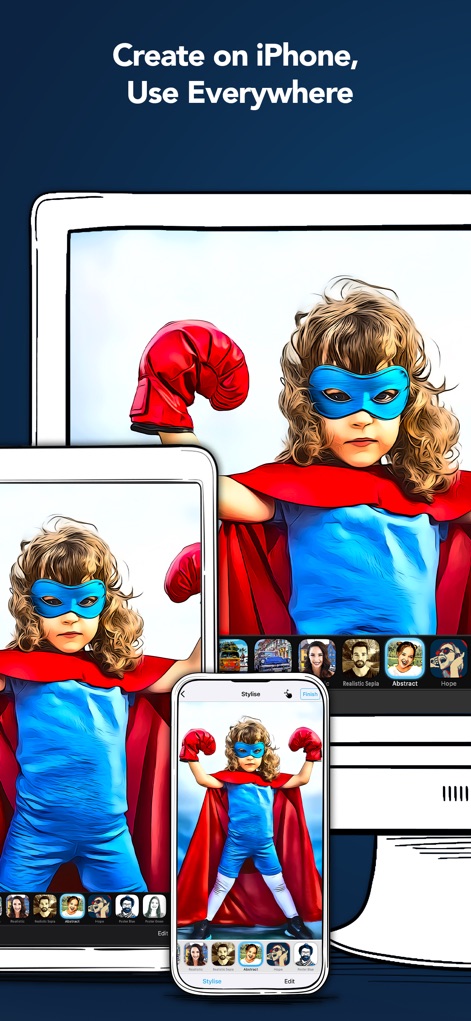
Experience uninterrupted creativity as the app allows users to create on "iPhone" and seamlessly continue their work across "iPad" and other devices.
Seamless Cross-Device Workflow
Description
Download
More Like This
Apps with similar features and user experience

WataameCamera
kenji hara

InFrame - Photo editor collage
INFRAME CO., LIMITED

MagicBrew: AI Photo Editor
Cardinal Blue Software, Inc
Graphite: Turn Photo to Sketch
Digital Masterpieces GmbH

BeCasso: Photo to Painting App
Digital Masterpieces GmbH

YingLow
立肯 郑
Colorify: Coloring Book Maker
YOYA MOBILE TEKNOLOJI ANONIM SIRKETI

Banana Studio: AI Photo Editor
Ozan Kilic

Artifex AI - AI photo Editor
Walrus Holdings(Hong Kong)Limited
This page is not an official page of the app or its developer, but an independent editorial publication created for informational and commentary purposes. Unless expressly stated otherwise, neither the app nor its developer is affiliated with, endorsed by, sponsored by, authorized by, or otherwise officially connected with MWM, Apple, Google Play, the app publisher, or the app's developer, and nothing on this page implies that the app was developed using MWM's services. Any trademarks, logos, screenshots, and other content remain the property of their respective owners.