
This page is not an official page of the app or its developer, but an independent editorial publication created for informational and commentary purposes. Unless expressly stated otherwise, neither the app nor its developer is affiliated with, endorsed by, sponsored by, authorized by, or otherwise officially connected with MWM, Apple, Google Play, the app publisher, or the app's developer, and nothing on this page implies that the app was developed using MWM's services. Any trademarks, logos, screenshots, and other content remain the property of their respective owners.

Collage Maker - Photos Editor
Transform your camera roll into aesthetic Instagram layouts, viral TikTok content, and professional brand graphics with hundreds of premium templates and freestyle tools.
Downloads
166K+User Rating
Total Ratings
1K+Publisher
Category
Photo & VideoLocales
17Latest Version
2.1.8Size
397.3 MBFirst Released
Nov 1, 2024Craft Visuals That Command Attention
Turn your camera roll into a curated story with professional templates and creative tools designed for your lifestyle and business.
Trend-Setting Templates
Stop scrolling and start creating with hundreds of layouts optimized for Instagram Stories, TikTok, and your digital scrapbooks.
Grow Your Side-Hustle
Perfect for Etsy and Poshmark sellers. Create high-converting product grids and promo graphics that make your items stand out.
Frequently Asked Questions
Everything you need to know about Collage Maker - Photos Editor
What features does Collage Maker - Photos Editor offer for creating collages?
Collage Maker - Photos Editor allows users to combine scenic shots, create food collages, design product comparisons, make holiday greetings, and craft personal digital scrapbooks. It offers various templates, grids, and freestyle options.
Can users edit photos within the Collage Maker - Photos Editor app?
Yes, Collage Maker - Photos Editor includes a powerful photo editor. Users can crop, rotate, resize, blur, beautify, add stickers, text, backgrounds, and adjust brightness, contrast, saturation, and layout.
Does Collage Maker - Photos Editor provide pre-made templates and grid layouts?
Yes, Collage Maker - Photos Editor provides hundreds of hand-picked templates, from minimalist to extravagant styles. It also features premade grid layouts for collages in popular aspect ratios like 1:1, 3:4, and 16:9.
Can I share collages directly to social media from Collage Maker - Photos Editor?
Yes, Collage Maker - Photos Editor supports instant posting directly to Instagram and TikTok. Users can also create Instagram stories or reels using provided templates and share them seamlessly.
How can I change photo backgrounds in Collage Maker - Photos Editor?
Collage Maker - Photos Editor allows users to change photo backgrounds. Options include modifying colors, adjusting opacity, applying gradients and patterns, or using the dedicated background eraser tool.
Does Collage Maker - Photos Editor offer a free trial?
Yes, Collage Maker - Photos Editor offers a free trial for 3 days. This trial includes unlimited gallery cleaning for a limited period.
What are the subscription options for Collage Maker - Photos Editor?
Collage Maker - Photos Editor offers weekly, monthly, and yearly subscription types. These subscriptions automatically renew unless auto-renewal is turned off at least 24 hours before the current period ends.
How do users manage auto-renewal for Collage Maker - Photos Editor subscriptions?
Users manage auto-renewal for Collage Maker - Photos Editor subscriptions through their Account Settings after purchase. Auto-renewal must be turned off at least 24 hours before the current period expires.
Where can I find the privacy policy for Collage Maker - Photos Editor?
The privacy policy for Collage Maker - Photos Editor is available at https://pzmobile.com/app/en/policy. This document outlines how user data is collected and processed.
Can I add stickers and doodles to my collages in Collage Maker - Photos Editor?
Yes, Collage Maker - Photos Editor provides hundreds of free stickers and overlays. Users can also create their own drawings and doodles to add personalized artistic touches to their collages.
The following screenshots and description are sourced directly from the app's official store listing and are the property of the app developer.
App Store
Screenshots
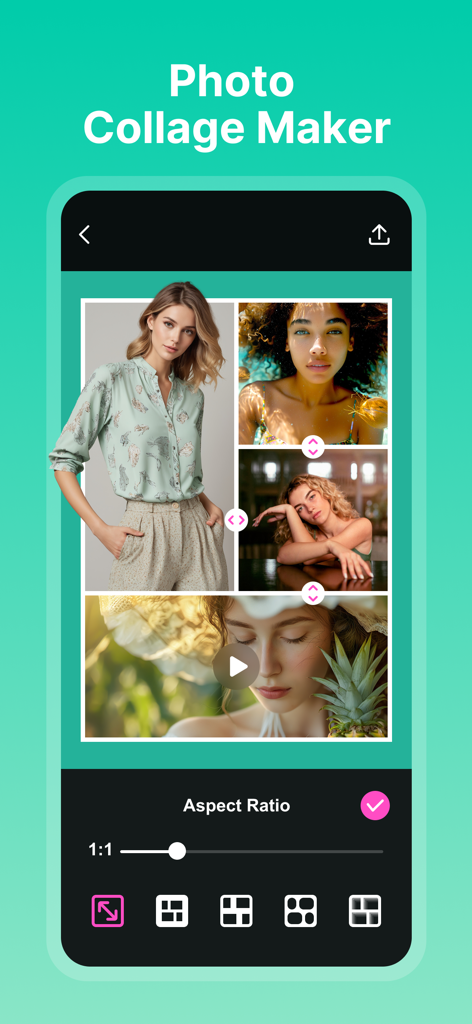
Smartphone screen showing the Collage Maker app with a photo grid and editing tools for layout and aspect ratio
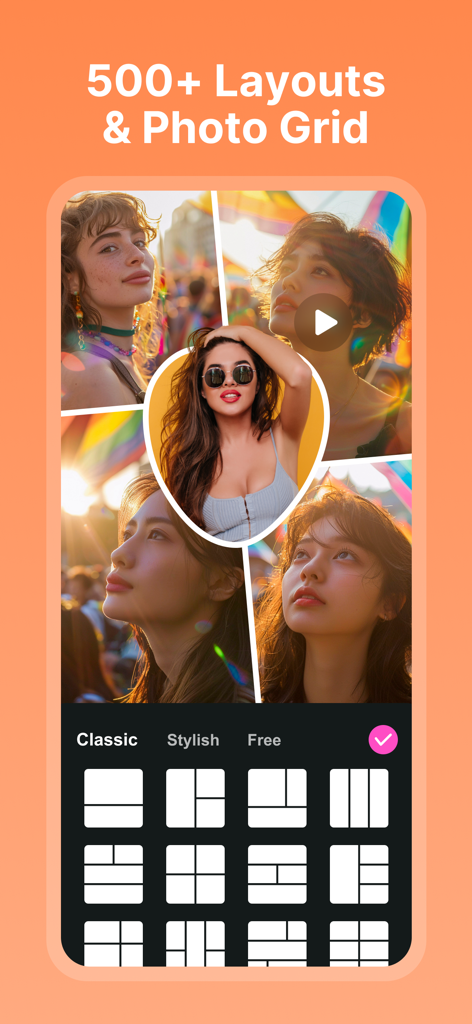
Photo collage app interface showing stylish grid layouts and templates
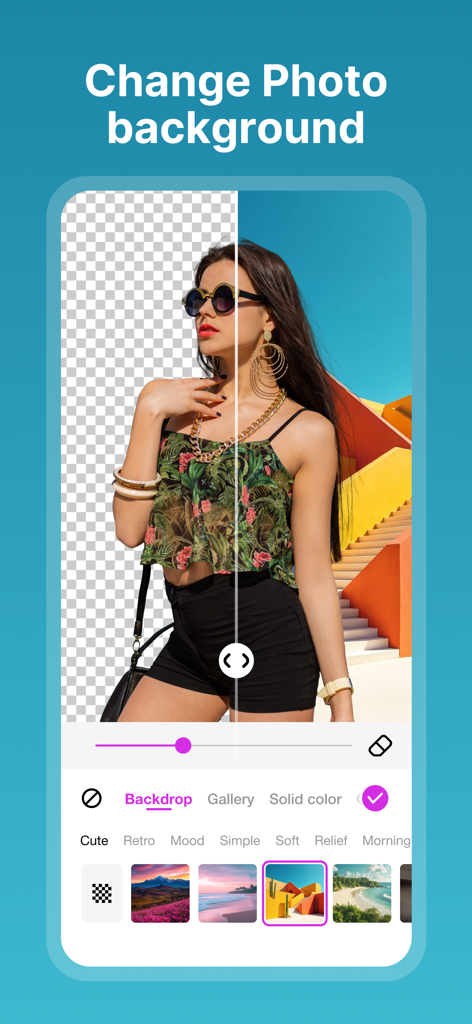
Mobile app interface showing a before and after comparison of a photo background removal and replacement feature.
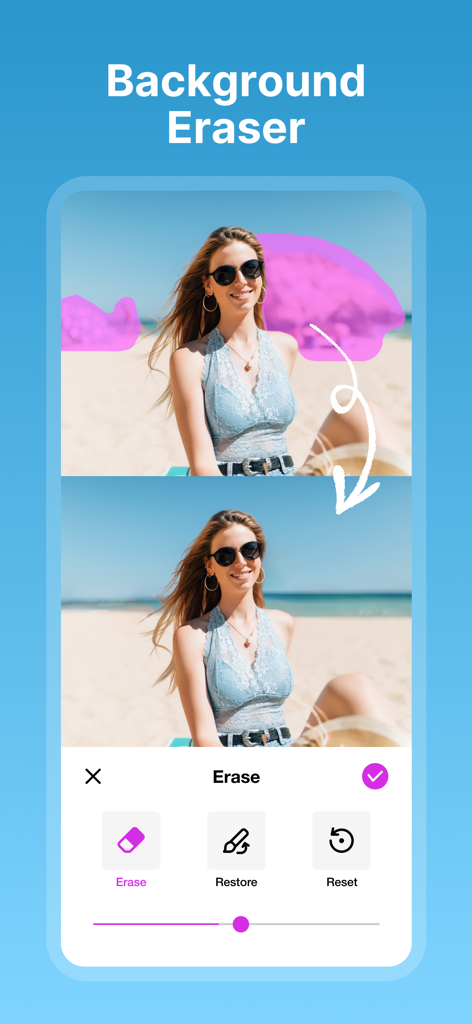
A demonstration of the background eraser feature in the Collage Maker app showing a before and after of a photo edit on a beach.
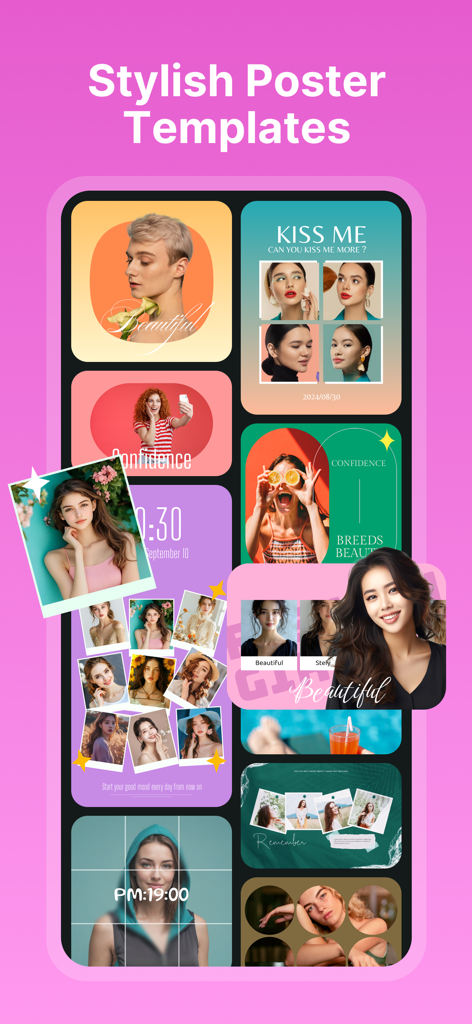
A collection of stylish poster and photo collage templates for aesthetic social media posts
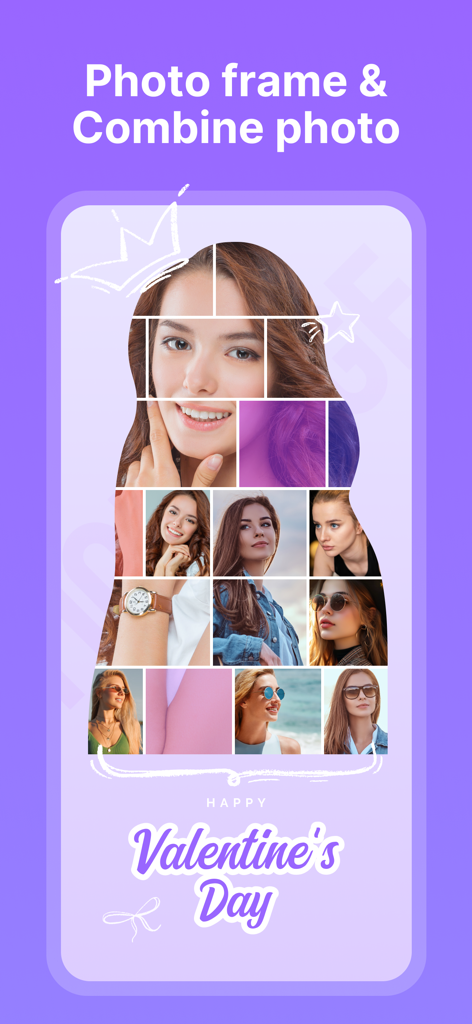
Silhouette photo collage template for Valentine's Day with personalized doodles and multiple lifestyle photos.
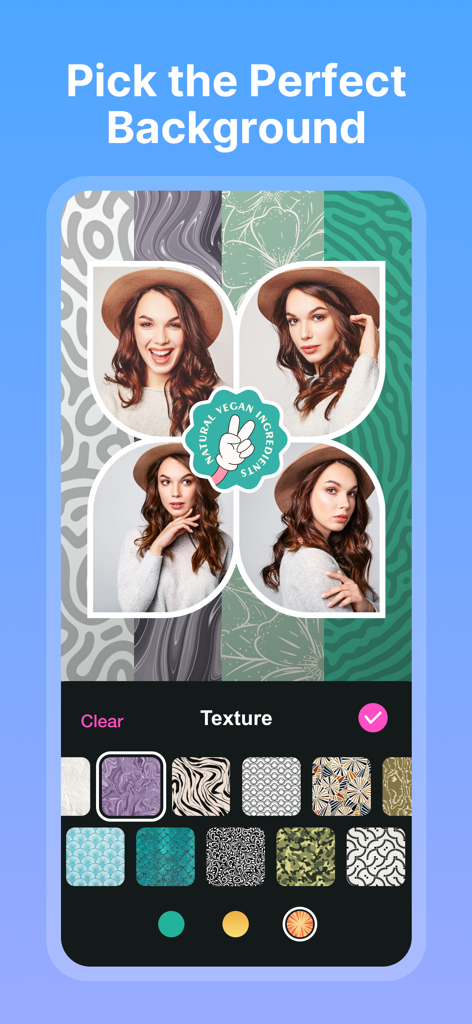
Interface of the Collage Maker app showing a four-photo collage with various artistic background texture options.
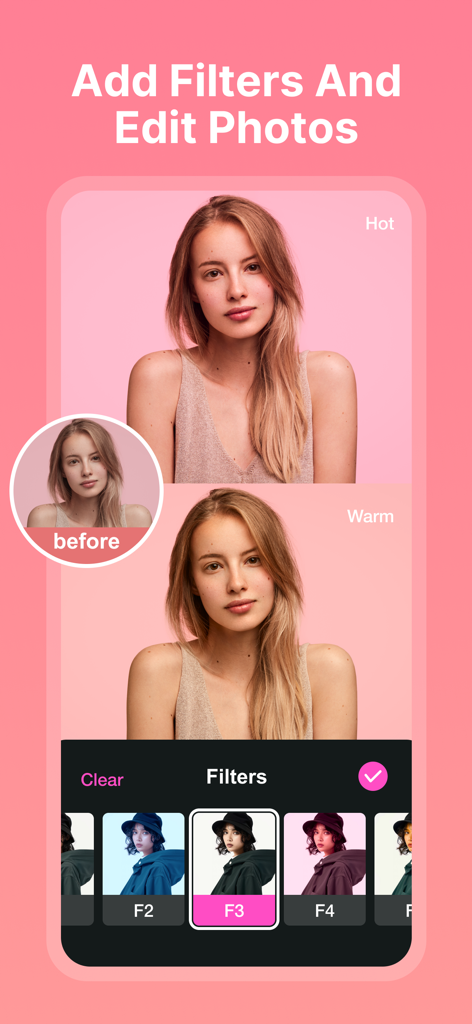
A mobile app interface showing a photo of a woman with different filters applied such as Hot and Warm for portrait editing.
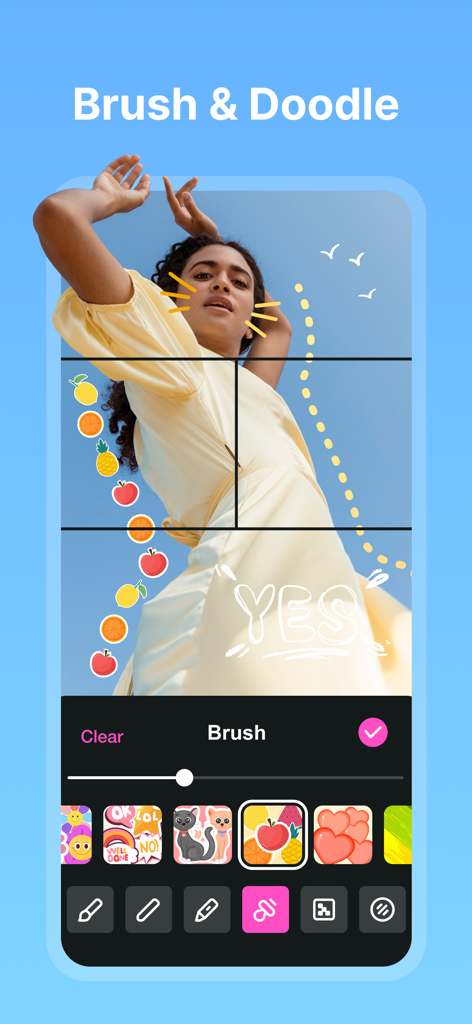
A photo of a woman being edited with hand-drawn doodles and colorful fruit stickers using the brush tool in the Collage Maker app.
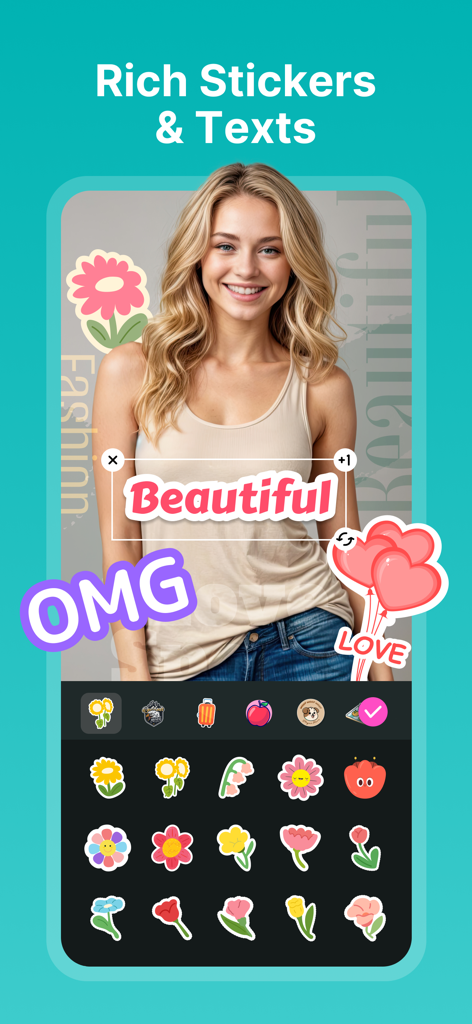
A woman's photo being edited with colorful stickers and text overlays in a photo editing app
Description
Download
More Like This
Apps with similar features and user experience

SCRL: Photo Collage Maker
Appostrophe AB

PhotoGrid: Video Collage Maker
JUPITER PALACE PTE. LTD.

Layout for Instagram: Collage
Shamble, Inc.

Photo Collage Maker: InCollage
SHANTANU PTE. LTD.

TicPic
Zhuhai Kuxiong Network Technology Co., Ltd.

Collage Maker: CollagePlus
Shamble, Inc.

Photo Collage Montage Maker
Honk Honk Punch Pty Ltd

Photo Collage Maker & Creator
Honk Honk Punch Pty Ltd

Photo Collage Montage & Layout
Honk Honk Punch Pty Ltd
This page is not an official page of the app or its developer, but an independent editorial publication created for informational and commentary purposes. Unless expressly stated otherwise, neither the app nor its developer is affiliated with, endorsed by, sponsored by, authorized by, or otherwise officially connected with MWM, Apple, Google Play, the app publisher, or the app's developer, and nothing on this page implies that the app was developed using MWM's services. Any trademarks, logos, screenshots, and other content remain the property of their respective owners.