
This page is not an official page of the app or its developer, but an independent editorial publication created for informational and commentary purposes. Unless expressly stated otherwise, neither the app nor its developer is affiliated with, endorsed by, sponsored by, authorized by, or otherwise officially connected with MWM, Apple, Google Play, the app publisher, or the app's developer, and nothing on this page implies that the app was developed using MWM's services. Any trademarks, logos, screenshots, and other content remain the property of their respective owners.


Collage Maker: Photos Editor
Transform your camera roll into aesthetic masterpieces. Join thousands of creators turning everyday memories into professional-looking social stories and holiday keepsakes effortlessly.
Downloads
46K+User Rating
Total Ratings
2K+Publisher
Category
Graphics & DesignLocales
6Latest Version
1.2.9Size
101.0 MBFirst Released
Feb 9, 2025Design Stories That Stand Out
Transform your photo library into stunning, shareable collages with professional templates and intuitive editing tools tailored for your aesthetic.
Hundreds of One-Tap Templates
Instantly turn your memories into stylized art with layouts designed for every mood, from minimalist to extravagant.
Perfect for Social Stories
Optimized 9:16 aspect ratios and custom layouts ensure your posts look flawless on Instagram, TikTok, and Pinterest.
Frequently Asked Questions
Everything you need to know about Collage Maker: Photos Editor
What is Collage Maker: Photos Editor?
Collage Maker: Photos Editor is an app for creating photo collages quickly. It offers hundreds of templates, diverse layouts, stickers, fonts, and professional photo editing tools to tell your story.
What photo editing features does Collage Maker: Photos Editor offer?
Collage Maker: Photos Editor offers professional photo editing tools, including filters and effects. It also provides options to adjust picture aspect ratios like original, freedom, square, 2:3, 3:2, and 3:4.
How many templates and layouts are available in Collage Maker: Photos Editor?
Collage Maker: Photos Editor provides hundreds of collage templates and over 500 unique collage layouts. New templates are updated regularly, including seasonal options for holidays like Christmas and New Year.
Can I create custom collage layouts with Collage Maker: Photos Editor?
Yes, Collage Maker: Photos Editor features a Freeform Collage Mode. Users can design custom layouts from scratch and adjust every detail to create a personalized collage style.
How do I cancel my subscription for Collage Maker: Photos Editor?
To cancel the renewal of your Collage Maker: Photos Editor subscription, you must manually turn off the automatic renewal function in your iTunes/Apple ID settings management at least 24 hours before the current subscription period ends.
What aspect ratios does Collage Maker: Photos Editor support?
Yes, Collage Maker: Photos Editor supports all popular aspect ratios for collages. These include 1:1, 2:3, 3:4, 9:16, 3:2, and 4:3, among others. Users can also freely adjust frame sizes.
Can I add stickers and text to my collages in Collage Maker: Photos Editor?
Yes, Collage Maker: Photos Editor allows users to add a wide variety of stylized stickers and fonts to their collages. This feature enables users to match their design aesthetic perfectly.
The following screenshots and description are sourced directly from the app's official store listing and are the property of the app developer.
App Store
Screenshots

Promotional screen for Collage Maker app featuring its top rating and colorful photo collage examples.
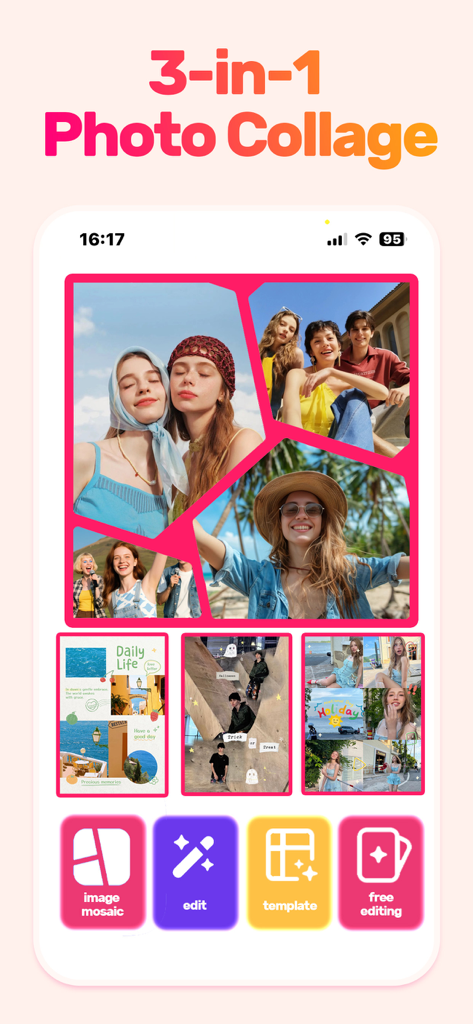
Collage Maker app screen showing a multi-photo layout with lifestyle images and editing tool icons.
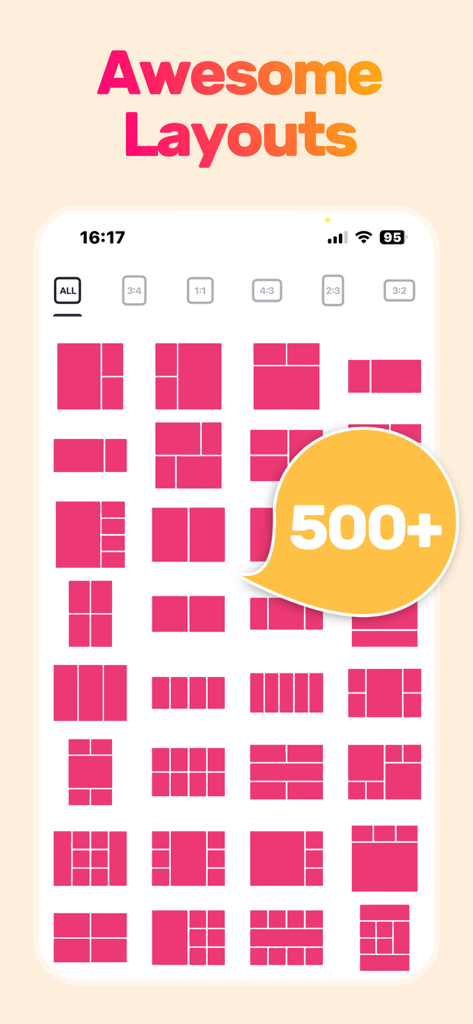
A grid display of over 500 photo collage layouts and aspect ratio options available in the app
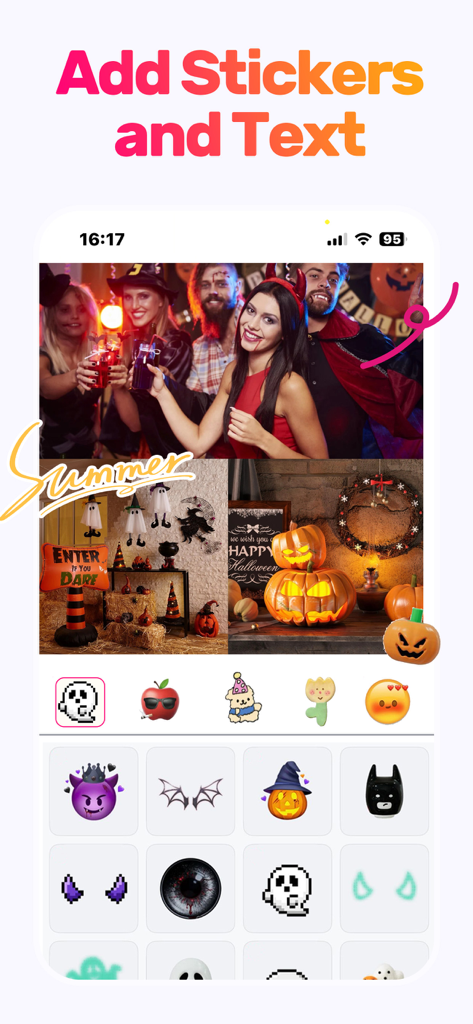
Editing interface of Collage Maker app featuring Halloween stickers and text on a photo collage
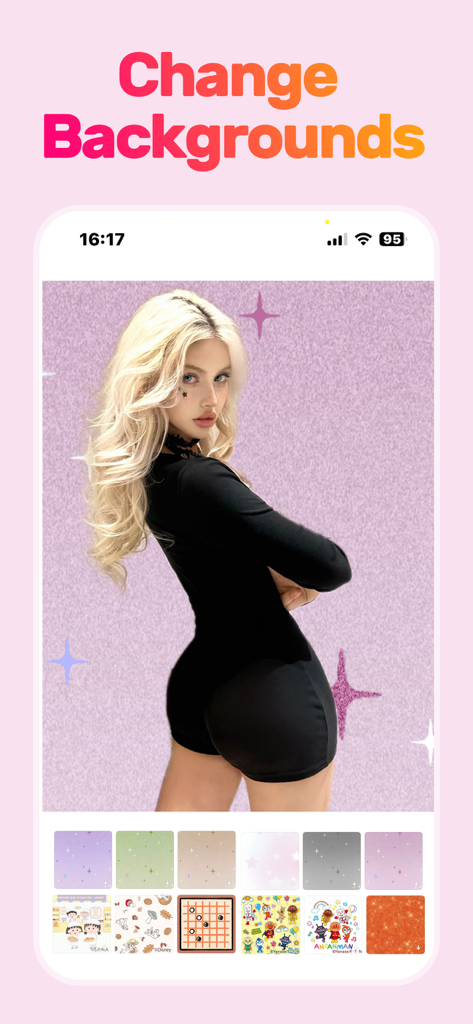
A woman portrait being edited with the change backgrounds feature in the Collage Maker app
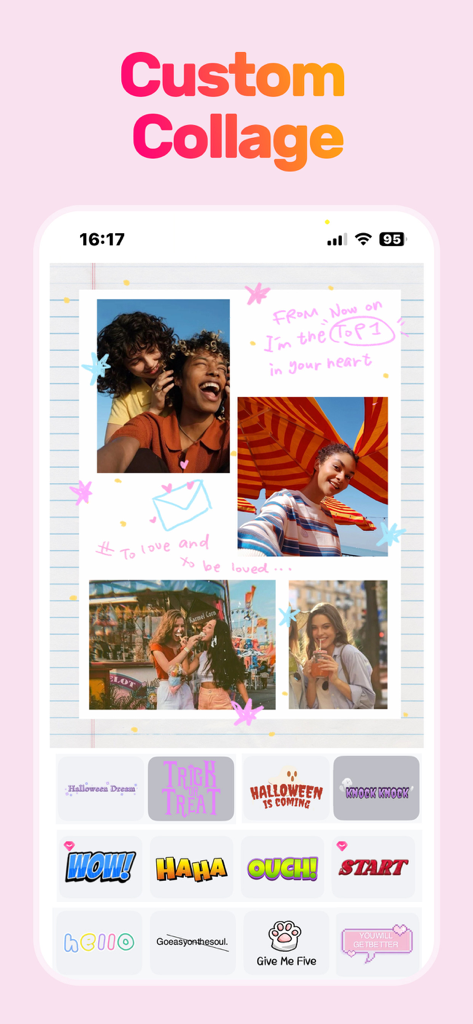
A mobile app interface showing a custom photo collage with friends and decorative stickers on a notepad background.
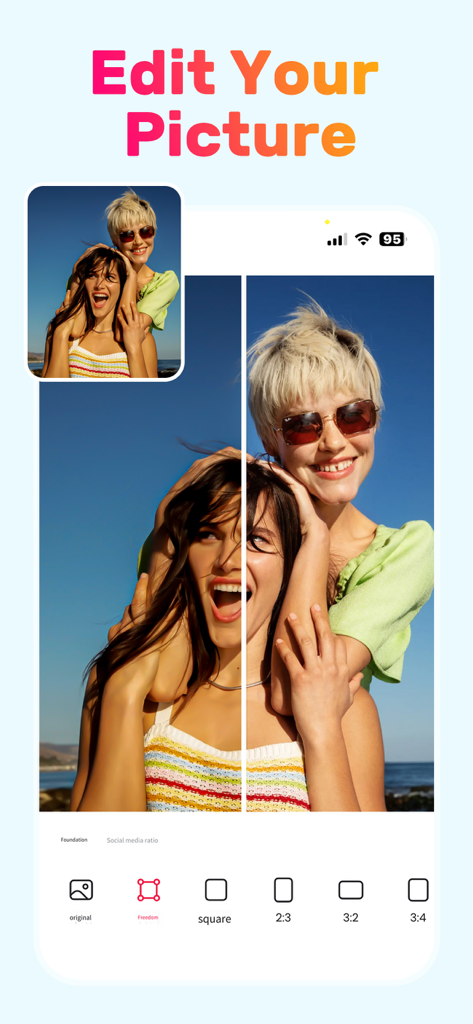
Interface of the Collage Maker app showing a photo being edited with various aspect ratio options like square and 2 to 3
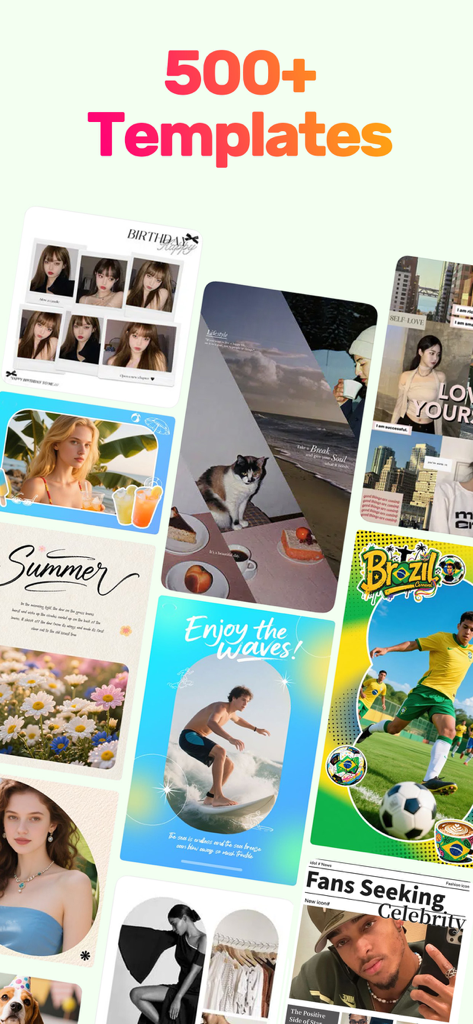
A collection of over 500 aesthetic photo collage templates and layouts for social media
Description
Download
More Like This
Apps with similar features and user experience

SCRL: Photo Collage Maker
Appostrophe AB

PhotoGrid: Video Collage Maker
JUPITER PALACE PTE. LTD.

Layout for Instagram: Collage
Shamble, Inc.

Photo Collage Maker: InCollage
SHANTANU PTE. LTD.

TicPic
Zhuhai Kuxiong Network Technology Co., Ltd.

Collage Maker: CollagePlus
Shamble, Inc.

Photo Collage Montage Maker
Honk Honk Punch Pty Ltd

Photo Collage Maker & Creator
Honk Honk Punch Pty Ltd

Photo Collage Montage & Layout
Honk Honk Punch Pty Ltd
This page is not an official page of the app or its developer, but an independent editorial publication created for informational and commentary purposes. Unless expressly stated otherwise, neither the app nor its developer is affiliated with, endorsed by, sponsored by, authorized by, or otherwise officially connected with MWM, Apple, Google Play, the app publisher, or the app's developer, and nothing on this page implies that the app was developed using MWM's services. Any trademarks, logos, screenshots, and other content remain the property of their respective owners.