
This page is not an official page of the app or its developer, but an independent editorial publication created for informational and commentary purposes. Unless expressly stated otherwise, neither the app nor its developer is affiliated with, endorsed by, sponsored by, authorized by, or otherwise officially connected with MWM, Apple, Google Play, the app publisher, or the app's developer, and nothing on this page implies that the app was developed using MWM's services. Any trademarks, logos, screenshots, and other content remain the property of their respective owners.

ColorKit – Palette & Picker
Create accessible palettes, extract colors from images, and export production-ready code for SwiftUI and Tailwind. Fast, privacy-first, and fully offline.
Downloads
0User Rating
Total Ratings
0Publisher
Category
Developer ToolsLocales
1Latest Version
1.0Size
19.4 MBFirst Released
Jan 9, 2026Design with Precision, Build with Speed
From real-world inspiration to production-ready code. ColorKit is the privacy-first utility for UI/UX designers and developers who demand efficiency without the subscription fatigue.
Developer-Ready Exports
Instantly generate snippets for SwiftUI, Tailwind CSS, and JSON. Bridge the gap between design and production by copying code directly to your clipboard.
Accessibility & WCAG Standards
Ensure every project is inclusive. Use the built-in contrast checker to verify your palettes meet professional readability and US legal standards on the fly.
The following screenshots and description are sourced directly from the app's official store listing and are the property of the app developer.
App Store
Screenshots
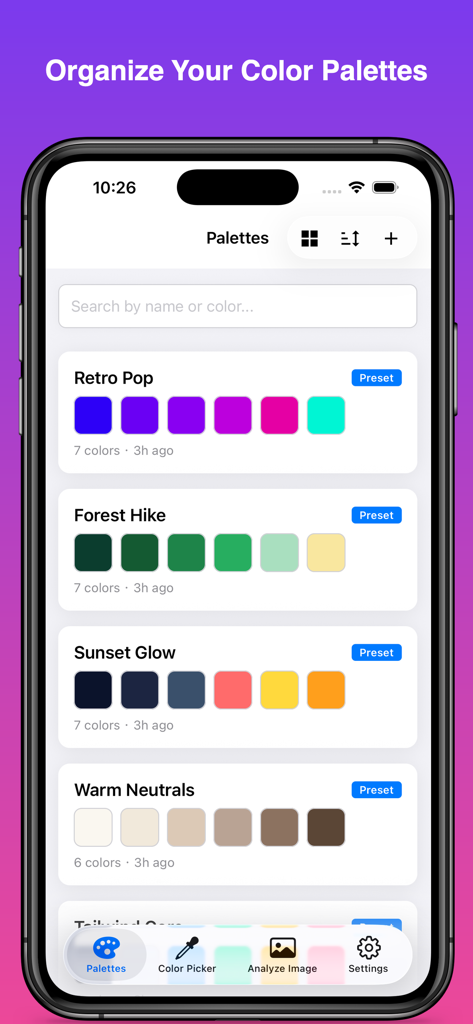
ColorKit app interface showing a list of saved color palettes with custom names and hex swatches
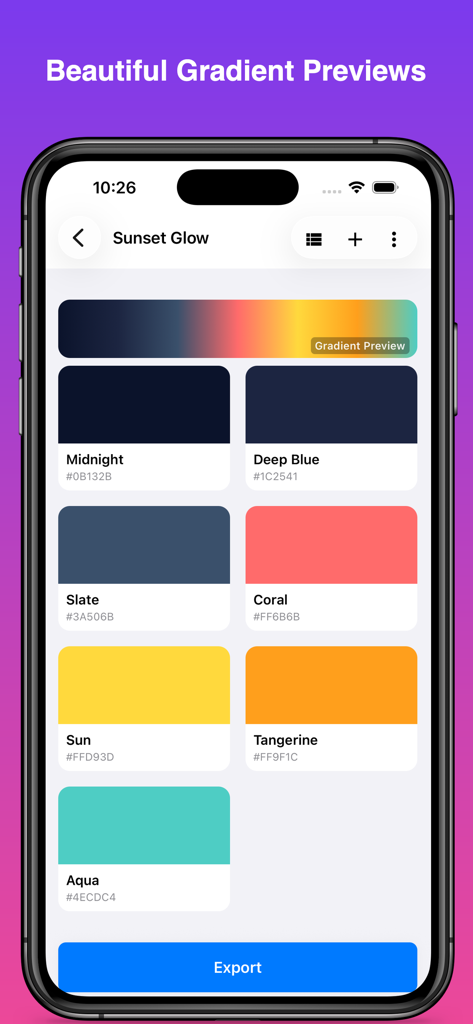
Interface of ColorKit app showing the Sunset Glow palette with color swatches hex codes and a gradient preview bar
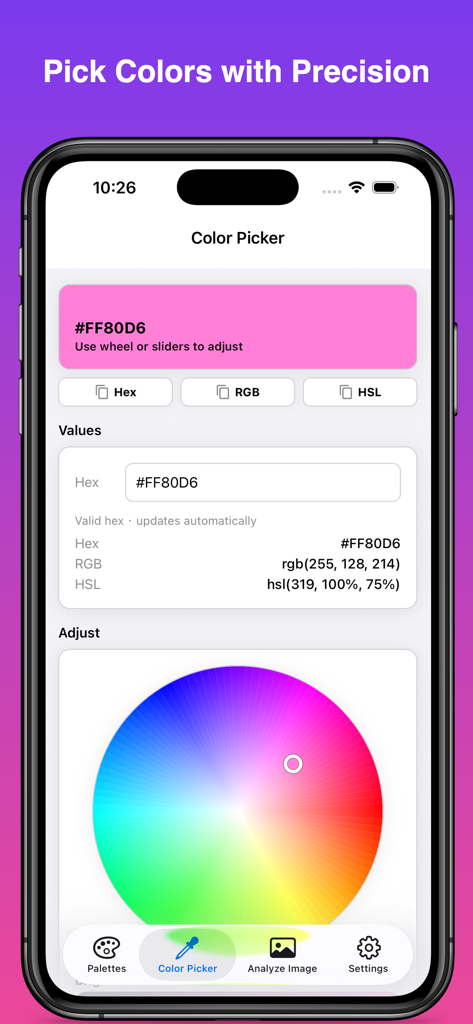
ColorKit mobile app interface showing a color wheel and hex rgb and hsl values on an iPhone screen
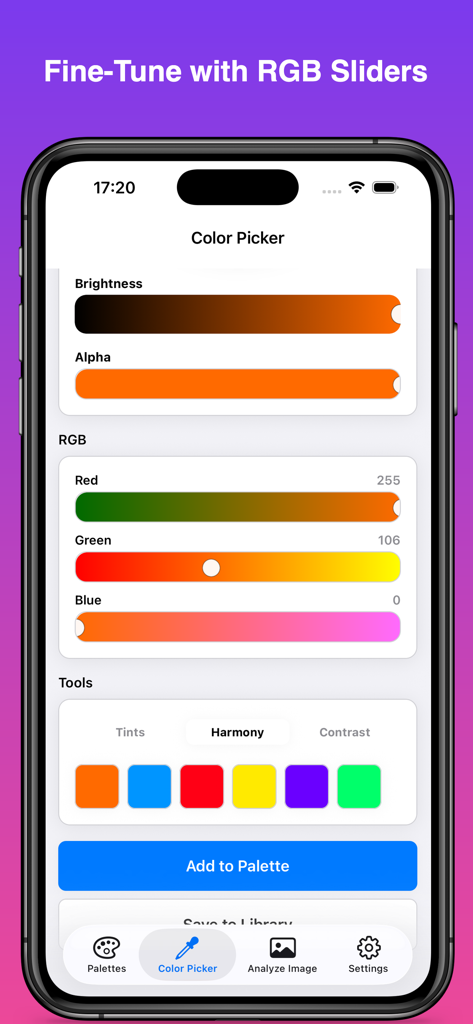
ColorKit app interface showing the color picker with RGB sliders, brightness control, and color harmony suggestions.
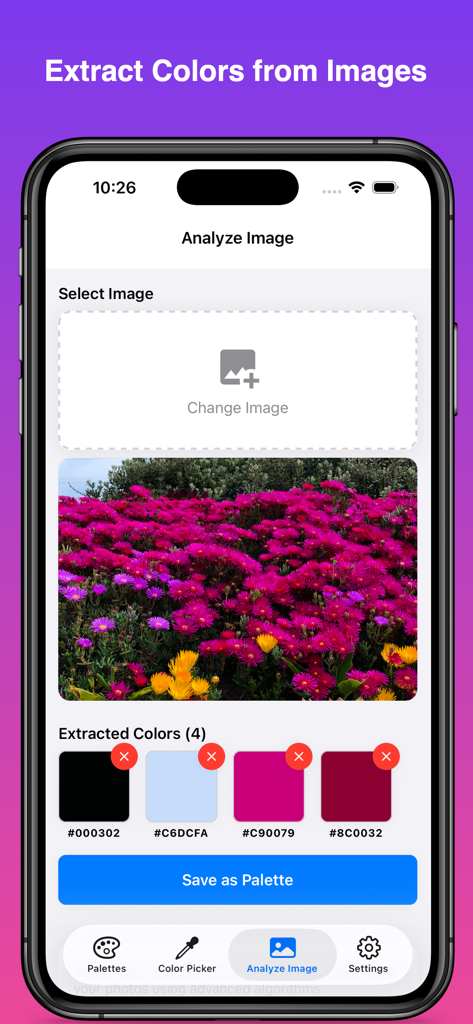
ColorKit app interface demonstrating the extraction of color swatches with hex codes from a photo of purple and yellow flowers
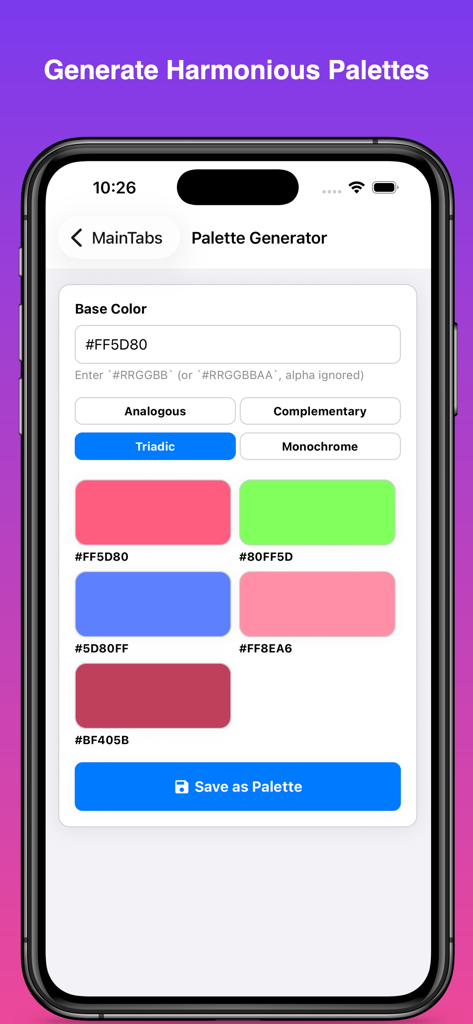
ColorKit app interface for generating triadic color palettes from a base hex code.
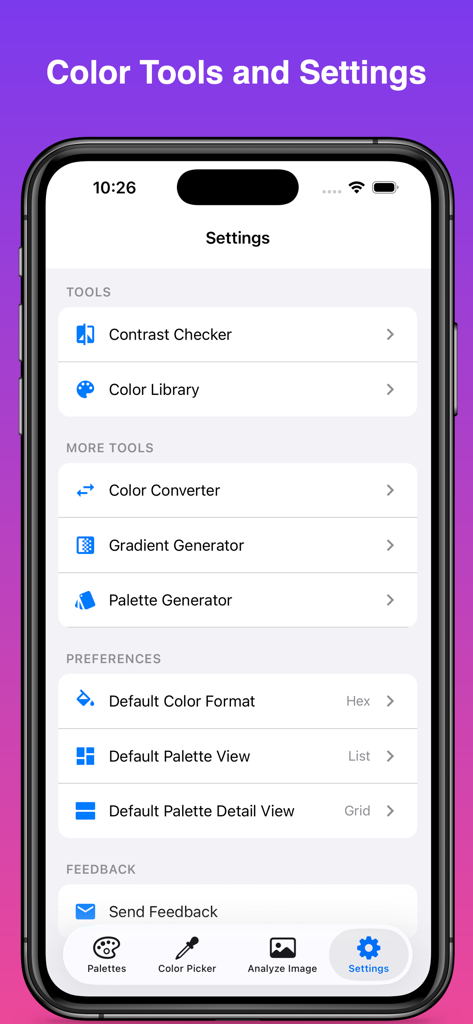
Settings screen of ColorKit app displaying a list of utility tools including contrast checker and palette generator
Description
Download
More Like This
Top-ranked apps in the same category

TestFlight
Apple Inc.

Replit: Vibe Code Apps
Replit, Inc

GitHub
GitHub

O-KAM Pro
Shenzhen VeePai IoT Intelligent Technology LLC

Apple Developer
Apple Inc.

Expo Go
650 Industries, Inc.

Scriptable
Simon Stovring

App Store Connect
Apple Inc.

Sekai: Create · Remix · Play
Versa AI, Inc.
This page is not an official page of the app or its developer, but an independent editorial publication created for informational and commentary purposes. Unless expressly stated otherwise, neither the app nor its developer is affiliated with, endorsed by, sponsored by, authorized by, or otherwise officially connected with MWM, Apple, Google Play, the app publisher, or the app's developer, and nothing on this page implies that the app was developed using MWM's services. Any trademarks, logos, screenshots, and other content remain the property of their respective owners.