
This page is not an official page of the app or its developer, but an independent editorial publication created for informational and commentary purposes. Unless expressly stated otherwise, neither the app nor its developer is affiliated with, endorsed by, sponsored by, authorized by, or otherwise officially connected with MWM, Apple, Google Play, the app publisher, or the app's developer, and nothing on this page implies that the app was developed using MWM's services. Any trademarks, logos, screenshots, and other content remain the property of their respective owners.

Colorlogix - Color Design Tool
From inspiration to implementation. Design precision palettes in P3 color space, pick colors with your live camera, and export production-ready code for SwiftUI, Swift, and CSS instantly.
Downloads
68K+User Rating
Total Ratings
0Publisher
Category
Developer ToolsLocales
1Latest Version
2.3Size
9.7 MBFirst Released
Aug 2, 2021The Professional's Color Toolkit
Streamline your design-to-development workflow with precision tools built for the Apple ecosystem. Move from inspiration to implementation in seconds.
Export Directly to Code
Generate production-ready snippets for SwiftUI, Swift, CSS, and Objective-C. Use Universal Clipboard to copy on your iPhone and paste straight into Xcode.
Capture Inspiration Anywhere
Extract colors from images or the world around you with live camera picking. Access precise RGB and HSB values with a high-fidelity zoomable interface.
Frequently Asked Questions
Everything you need to know about Colorlogix - Color Design Tool
What is Colorlogix?
Colorlogix is a color design tool that helps users design palettes, adjust, convert, and share colors. It offers powerful controls for various color models and spaces.
What color models does Colorlogix support for editing?
Colorlogix supports conversions between RGB, HSB, HSL, and CMYK color models. Users can edit values as integer, hex, percent, decimal, or degrees.
Can I create color combinations with Colorlogix?
Yes, Colorlogix Pro allows users to create Complementary, Split Complementary, Triad, and Analogous color combinations. Related colors link and update automatically.
Does Colorlogix offer color picking from images?
Yes, Colorlogix Pro enables users to pick colors directly from images using a precise, zoomable interface. It also offers live camera color picking.
What are the sharing options available in Colorlogix?
Colorlogix allows sharing colors to images, hex, CSS, Swift, and SwiftUI. The Pro version extends sharing to source code, including Objective-C.
Can Colorlogix palettes be synchronized across devices?
Yes, Colorlogix Pro provides iCloud Sync for palettes, allowing users to access their color palettes across all their devices.
How does Colorlogix handle color space conversions?
Colorlogix allows users to render palettes in sRGB or Display P3 color spaces and easily convert between them directly within the app.
Does Colorlogix include a custom hex keyboard?
Yes, Colorlogix includes a custom hex keyboard designed to simplify the editing of hex values for colors.
Can I customize color lists in Colorlogix?
Yes, Colorlogix Pro allows users to customize the popover color picker to include their own custom color lists. These lists sync via iCloud.
Is there a free version of Colorlogix?
Yes, Colorlogix has a free version with core features. Upgrading to Colorlogix Pro unlocks the full feature set, including advanced capabilities.
The following screenshots and description are sourced directly from the app's official store listing and are the property of the app developer.
App Store
Screenshots
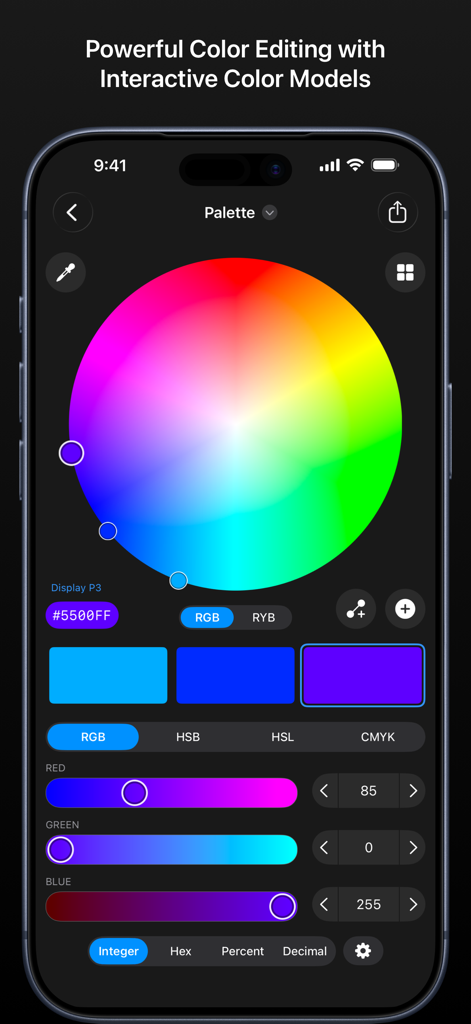
Interface of the Colorlogix app showing an interactive color wheel and RGB sliders for precise color editing.
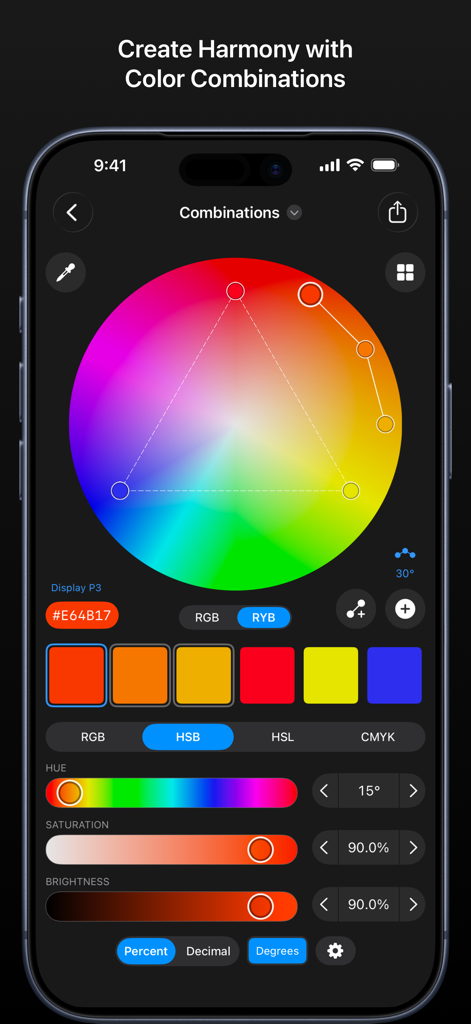
Interface of the Colorlogix app featuring an interactive color wheel and palette adjustment sliders
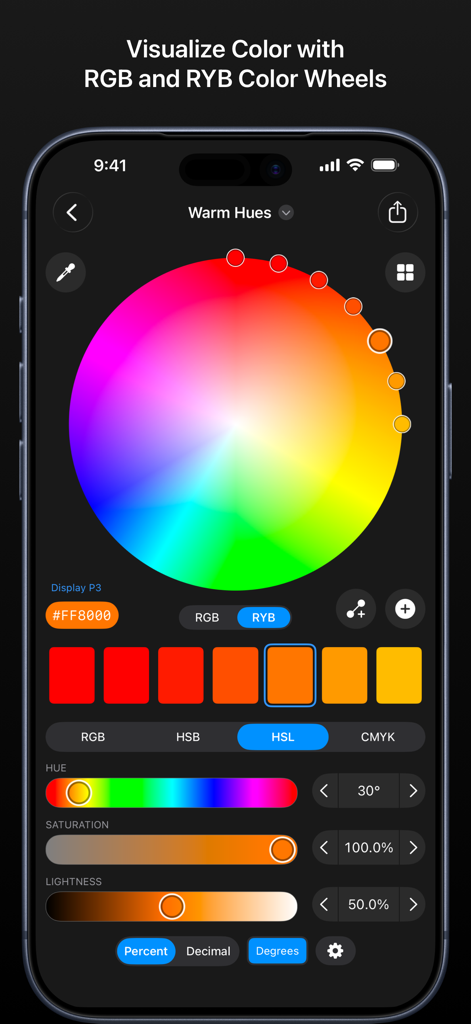
Colorlogix app interface featuring a color wheel and adjustment sliders for design
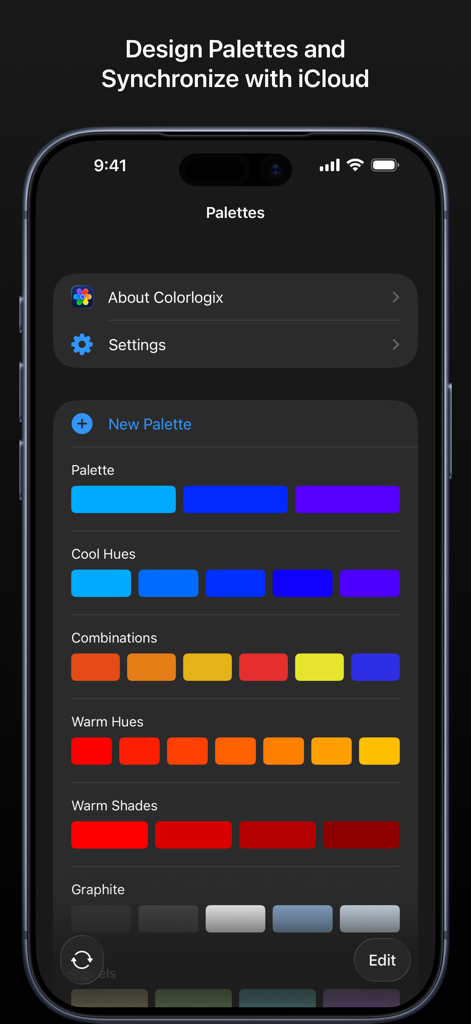
Interface of the Colorlogix app displaying a list of custom color palettes like Cool Hues and Warm Shades with iCloud synchronization.
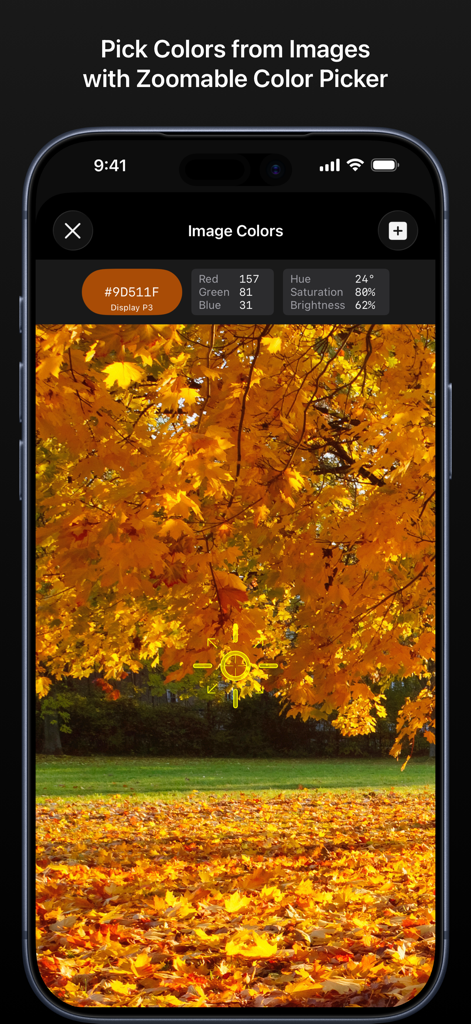
Colorlogix interface showing a color being picked from an image of autumn leaves
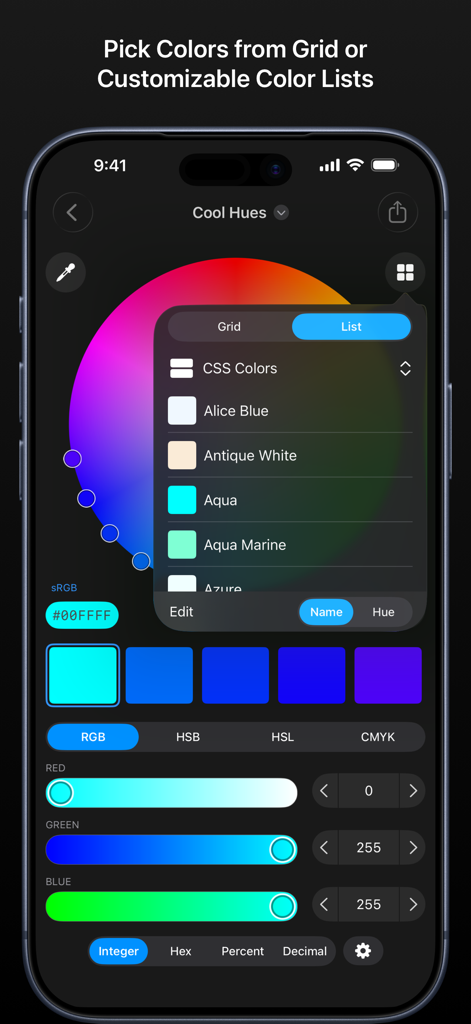
Colorlogix app interface showing the CSS color list selection and RGB adjustment sliders.
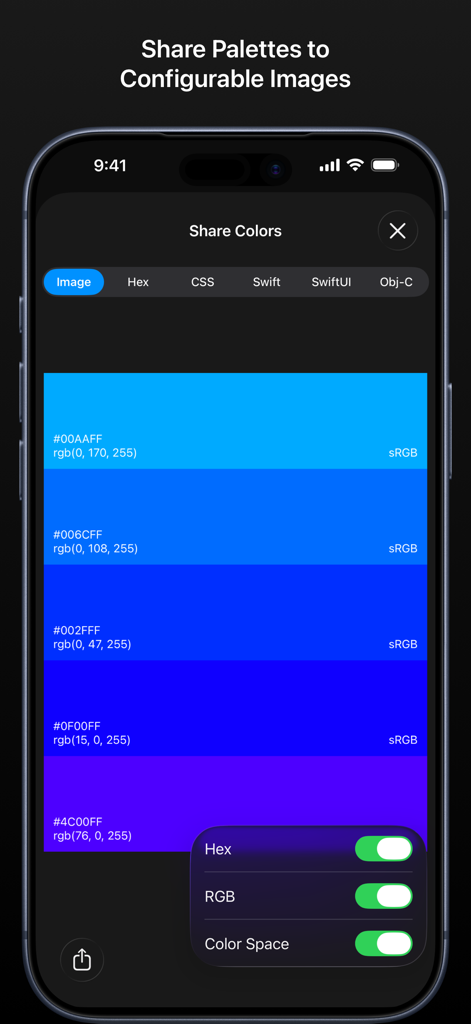
Interface of Colorlogix app showing how to share a color palette as a configurable image with hex and RGB values.
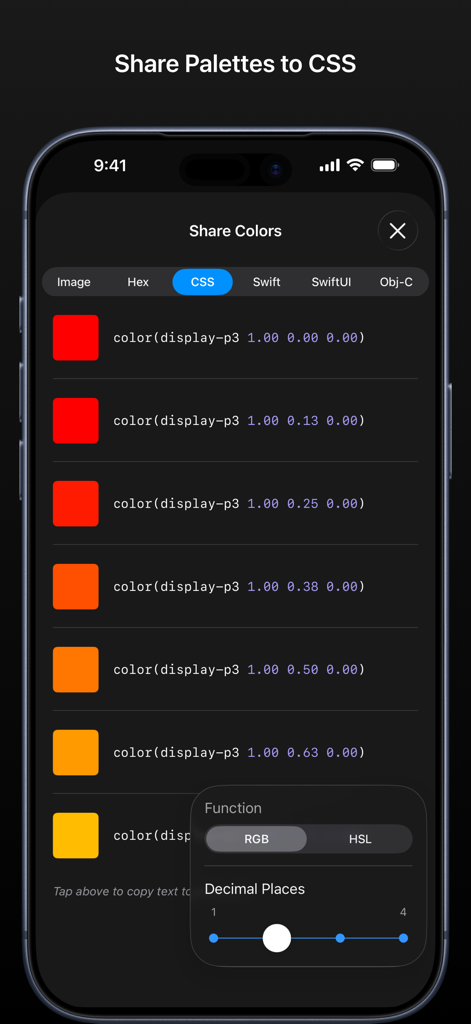
Screenshot of Colorlogix app showing a list of colors and their corresponding CSS display-p3 source code snippets
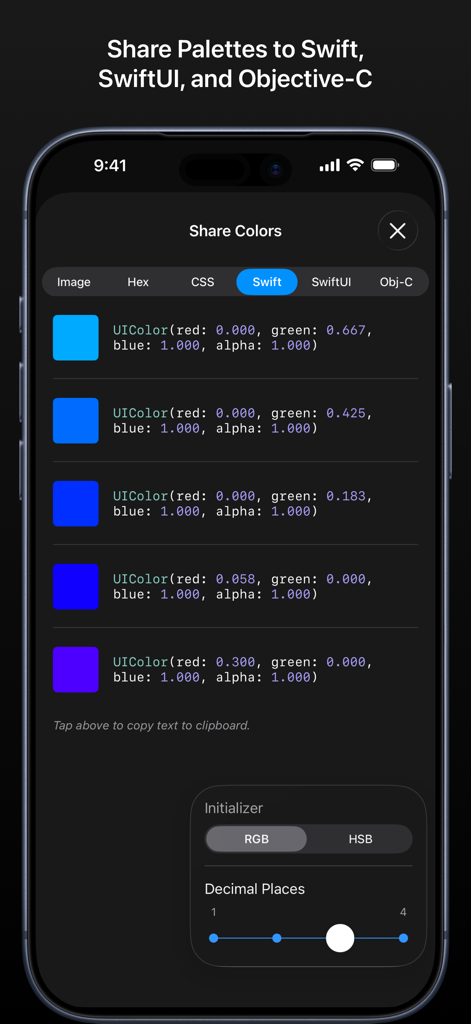
Interface of Colorlogix app showing a color palette converted into Swift UIColor code snippets for developers
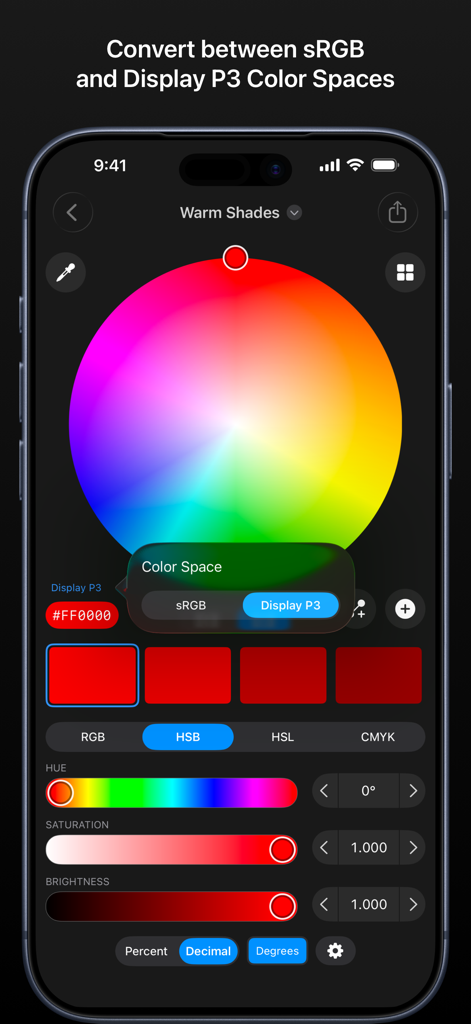
Colorlogix app interface showing a color wheel and the option to convert between sRGB and Display P3 color spaces
Description
Download
More Like This
Top-ranked apps in the same category

TestFlight
Apple Inc.

Replit: Vibe Code Apps
Replit, Inc

GitHub
GitHub

O-KAM Pro
Shenzhen VeePai IoT Intelligent Technology LLC

Apple Developer
Apple Inc.

Expo Go
650 Industries, Inc.

Scriptable
Simon Stovring

App Store Connect
Apple Inc.

Sekai: Create · Remix · Play
Versa AI, Inc.
This page is not an official page of the app or its developer, but an independent editorial publication created for informational and commentary purposes. Unless expressly stated otherwise, neither the app nor its developer is affiliated with, endorsed by, sponsored by, authorized by, or otherwise officially connected with MWM, Apple, Google Play, the app publisher, or the app's developer, and nothing on this page implies that the app was developed using MWM's services. Any trademarks, logos, screenshots, and other content remain the property of their respective owners.