
ConnectWise Control


Empower your IT team to resolve critical issues, manage servers, and support clients from anywhere with the most powerful remote access app for iPhone and iPad.
Publisher
Category
BusinessDownloads
586K+User Rating
Total Ratings
800Locales
-Discover the interface used by 586K+ users.
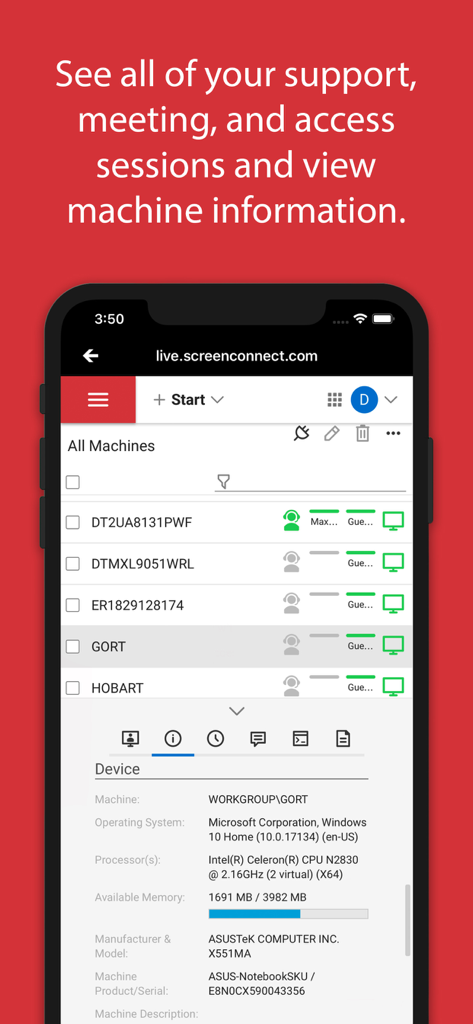
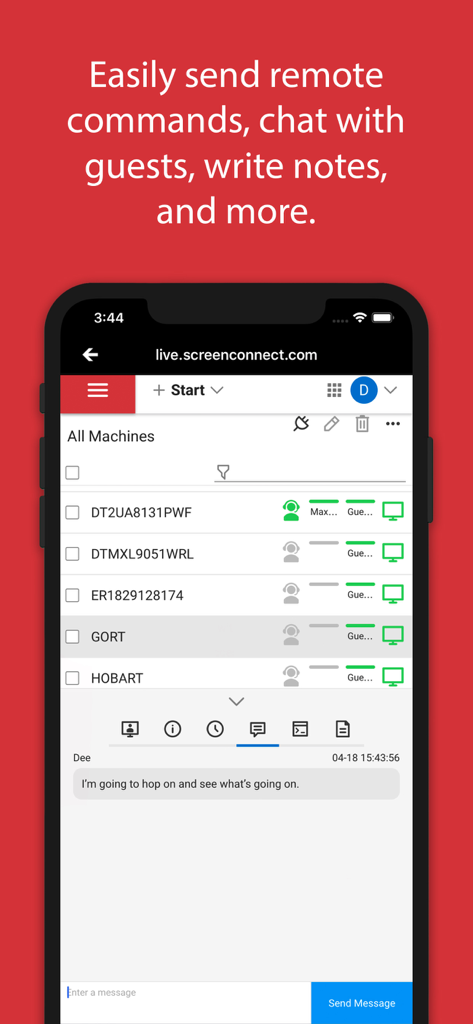
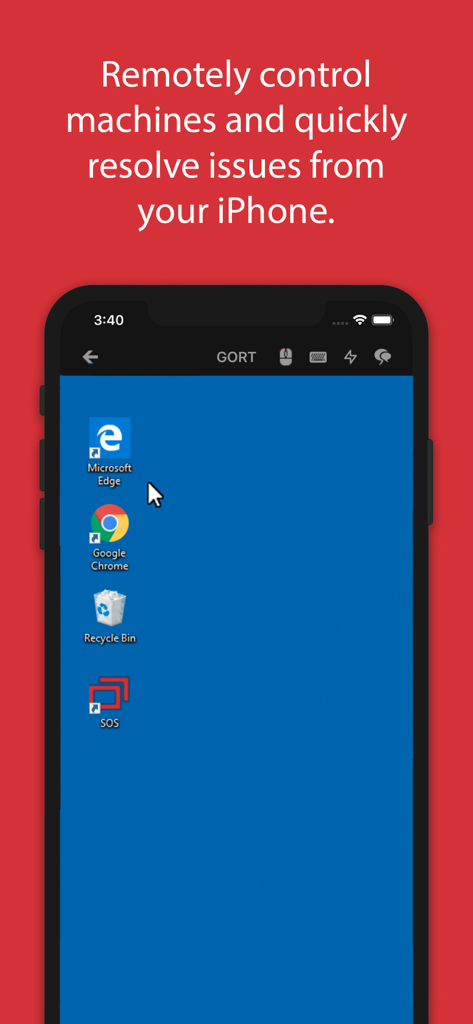
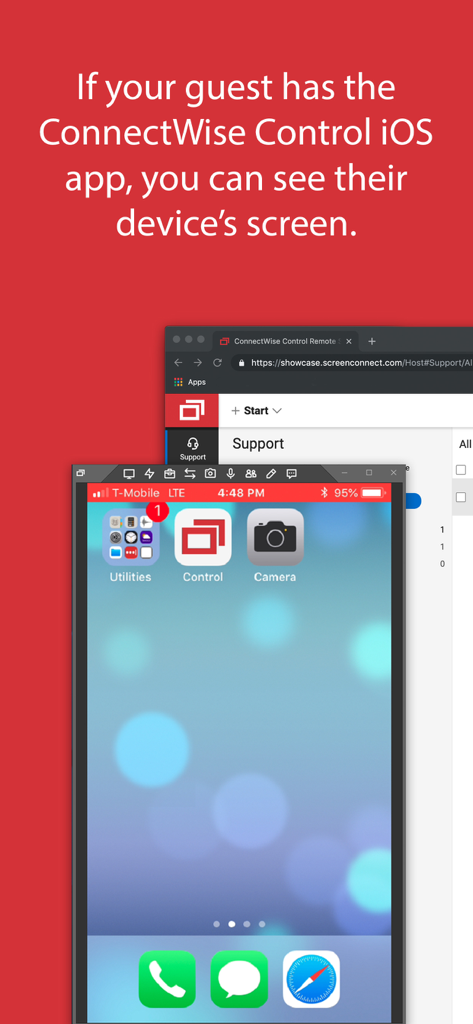
The tools that make this app stand out, trusted by 586K+ users.
Gain high-performance access to Windows, Mac, and Linux machines with fluid screen sharing optimized for iOS devices.
Send terminal commands, transfer critical files, and use session chat to fix problems as if you were physically on-site.
Monitor and manage remote servers or join on-demand support sessions to maintain 24/7 uptime for your entire infrastructure.
Insights from user reviews.
Sentiment Score
Summary
The mobile app receives overwhelmingly negative feedback, with the vast majority of users reporting it is exploited by scammers to gain unauthorized remote access to their devices. Numerous individuals recount being defrauded, experiencing significant financial loss, and having their personal data stolen after being tricked into downloading the app by scammers impersonating entities like PayPal, Amazon, or StubHub. Users strongly advise against installing the application if prompted by untrusted sources due to its pervasive misuse as a tool for financial fraud and data theft. While one review praises its legitimate function as a 'Best support application', this positive sentiment is largely overshadowed by widespread warnings.
Common Themes
Everything you need to know about ConnectWise Control.
Description
Latest Version
2019.5.26289.0
Size
28.6 MB
First Released
Mar 25, 2011
Join 586K+ IT professionals who don't let a desk define their responsiveness. Get the official mobile app for secure, high-speed remote support and unattended access on the go.
Everything you need to know about ConnectWise Control
The official ConnectWise Control app enables instant connection and remote control of devices, bringing remote support and access capabilities to iPhone or iPad users.
ConnectWise Control provides secure remote access and control for Windows, Mac, Linux, and mobile devices directly from an iPhone or iPad.
Yes, the ConnectWise Control app supports file transfer, allowing users to move files between connected devices during remote sessions.
Yes, ConnectWise Control allows you to chat with end users from within the app during remote sessions, enhancing communication for support.
Yes, the ConnectWise Control app can broadcast an iPhone or iPad screen to other devices, supporting iOS 11 and later versions.
The ConnectWise Control app requires an existing ConnectWise Control instance running version 6.0 or later to function.
Yes, an existing ConnectWise Control instance or account is necessary to host and join remote sessions via the app. A trial is available.
Yes, the ConnectWise Control app allows users to view comprehensive machine information for connected devices, including operating system and processor details.
Apps with similar features and user experience

Shanghai best oray information s&t co.,ltd

Guangzhou NetEase Computer System Co.Ltd

AWERAY PTE. LTD.

AnyDesk Software GmbH

TeamViewer Germany GmbH

Hainan Youqu Technology Co., Ltd.

ZULER TECHNOLOGY PTE. LTD.

Termius Corporation

RealVNC Limited
App information, icons, screenshots, and descriptions displayed on this page are sourced from the Apple App Store and are the property of their respective developers. Download estimates and rankings are based on MWM's proprietary models and may not reflect actual figures. This page is provided for informational and analytical purposes only.
Believe this page infringes your intellectual property? File a dispute