
This page is not an official page of the app or its developer, but an independent editorial publication created for informational and commentary purposes. Unless expressly stated otherwise, neither the app nor its developer is affiliated with, endorsed by, sponsored by, authorized by, or otherwise officially connected with MWM, Apple, Google Play, the app publisher, or the app's developer, and nothing on this page implies that the app was developed using MWM's services. Any trademarks, logos, screenshots, and other content remain the property of their respective owners.


Contact.s Back Up
Never lose a client or lead again. The ultimate tool for busy professionals to backup, sync, and export contacts to spreadsheets with total peace of mind.
Downloads
881K+User Rating
Total Ratings
7K+Publisher
Category
ProductivityLocales
7Latest Version
2.66Size
60.0 MBFirst Released
Sep 21, 2019Secure Your Professional Network
The ultimate toolkit for high-stakes professionals to protect, organize, and export their most valuable asset: their contacts.
Fail-Safe One-Tap Backup
Never lose a client’s number again. Instantly secure your entire address book to iCloud, Google Drive, or Gmail with a single tap for total peace of mind.
Professional Data Export
Transform your phone into a lead-gen tool. Export your contact list into spreadsheets (CSV) to easily sync with your CRM or professional database.
Frequently Asked Questions
Everything you need to know about Contact.s Back Up
How does Contact.s Back Up create contact backups?
Contact.s Back Up allows users to back up all contacts with a single tap to local memory, Google Drive, iCloud, Gmail, or Exchange. The app also features an auto backup function.
What are the subscription plans available for Contact.s Back Up PRO?
Contact.s Back Up PRO offers weekly ($4.99/week after 3-day trial), monthly ($9.99/month after 3-day trial), and yearly ($49.99) subscription plans. Payment is charged to the iTunes Account.
Does Contact.s Back Up offer an auto-backup feature for contacts?
Yes, Contact.s Back Up provides an auto-backup function. Users activate this feature to automatically update their contacts without manual intervention, ensuring continuous protection.
How do users manage their Contact.s Back Up PRO subscription?
Users manage their Contact.s Back Up PRO subscription and turn off auto-renewal via their iPhone's Account Settings after purchase. This action must occur at least 24-hours before the current period ends.
Can users export contacts from the Contact.s Back Up app?
Yes, Contact.s Back Up enables users to export their contacts to spreadsheets. This feature helps organize, store, or analyze the contact information as needed.
Does Contact.s Back Up provide secure storage for personal notes or password protection?
Yes, Contact.s Back Up offers "Secure Personal Notes" and "Password Protected Access" features. These functions allow users to store sensitive information within the app with enhanced privacy.
Does the Contact.s Back Up app offer features to merge or filter contacts?
Yes, Contact.s Back Up allows users to merge, filter, and remove contacts easily. It provides extensive filter options to find specific contacts quickly.
The following screenshots and description are sourced directly from the app's official store listing and are the property of the app developer.
App Store
Screenshots
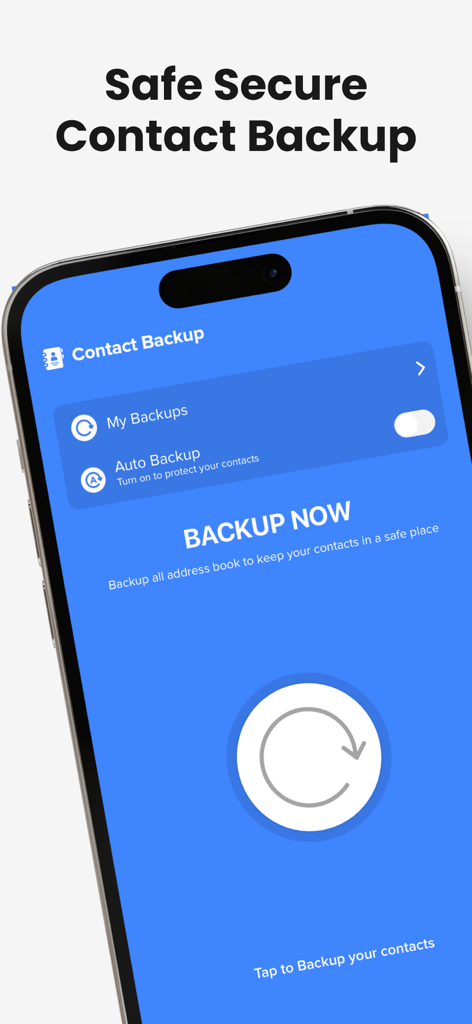
Mobile app interface for Contact.s Back Up showing the main backup now button and auto backup settings
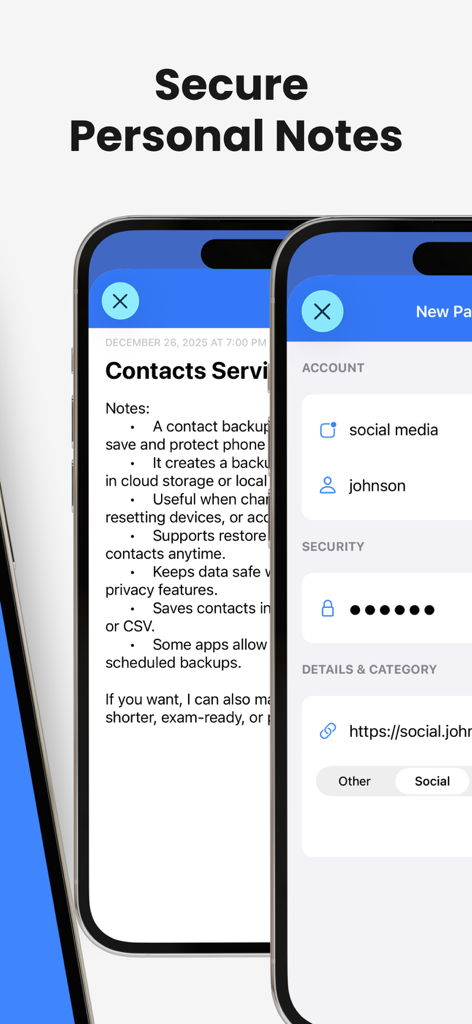
Interface showing secure personal notes and account security settings within the app
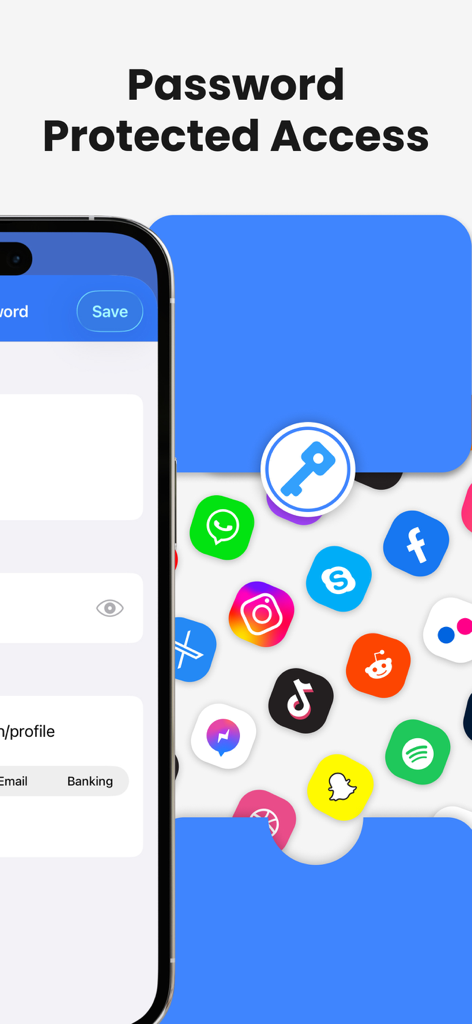
A screenshot showing the password protected access feature for secure contact backup and data privacy
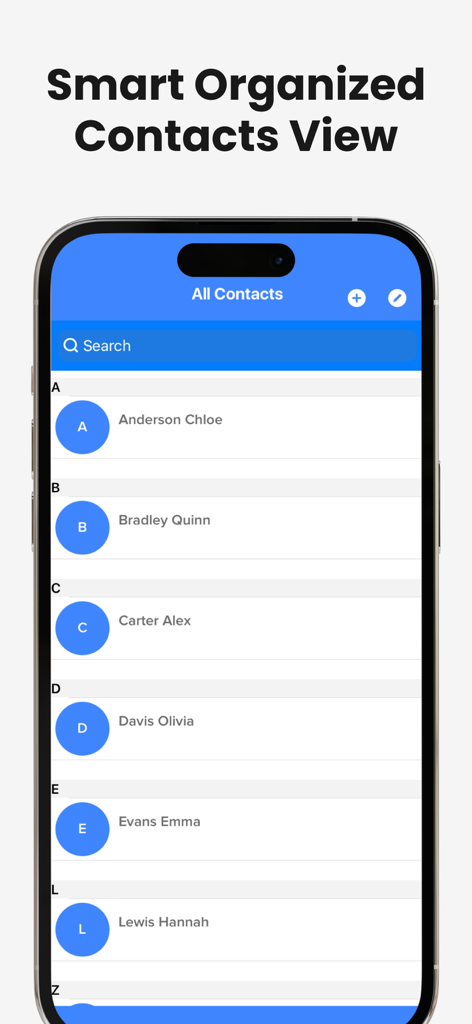
An organized alphabetical list of contacts displayed on an iPhone screen within the app
Description
Download
More Like This
Apps with similar features and user experience
Delete Contacts+
Shanghai Jia Feng Software Co. Ltd.

Contacts Sync: Google & More
Playa Apps
Contacts Backup + Transfer
One Wave AB

Contacts Backup Pro & Restore
AppRover

Export Contacts to Excel, CSV
LE NGUYEN QUANG PHUOC

My Contacts Backup
GLOBILE BILISIM BILGISAYAR HIZMETLERI ILETISIM DANISMANLIK SANAYI TICARET LIMITED SIRKETI

Simple Backup Contacts
Giacomo Guglielmi

Contacts Backup and Transfer⁺
serkat ret

Sync Contact for Google & more
Reena Williams
This page is not an official page of the app or its developer, but an independent editorial publication created for informational and commentary purposes. Unless expressly stated otherwise, neither the app nor its developer is affiliated with, endorsed by, sponsored by, authorized by, or otherwise officially connected with MWM, Apple, Google Play, the app publisher, or the app's developer, and nothing on this page implies that the app was developed using MWM's services. Any trademarks, logos, screenshots, and other content remain the property of their respective owners.