Contacts: MC backup & Exporter
Download on App Store

This page is not an official page of the app or its developer, but an independent editorial publication created for informational and commentary purposes. Unless expressly stated otherwise, neither the app nor its developer is affiliated with, endorsed by, sponsored by, authorized by, or otherwise officially connected with MWM, Apple, Google Play, the app publisher, or the app's developer, and nothing on this page implies that the app was developed using MWM's services. Any trademarks, logos, screenshots, and other content remain the property of their respective owners.


Logo of Contacts: MC backup & Exporter
Download on App Store

Contacts: MC backup & Exporter

Secure your contacts with one-tap backup and military-grade encryption. Effortlessly export, sync, and restore your most valuable professional assets on any device.

Key Figures

Downloads

22K+

User Rating

4.5/5

Total Ratings

100

Publisher

Kpera Sadeck Yarou Ngobi

Category

Productivity

Locales

1

Latest Version

1.0.9

Size

19.6 MB

First Released

Oct 7, 2022
Features

Protect Your Most Valuable Business Asset

Experience ultimate peace of mind with a dedicated backup solution designed for professionals who can't afford to lose a single lead.

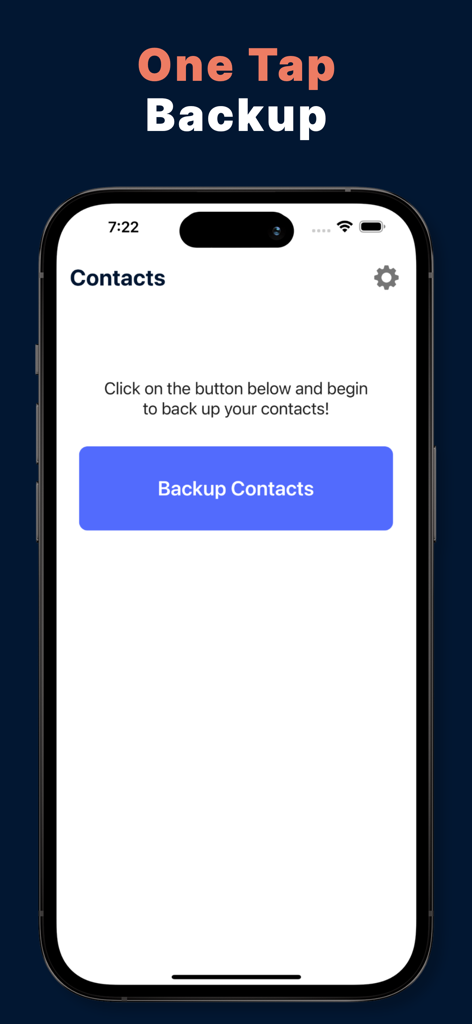
Instant One-Tap Backup

Forget complex settings. Secure your entire contact list in seconds with a single tap, ensuring you're always prepared for the unexpected.

Military-Grade Security

Rest easy knowing your professional network is protected by AES-256 encryption in a private cloud that prioritizes your privacy.

The following screenshots and description are sourced directly from the app's official store listing and are the property of the app developer.

App Store

Screenshots
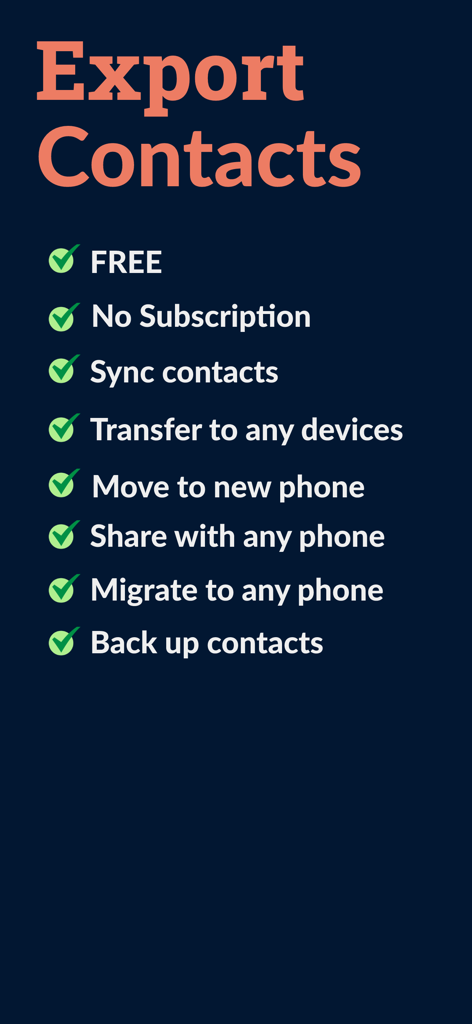
Contacts: MC backup & Exporter - List of key features for the Contacts MC backup and Exporter app highlighting backup and sync options.
List of key features for the Contacts MC backup and Exporter app highlighting backup and sync options.

Contacts: MC backup & Exporter - iPhone screenshot of the Contacts MC Backup app featuring a central Backup Contacts button with the headline One Tap Backup
iPhone screenshot of the Contacts MC Backup app featuring a central Backup Contacts button with the headline One Tap Backup

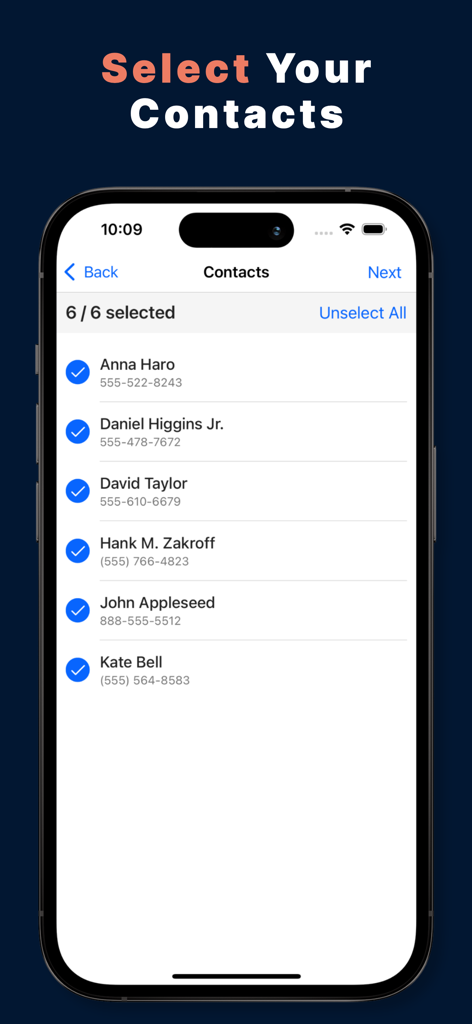
Contacts: MC backup & Exporter - List of contacts selected for backup on an iPhone screen
List of contacts selected for backup on an iPhone screen

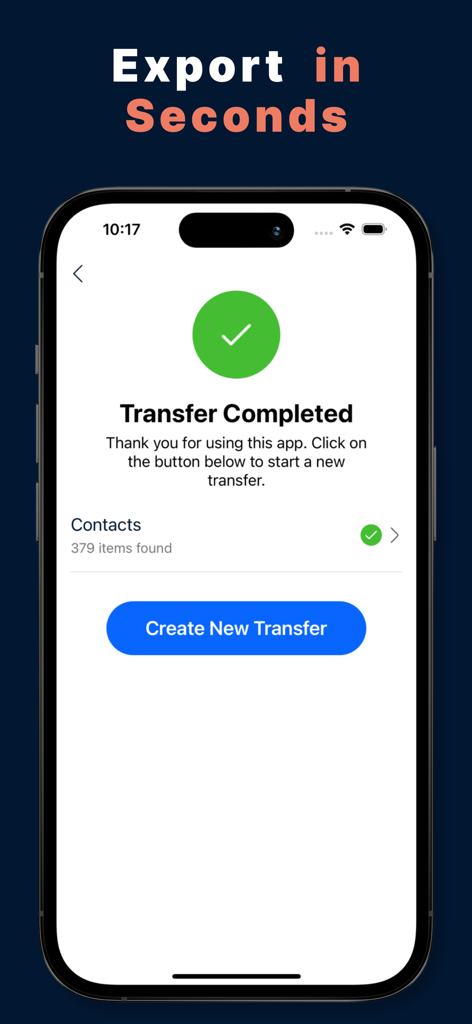
Contacts: MC backup & Exporter - Interface of a mobile app showing a successful transfer of contacts with a green checkmark icon

Interface of a mobile app showing a successful transfer of contacts with a green checkmark icon

Description

My Contacts Backup is a powerful free tool to save all your contacts in one single tap. Store your contacts backup files easily and safely in the cloud and synchronize those contacts between your devices. Export your contacts instantly by email or iMessage as a .vcf file and restore all your contacts backup simply whenever you want on any device. All of this is possible directly from your iPhone! Create your contacts backup in seconds with the easiest backup tool on the App Store. Simply pick the contacts you want to secure, and let the app create a contacts backup file in no time. Share your contacts backup via Message, Email and Airdrop. At any time, you can access and restore previous contacts backup. My Contacts Backup made it easy to backup and restore your contacts all from your phone without the need of a computer or software. My Contacts Backup allows you to recover, transfer, manage, copy your contacts and files. My Contacts backup also helps you recover your list of contacts backup & contacts sync. Access and manage all your contacts backup history easily, every single file is stored safely. Try My Contacts Backup now and never lose any contacts again! Some of the completely free features of My Contacts Backup: • Create full contacts backup of all your contacts in just a few seconds • Share and export your contacts backup via Message, Email, or Airdrop We also offer My Contacts Backup Pro, a set of premium features to keep your contacts secure at all times while accessible from all places. My Contacts Backup Pro service includes the following features: • Secure cloud storage of your contacts backup • Military-grade AES-256 encryption of your cloud contacts backup • Access all previous contacts backup created through My Contacts Backup • Restore all your contacts on any device • Access and manage your contacts backup history • Synchronize your contacts backup files in the cloud ------------------------ Subscription Information - The subscription price is ($49.99)* per year and is automatically renewed every year until cancelled. - Your payment will be charged to your iTunes Account as soon as you confirm your purchase. - You can manage your subscriptions and turn off auto-renewal from your Apple ID account settings after the purchase. - Your subscription will renew automatically, unless you turn off auto-renew at least 24 hours before the end of the current period. - The cost of renewal will be charged to your account in the 24 hours prior to the end of the current period. - When cancelling a subscription, your subscription will stay active until the end of the period. Auto-renewal will be disabled, but the current subscription will not be refunded. - Any features requiring an active subscription (including Cloud Storage) may, at any time without notice, be turned off or removed after the subscription has ended. *Prices are equal to the value that “Apple’s App Store Matrix” determines is the equivalent of the subscription price in $USD. Terms of Service: https://shorturl.at/hjmCK Privacy Policy: https://shorturl.at/chrsw

Download

Download on App Store

This page is not an official page of the app or its developer, but an independent editorial publication created for informational and commentary purposes. Unless expressly stated otherwise, neither the app nor its developer is affiliated with, endorsed by, sponsored by, authorized by, or otherwise officially connected with MWM, Apple, Google Play, the app publisher, or the app's developer, and nothing on this page implies that the app was developed using MWM's services. Any trademarks, logos, screenshots, and other content remain the property of their respective owners.








