Convert Image to PDF: Scan2All
Download on App Store

This page is not an official page of the app or its developer, but an independent editorial publication created for informational and commentary purposes. Unless expressly stated otherwise, neither the app nor its developer is affiliated with, endorsed by, sponsored by, authorized by, or otherwise officially connected with MWM, Apple, Google Play, the app publisher, or the app's developer, and nothing on this page implies that the app was developed using MWM's services. Any trademarks, logos, screenshots, and other content remain the property of their respective owners.

Logo of Convert Image to PDF: Scan2All
Download on App Store

Convert Image to PDF: Scan2All

The essential tool for students and professionals to digitize paperwork on the go. Transform photos and scans into high-quality, secure PDFs with smart edge detection and lightning-fast processing.

Key Figures

Downloads

0

User Rating

1.0/5

Total Ratings

0

Publisher

Andrii Hulak

Category

Utilities

Locales

3

Latest Version

1.0.4

Size

148.2 MB

First Released

Oct 9, 2024
Features

Master Your Workflow with Professional PDF Tools

Stop hunting for a scanner. Convert, scan, and organize your documents on the go with a mobile-first toolkit designed for freelancers, students, and professionals.

Smart AI-Powered Scanning

Get perfect results every time with automatic border detection, shadow removal, and intelligent cropping for high-resolution, professional PDFs.

Instant Format Conversion

Turn JPEG, PNG, or HEIC photos into universally accepted PDF documents in seconds. Ideal for receipts, contracts, and lecture notes.

The following screenshots and description are sourced directly from the app's official store listing and are the property of the app developer.

App Store

Screenshots
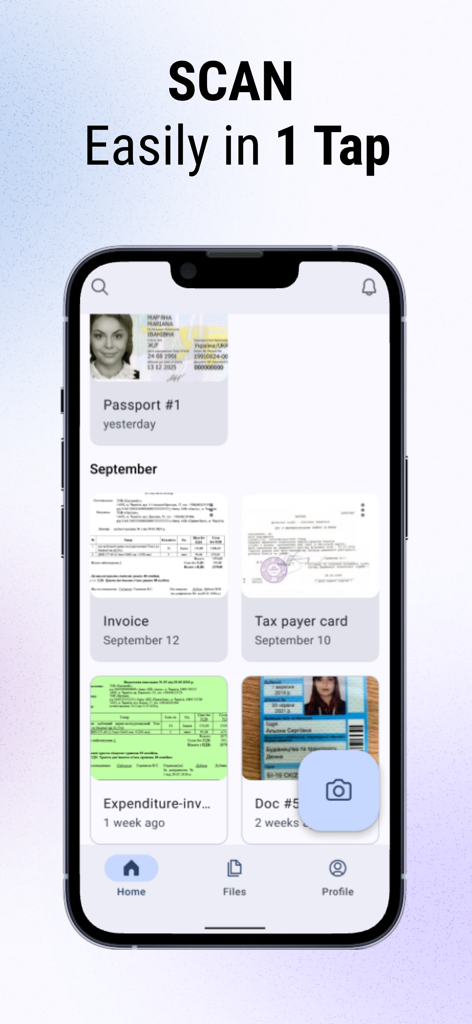
Convert Image to PDF: Scan2All - Scan2All mobile app home screen displaying a list of scanned documents like invoices and IDs with a camera icon for scanning
Scan2All mobile app home screen displaying a list of scanned documents like invoices and IDs with a camera icon for scanning

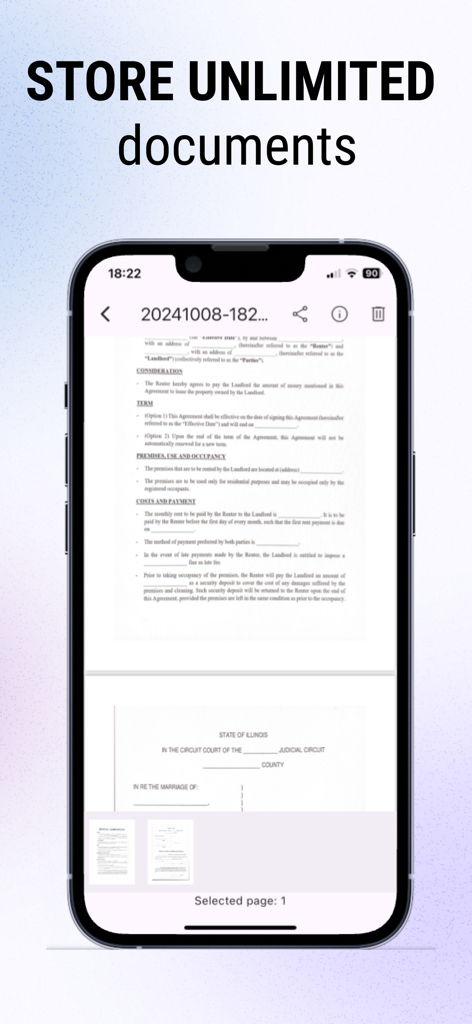
Convert Image to PDF: Scan2All - iPhone showing a scanned legal document in the Scan2All app under the headline Store Unlimited Documents
iPhone showing a scanned legal document in the Scan2All app under the headline Store Unlimited Documents

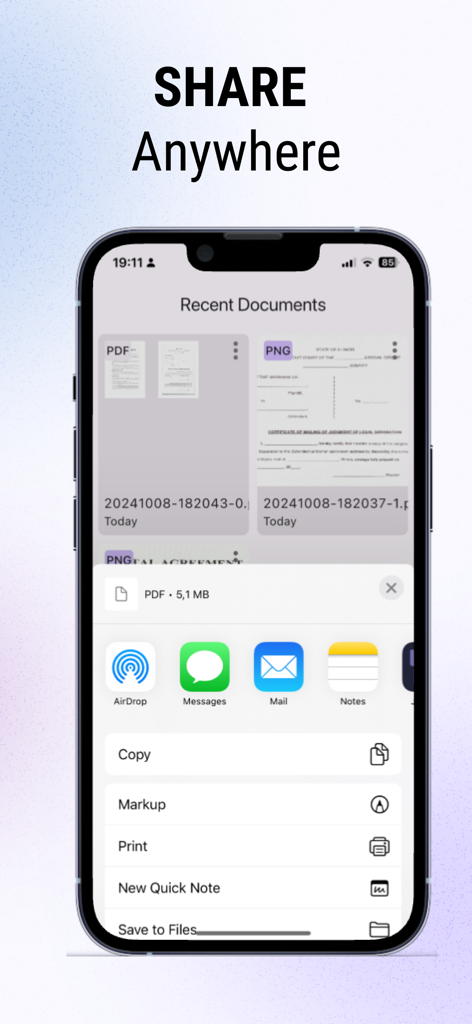
Convert Image to PDF: Scan2All - iPhone screen showing the Scan2All app's sharing sheet with options to send PDF files via AirDrop, Email, and Messages
iPhone screen showing the Scan2All app's sharing sheet with options to send PDF files via AirDrop, Email, and Messages

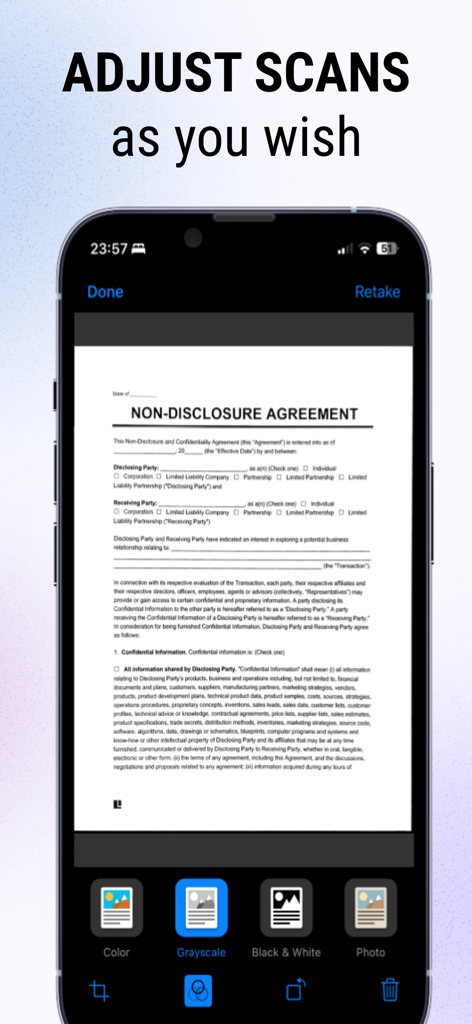
Convert Image to PDF: Scan2All - Mobile app screen showing a scanned non-disclosure agreement with options to adjust color grayscale and black and white filters

Mobile app screen showing a scanned non-disclosure agreement with options to adjust color grayscale and black and white filters

Description

Convert Image to PDF – Image to PDF & Document Scanner Turn photos, pictures and scans in JPEG, PNG, HEIF, HEIC formats into high-quality PDFs in seconds with Convert Image to PDF. Scan documents, convert them, store them securely and share them in one seamless app. Why use Convert Image to PDF? - Convert any image/photo/JPEG into a PDF instantly. - Use the built-in document scanner: unlimited scans and shares. - Access private in-app storage for your documents. - Get professional-quality PDFs with advanced processing: smart cropping, automatic border detection and shadow removal. - Combine multiple pages into a single PDF with ease. - Edit your scanned documents: modify, delete or reorder pages. - Share with one tap via email, social media or cloud storage. - Lightning-fast scans and secure local storage – ready whenever you are. Main features at a glance Image to PDF Conversion - Select any photo from gallery take a picture or scan a document and convert it to PDF document in a few taps. - Preserve high resolution, clear text and sharp results. - Ideal for receipts, notes, images, forms or documents. Document Scanner Machine - Unlimited scans: no limits in Premium zone. - Private in-app storage: your scans stay secure on your device. - Smart processing: automatic edge detection, cropping and shadow removal for clean results. - Multi-page PDFs: scan page after page, then compile into one document. - Document editor: apply filters, enhance quality of scans before export. - One-tap sharing: send your PDF via email, messaging apps or upload to cloud services. Efficiency & Security - Starts instantly: scan or pick images and convert right away. - All data stays in-app unless you share it. - Export to PDF and share without complicated steps or external tools. Benefits of converting images to PDF - Professional format: PDFs are universally accepted, easy to view and archive. - Organization: Having scans and images in PDF format means you can keep everything locally in one place - Accessibility: PDFs open across devices and platforms – phone, tablet, computer – without compatibility problems. - Searchable & archive-ready: PDFs are ready for further processing (e.g., OCR apps, libraries) and long-term storage. - Secure sharing: Instead of sending raw images (which may leak metadata), you share a clean PDF version with better control. Who is this for? - Students and professionals who need to scan notes, forms or receipts and bundle them into PDFs. - Freelancers, contractors or anyone who wants to digitize paperwork. - People who capture images of documents on their phone and want a fast, clean conversion to PDF. - Users who want secure local storage of their scans and easy sharing without installing multiple apps. ____ Privacy Policy - https://convert-wordtopdf.com/privacy-policy/ Terms and Conditions - https://convert-wordtopdf.com/terms-conditions/ LICENSED APPLICATION END USER LICENSE AGREEMENT - https://www.apple.com/legal/internet-services/itunes/dev/stdeula/

Download

Download on App Store

This page is not an official page of the app or its developer, but an independent editorial publication created for informational and commentary purposes. Unless expressly stated otherwise, neither the app nor its developer is affiliated with, endorsed by, sponsored by, authorized by, or otherwise officially connected with MWM, Apple, Google Play, the app publisher, or the app's developer, and nothing on this page implies that the app was developed using MWM's services. Any trademarks, logos, screenshots, and other content remain the property of their respective owners.