Convert to PDF : PDF Scanner
Download on App Store

This page is not an official page of the app or its developer, but an independent editorial publication created for informational and commentary purposes. Unless expressly stated otherwise, neither the app nor its developer is affiliated with, endorsed by, sponsored by, authorized by, or otherwise officially connected with MWM, Apple, Google Play, the app publisher, or the app's developer, and nothing on this page implies that the app was developed using MWM's services. Any trademarks, logos, screenshots, and other content remain the property of their respective owners.

Logo of Convert to PDF : PDF Scanner
Download on App Store

Convert to PDF : PDF Scanner

Seamlessly scan, convert, and edit your files on the go. Experience professional-grade productivity with secure, batch processing designed for students, freelancers, and remote workers.

Key Figures

Downloads

0

User Rating

4.4/5

Total Ratings

0

Publisher

Muhammad Shafique

Category

Productivity

Locales

1

Latest Version

1.3.1

Size

34.9 MB

First Released

Jul 15, 2024
Features

Your Complete Mobile Office Suite

The all-in-one solution for professionals and students to scan, convert, and manage documents with total privacy and speed.

Smart Cam Scanner

Turn your iPhone into a high-res scanner. Instantly convert physical papers, receipts, or sketches into professional-grade PDFs.

High-Speed Batch Conversion

Save hours by processing multiple files at once. Convert Word, Excel, and PPT to PDF instantly while maintaining your original layout.

The following screenshots and description are sourced directly from the app's official store listing and are the property of the app developer.

App Store

Screenshots
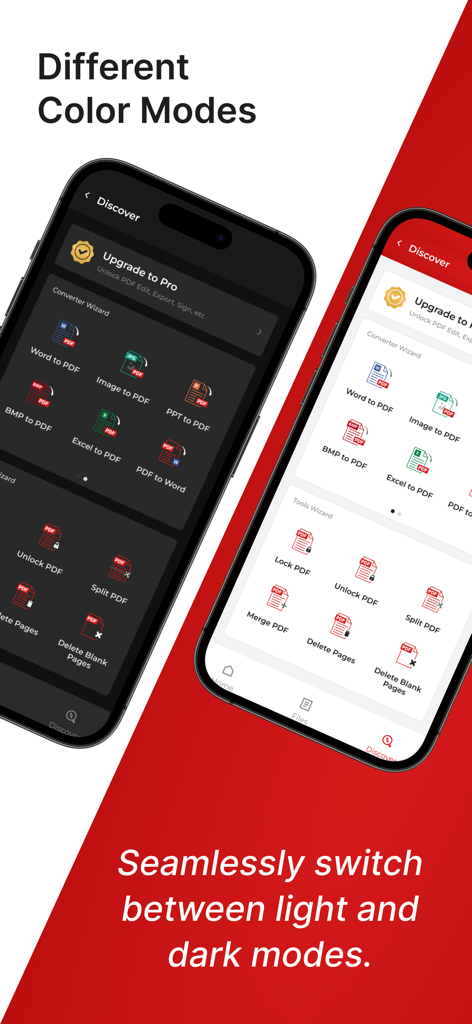
Convert to PDF : PDF Scanner - A demonstration of the Convert to PDF app interface in both light and dark color modes on two mobile devices.
A demonstration of the Convert to PDF app interface in both light and dark color modes on two mobile devices.

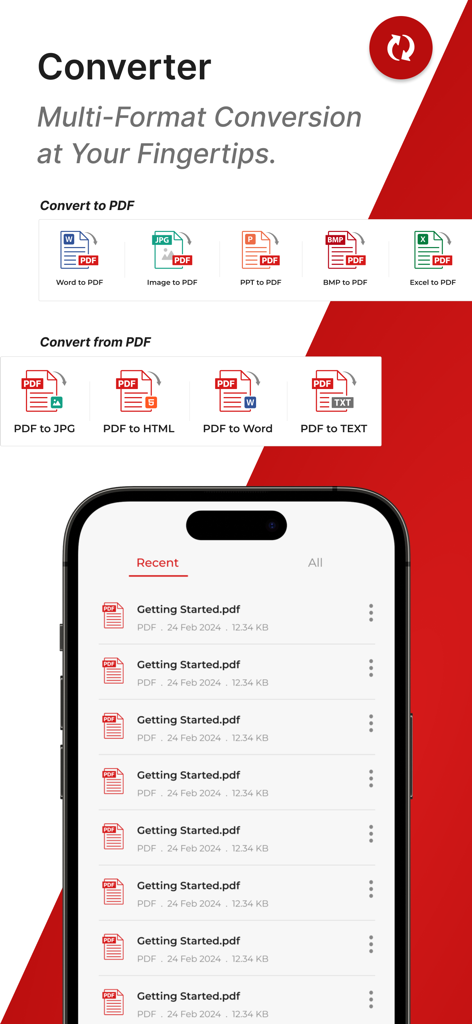
Convert to PDF : PDF Scanner - Mobile app interface showing multiple conversion options including Word to PDF and PDF to Word alongside a list of recent documents
Mobile app interface showing multiple conversion options including Word to PDF and PDF to Word alongside a list of recent documents

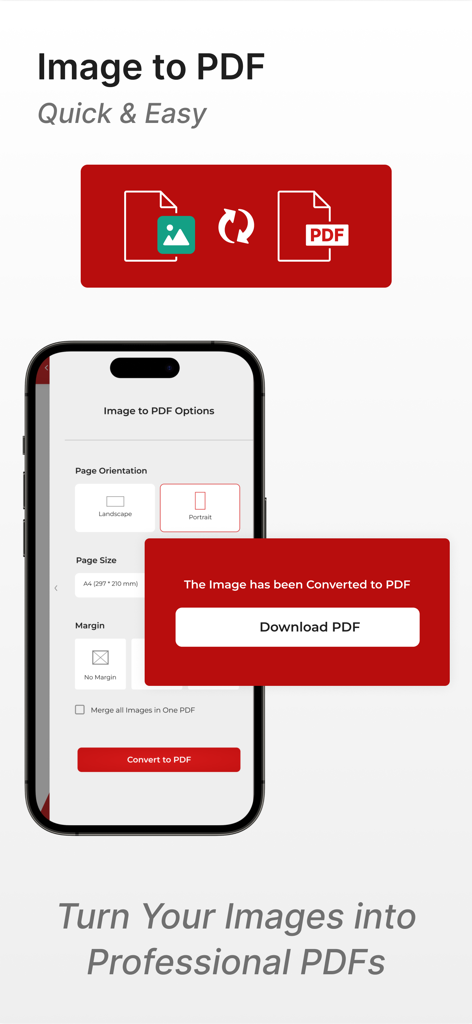
Convert to PDF : PDF Scanner - Image to PDF conversion screen with download button and document settings
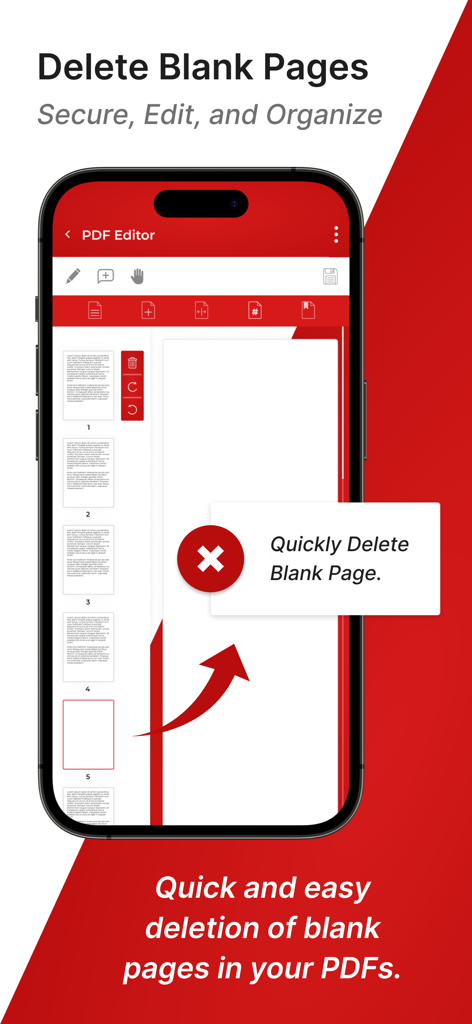
Image to PDF conversion screen with download button and document settings

Convert to PDF : PDF Scanner - Interface of the PDF Scanner app showing the feature to quickly delete blank pages from a document.
Interface of the PDF Scanner app showing the feature to quickly delete blank pages from a document.

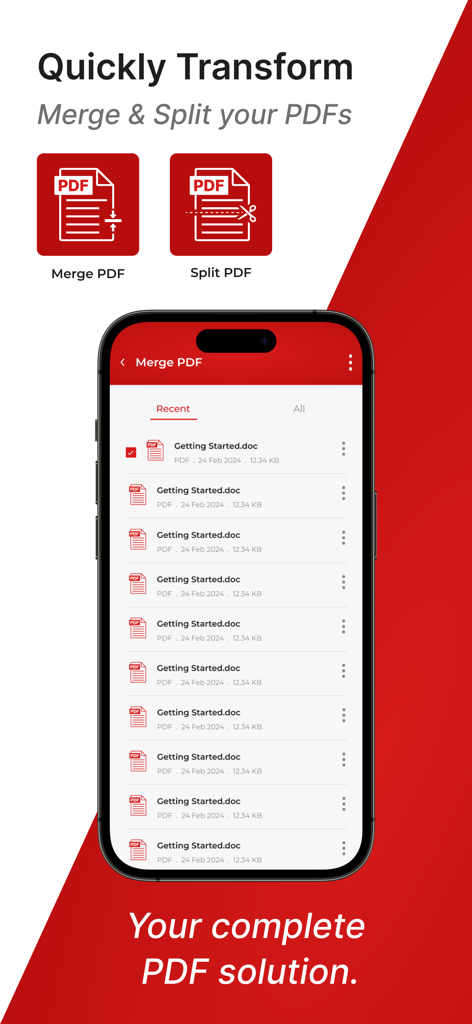
Convert to PDF : PDF Scanner - A smartphone displaying the merge and split document features of the Convert to PDF app
A smartphone displaying the merge and split document features of the Convert to PDF app

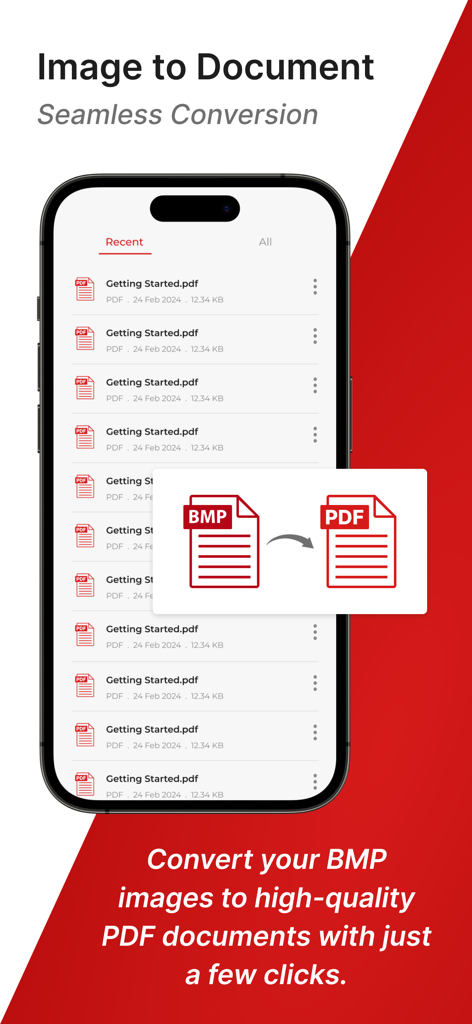
Convert to PDF : PDF Scanner - iPhone showing BMP to PDF document conversion in the PDF Scanner app
iPhone showing BMP to PDF document conversion in the PDF Scanner app

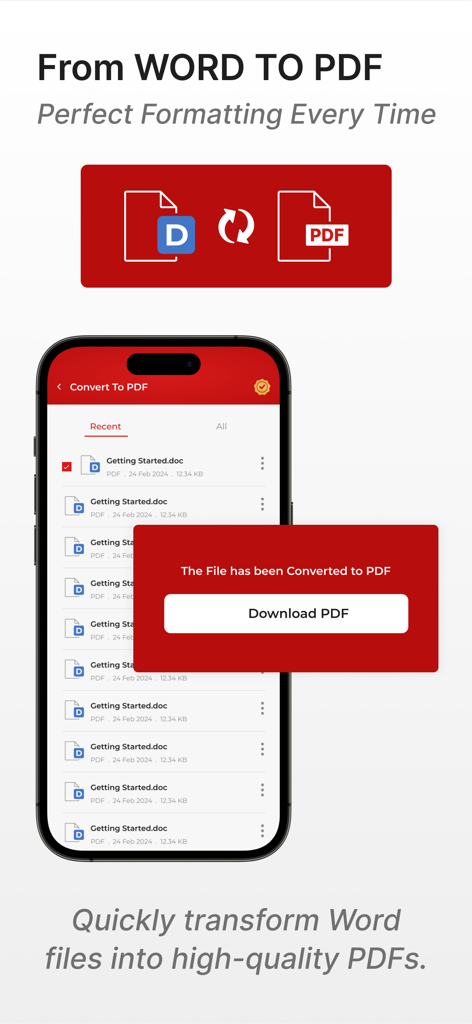
Convert to PDF : PDF Scanner - Interface of a mobile app showing a successful conversion from a Word document to a PDF file
Interface of a mobile app showing a successful conversion from a Word document to a PDF file

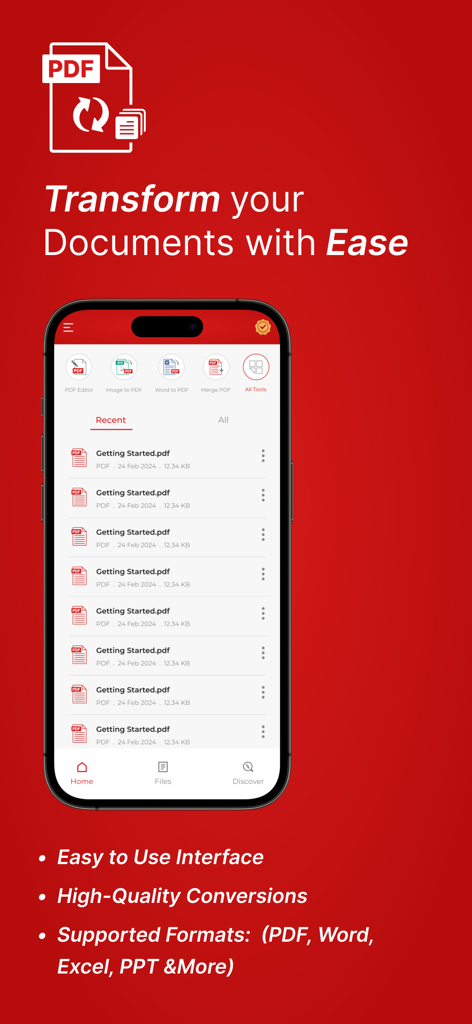
Convert to PDF : PDF Scanner - Iphone screen showing the Convert to PDF app interface with document conversion tools
Iphone screen showing the Convert to PDF app interface with document conversion tools

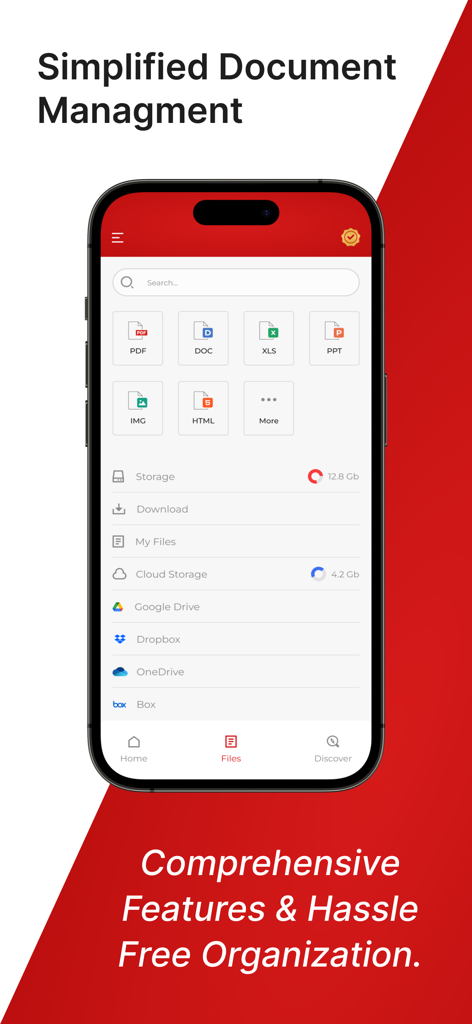
Convert to PDF : PDF Scanner - Mobile app interface showing document organization and cloud storage integration for PDF management
Mobile app interface showing document organization and cloud storage integration for PDF management

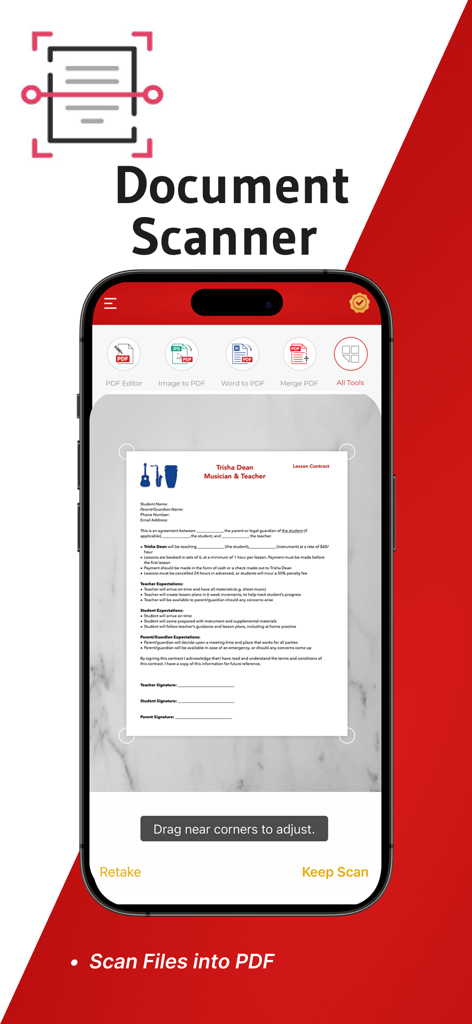
Convert to PDF : PDF Scanner - iPhone screen showing the document scanner feature of the Convert to PDF app capturing a paper contract

iPhone screen showing the document scanner feature of the Convert to PDF app capturing a paper contract

Description

Discover PDF Converter App, a versatile document converter tool designed to meet all your document conversion needs. Whether you're a professional, student, or casual user, Word to Pdf Converter app offers high-quality conversion for various file formats to and from PDF. It is the best PDF converter app for its efficiency and reliability, it supports Word, Excel, PowerPoint, images, and more, making document management Easy. PDF to Image or Image to PDF conversion can be Easy if you have a file present in the storage of your smartphone else you can upload the file from Dropbox or Google drive. Its Key Features are: Cam Scanner With PDF Converter. Comprehensive Format Support. Convert DOCX, PPTX, JPG and PNG to PDF with ease. Export PDFs to editable formats like Word, Text, and image files. Extensive format compatibility ensures all your conversion needs are met. Batch PDF Conversion: Efficiently convert multiple files at once, saving valuable time. Ideal for processing large volumes of documents and files quickly and accurately. High-Quality PDF Output: Maintain the original layout, fonts, and images of your documents. Advanced conversion algorithms guarantee precise and reliable results. Secure PDF Conversion: End-to-end encryption ensures your documents remain confidential during conversion. No storage of files on servers, prioritising your data privacy and security. User-Friendly PDF Converter Interface: Intuitive design allows for easy navigation and operation, even for beginners. Drag-and-drop functionality for quick and hassle-free file selection. PDF Editing Tools: Merge multiple PDFs into one comprehensive document. Split large PDFs into smaller, manageable files for easy sharing. Add, delete, or reorder pages within a PDF for optimal customisation. Use Cases: Business Professionals: Optimise document workflows by converting contracts, reports, and presentations with the best PDF converter & Scanner. Students and Educators: Effortlessly manage and share academic papers, assignments, and lecture notes using our top-ranked PDF to Word converter app. Freelancers and Creatives: Easily convert portfolios, design drafts, and project documents for professional sharing. Everyday Users: Simplify personal document management, including invoices, receipts, and forms, with our reliable PDF converter. How It Works: Select Files for PDF Conversion: Choose files from your device or cloud storage for conversion. Choose Output Format: Select the desired format, such as PDF to Word or Image to PDF. Customise Conversion Settings: Adjust settings as needed for your specific requirements. Convert Files: Initiate the conversion process with a single click and let the app handle the rest. Download and Share Converted PDFs: Save the converted files to your device or share them directly from the app. Why This PDF Converter App is best: Efficiency in PDF Conversion: Fast and precise conversions save you time and effort. High-Quality Output: Ensure your documents retain their professional appearance and formatting. Secure PDF Handling: Robust security features protect your sensitive information throughout the conversion process. Convenience and Ease of Use: An intuitive interface and versatile features make document management simple and efficient. Experience the ultimate in document conversion technology with our PDF File Converter Word to PDF App. Download today and revolutionise the way you handle digital documents, whether for personal use, academic purposes, or professional needs. Embrace the efficiency, quality, and security our app offers, and transform your document management experience. Privacy Policy https://sites.google.com/view/appvibe/privacy-policy Terms and Conditions https://sites.google.com/view/appvibe/terms-and-conditions

Download

Download on App Store

This page is not an official page of the app or its developer, but an independent editorial publication created for informational and commentary purposes. Unless expressly stated otherwise, neither the app nor its developer is affiliated with, endorsed by, sponsored by, authorized by, or otherwise officially connected with MWM, Apple, Google Play, the app publisher, or the app's developer, and nothing on this page implies that the app was developed using MWM's services. Any trademarks, logos, screenshots, and other content remain the property of their respective owners.