
This page is not an official page of the app or its developer, but an independent editorial publication created for informational and commentary purposes. Unless expressly stated otherwise, neither the app nor its developer is affiliated with, endorsed by, sponsored by, authorized by, or otherwise officially connected with MWM, Apple, Google Play, the app publisher, or the app's developer, and nothing on this page implies that the app was developed using MWM's services. Any trademarks, logos, screenshots, and other content remain the property of their respective owners.


CookBook - Recipe Keeper
Stop losing recipes in your social feeds. Seamlessly import from TikTok and Instagram, scan family classics with AI, and master your meal prep with integrated grocery lists and macro tracking.
Downloads
319K+User Rating
Total Ratings
2K+Publisher
Category
Food & DrinkLocales
1Latest Version
3.0.235Size
150.2 MBFirst Released
Sep 6, 2016Master Your Kitchen with AI-Powered Precision
Stop losing recipes in social media bookmarks. CookBook centralizes your culinary world, turning viral inspiration into actionable meal plans and automated grocery lists.
One-Tap Social Import
Instantly turn TikTok videos, Instagram reels, and website links into clean, organized recipes. No more searching through endless saved folders.
Smart Planning & Shopping
Plan your week in seconds and order your entire grocery list via Instacart with one tap. Save money and cut down on household food waste.
Frequently Asked Questions
Everything you need to know about CookBook - Recipe Keeper
How does CookBook - Recipe Keeper help organize recipes?
CookBook organizes recipes by allowing users to import from various sources, scan handwritten cards, and create new ones with AI. It features powerful search, bulk-editing tags, and custom themes for organization.
Can I import recipes into CookBook - Recipe Keeper from social media platforms?
Yes, CookBook - Recipe Keeper supports importing recipes from social media platforms including Instagram, TikTok, Facebook, and Pinterest, as well as any website.
Does CookBook - Recipe Keeper offer a meal planning feature?
Yes, CookBook - Recipe Keeper includes a built-in meal planner. Users can plan meals for a day, week, or month, and the feature integrates with the grocery planner.
How does the CookBook app assist with grocery shopping?
The CookBook app features a smart shopping list that sorts items by aisle and syncs across devices. It also offers Instacart integration for US and Canadian users to order groceries.
Is there a free trial for CookBook - Recipe Keeper?
Yes, CookBook - Recipe Keeper offers a 14-day free trial, which is included with the yearly subscription if a trial offer has not been redeemed previously.
What is the pricing model for CookBook - Recipe Keeper after the free limits?
After 20 stored recipes and 20 smart imports, CookBook - Recipe Keeper requires an active monthly or yearly subscription. Payment is charged via the App Store account.
Can CookBook - Recipe Keeper help with nutritional tracking?
Yes, CookBook - Recipe Keeper includes a macro calculator with custom targets and daily totals within the planner. It displays detailed nutrition information for recipes.
Does CookBook - Recipe Keeper support unit conversions for recipes?
Yes, CookBook - Recipe Keeper effortlessly scales servings and automatically converts units (US, Metric, Imperial, Australian) and temperatures. It also includes a volume-to-weight converter.
Can I use CookBook - Recipe Keeper offline?
Yes, CookBook - Recipe Keeper provides offline access, ensuring every recipe remains available even without an internet connection.
What is the AI Chef feature in CookBook - Recipe Keeper?
The AI Chef in CookBook - Recipe Keeper creates new recipes, generates variations, suggests ingredient swaps, and produces dish images.
Does CookBook - Recipe Keeper sync across multiple devices?
Yes, CookBook - Recipe Keeper syncs recipes across iPhone, iPad, Mac, and the CookBook Web App, ensuring consistent access.
Can CookBook - Recipe Keeper scan recipes from cookbooks?
Yes, CookBook - Recipe Keeper includes an AI Recipe Scanner that can scan photos of cookbooks or handwritten recipe cards to import them.
How does CookBook - Recipe Keeper handle customisation?
CookBook - Recipe Keeper allows users to pick from custom color themes and accessibility font sizes, enabling personalization of the app's interface.
Does CookBook - Recipe Keeper offer voice guidance for cooking?
Yes, CookBook - Recipe Keeper provides voice guidance for cooking, along with built-in timers and a screen wake lock feature for convenience.
The following screenshots and description are sourced directly from the app's official store listing and are the property of the app developer.
App Store
Screenshots
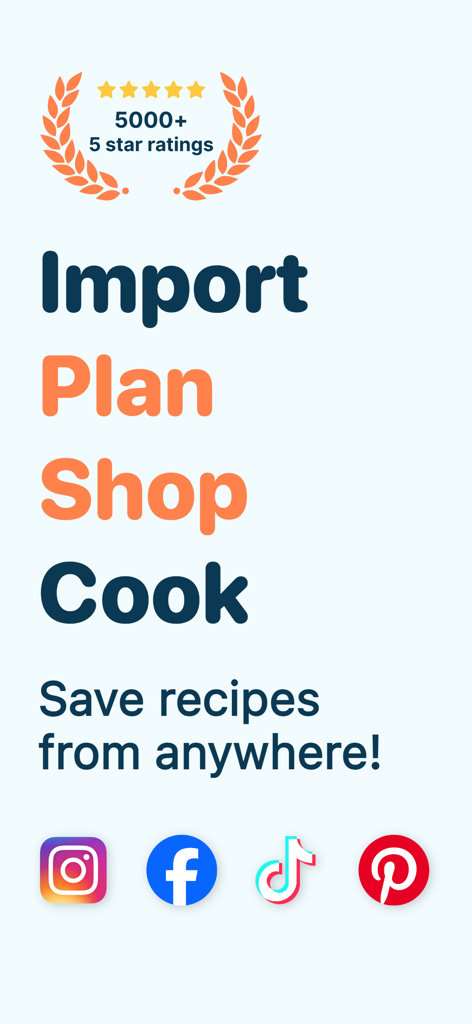
CookBook app screen highlighting features to import plan shop and cook with social media integration
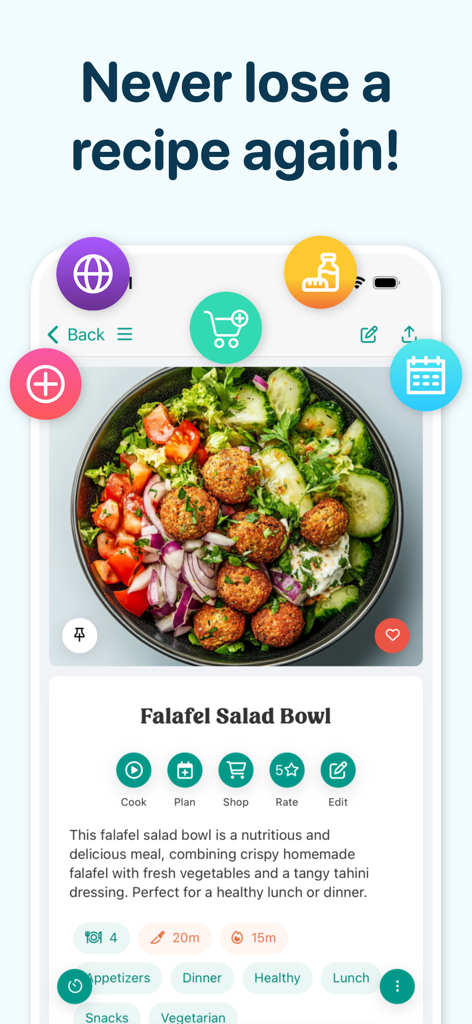
CookBook app interface showing a detailed Falafel Salad Bowl recipe with meal planning and shopping tools.
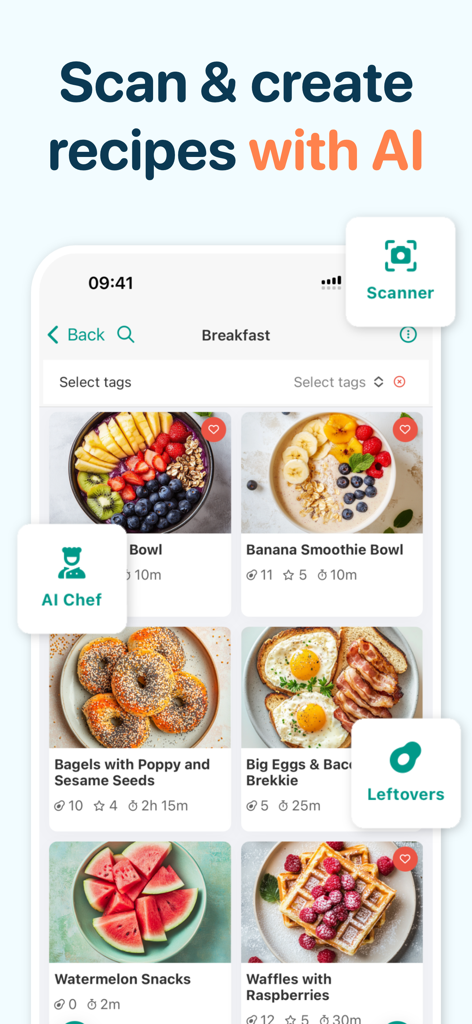
Screenshot of the CookBook app showing a collection of breakfast recipes with AI scanning and AI chef features.
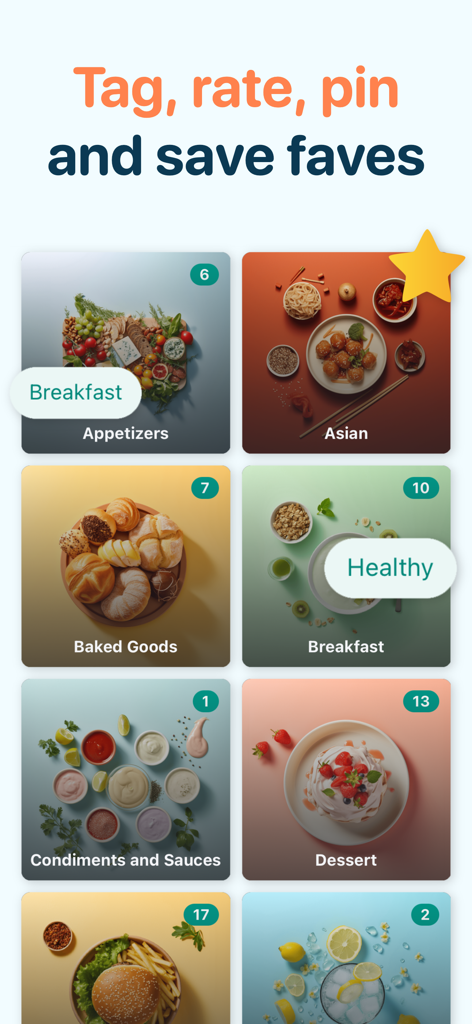
Interface of the CookBook app showing organized recipe categories like Asian, Baked Goods, and Dessert with tags
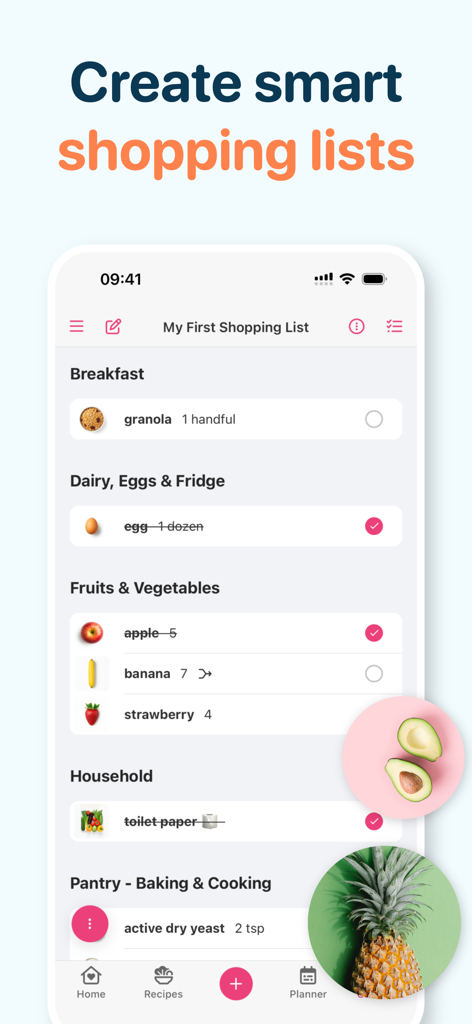
Interface of the CookBook app showing a smart shopping list with groceries organized by category
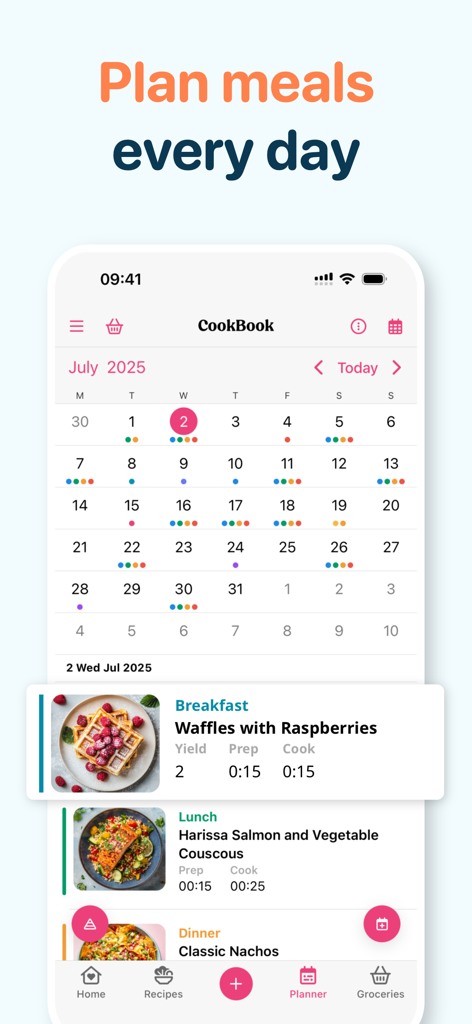
Digital meal planner interface showing a calendar with scheduled breakfast lunch and dinner recipes
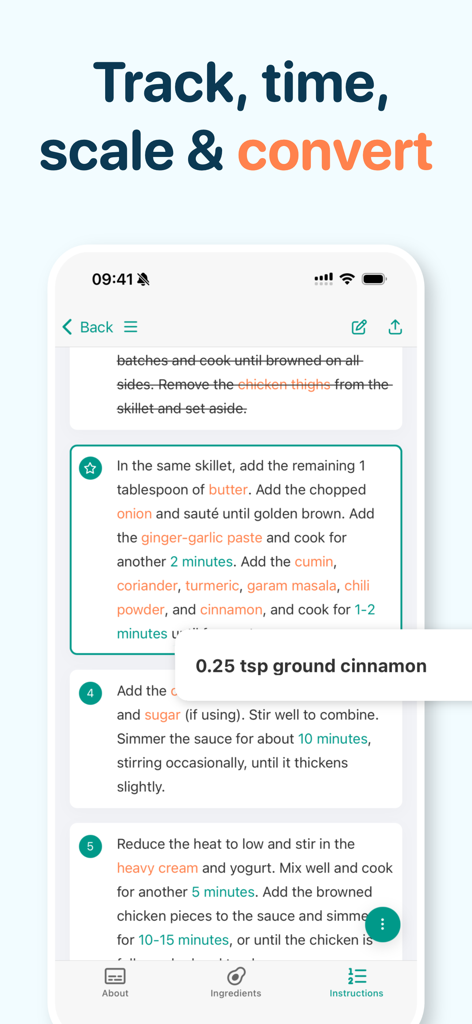
CookBook app screenshot showing interactive recipe instructions and ingredient amounts
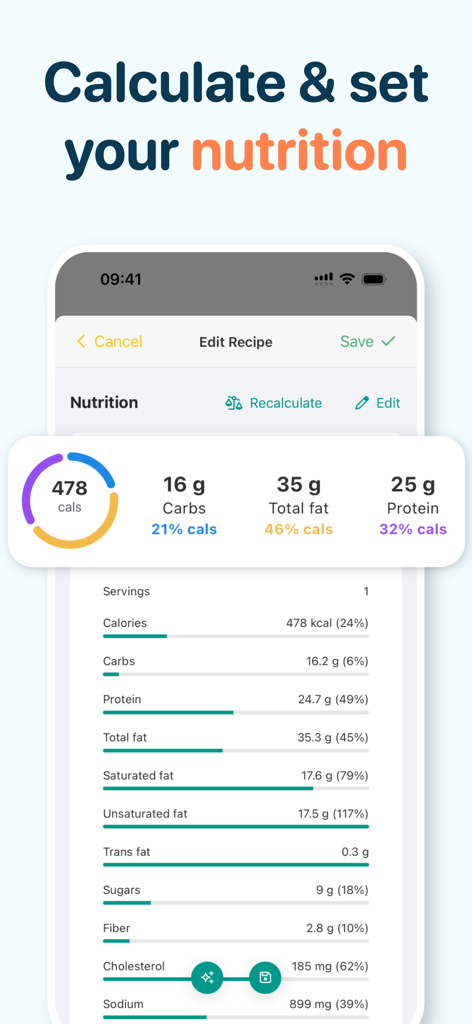
Nutritional breakdown and macro calculator interface in the CookBook recipe app.
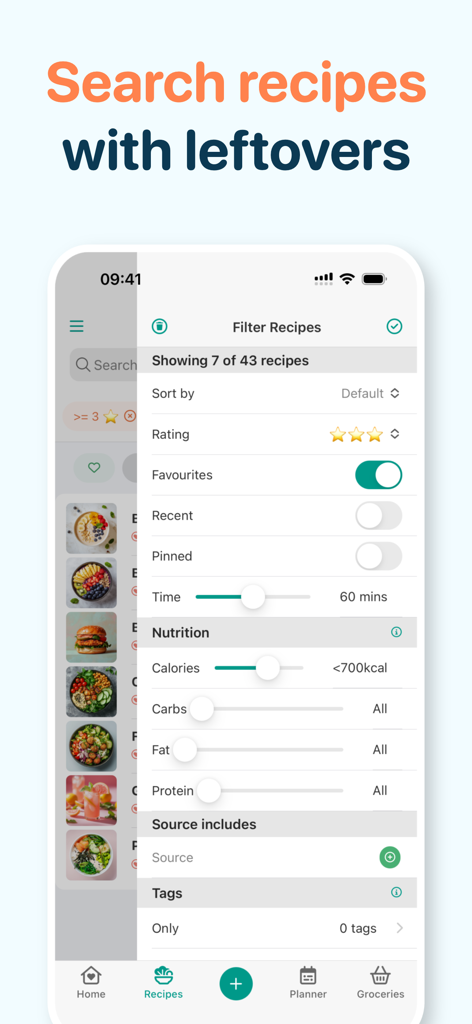
CookBook app interface showing advanced recipe filters for nutrition ratings and prep time
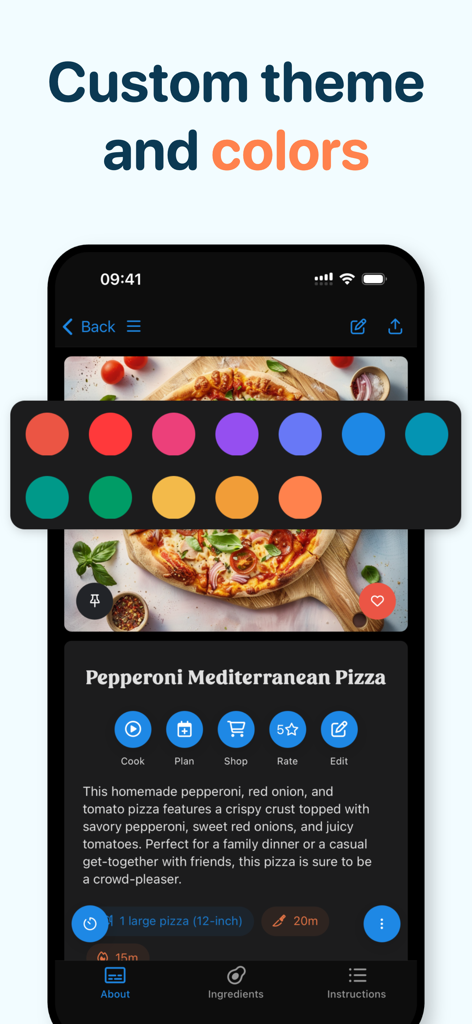
CookBook app screen displaying custom color theme options and a pepperoni pizza recipe.
Description
Download
More Like This
Apps with similar features and user experience

ReciMe: Recipes & Meal Planner
ReciMe Pty Ltd

NYT Cooking: Quick Tasty Meals
The New York Times Company

Jow - easy recipes & groceries
Jow

Tasty: Recipes, Cooking Videos
BuzzFeed

Recipe Keeper
Tudorspan Limited

Cookpad Recipes, homemade food
COOKPAD INC. (CA)

Pepper - Recipe Organizer
Pepper App Inc.

AnyList: Grocery Shopping List
Purple Cover, Inc.

Kitchen Stories Easy Recipes
AJNS New Media GmbH
This page is not an official page of the app or its developer, but an independent editorial publication created for informational and commentary purposes. Unless expressly stated otherwise, neither the app nor its developer is affiliated with, endorsed by, sponsored by, authorized by, or otherwise officially connected with MWM, Apple, Google Play, the app publisher, or the app's developer, and nothing on this page implies that the app was developed using MWM's services. Any trademarks, logos, screenshots, and other content remain the property of their respective owners.