
This page is not an official page of the app or its developer, but an independent editorial publication created for informational and commentary purposes. Unless expressly stated otherwise, neither the app nor its developer is affiliated with, endorsed by, sponsored by, authorized by, or otherwise officially connected with MWM, Apple, Google Play, the app publisher, or the app's developer, and nothing on this page implies that the app was developed using MWM's services. Any trademarks, logos, screenshots, and other content remain the property of their respective owners.


CopyIt The Grid Drawing Method
Bring the centuries-old technique of the masters to your iPad and iPhone. Trusted by artists and teachers since 2010, CopyIt provides the digital tools you need to draw, paint, and scale your reference images with total accuracy.
Downloads
90K+User Rating
Total Ratings
1K+Publisher
Category
ProductivityLocales
1Latest Version
7.1Size
11.8 MBFirst Released
Jun 17, 2010Achieve Flawless Proportions
Bridge the gap between your reference and the canvas with professional tools designed for accuracy, detail, and artistic confidence.
Precision Grid Control
Choose from six customizable grid types to break down complex subjects into manageable sections for perfect accuracy.
Focused Detail with SmartMove
Zoom up to 20x and use Target Mode to isolate specific squares, ensuring you capture every fine line and texture.
The following screenshots and description are sourced directly from the app's official store listing and are the property of the app developer.
App Store
Screenshots
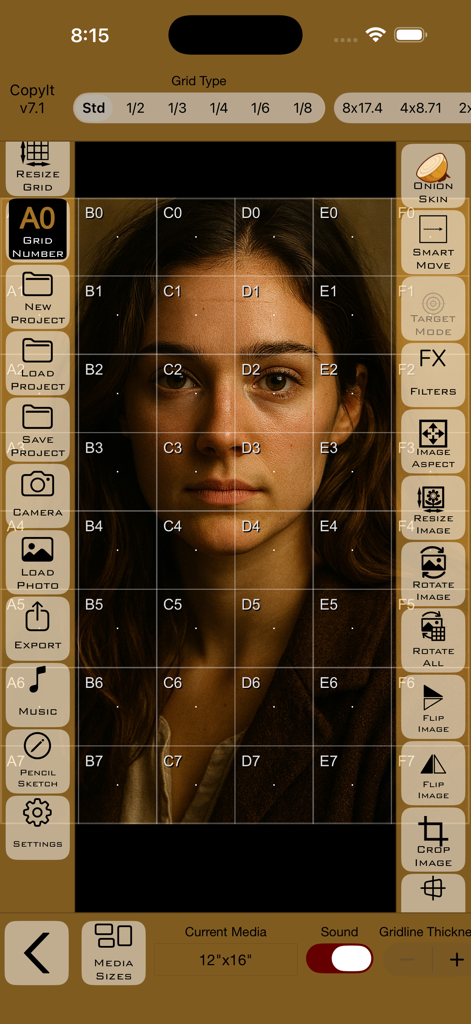
Interface of the CopyIt app showing a portrait with a numbered grid overlay for precision drawing.
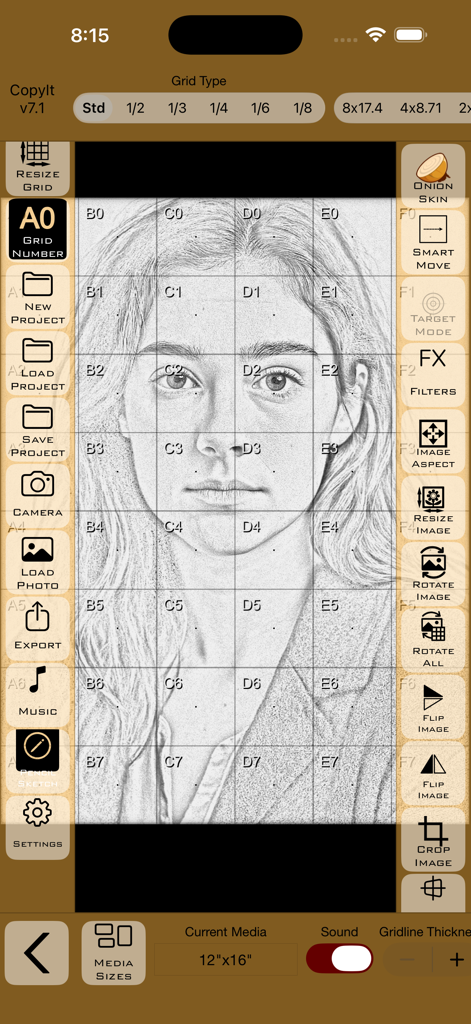
CopyIt app interface showing a pencil sketch portrait with a drawing grid overlay and art tools
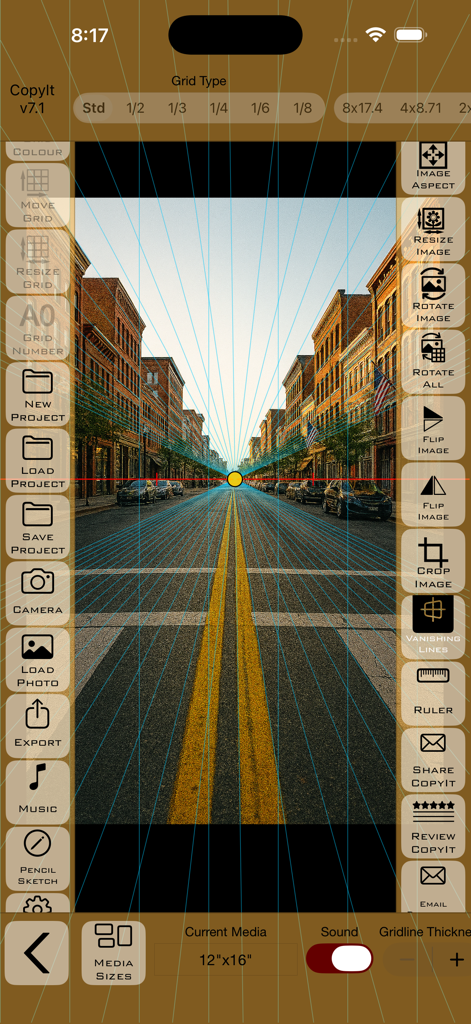
CopyIt app interface showing perspective vanishing lines over a street photograph for precise drawing
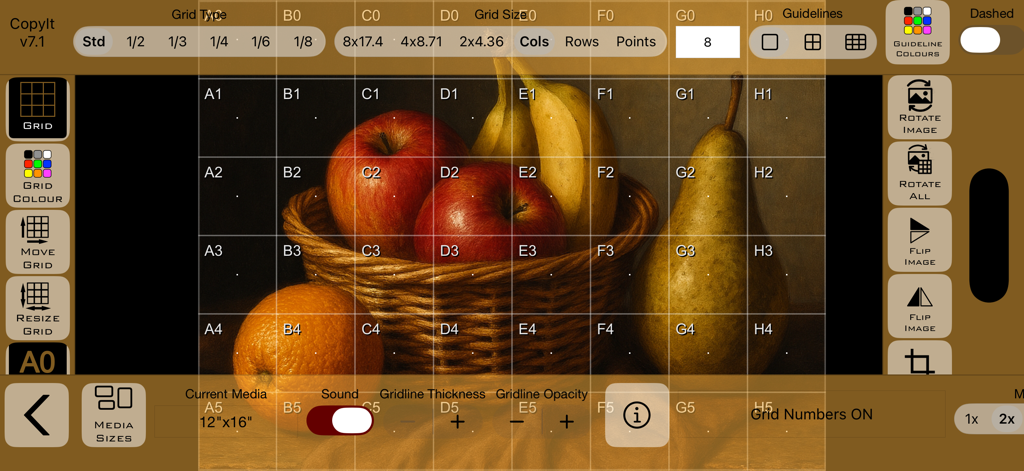
The CopyIt app interface displaying a grid overlay on a still life image of fruit.
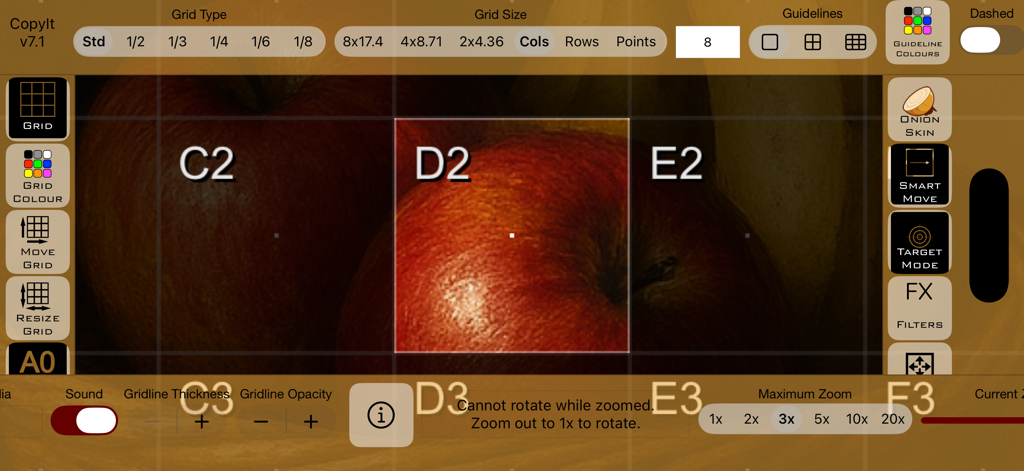
Interface of CopyIt app showing a labeled grid over a reference image of apples
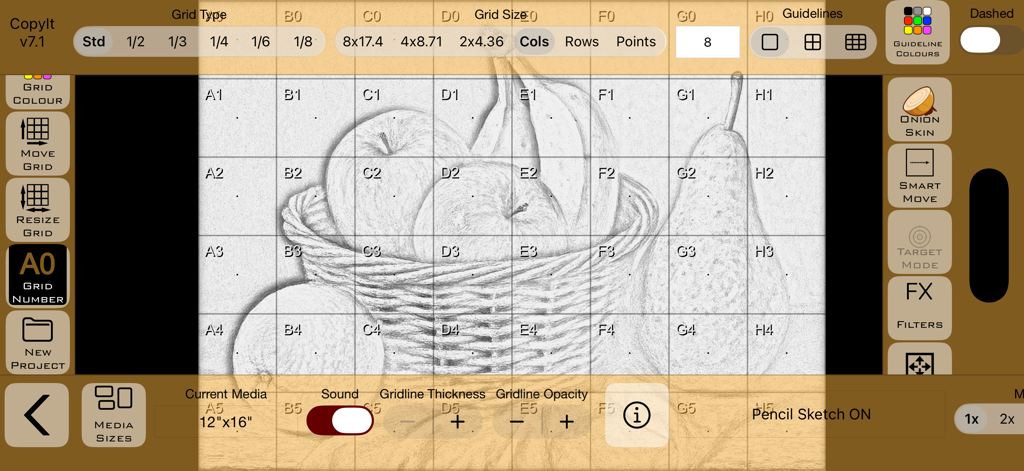
CopyIt app interface showing a grid overlay on a pencil drawing of fruit
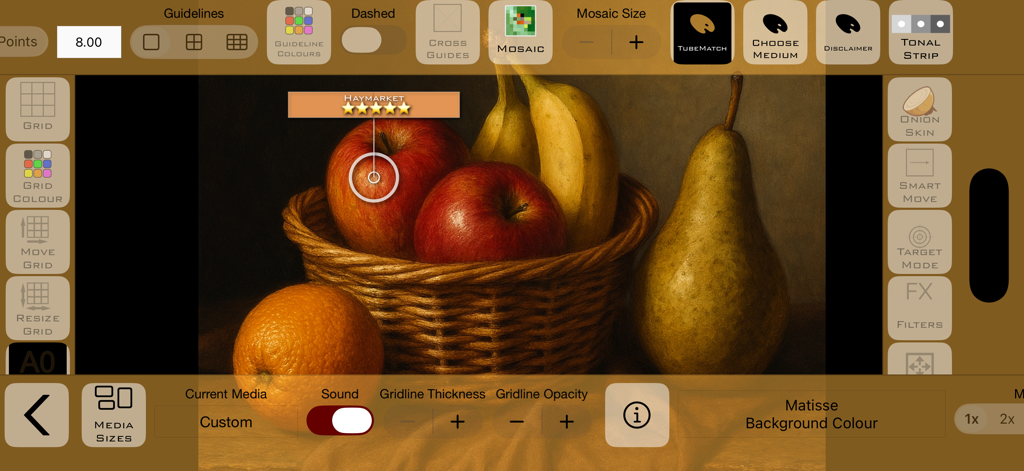
Digital grid drawing app interface displaying a still life painting of fruit with advanced artist tools and color picker.
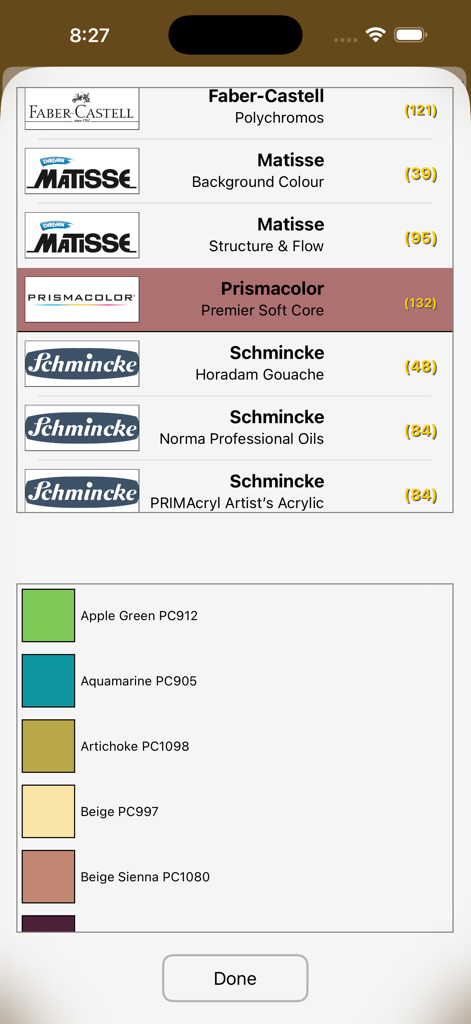
Interface of the TubeMatch feature showing art supply brands like Prismacolor and Schmincke with corresponding color swatches
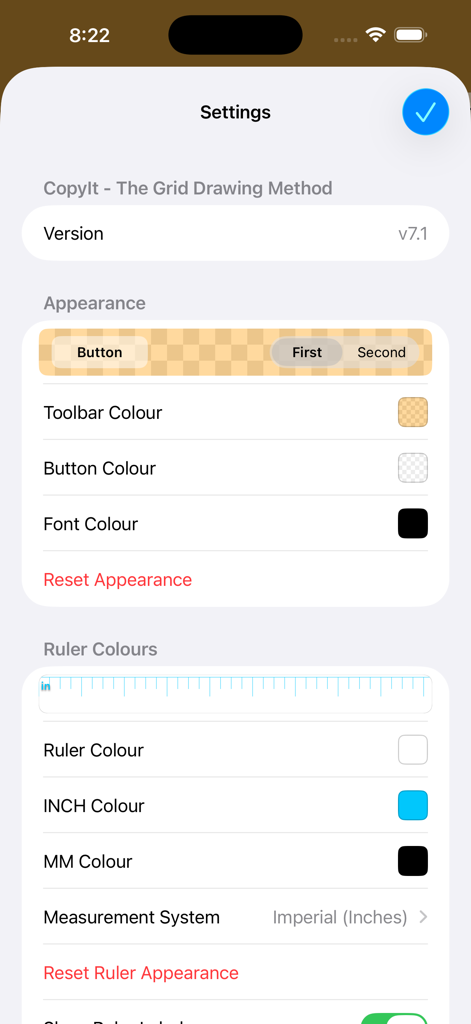
Settings screen for the CopyIt app showing appearance and ruler color customization options
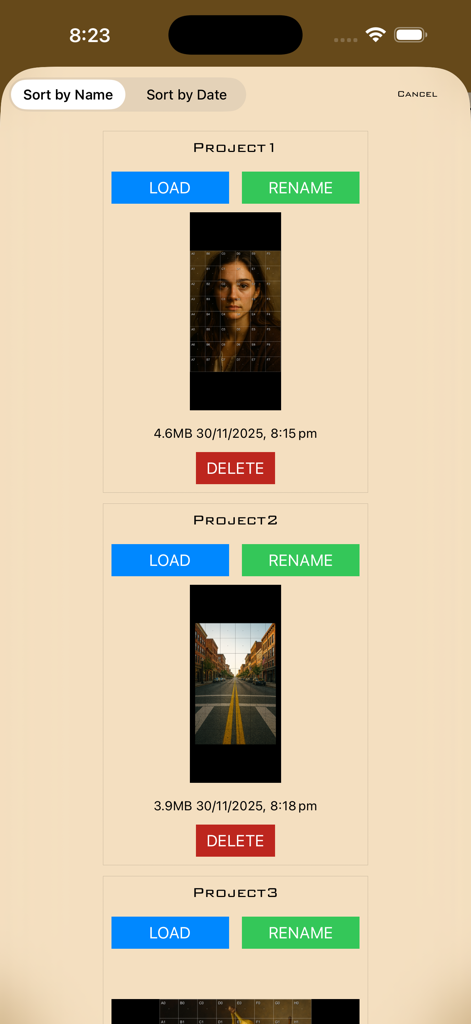
A list of saved drawing projects in the CopyIt app with grid thumbnails and management buttons
Description
Download
More Like This
Top-ranked apps in the same category

ChatGPT
OpenAI OpCo, LLC

Google Gemini
Google LLC

Grok
X.AI Corporation

Gmail - Email by Google
Google LLC

千问 - 阿里最强大模型官方AI助手
Shanghai Zhixin Puhui Technology Co., Ltd.

Google Drive
Google LLC

Microsoft Authenticator
Microsoft Corporation

Google Sheets
Google LLC

Google Docs
Google LLC
This page is not an official page of the app or its developer, but an independent editorial publication created for informational and commentary purposes. Unless expressly stated otherwise, neither the app nor its developer is affiliated with, endorsed by, sponsored by, authorized by, or otherwise officially connected with MWM, Apple, Google Play, the app publisher, or the app's developer, and nothing on this page implies that the app was developed using MWM's services. Any trademarks, logos, screenshots, and other content remain the property of their respective owners.