Countdown:Widget & Day Counter
Download on App Store

This page is not an official page of the app or its developer, but an independent editorial publication created for informational and commentary purposes. Unless expressly stated otherwise, neither the app nor its developer is affiliated with, endorsed by, sponsored by, authorized by, or otherwise officially connected with MWM, Apple, Google Play, the app publisher, or the app's developer, and nothing on this page implies that the app was developed using MWM's services. Any trademarks, logos, screenshots, and other content remain the property of their respective owners.

Logo of Countdown:Widget & Day Counter
Download on App Store

Countdown:Widget & Day Counter

Transform your home screen into a personalized memory bank. Create aesthetic widgets for weddings, goals, and daily tasks to celebrate every milestone with style and organization.

Key Figures

Downloads

98K+

User Rating

4.3/5

Total Ratings

100

Publisher

菲 张

Category

Utilities

Locales

19

Latest Version

1.3.6

Size

189.3 MB

First Released

Sep 3, 2024
Features

Celebrate Every Milestone in Style

From major life events to daily tasks, transform your time into a beautiful visual journey with personalized widgets and smart reminders.

Aesthetic Home Screen Widgets

Personalize your space with stunning themes and custom photo backgrounds that match your unique style and vibe.

Your Emotional Memory Bank

Capture the magic of anniversaries, due dates, and vacations with visual countdowns designed to celebrate life.

The following screenshots and description are sourced directly from the app's official store listing and are the property of the app developer.

App Store

Screenshots
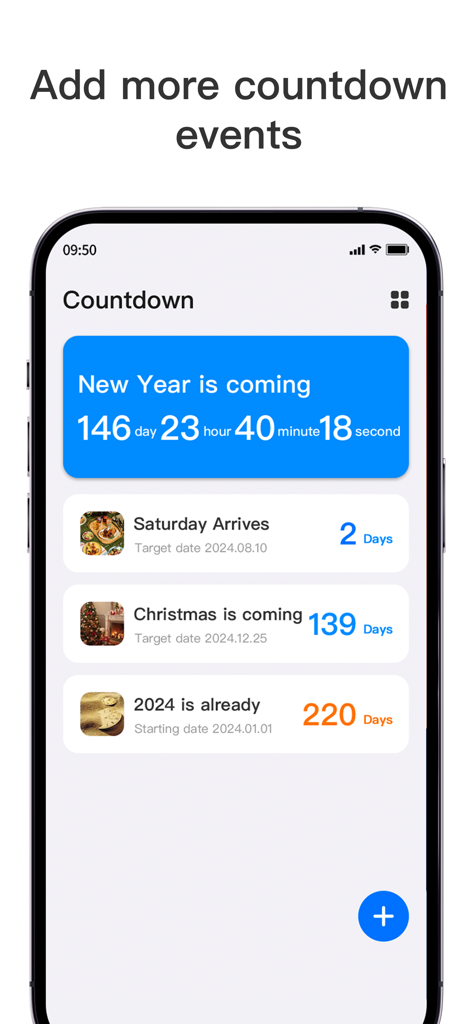
Countdown:Widget & Day Counter - A mobile app interface displaying a list of countdown events for New Year and Christmas.
A mobile app interface displaying a list of countdown events for New Year and Christmas.

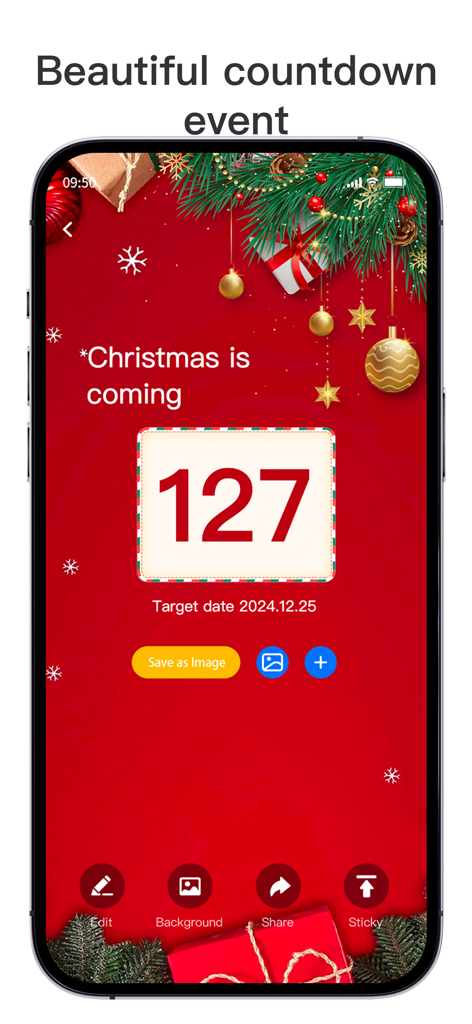
Countdown:Widget & Day Counter - A festive Christmas countdown display on a smartphone with a red holiday background
A festive Christmas countdown display on a smartphone with a red holiday background

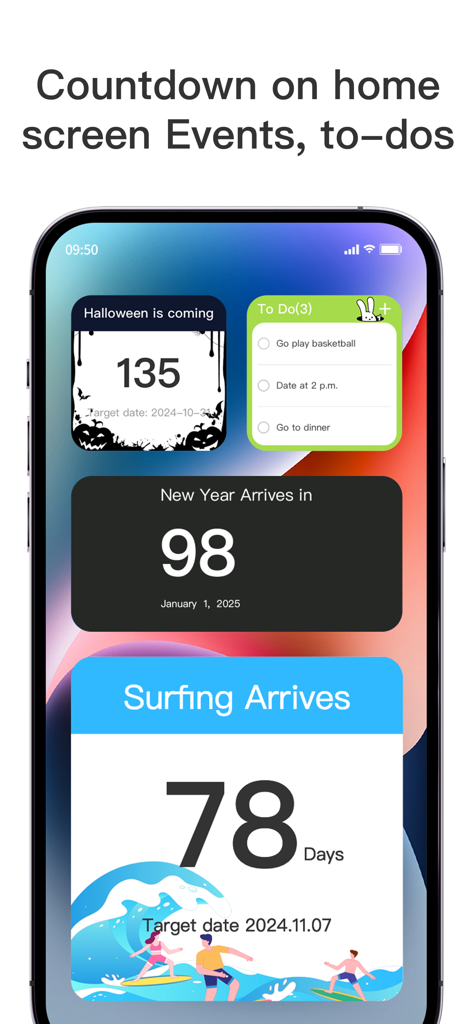
Countdown:Widget & Day Counter - Customizable countdown and task list widgets on an iPhone screen
Customizable countdown and task list widgets on an iPhone screen

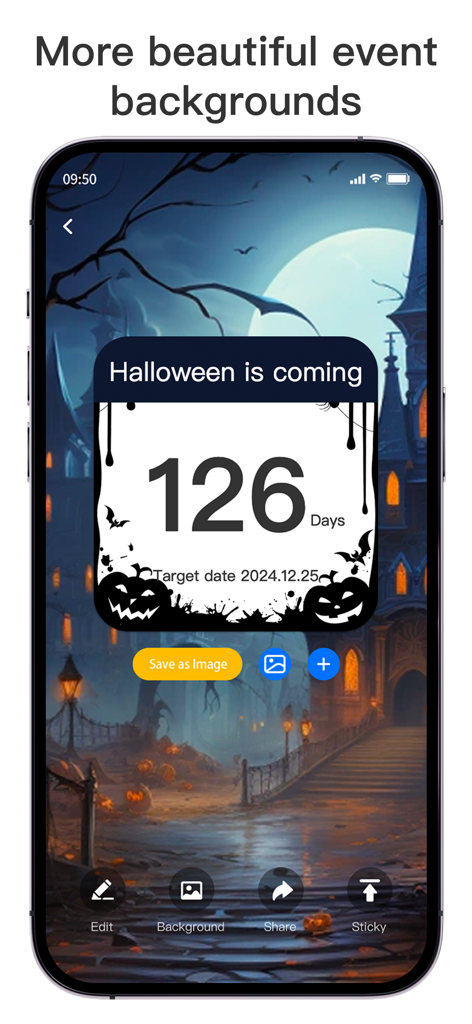
Countdown:Widget & Day Counter - Aesthetic Halloween countdown widget with a spooky haunted house background on a smartphone screen.
Aesthetic Halloween countdown widget with a spooky haunted house background on a smartphone screen.

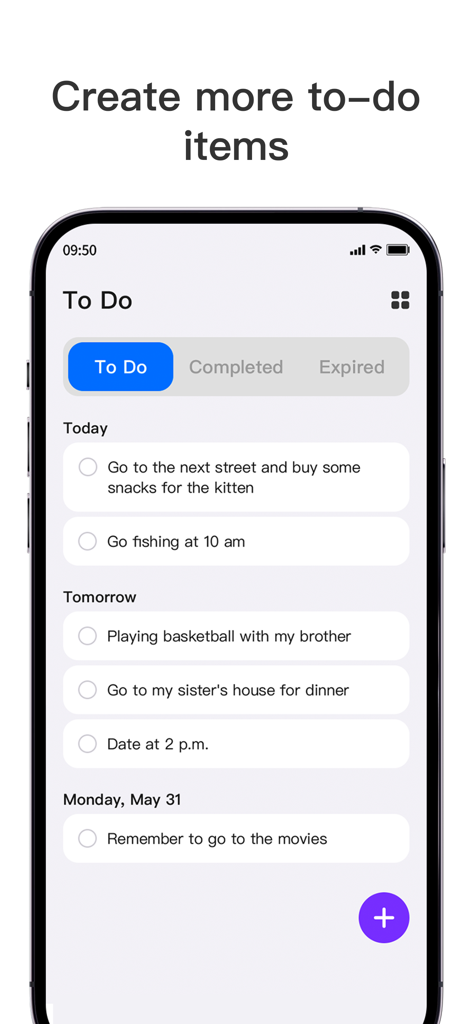
Countdown:Widget & Day Counter - A smartphone screen displaying a to-do list with tasks organized by Today and Tomorrow
A smartphone screen displaying a to-do list with tasks organized by Today and Tomorrow

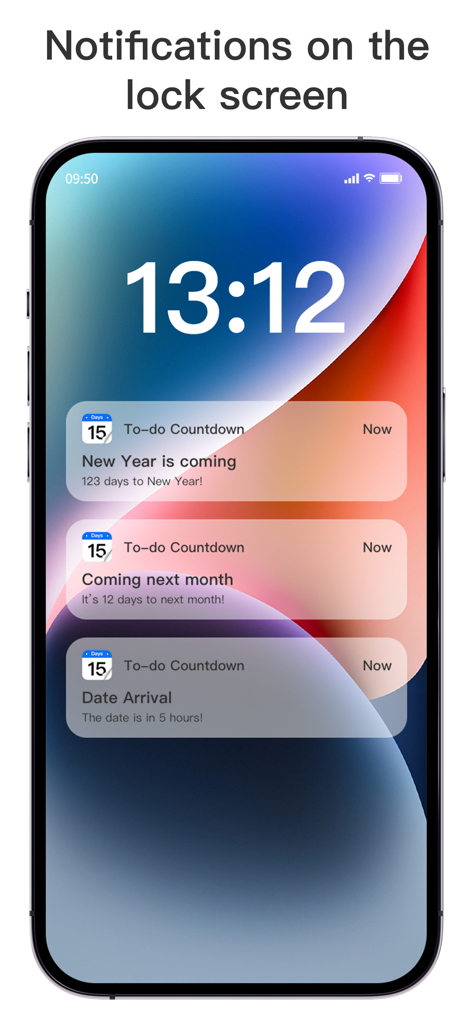
Countdown:Widget & Day Counter - iPhone lock screen showing multiple countdown notifications for upcoming events and milestones.

iPhone lock screen showing multiple countdown notifications for upcoming events and milestones.

Description

In the fast-paced modern life, every important day deserves to be specially marked and expected. Whether it is an anniversary with a lover, a baby's due date, a countdown to an exam, or the exciting moments before a trip, these moments are indispensable colors in our lives. In order to help you better capture and cherish these precious moments, we have carefully created the "Countdown:Widget & Day Counter" application - your private time manager and emotional memory bank. Why choose Countdown? Custom event reminders Whether it is a birthday, wedding anniversary, holiday celebration or personal goal achievement day, you can create a dedicated event in "Countdown" in just a few simple steps. Customize the title, select the date, set the reminder method (such as how many days in advance to remind), so that every important day cannot escape your careful preparation. To-do list This feature is designed to help you better plan and manage various tasks in daily life and work so that every day is full of organization and efficiency. Whether it is an urgent work project, a personal study plan, or the trivial affairs of daily life, you can easily create a to-do list in "Countdown". Simply enter the task name to quickly add it to your to-do list. Convenient widgets The app provides a variety of widget styles for users to choose from, including simple date displays, artistic styles with background pictures, and composite widgets that combine different reminders. Users can choose the widget style that best suits them according to their preferences and needs, making the home screen more personalized and beautiful. With the widget function, you can see the upcoming important dates, such as birthdays, anniversaries, exam dates, etc. at a glance, so that you can keep track of the time progress at any time and be fully prepared. Personalized interface We provide a variety of themes and backgrounds for you to choose from, making your "Countdown" interface both practical and beautiful, perfectly matching your personality and mood. Smart reminder function Worried about missing important days? Don't be afraid! The "Countdown" app has a built-in smart reminder system that supports multiple reminder methods to ensure that you will not miss any important moments! "Countdown" is not just an application, it is a caring assistant in your life and a guardian of emotions and memories. Let's use the countdown to record every important moment in life, and let love and expectation accompany us every day. Download "Countdown" now and start your exclusive time journey! Privacy Policy: https://sites.google.com/view/countdown-privacypolicy Terms: https://sites.google.com/view/countdown-terms

Download

Download on App Store

This page is not an official page of the app or its developer, but an independent editorial publication created for informational and commentary purposes. Unless expressly stated otherwise, neither the app nor its developer is affiliated with, endorsed by, sponsored by, authorized by, or otherwise officially connected with MWM, Apple, Google Play, the app publisher, or the app's developer, and nothing on this page implies that the app was developed using MWM's services. Any trademarks, logos, screenshots, and other content remain the property of their respective owners.








