
This page is not an official page of the app or its developer, but an independent editorial publication created for informational and commentary purposes. Unless expressly stated otherwise, neither the app nor its developer is affiliated with, endorsed by, sponsored by, authorized by, or otherwise officially connected with MWM, Apple, Google Play, the app publisher, or the app's developer, and nothing on this page implies that the app was developed using MWM's services. Any trademarks, logos, screenshots, and other content remain the property of their respective owners.

Counter App - Click Tracker
Whether tracking fitness streaks, managing inventory, or building daily habits, turn every tap into actionable data with visual insights and seamless device sync.
Downloads
0User Rating
Total Ratings
0Publisher
Category
ProductivityLocales
10Latest Version
1.0.1Size
9.0 MBFirst Released
Feb 14, 2025Master Every Metric in Your Life
From productivity streaks to inventory management, get the clarity you need with a professional-grade tracking tool built for the quantified self.
Unlimited Custom Tracking
Create personalized counters for habits, health, or work. If you can count it, you can track it with bespoke increments and labels.
Insightful Analytics & Export
Visualize your growth through historical graphs and export your data to CSV for deeper analysis or professional record-keeping.
The following screenshots and description are sourced directly from the app's official store listing and are the property of the app developer.
App Store
Screenshots
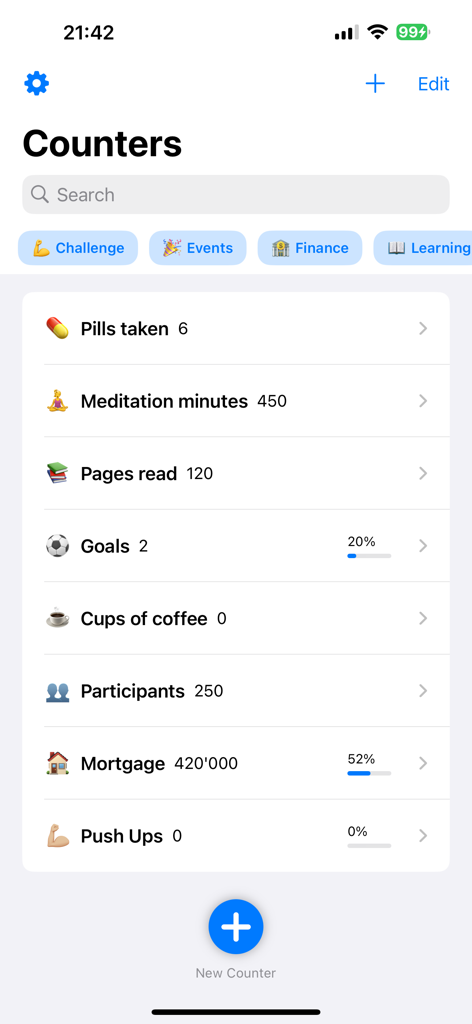
Dashboard view of the Counter App showing a list of tracked items including health, habits, and financial goals.
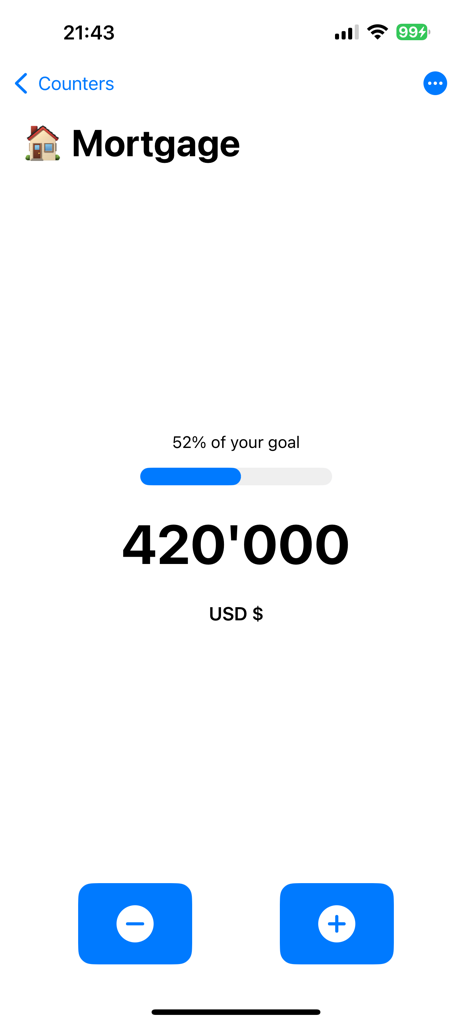
A mobile interface from Counter App showing a mortgage tracking goal of 420,000 USD with a 52 percent progress bar.
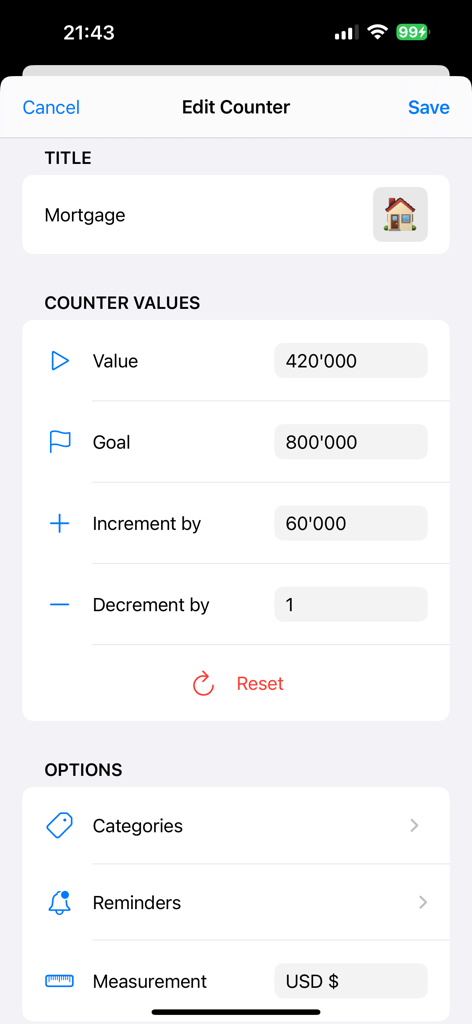
Edit counter screen in the app showing mortgage tracking with value goal and currency settings
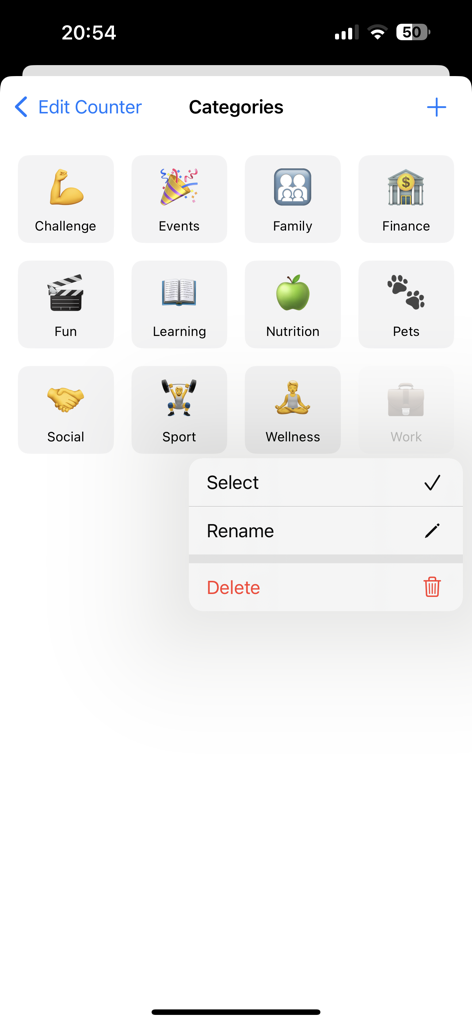
List of customizable tracking categories in the Counter App with edit options
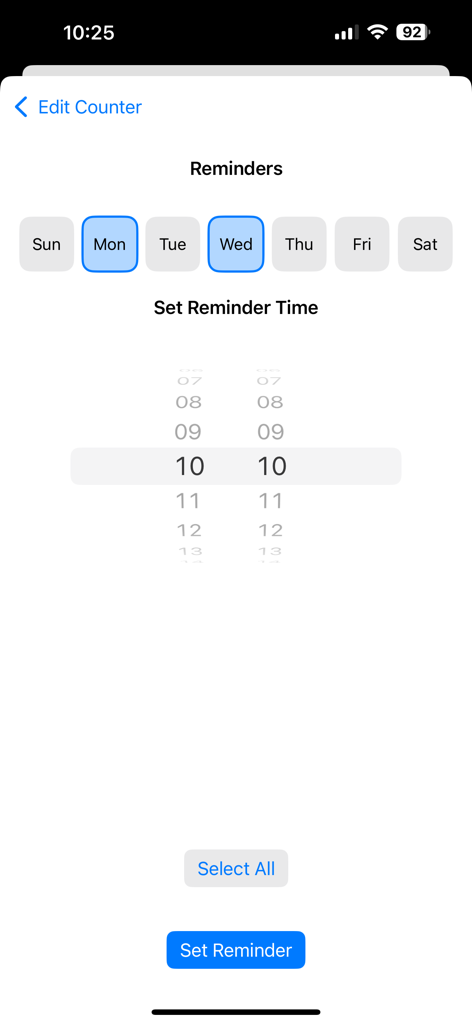
Interface for setting reminder days and times in the Counter App
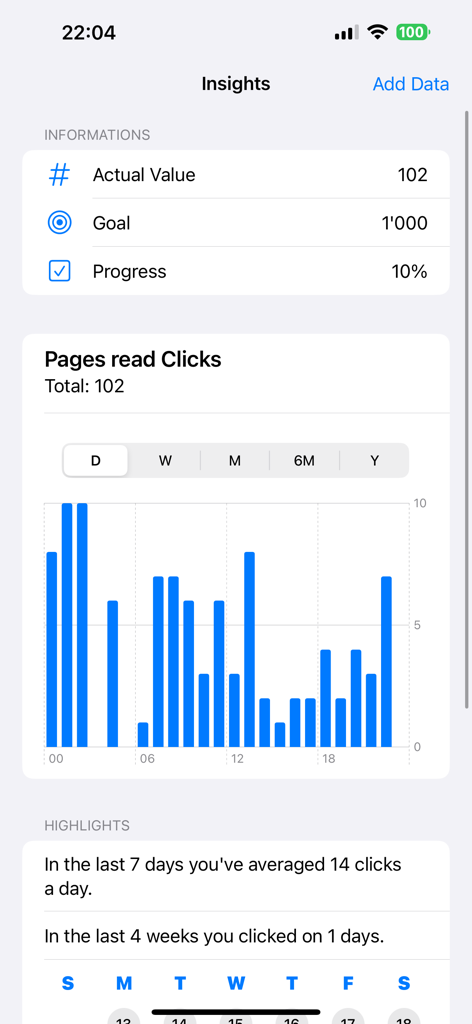
Insights dashboard showing progress tracking with a bar chart and daily highlights for a reading counter.
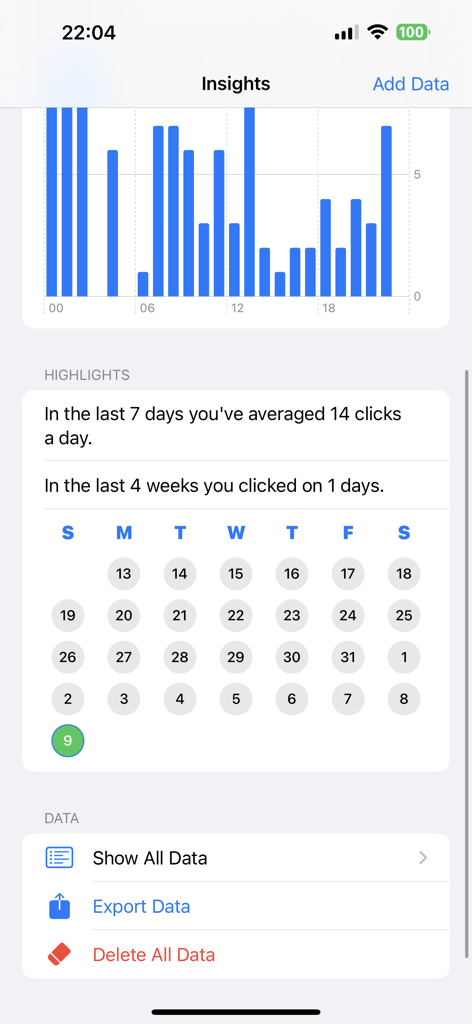
Insights screen of the Counter App showing a bar chart click highlights and activity calendar.
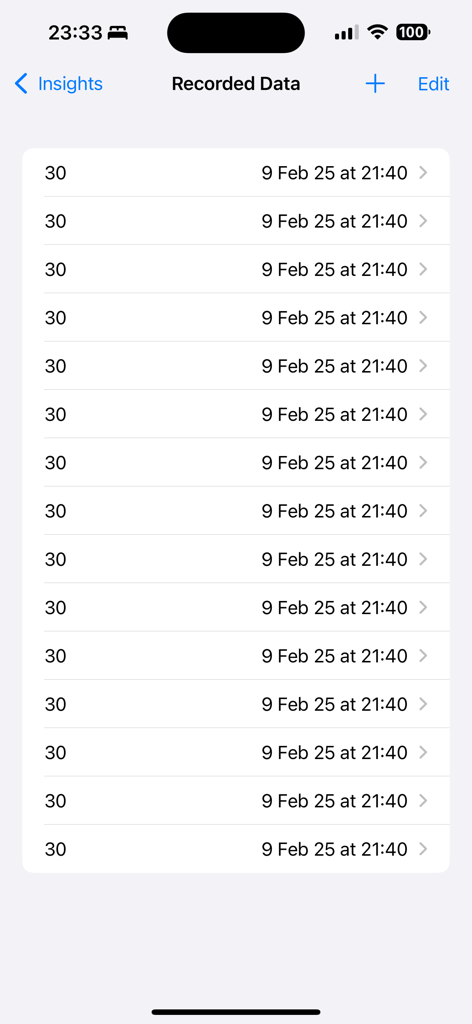
List of recorded data entries with values and timestamps in the counter app
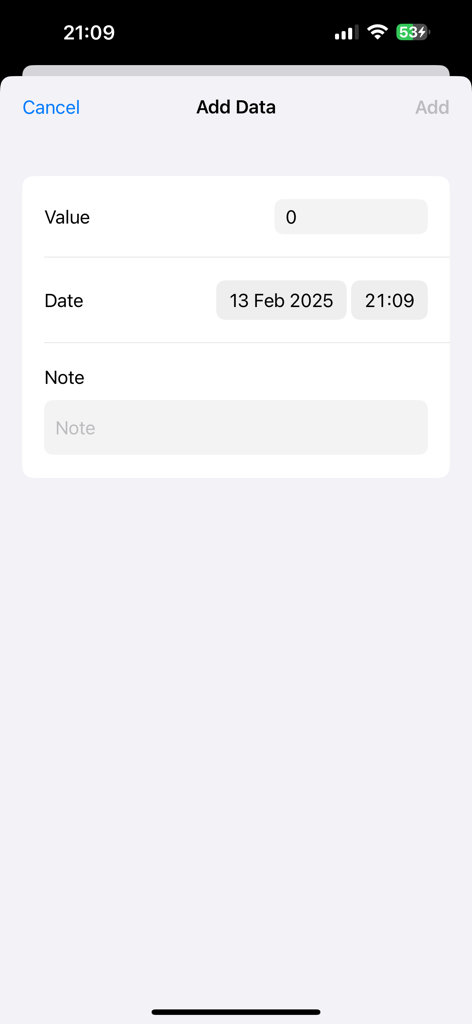
A screenshot of the Counter App showing the Add Data screen with fields for value, date, and notes.
Description
Download
More Like This
Top-ranked apps in the same category
ChatGPT
OpenAI OpCo, LLC
Google Gemini
Google LLC

Gmail - Email by Google
Google LLC

Claude by Anthropic
Anthropic PBC

千问 - 阿里最强大模型官方AI助手
Shanghai Zhixin Puhui Technology Co., Ltd.

Grok
X.AI Corporation
Google Drive
Google LLC

Microsoft Authenticator
Microsoft Corporation
Google Sheets
Google LLC
This page is not an official page of the app or its developer, but an independent editorial publication created for informational and commentary purposes. Unless expressly stated otherwise, neither the app nor its developer is affiliated with, endorsed by, sponsored by, authorized by, or otherwise officially connected with MWM, Apple, Google Play, the app publisher, or the app's developer, and nothing on this page implies that the app was developed using MWM's services. Any trademarks, logos, screenshots, and other content remain the property of their respective owners.