
This page is not an official page of the app or its developer, but an independent editorial publication created for informational and commentary purposes. Unless expressly stated otherwise, neither the app nor its developer is affiliated with, endorsed by, sponsored by, authorized by, or otherwise officially connected with MWM, Apple, Google Play, the app publisher, or the app's developer, and nothing on this page implies that the app was developed using MWM's services. Any trademarks, logos, screenshots, and other content remain the property of their respective owners.

Counter on Me
The clean, private, and flexible way to track habits, fitness, and work tasks. Experience seamless Apple Watch sync and powerful insights—with no sign-ups or cloud required.
Downloads
200User Rating
Total Ratings
0Publisher
Category
UtilitiesLocales
5Latest Version
4.0.0Size
3.5 MBFirst Released
May 20, 2025Track Progress with Absolute Precision
Designed for the Quantified Self, our feature set combines minimalist design with powerful data visualization to make every count effortless.
Complete Apple Watch Integration
Leave your phone behind. Track laps, sets, or inventory directly from your wrist with full real-time synchronization across your devices.
Interactive Data Visualization
Go beyond simple tallies. Use live bar charts and percentage breakdowns to visualize your habits and professional milestones at a glance.
The following screenshots and description are sourced directly from the app's official store listing and are the property of the app developer.
App Store
Screenshots
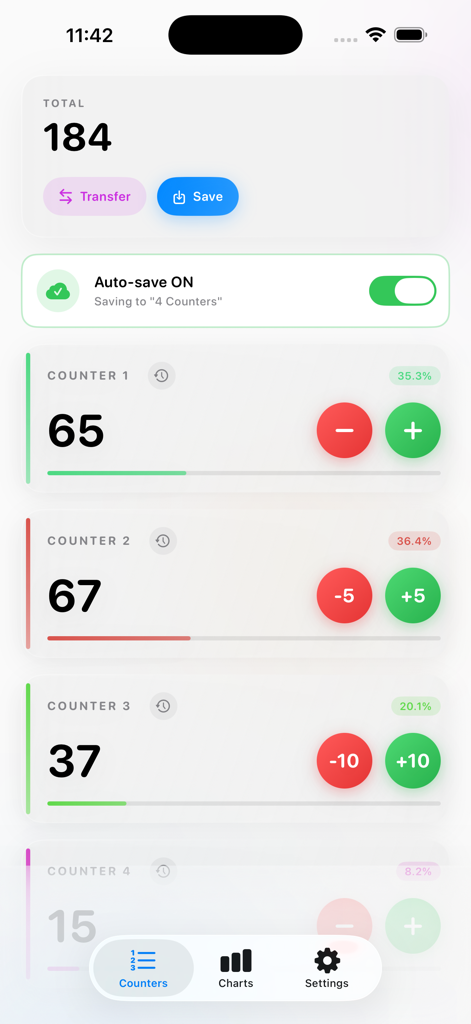
Main dashboard of the Counter on Me app showing multiple tally counters with total count and percentage distribution
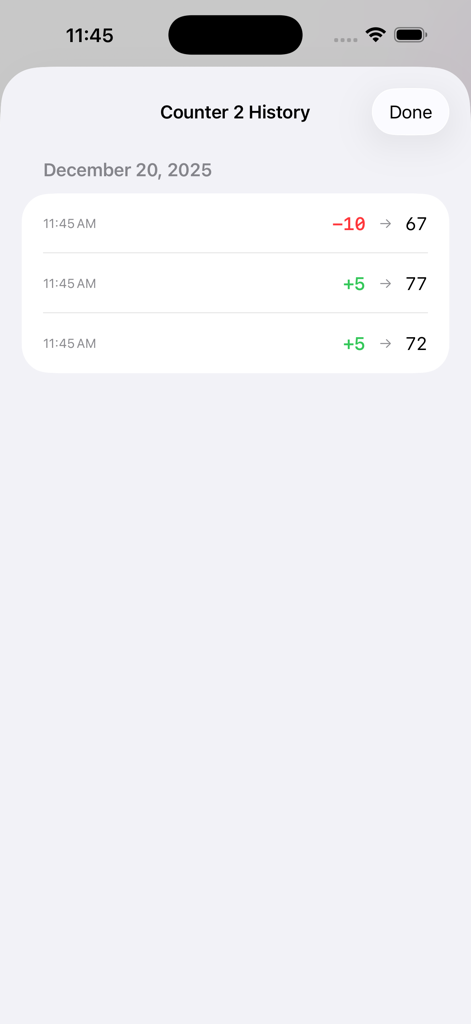
History view of a tally counter showing recent value changes and timestamps
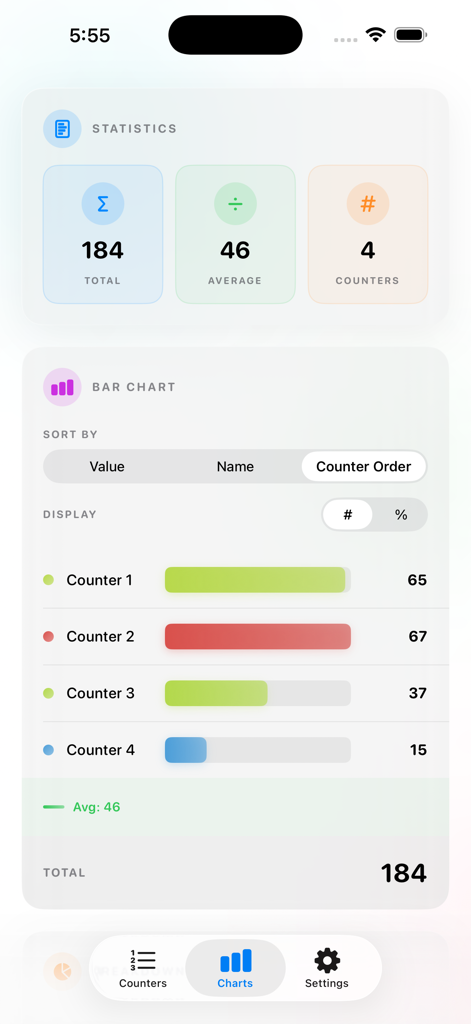
A statistics dashboard in the Counter on Me app showing a bar chart with total counts, averages, and individual counter progress.
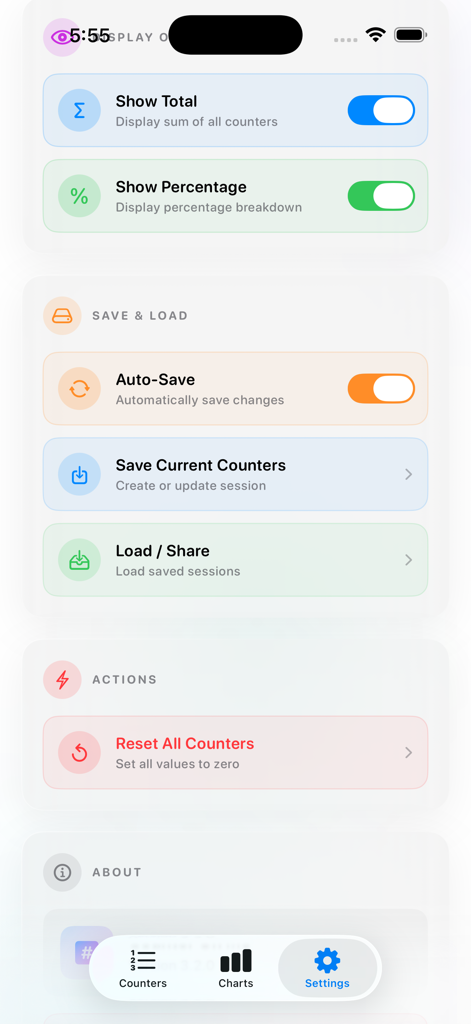
Settings menu of Counter on Me app showing display and data management options
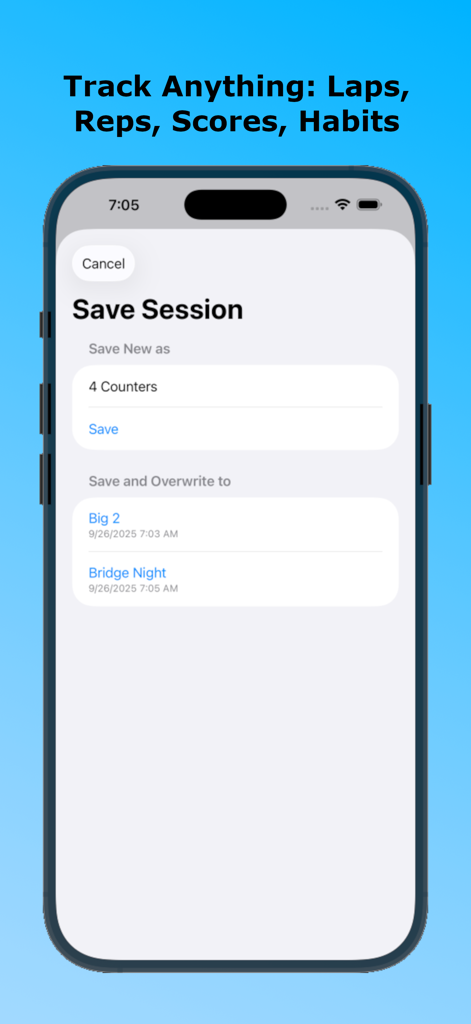
iPhone screen of the Counter on Me app showing the save session interface with options to name a new tally or overwrite existing game records like Bridge Night
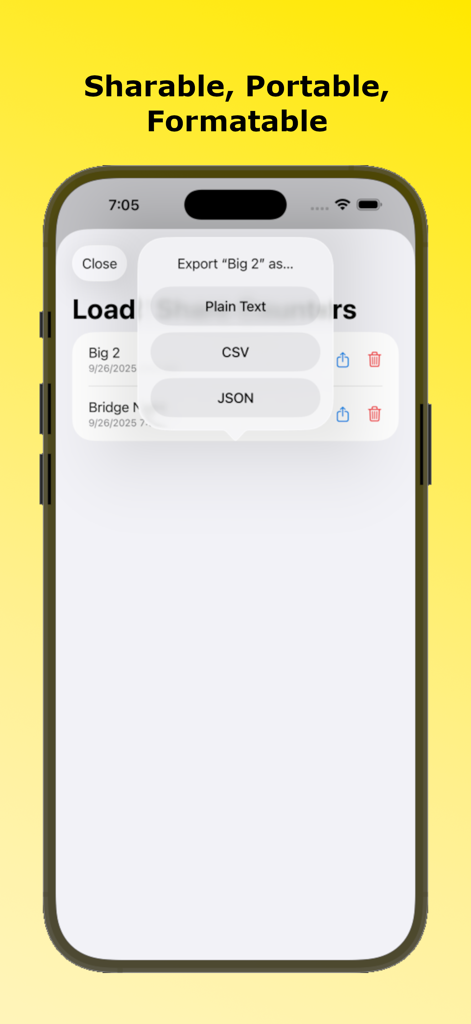
Screenshot of Counter on Me app showing data export options for Plain Text CSV and JSON formats
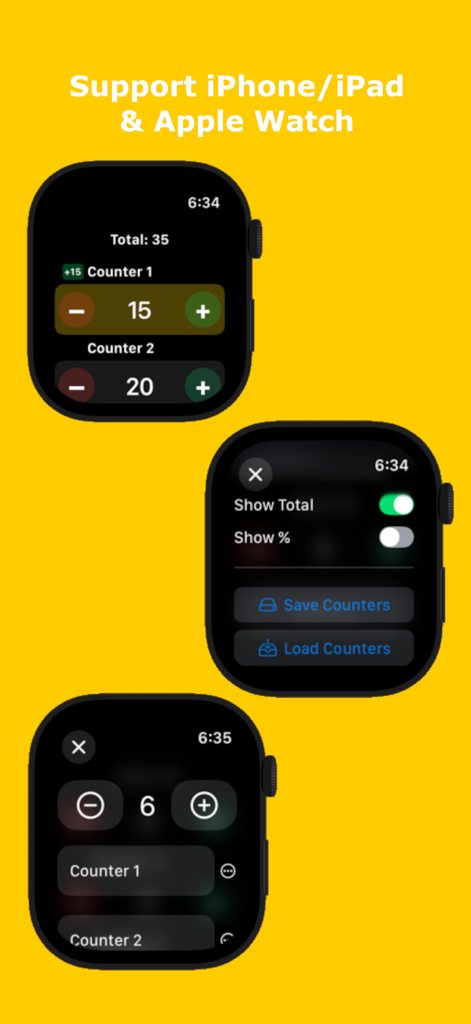
Three Apple Watch screens displaying the Counter on Me app tally interface and settings
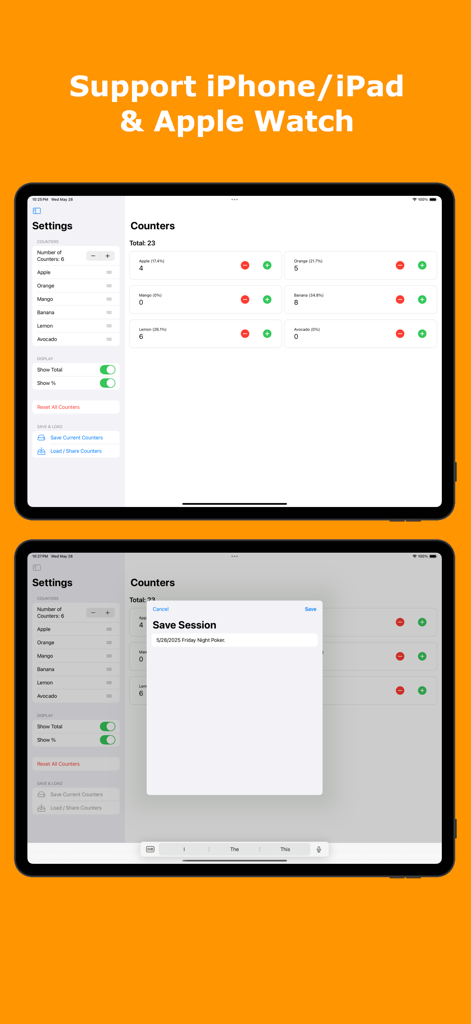
iPad interface of Counter on Me app featuring multiple tally counters and a session saving popup
Description
Download
More Like This
Top-ranked apps in the same category

Google LLC

Google Chrome
Google LLC

中国移动(手机营业厅)
China Mobile Online Services Co., Ltd.

Google Authenticator
Google LLC

CNH do Brasil
Servicos e Informacoes do Brasil

Cleanup: Phone Storage Cleaner
DEEP FLOW SOFTWARE SERVICES - FZCO

gov.br
Servicos e Informacoes do Brasil

中国电信-全国统一官方服务平台
CHINA TELECOM Corporation Ltd.

Microsoft Edge: AI Browser
Microsoft Corporation
This page is not an official page of the app or its developer, but an independent editorial publication created for informational and commentary purposes. Unless expressly stated otherwise, neither the app nor its developer is affiliated with, endorsed by, sponsored by, authorized by, or otherwise officially connected with MWM, Apple, Google Play, the app publisher, or the app's developer, and nothing on this page implies that the app was developed using MWM's services. Any trademarks, logos, screenshots, and other content remain the property of their respective owners.