
This page is not an official page of the app or its developer, but an independent editorial publication created for informational and commentary purposes. Unless expressly stated otherwise, neither the app nor its developer is affiliated with, endorsed by, sponsored by, authorized by, or otherwise officially connected with MWM, Apple, Google Play, the app publisher, or the app's developer, and nothing on this page implies that the app was developed using MWM's services. Any trademarks, logos, screenshots, and other content remain the property of their respective owners.


Covve CRM Manage your contacts
The smart, encrypted personal CRM for professionals who value relationship building. Seamlessly scan business cards, automate follow-ups, and stay updated with real-time news about your contacts to ensure you never miss an opportunity to connect.
Downloads
85K+User Rating
Total Ratings
1K+Publisher
Category
ProductivityLocales
1Latest Version
29.3.2Size
75.3 MBFirst Released
Mar 4, 2015Master Your Social Capital
Stop losing leads in your contact list. Covve provides the high-performance tools you need to build deeper professional relationships and stay top-of-mind.
Instant Card Scanning
Eliminate post-event admin. Scan physical business cards with AI-powered accuracy to instantly update your professional database.
Intelligent Follow-Ups
Never drop the ball on a high-value lead. Set smart reminders and receive news alerts about your contacts to reach out with the perfect context.
The following screenshots and description are sourced directly from the app's official store listing and are the property of the app developer.
App Store
Screenshots
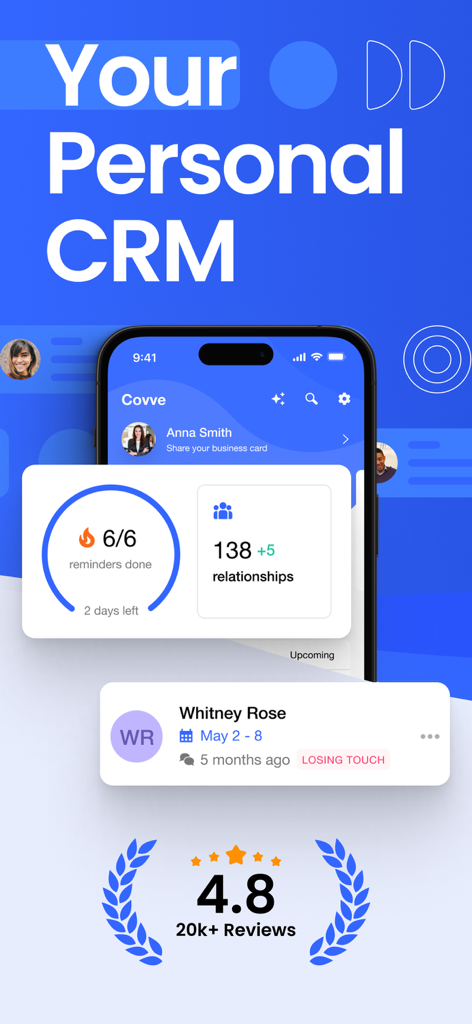
Covve CRM app dashboard with relationship stats and follow-up reminders
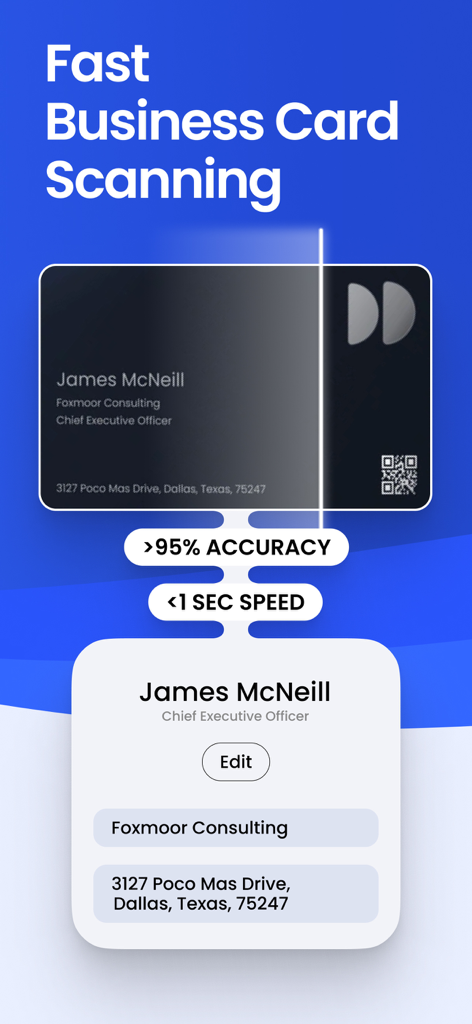
Interface showing Covve CRM's fast business card scanning feature with high accuracy and rapid processing speed.
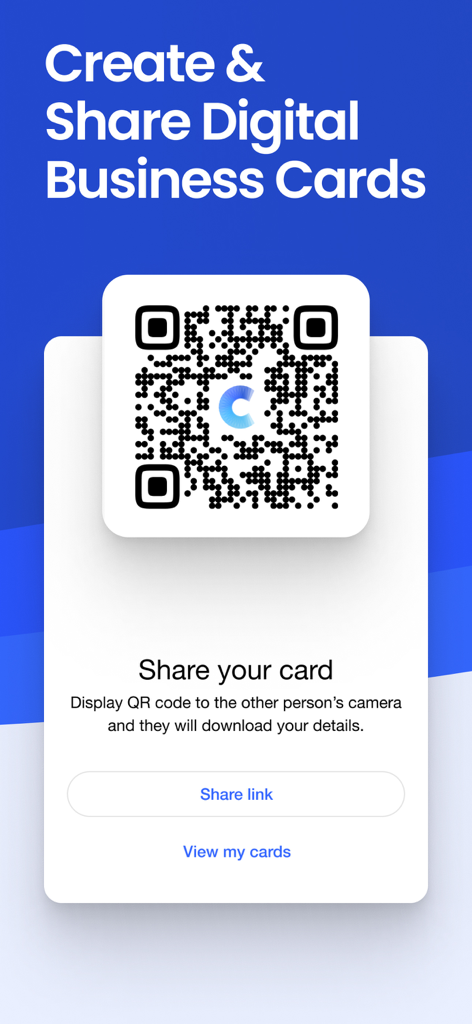
Digital business card sharing screen with a QR code in the Covve CRM app
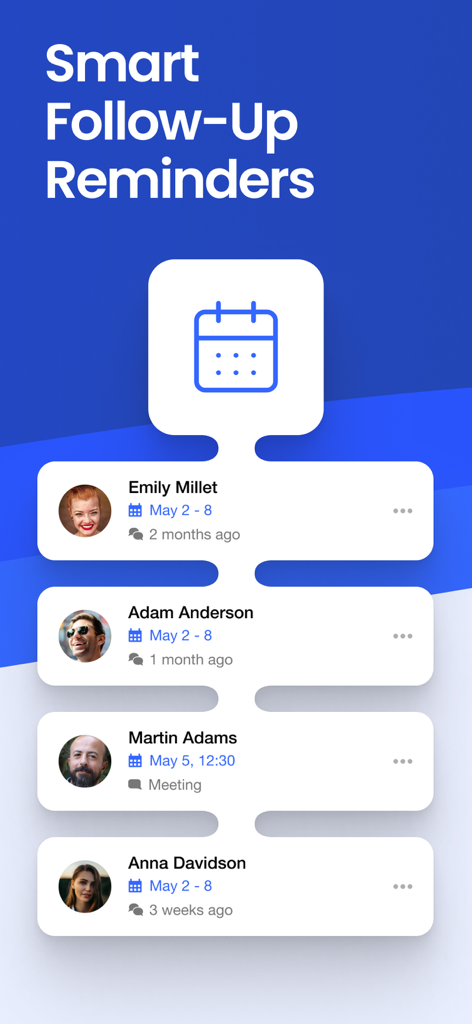
A list of professional contacts with scheduled follow up reminders in the Covve CRM app
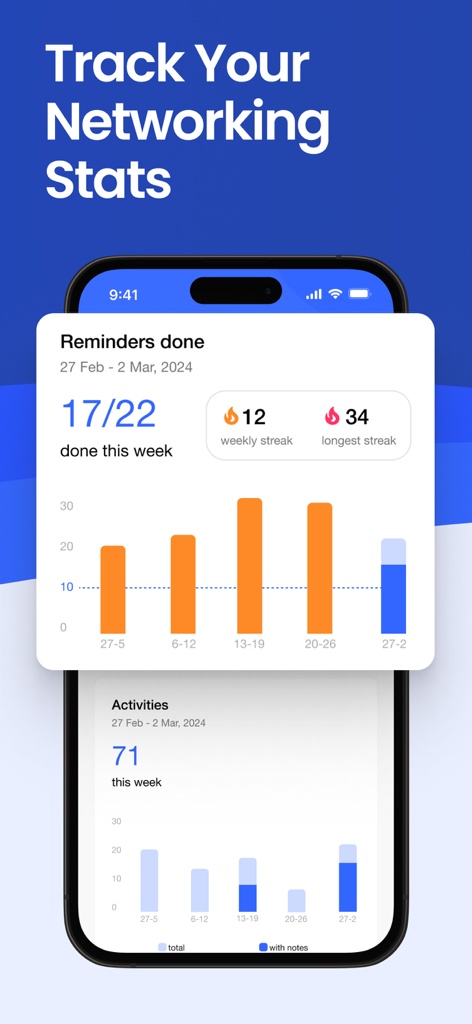
Networking activity dashboard showing reminders and weekly stats in the Covve CRM app.
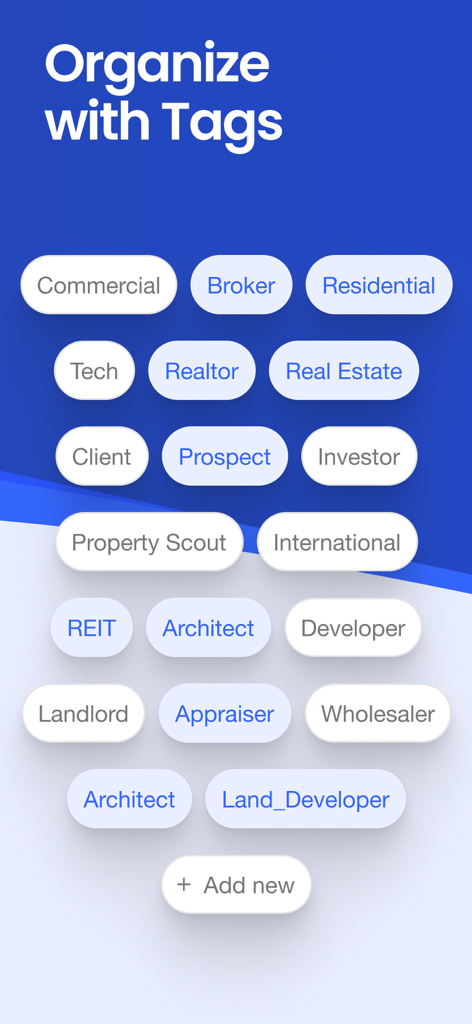
Covve CRM interface showing contact tags for real estate and business professional networking
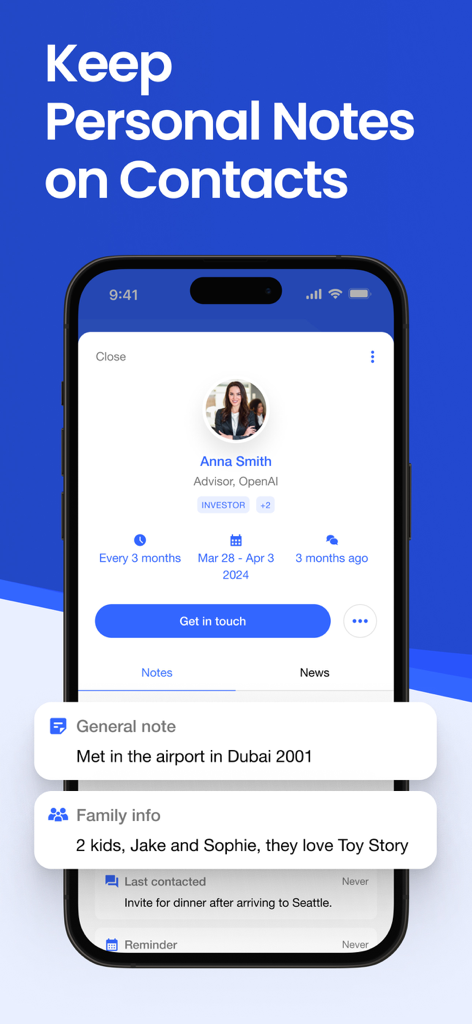
A smartphone screen displaying personal notes and family details for a contact in the Covve CRM app
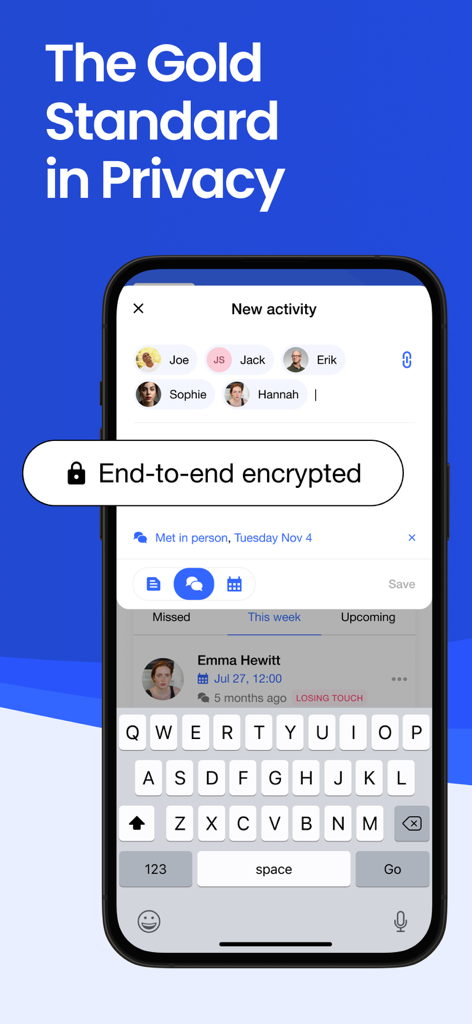
Covve CRM app screen highlighting end-to-end encryption and contact privacy features.
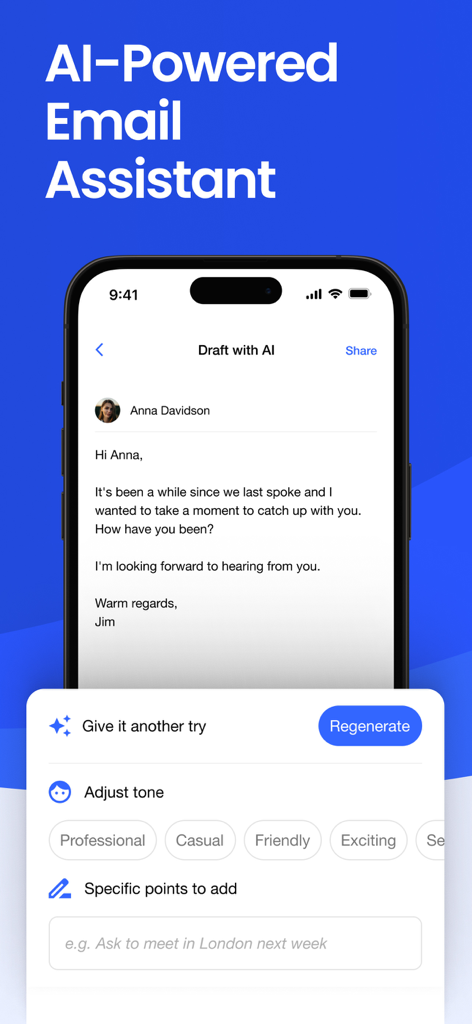
Covve CRM AI powered email assistant drafting a follow up message with tone adjustment options

Covve CRM interface showing contact news updates from Reuters The Guardian and CNN
Description
Download
More Like This
Top-ranked apps in the same category

ChatGPT
OpenAI OpCo, LLC

Google Gemini
Google LLC

Grok
X.AI Corporation

Gmail - Email by Google
Google LLC

千问 - 阿里最强大模型官方AI助手
Shanghai Zhixin Puhui Technology Co., Ltd.

Google Drive
Google LLC

Microsoft Authenticator
Microsoft Corporation

Google Sheets
Google LLC

Google Docs
Google LLC
This page is not an official page of the app or its developer, but an independent editorial publication created for informational and commentary purposes. Unless expressly stated otherwise, neither the app nor its developer is affiliated with, endorsed by, sponsored by, authorized by, or otherwise officially connected with MWM, Apple, Google Play, the app publisher, or the app's developer, and nothing on this page implies that the app was developed using MWM's services. Any trademarks, logos, screenshots, and other content remain the property of their respective owners.