
This page is not an official page of the app or its developer, but an independent editorial publication created for informational and commentary purposes. Unless expressly stated otherwise, neither the app nor its developer is affiliated with, endorsed by, sponsored by, authorized by, or otherwise officially connected with MWM, Apple, Google Play, the app publisher, or the app's developer, and nothing on this page implies that the app was developed using MWM's services. Any trademarks, logos, screenshots, and other content remain the property of their respective owners.


Covve - Digital Business Card
The ultimate networking tool for tech-forward professionals. Design sleek, eco-friendly cards and share them instantly via QR, NFC, or video calls—no app required for your contacts.
Downloads
5K+User Rating
Total Ratings
1K+Publisher
Category
ProductivityLocales
1Latest Version
2.12Size
60.6 MBFirst Released
Feb 17, 2022Elevate Your Professional Presence
The smartest way to share your contact details, build your personal brand, and track your networking impact—all from your phone.
Instant, Frictionless Sharing
Share your card via QR code or NFC tap. Your contacts don't need to install an app to save your info instantly.
Custom-Tailored Digital Brand
Design a sleek card that reflects your professional style and integrates into your email signature and video calls.
Frequently Asked Questions
Everything you need to know about Covve - Digital Business Card
How do I create a digital business card with Covve Card?
You can create a sleek, free digital Covve Card in minutes. Covve Card also offers options to elevate it with premium designs for enhanced professionalism.
Can Covve Card create custom physical business cards?
Yes, Covve Card allows you to design both digital and physical business cards. You can showcase your brand with custom-tailored designs for both formats.
How can I share my Covve Card with others?
You can instantly share your Covve Card via a QR code or tap. Additionally, you can embed your Covve Card in email signatures and video calls for broad reach.
Does Covve Card support NFC contactless sharing?
Yes, Covve Card supports NFC-enabled contactless sharing. You can impress contacts by sharing your details with a single tap using modern contactless cards.
Do recipients need the Covve Card app to view my card?
No, recipients do not need to install the Covve Card app to receive your card. You can share it effortlessly via QR code or tap, ensuring broad accessibility.
Can I track my networking performance using Covve Card?
Yes, Covve Card allows you to track and optimize your networking. You gain insights into how often your card is used and monitor success with detailed stats.
Is the Covve Card app ad-free?
Yes, Covve Card offers a seamless, ad-free experience. The interface is designed for busy professionals, providing fast and reliable tools without interruptions.
How does Covve Card help improve professional image?
Covve Card polishes your professional image by allowing you to embed your card in email signatures and video calls. Custom-tailored designs also reflect your unique style.
The following screenshots and description are sourced directly from the app's official store listing and are the property of the app developer.
App Store
Screenshots
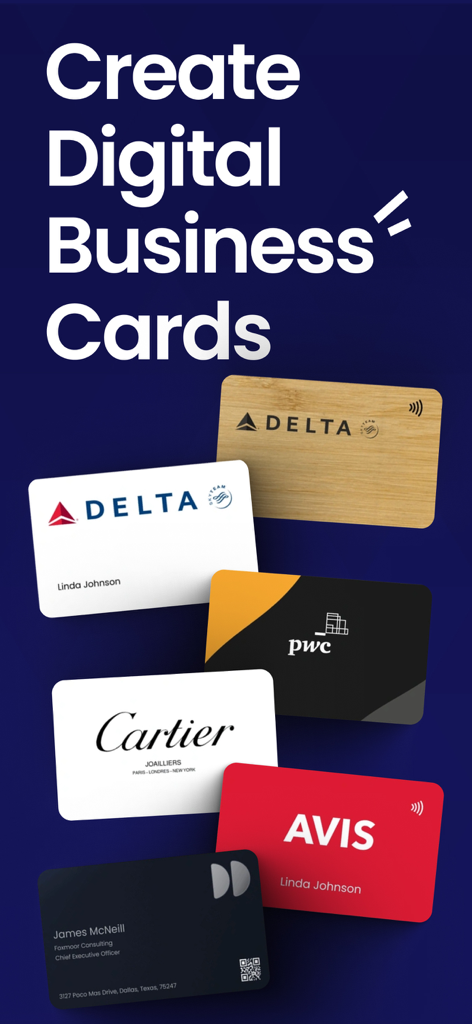
A showcase of professional digital business card designs with various brand logos and layouts
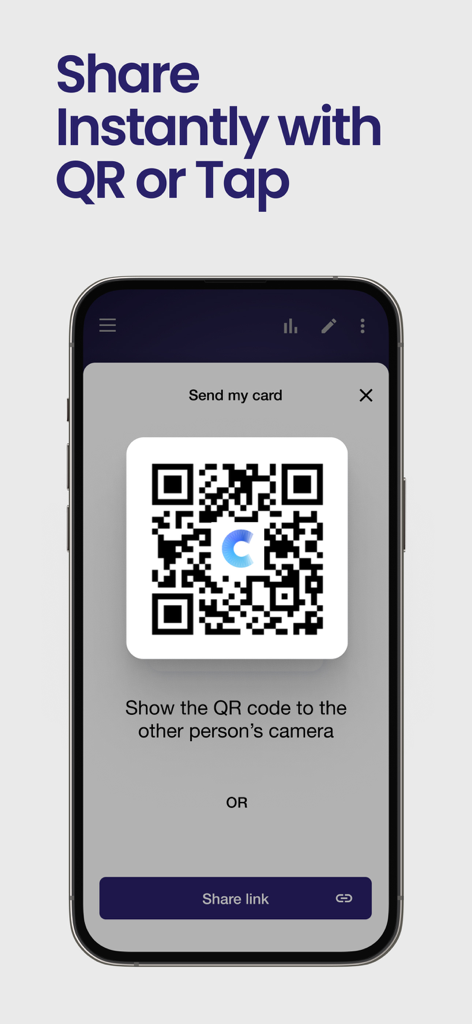
Covve app interface showing a QR code to share contact details instantly
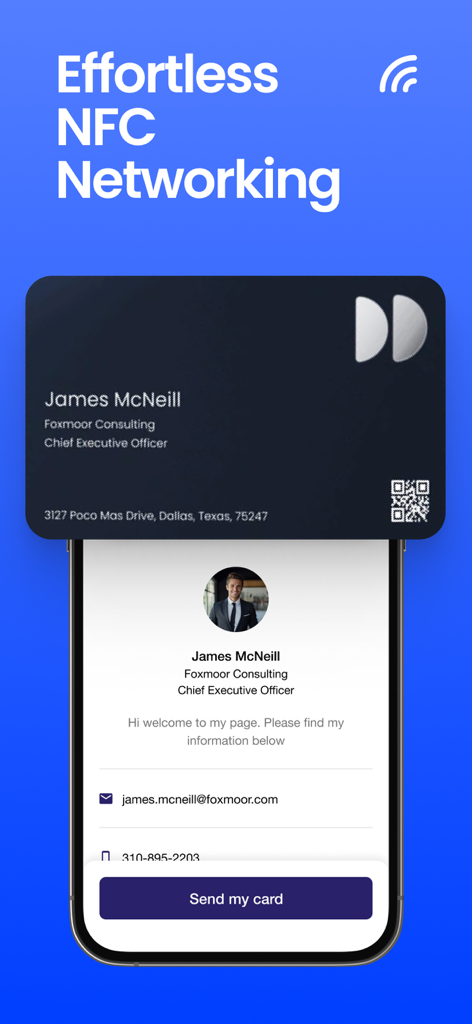
Effortless NFC networking using a digital business card on a mobile phone
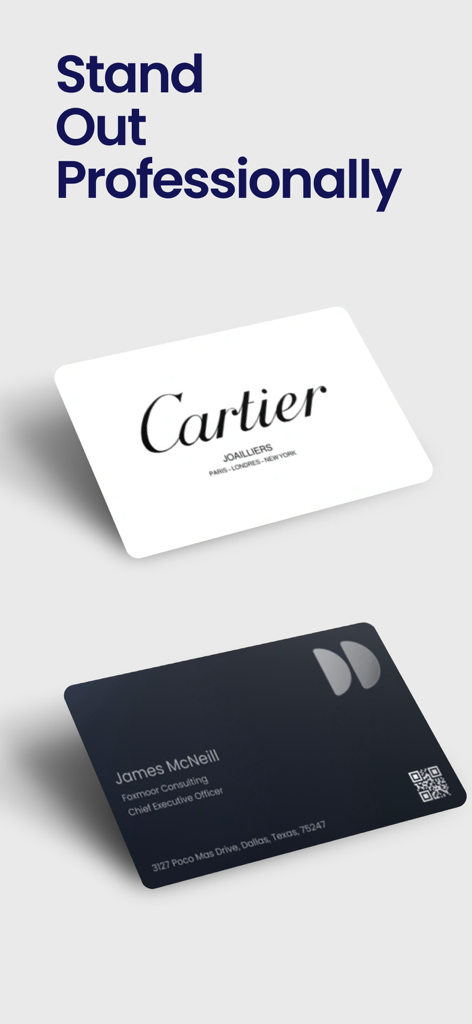
Two sleek digital business cards featuring professional branding and a QR code.
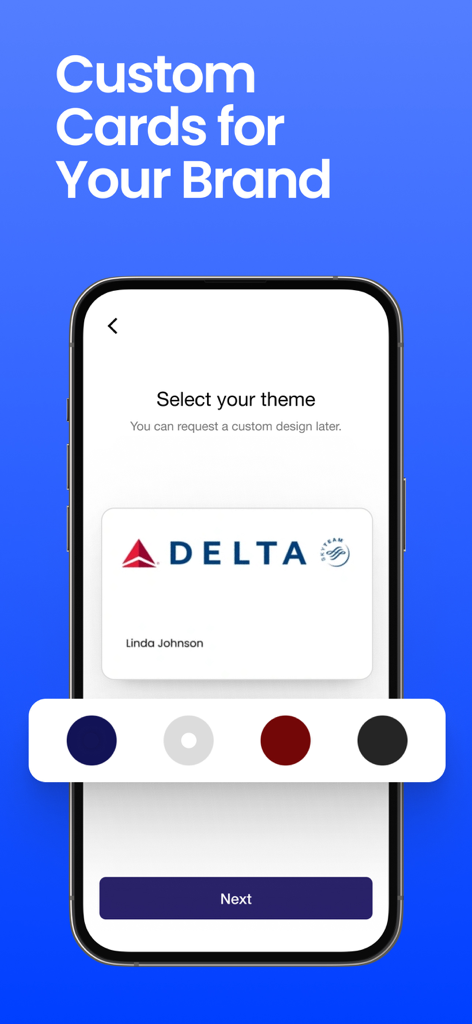
Smartphone screen showing the theme selection for a custom digital business card in the Covve app
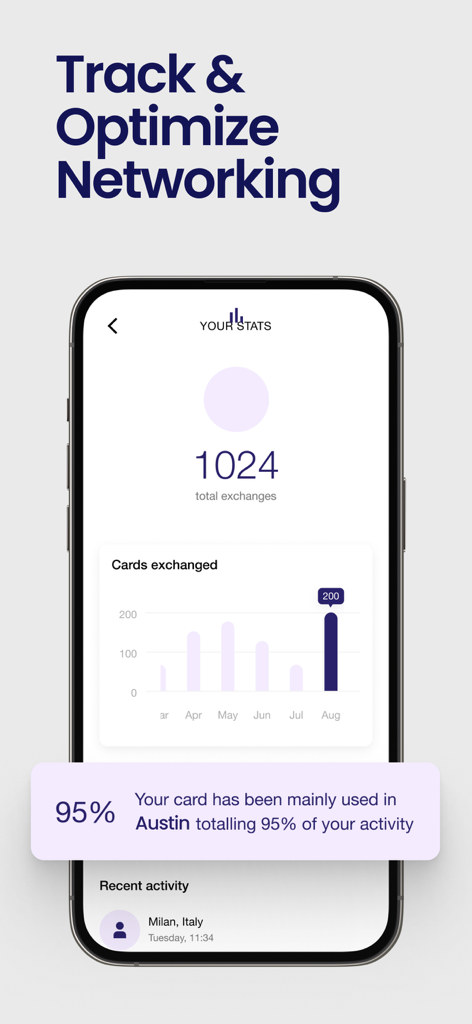
Covve app dashboard showing networking statistics and card exchange tracking
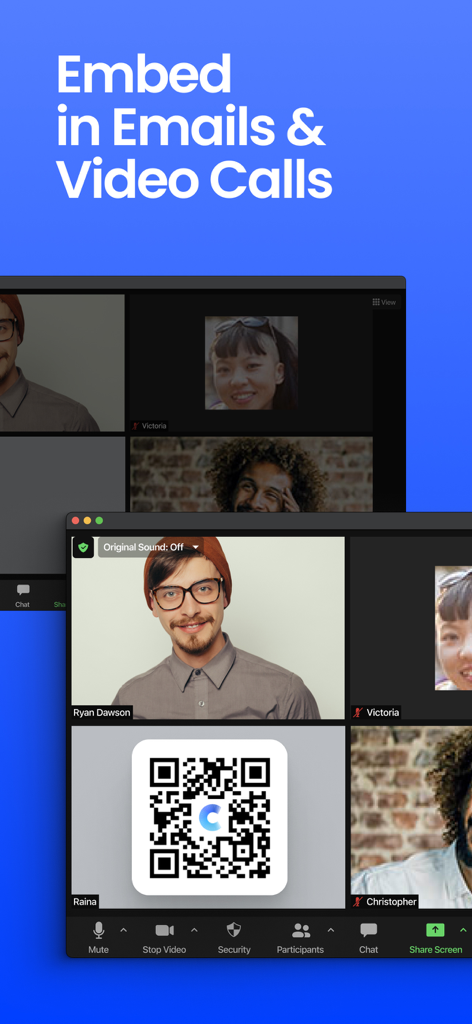
A video call screen displaying a digital business card QR code for virtual networking
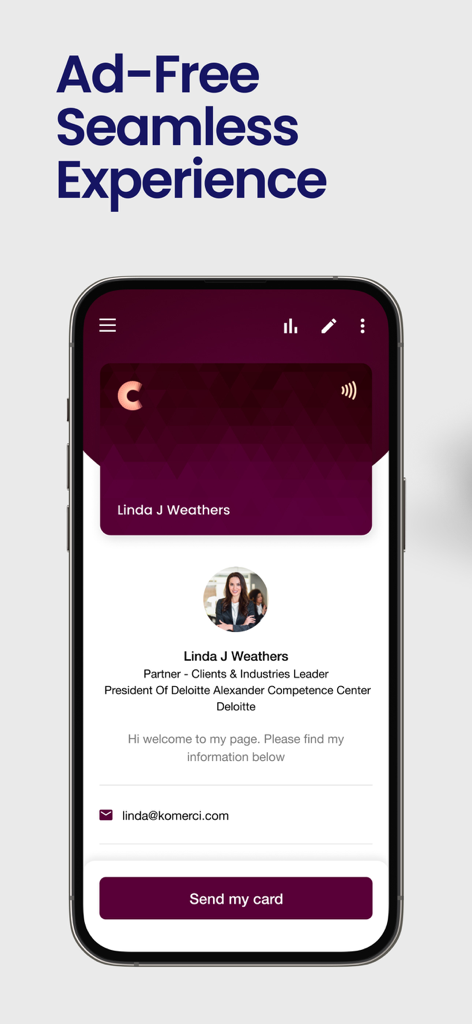
A professional digital business card profile displayed on a mobile phone screen with ad free text
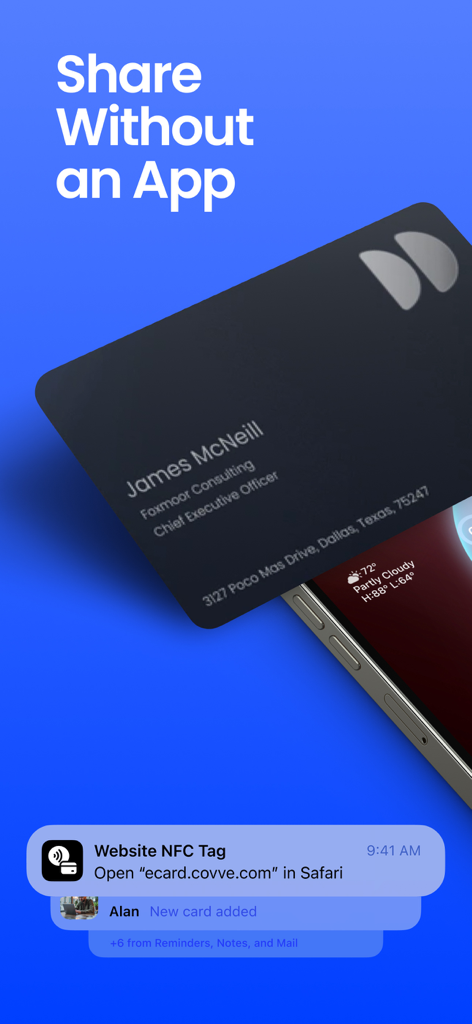
iPhone receiving a digital business card via NFC tap without needing an app
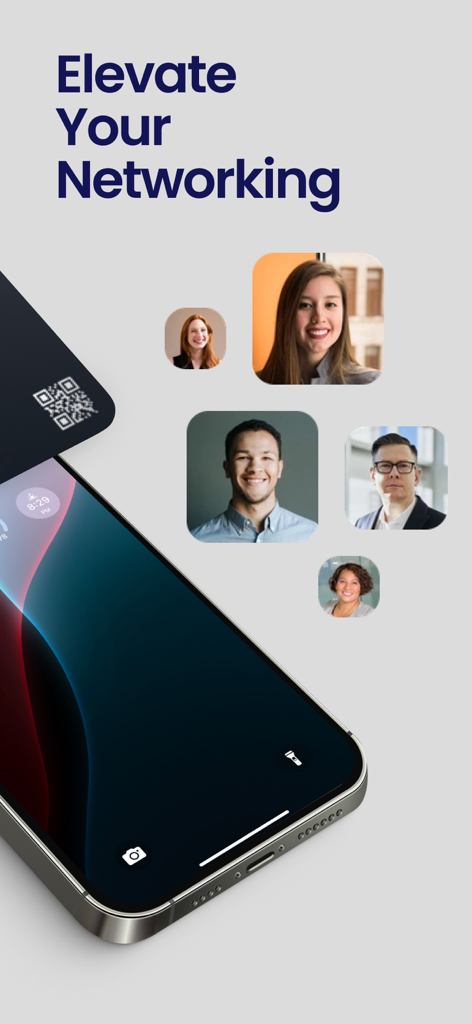
Covve digital business card app on a smartphone for professional networking.
Description
Download
More Like This
Top-ranked apps in the same category

ChatGPT
OpenAI OpCo, LLC

Google Gemini
Google LLC

Grok
X.AI Corporation

Gmail - Email by Google
Google LLC

千问 - 阿里最强大模型官方AI助手
Shanghai Zhixin Puhui Technology Co., Ltd.

Google Drive
Google LLC

Microsoft Authenticator
Microsoft Corporation

Google Sheets
Google LLC

Google Docs
Google LLC
This page is not an official page of the app or its developer, but an independent editorial publication created for informational and commentary purposes. Unless expressly stated otherwise, neither the app nor its developer is affiliated with, endorsed by, sponsored by, authorized by, or otherwise officially connected with MWM, Apple, Google Play, the app publisher, or the app's developer, and nothing on this page implies that the app was developed using MWM's services. Any trademarks, logos, screenshots, and other content remain the property of their respective owners.