
This page is not an official page of the app or its developer, but an independent editorial publication created for informational and commentary purposes. Unless expressly stated otherwise, neither the app nor its developer is affiliated with, endorsed by, sponsored by, authorized by, or otherwise officially connected with MWM, Apple, Google Play, the app publisher, or the app's developer, and nothing on this page implies that the app was developed using MWM's services. Any trademarks, logos, screenshots, and other content remain the property of their respective owners.

CPU-X
Get a clear, real-time look under the hood of your iPhone. Monitor performance, test every sensor, and troubleshoot networks with a 100% private, local-only utility tool.
Downloads
100+User Rating
Total Ratings
0Publisher
Category
UtilitiesLocales
4Latest Version
1.0.4Size
27.3 MBFirst Released
Nov 26, 2025Master Your Device Inside and Out
Get professional-grade hardware diagnostics and network tools in a single, privacy-first app designed for power users who demand total transparency.
Deep Hardware Intelligence
Access real-time data on your CPU, GPU, and RAM performance to understand exactly how your iPhone is breathing and performing under load.
Pro-Grade Sensor Testing
Verify every component from multi-touch to GPS. The ultimate digital toolkit for inspecting used devices or troubleshooting hardware issues instantly.
The following screenshots and description are sourced directly from the app's official store listing and are the property of the app developer.
App Store
Screenshots
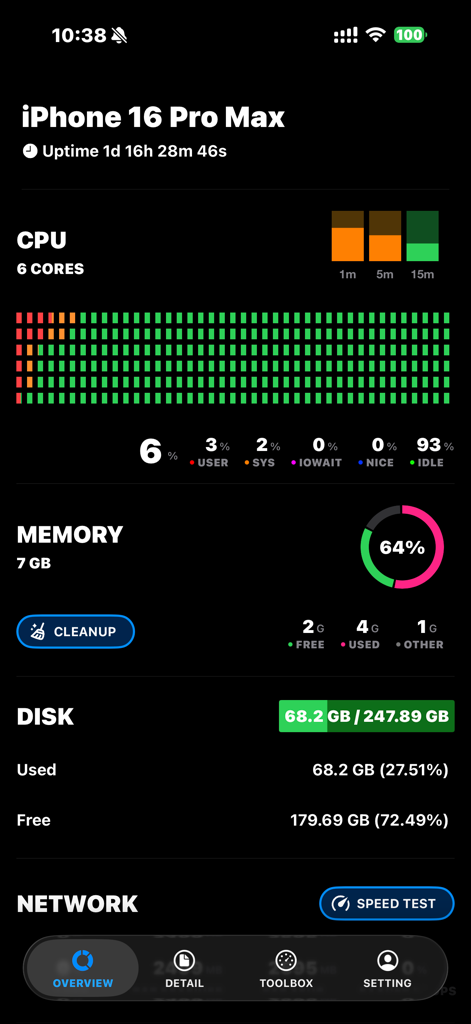
Dashboard of CPU-X app showing iPhone 16 Pro Max system diagnostics including CPU memory and disk usage
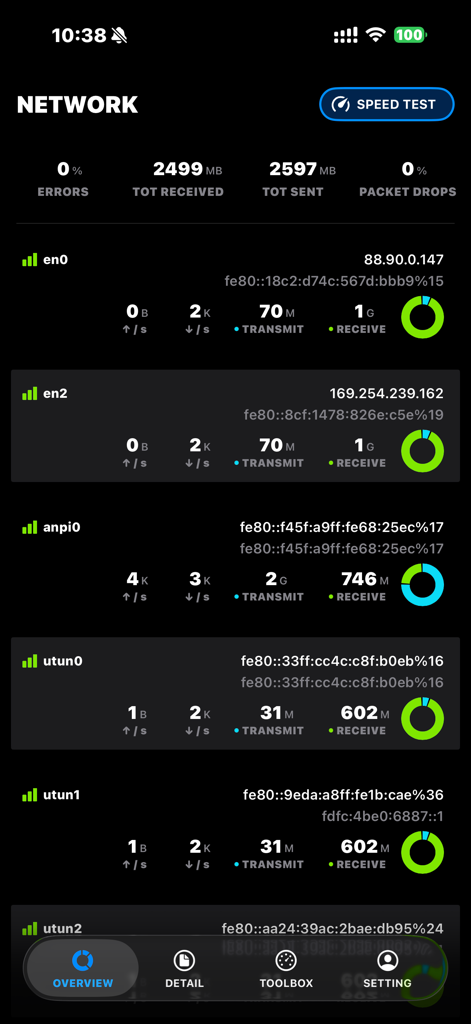
CPU-X app interface showing real-time network traffic data and individual interface diagnostics on an iPhone screen.

CPU-X app interface showing a rocket icon and deep cleaning progress at 63 percent
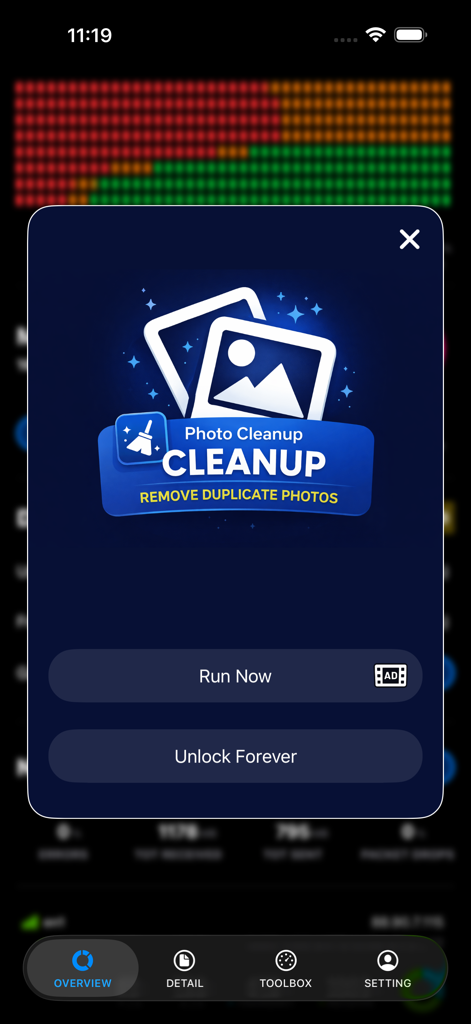
CPU-X app interface showing the photo cleanup feature for removing duplicate images
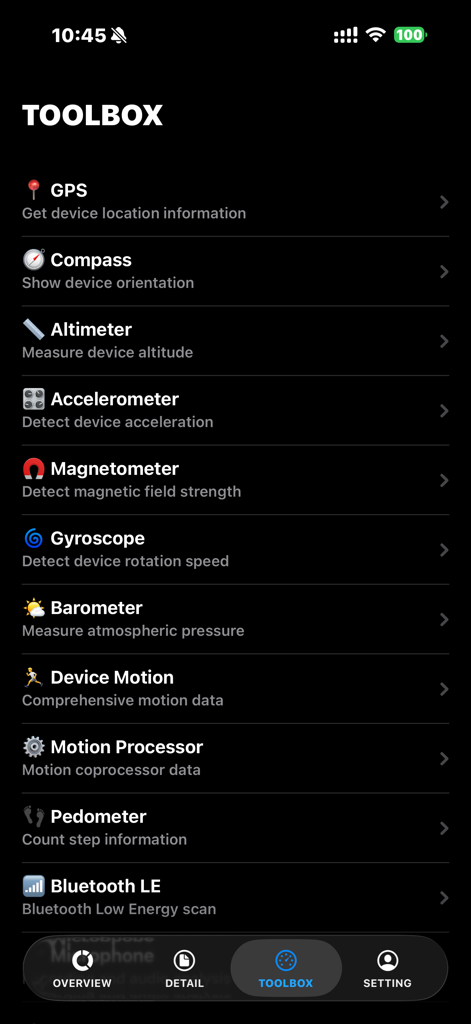
CPU-X app toolbox showing various sensor diagnostics including GPS and Compass
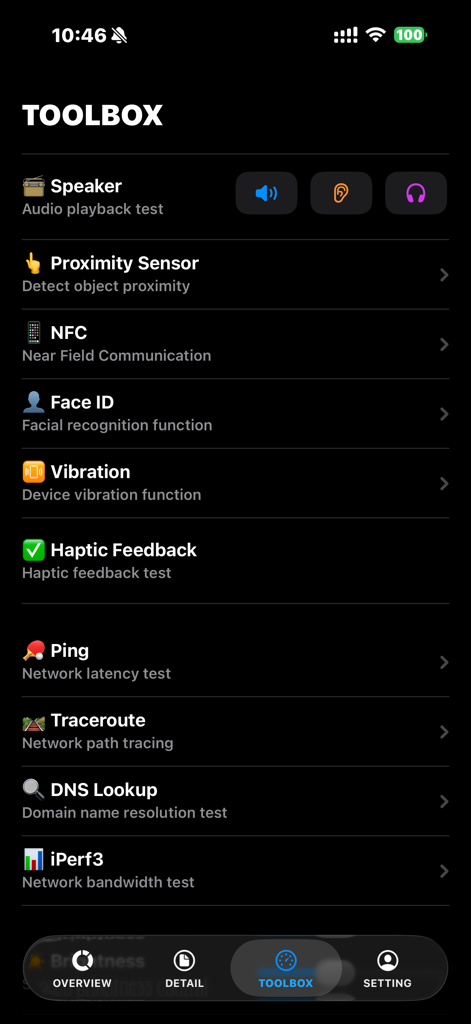
CPU-X toolbox interface showing diagnostic tests for speaker proximity sensor Face ID and network
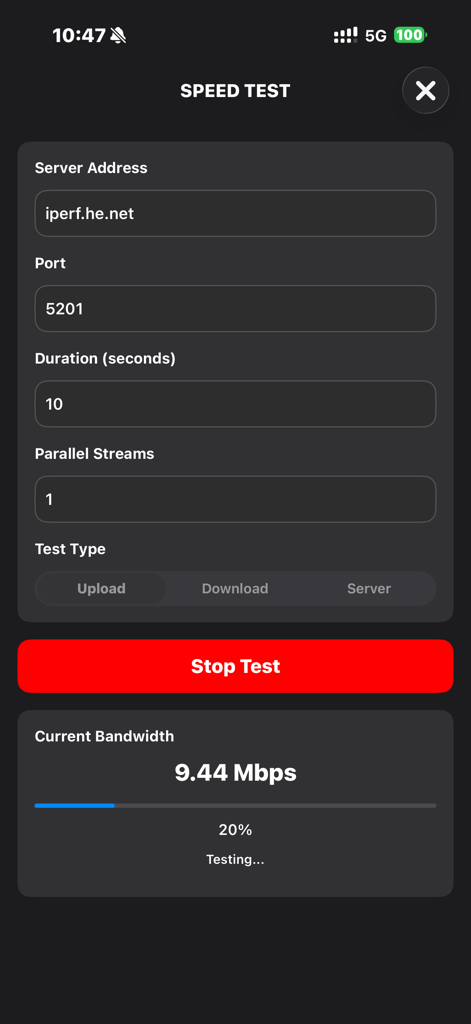
CPU-X app interface showing a network speed test in progress with bandwidth metrics and server configuration.
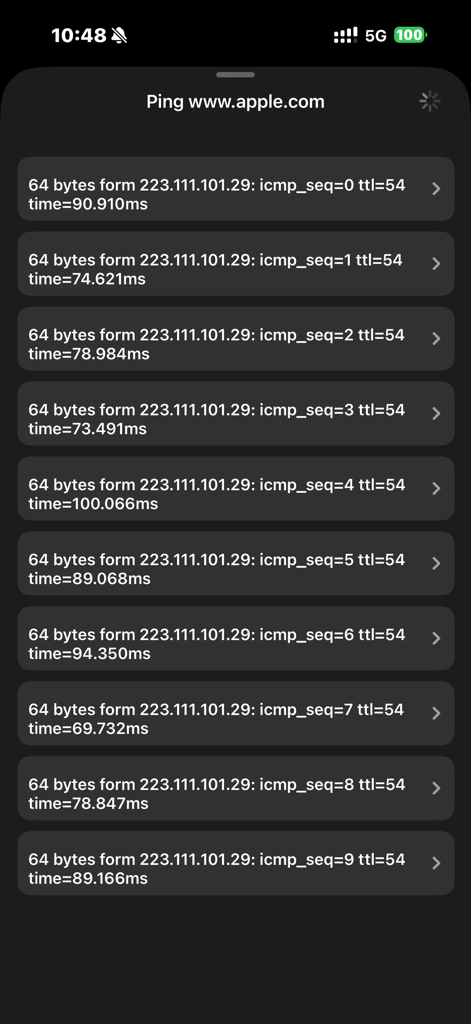
CPU-X network diagnostic tool displaying ping response times for a website
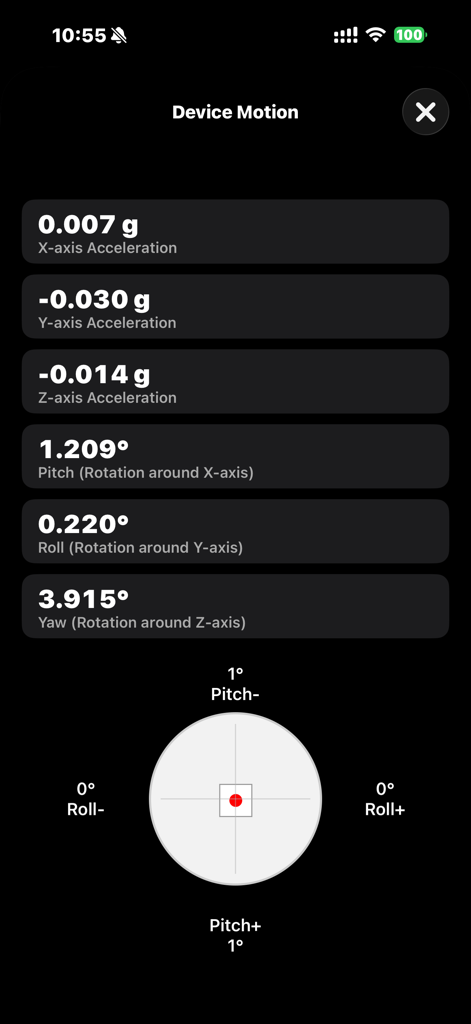
CPU-X app interface displaying real-time device motion data including acceleration and rotation metrics
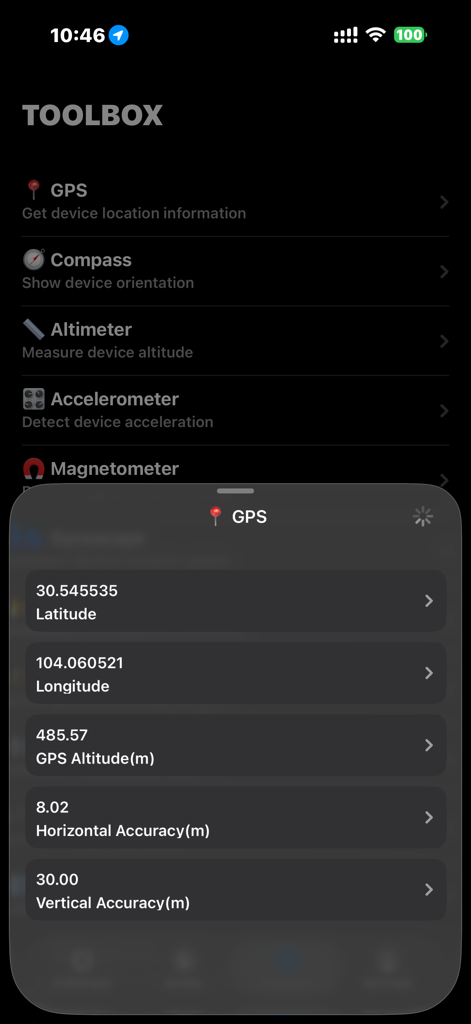
CPU-X app displaying real time GPS coordinates and altitude data in the toolbox menu
Description
Download
More Like This
Top-ranked apps in the same category

Google LLC

Google Chrome
Google LLC

中国移动(手机营业厅)
China Mobile Online Services Co., Ltd.

Google Authenticator
Google LLC

Super VPN Fly 2026
YUNFAN TECHNOLOGY CO., LIMITED

Cleanup: Phone Storage Cleaner
DEEP FLOW SOFTWARE SERVICES - FZCO

gov.br
Servicos e Informacoes do Brasil

百度-AI智能搜索
Beijing Baidu Netcom Science & Technology Co.,Ltd

Microsoft Edge: AI Browser
Microsoft Corporation
This page is not an official page of the app or its developer, but an independent editorial publication created for informational and commentary purposes. Unless expressly stated otherwise, neither the app nor its developer is affiliated with, endorsed by, sponsored by, authorized by, or otherwise officially connected with MWM, Apple, Google Play, the app publisher, or the app's developer, and nothing on this page implies that the app was developed using MWM's services. Any trademarks, logos, screenshots, and other content remain the property of their respective owners.