Darkr - Black And White Filter
Download on App Store

This page is not an official page of the app or its developer, but an independent editorial publication created for informational and commentary purposes. Unless expressly stated otherwise, neither the app nor its developer is affiliated with, endorsed by, sponsored by, authorized by, or otherwise officially connected with MWM, Apple, Google Play, the app publisher, or the app's developer, and nothing on this page implies that the app was developed using MWM's services. Any trademarks, logos, screenshots, and other content remain the property of their respective owners.

Logo of Darkr - Black And White Filter
Download on App Store

Darkr - Black And White Filter

Step away from instant filters and rediscover the soul of photography. Master the craft of black and white with manual cameras, test strips, and authentic darkroom tools designed for the intentional artist.

Key Figures

Downloads

1M+

User Rating

4.7/5

Total Ratings

47K+

Publisher

Marcus Carlsson

Category

Photo & Video

Locales

6

Latest Version

12.0

Size

115.0 MB

First Released

Dec 6, 2016
Features

The Craft of Monochrome Photography

Step away from instant filters. Experience a tactile, intentional workflow designed for photographers who value the art of the process over the convenience of a click.

Authentic Darkroom Workflow

Master light and shadow without the chemicals. Use traditional test strips to find your exposure and professional dodge and burn tools to sculpt your image.

The Art of Slow Shooting

Challenge your perspective with manual large-format camera simulations. By slowing down the process, you'll rediscover the fundamentals of framing and composition.

The following screenshots and description are sourced directly from the app's official store listing and are the property of the app developer.

App Store

Screenshots
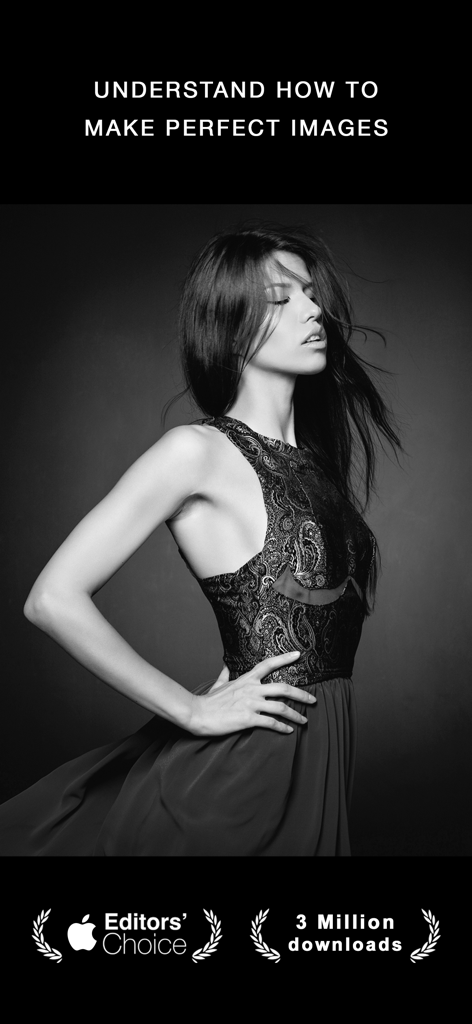
Darkr - Black And White Filter - A professional black and white portrait of a woman showcasing the Darkr app aesthetic with an Editors Choice badge
A professional black and white portrait of a woman showcasing the Darkr app aesthetic with an Editors Choice badge

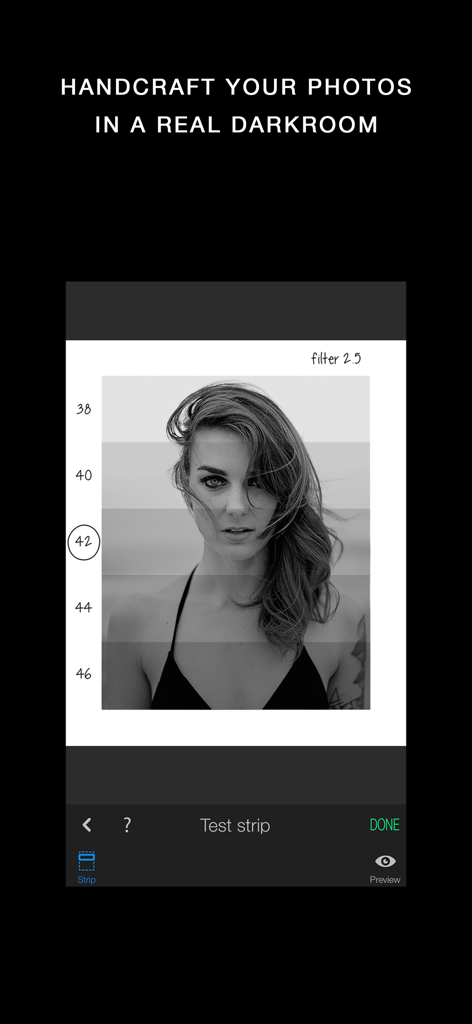
Darkr - Black And White Filter - Darkr app interface displaying a black and white portrait with analog darkroom test strips for manual exposure adjustment.
Darkr app interface displaying a black and white portrait with analog darkroom test strips for manual exposure adjustment.

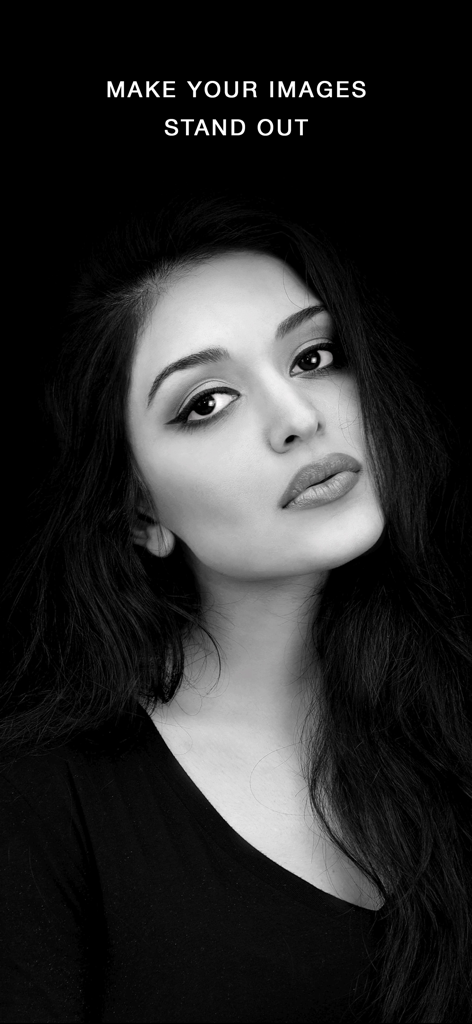
Darkr - Black And White Filter - High contrast black and white portrait of a woman against a dark background
High contrast black and white portrait of a woman against a dark background

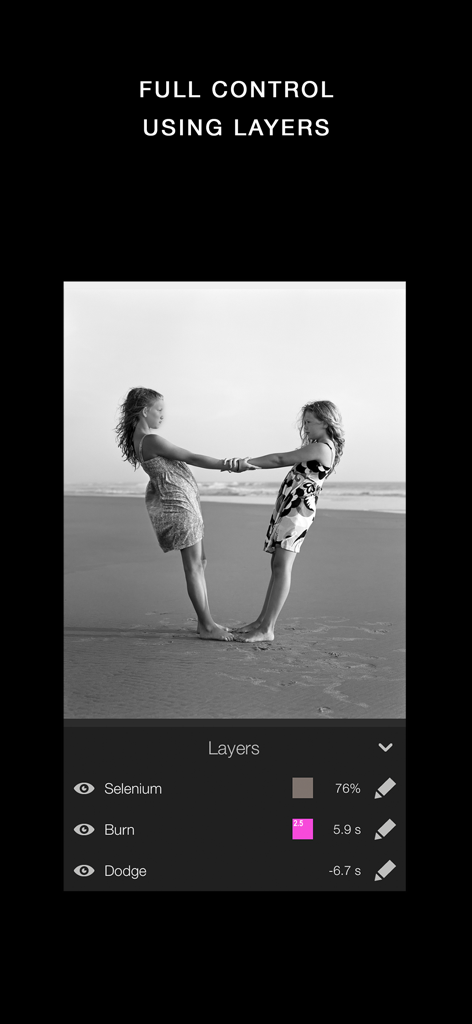
Darkr - Black And White Filter - Darkr app interface showing manual editing layers for a black and white photo including Selenium Burn and Dodge tools
Darkr app interface showing manual editing layers for a black and white photo including Selenium Burn and Dodge tools

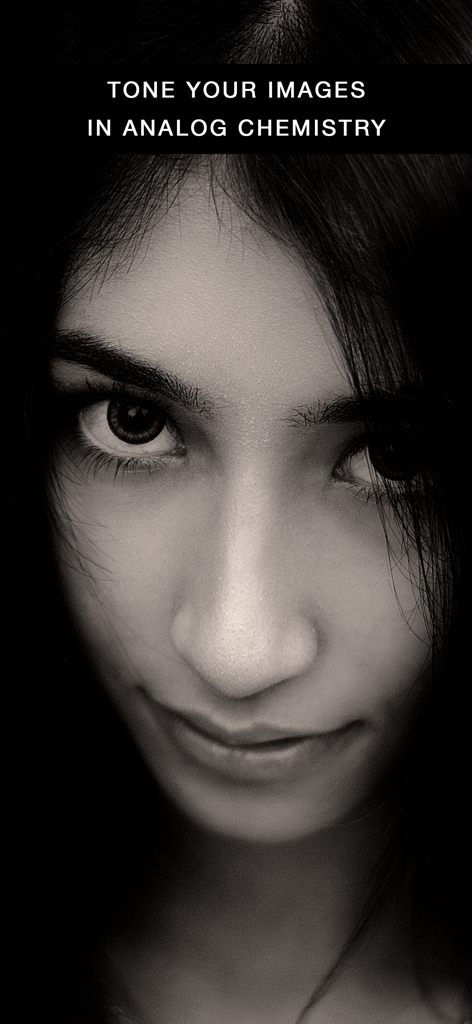
Darkr - Black And White Filter - Close-up black and white portrait showcasing analog chemistry toning in the Darkr app
Close-up black and white portrait showcasing analog chemistry toning in the Darkr app

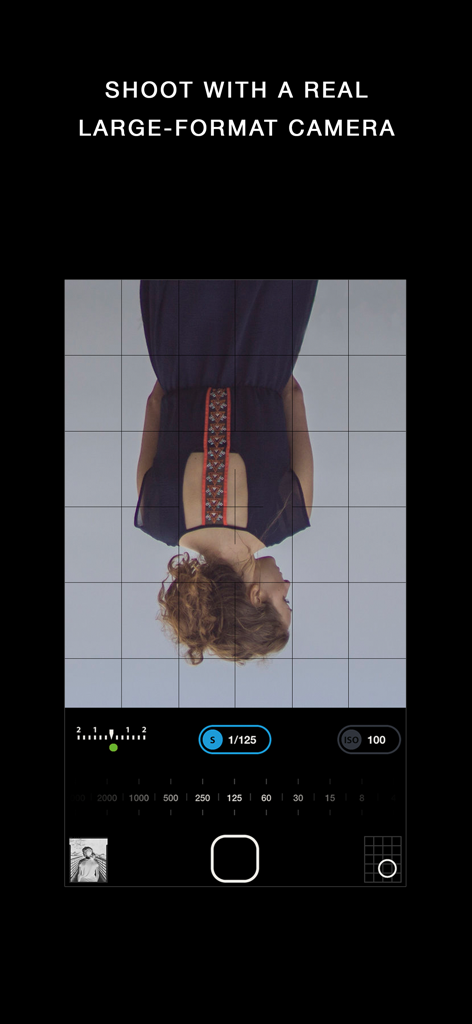
Darkr - Black And White Filter - Darkr app manual large format camera interface with upside down viewfinder and exposure settings
Darkr app manual large format camera interface with upside down viewfinder and exposure settings

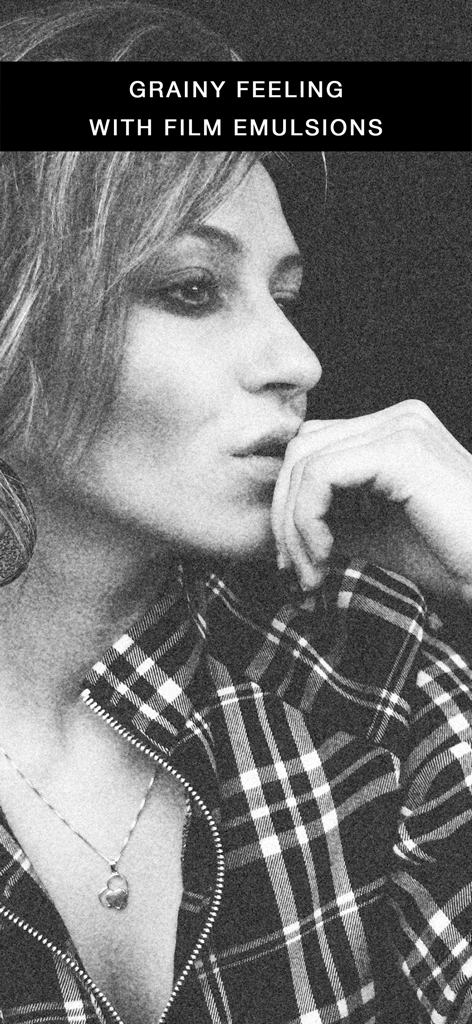
Darkr - Black And White Filter - Black and white portrait of a woman with a grainy film emulsion effect
Black and white portrait of a woman with a grainy film emulsion effect

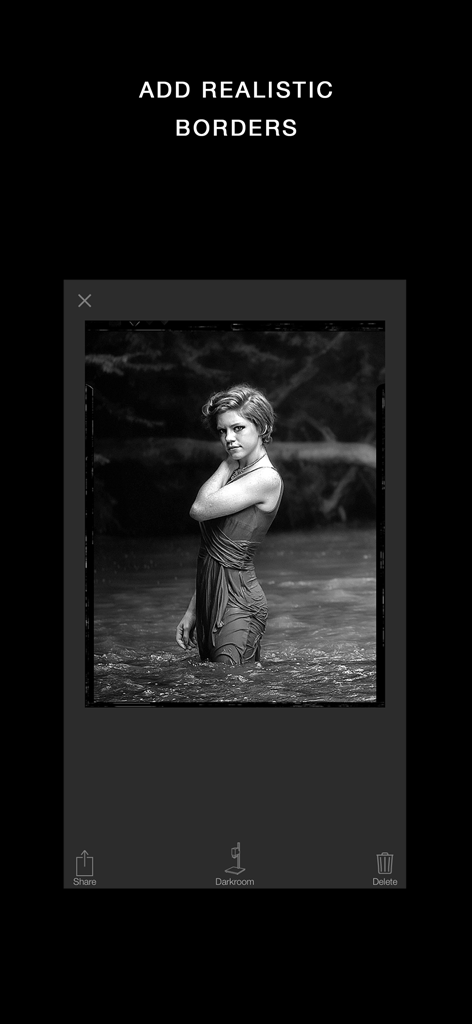
Darkr - Black And White Filter - A black and white portrait featuring a realistic vintage film border within the Darkr app interface.
A black and white portrait featuring a realistic vintage film border within the Darkr app interface.

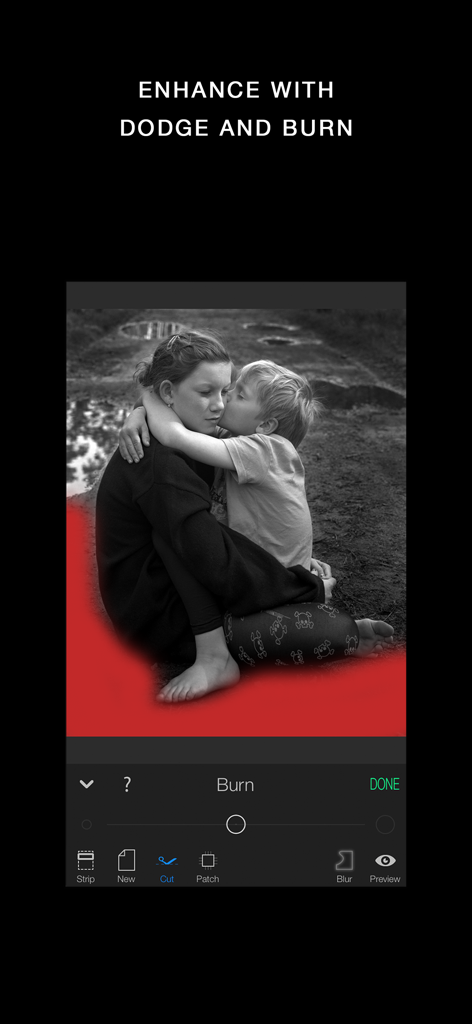
Darkr - Black And White Filter - Interface of the Darkr app showing a black and white photo being edited with the burn tool and a red mask overlay.

Interface of the Darkr app showing a black and white photo being edited with the burn tool and a red mask overlay.

Description

3 million downloads Featured as Today's app in many countries and is the perfect app for learning photography. "Darkr actually taught us how to frame pictures better" - AppleInsider Have you ever dreamt of trying an old darkroom, but don't have the equipment nor the time? Now you can, and without getting wet. DARKROOM In a fun and intuitive way you will pick the strip that has the best time and contrast. And just like a real darkroom, you can make parts of the image brighter and darker by blocking or adding more light to the image. You will be presented in a very easy way with lots of tutorials on how to use the tools. The images will only be in black and white (but you may tone them). DARKROOM FEATURES + Develop either your images from your camera-roll or taken by the Large-Format camera + Only Black & White + Stripes - As in a real darkroom you'll have to find the best strip. It will be challenging, fun and very powerful + Crop / Rotate - Both crop and rotate the image in the same tool + Dodge - Make a selected part of the image brighter. + Burn - Make a selected part of the image darker + Blur - Enhance the background with some beautiful blurriness. + Tone - Tone the images with various strength. The toners that can be used are Selenium, Cyanotype and Sepia. + Layers - You can add as many effects as you want. Each effect will be treated as a layer that can be edited, deleted and changed its visibility. + Zoom - You can zoom the image ten times. This will make it really easy to make the detailed work. + OpenGL - Darkr uses OpenGL, the drawing is fast and very fluid. CAMERA By shooting with a large-format camera where the image is upside-down you will actually get more control over the image. The camera is only manual and back in the old days you could not even zoom with the camera, you had to walk. You will be forced to slow down the process and by doing so, your photographs will be so much better. At first it may feel a bit odd to look at the upside-down image and it can even be a bit challanging to know if you should move the camera to the left or right when framing the image. Sometimes you will even laugh at yourself, but the more you use it, the less you will even have to think about it. MORE CAMERA-MODELS Darkr has now added two more camera-models. + Medium-format which will produce a square image and just as the large-format camera it is manual. + Small-format which is a real basic point and shoot camera where you pretty much only shoot at what you see. Nothing to set up with, nor zoom. CAMERA FEATURES + Manual - Just as in a real old analog camera, it is only manual + Shutter / ISO - You will set these individually + Focus - With a beautiful crafted loupe, you will get full control over the sharpness + Tilt / Shift - Just as a large-format camera you will be able to straight up any lines + 4x5" - The negative's size will be in the 4x5-ratio as the most popular large-format camera does SHARE You can naturally share both the negatives and prints. You can optimize the resolution to lots of social media's sites like Facebook, Instagram, Twitter SUPPORT We are eager to hear from you. We just love to hear both good stuff and bad stuff. And it's much likely that your opinion will be added into the next update. Please don't hesitate to contact us at: support@miiam.net

Download

Download on App Store

This page is not an official page of the app or its developer, but an independent editorial publication created for informational and commentary purposes. Unless expressly stated otherwise, neither the app nor its developer is affiliated with, endorsed by, sponsored by, authorized by, or otherwise officially connected with MWM, Apple, Google Play, the app publisher, or the app's developer, and nothing on this page implies that the app was developed using MWM's services. Any trademarks, logos, screenshots, and other content remain the property of their respective owners.








