
This page is not an official page of the app or its developer, but an independent editorial publication created for informational and commentary purposes. Unless expressly stated otherwise, neither the app nor its developer is affiliated with, endorsed by, sponsored by, authorized by, or otherwise officially connected with MWM, Apple, Google Play, the app publisher, or the app's developer, and nothing on this page implies that the app was developed using MWM's services. Any trademarks, logos, screenshots, and other content remain the property of their respective owners.

Darkroom Booth
Elevate your services with a white-label photo booth experience. Deliver stunning stills, GIFs, and AI green screen backgrounds while automating lead generation and client reports for maximum ROI.
Downloads
1K+User Rating
Total Ratings
0Publisher
Category
Photo & VideoLocales
1Latest Version
1.9.1Size
175.2 MBFirst Released
Mar 9, 2018Built for Event Professionals
The ultimate toolkit to run a high-end photo booth business, capture valuable leads, and provide a seamless guest experience.
Professional White-Labeling
Replace our branding with yours. Customize logos and colors to deliver a premium, fully branded experience for every client.
Powerful Marketing Tools
Capture emails and phone numbers effortlessly. Use Zapier integrations and event reports to turn every photo into a business lead.
The following screenshots and description are sourced directly from the app's official store listing and are the property of the app developer.
App Store
Screenshots
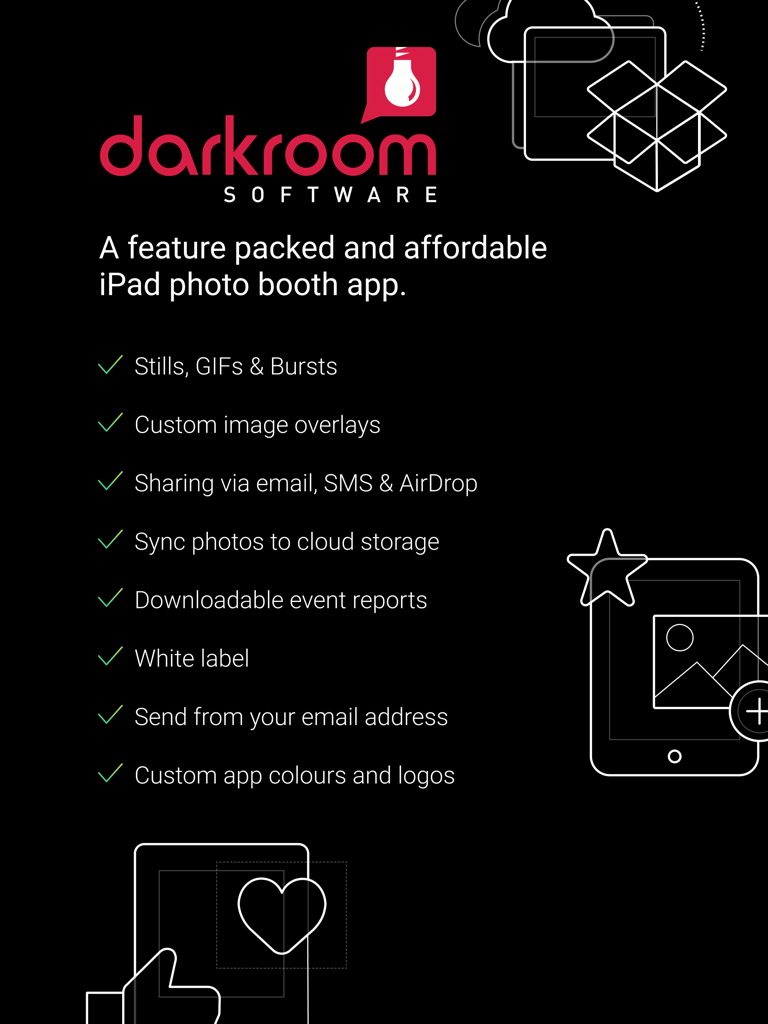
Professional features list of Darkroom Booth iPad photo booth software
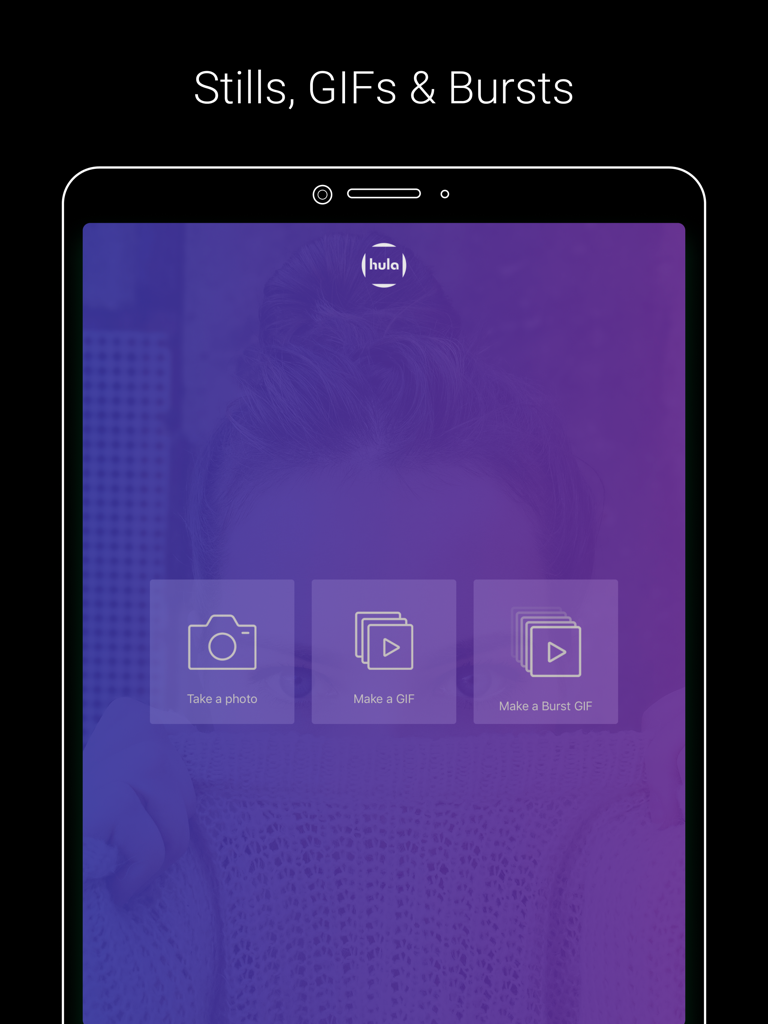
Darkroom Booth iPad interface showing options to take a photo, make a GIF, or make a burst GIF
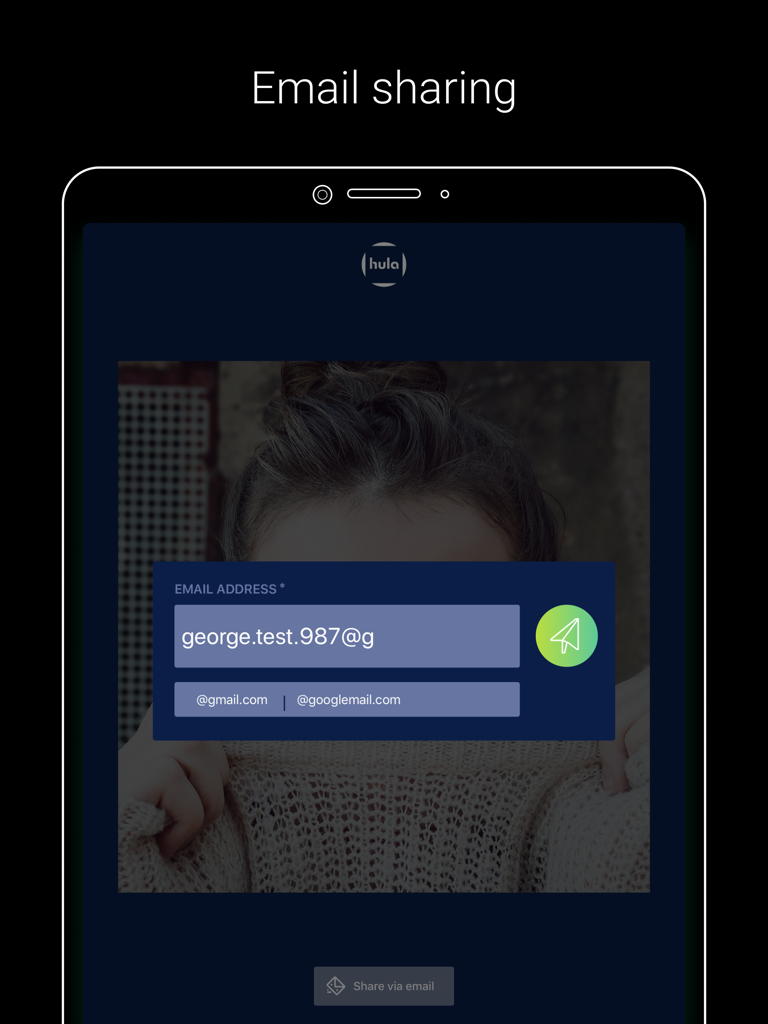
Interface of Darkroom Booth app on an iPad showing the email sharing and data capture screen for event guests
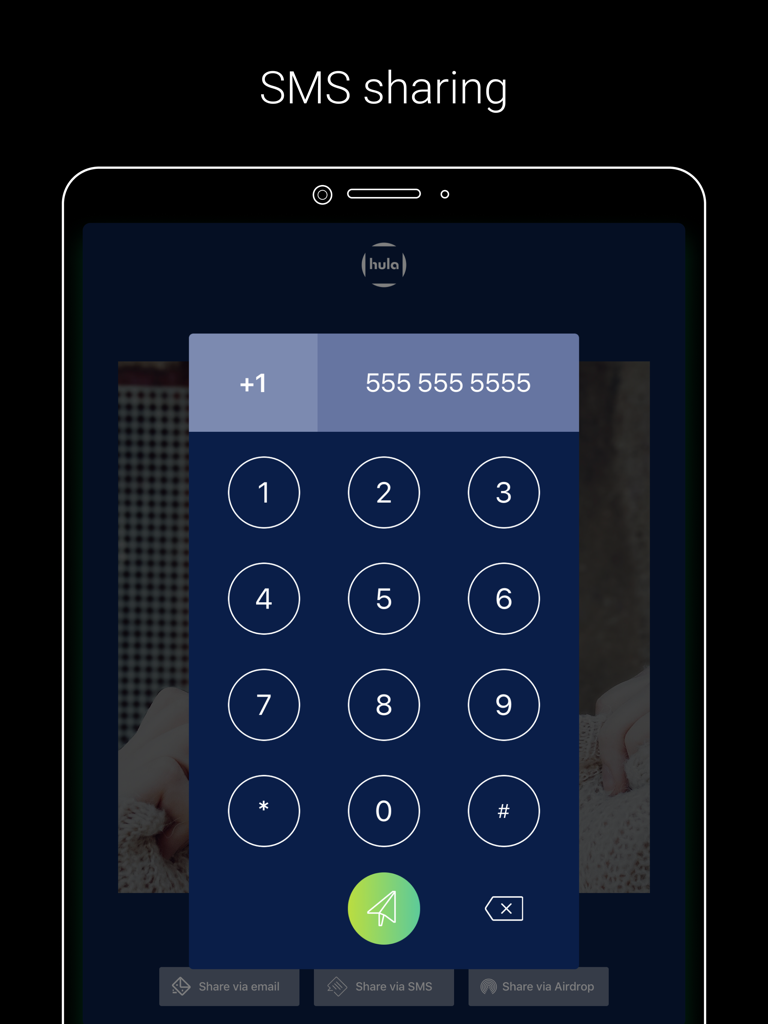
iPad interface for the Darkroom Booth app showing a numeric keypad for sharing photos via SMS text message.
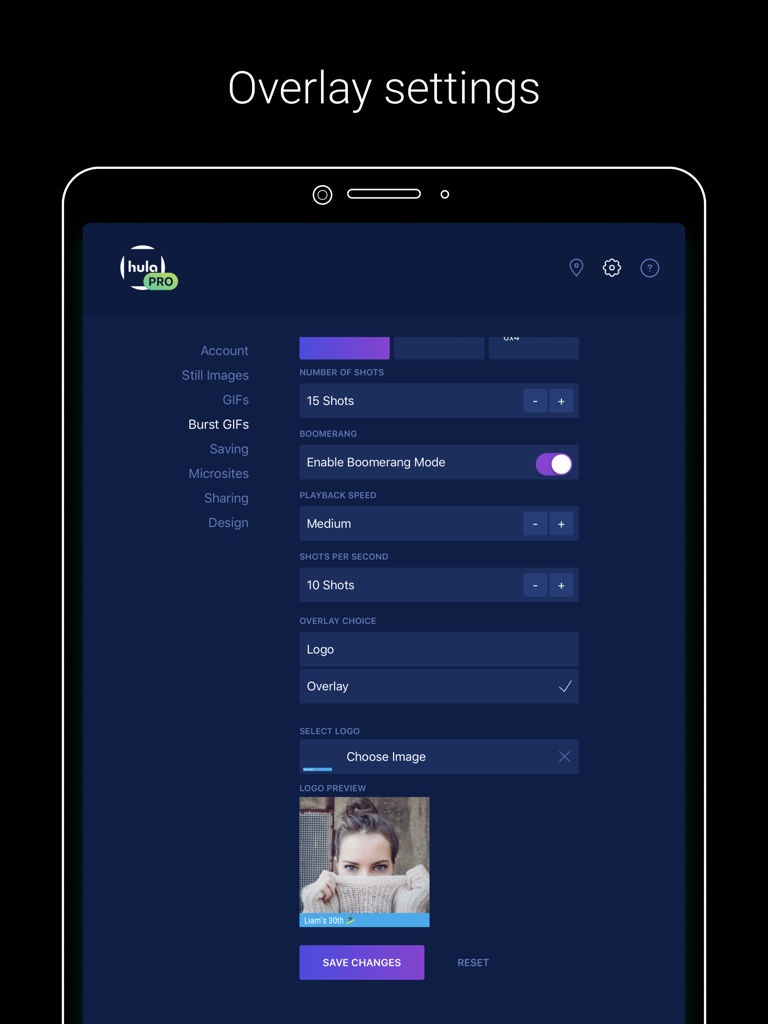
Darkroom Booth iPad app interface showing settings for Burst GIFs and custom logo overlays
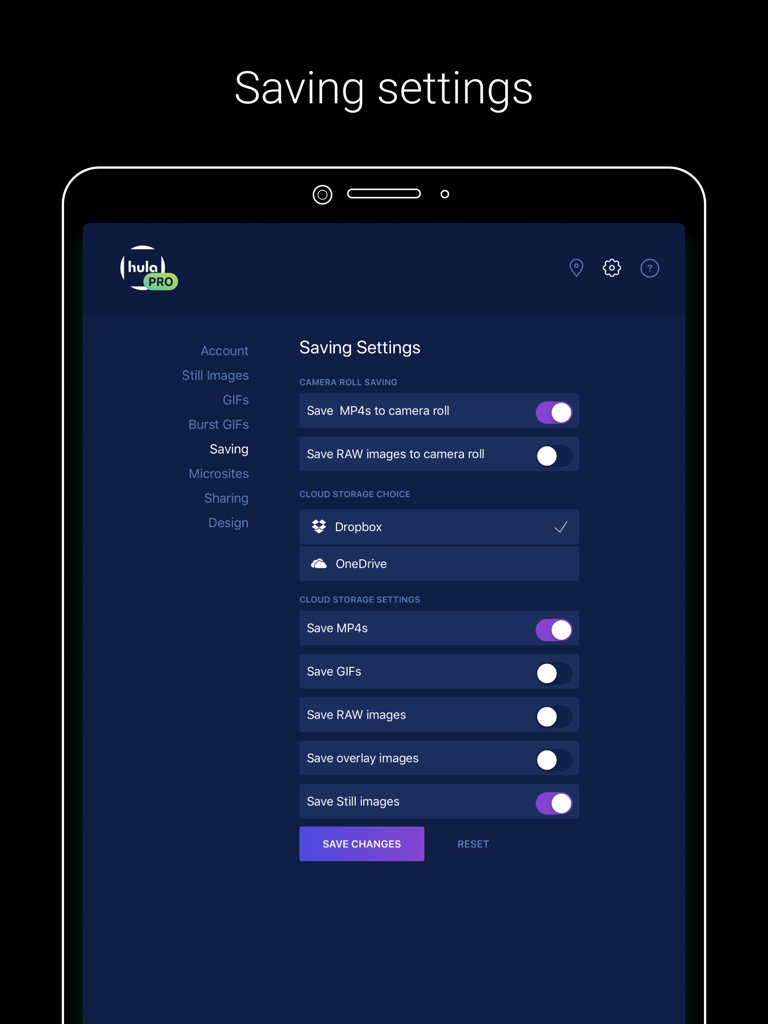
Darkroom Booth saving settings interface on iPad for cloud storage and camera roll options.
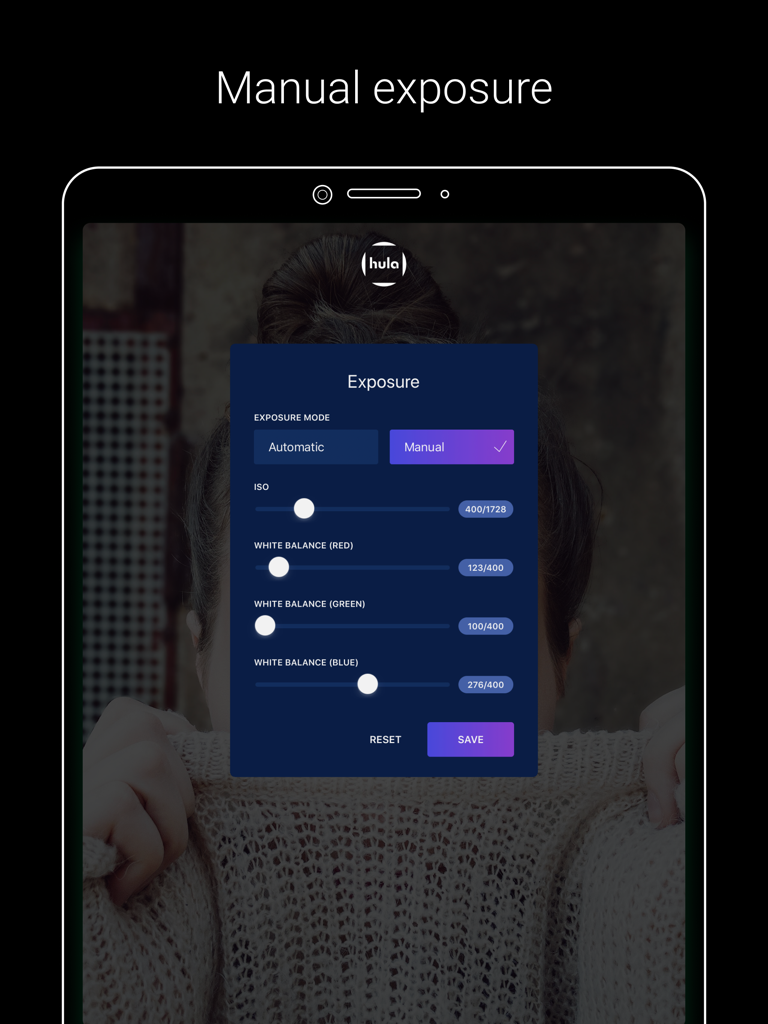
Manual exposure and white balance settings interface on the Darkroom Booth iPad app
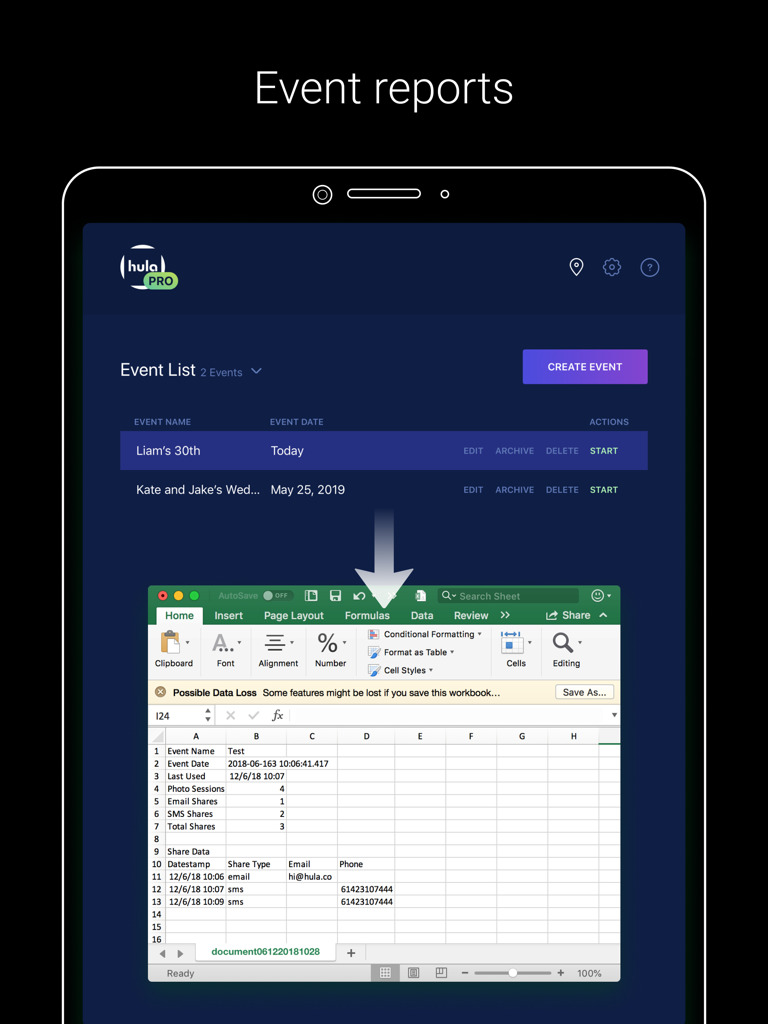
Darkroom Booth app interface showing event reports and a spreadsheet with photo booth data analytics
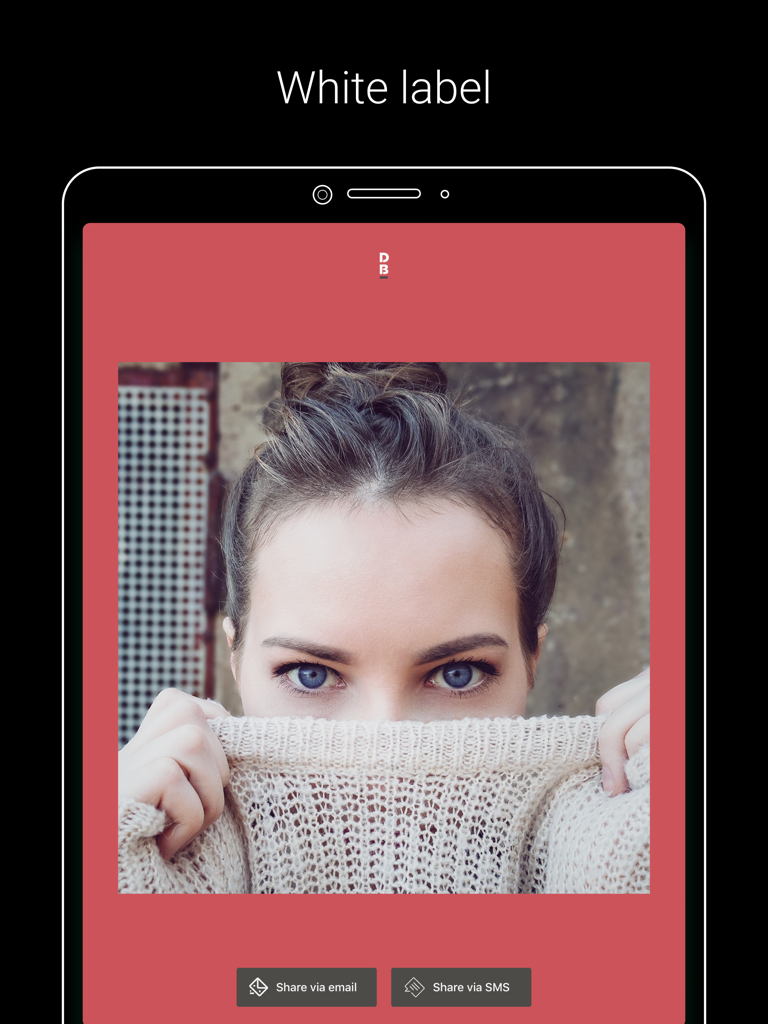
White label interface for Darkroom Booth photo app showing customizable branding and sharing buttons
Description
Download
More Like This
Top-ranked apps in the same category

CapCut: Photo & Video Editor
BYTEDANCE PTE. LTD.

Instagram, Inc.

YouTube
Google LLC

Canva: AI Photo & Video Editor
Canva Pty Ltd

Snapchat
Snap, Inc.

快手
Beijing Kwai Technology Co., Ltd.

Edits: Video Editor
Instagram, Inc.

Meitu- AI Photo & Video Editor
Xiamen Meitu Technology Co., Ltd.

Google Photos: Backup & Edit
Google LLC
This page is not an official page of the app or its developer, but an independent editorial publication created for informational and commentary purposes. Unless expressly stated otherwise, neither the app nor its developer is affiliated with, endorsed by, sponsored by, authorized by, or otherwise officially connected with MWM, Apple, Google Play, the app publisher, or the app's developer, and nothing on this page implies that the app was developed using MWM's services. Any trademarks, logos, screenshots, and other content remain the property of their respective owners.