
This page is not an official page of the app or its developer, but an independent editorial publication created for informational and commentary purposes. Unless expressly stated otherwise, neither the app nor its developer is affiliated with, endorsed by, sponsored by, authorized by, or otherwise officially connected with MWM, Apple, Google Play, the app publisher, or the app's developer, and nothing on this page implies that the app was developed using MWM's services. Any trademarks, logos, screenshots, and other content remain the property of their respective owners.


Data Generator Plus
Stop wasting time writing manual arrays. Generate realistic datasets with custom ranges, preview distributions visually, and export code-ready formats for ML, SQL, and Excel in seconds.
Downloads
2K+User Rating
Total Ratings
0Publisher
Category
Developer ToolsLocales
1Latest Version
1.1Size
1.8 MBFirst Released
Apr 13, 2022Fuel Your Dev Workflow with Precision Data
Ditch the manual scripting. Generate, visualize, and export perfectly formatted datasets for machine learning and database testing in seconds.
Dev-Ready Array Formats
Stop reformatting brackets manually. Export data instantly in [x,y], (x,y), or {x,y} formats to match Python, JS, C, or SQL syntax.
Instant Visual Validation
Verify your data distribution at a glance with integrated graph previews, ensuring your test cases are accurate before you export.
The following screenshots and description are sourced directly from the app's official store listing and are the property of the app developer.
App Store
Screenshots
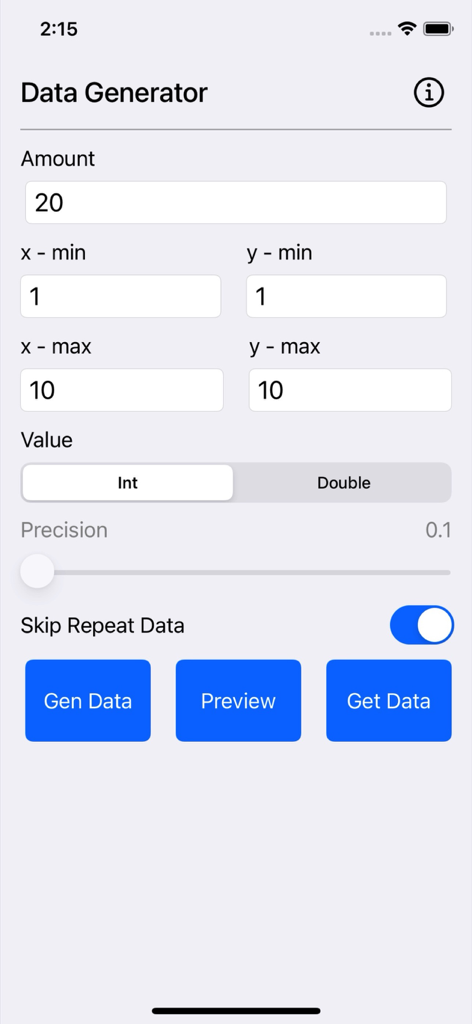
Main screen of the Data Generator Plus app showing fields for data amount, coordinate ranges, and value types.
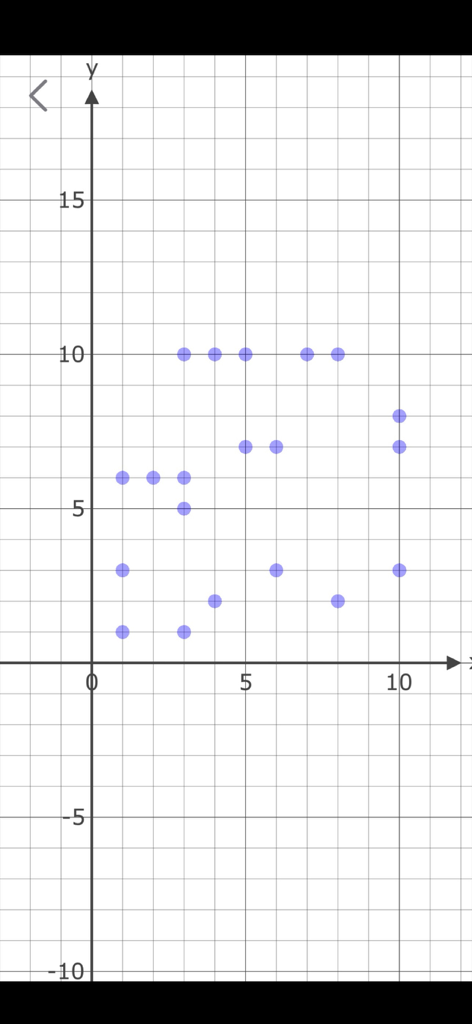
Scatter plot visualization of generated data points
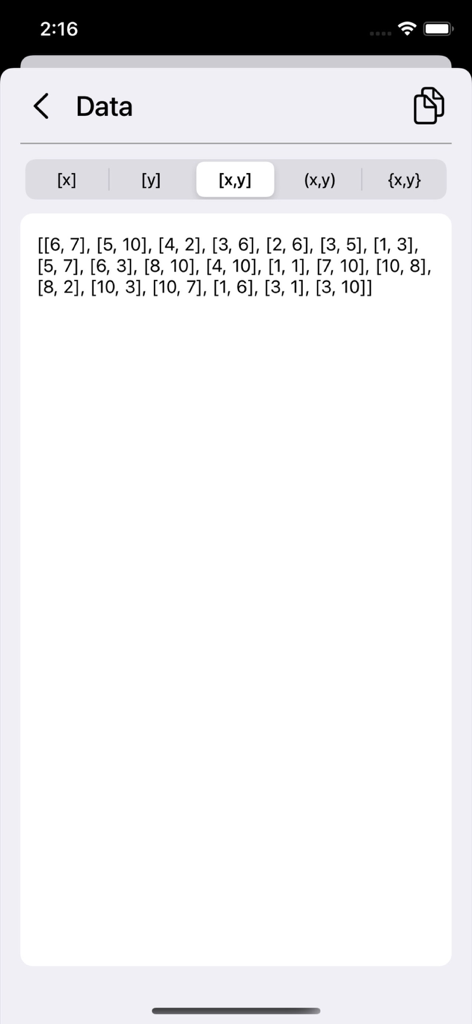
Screen displaying generated numerical test data in array format for developers.
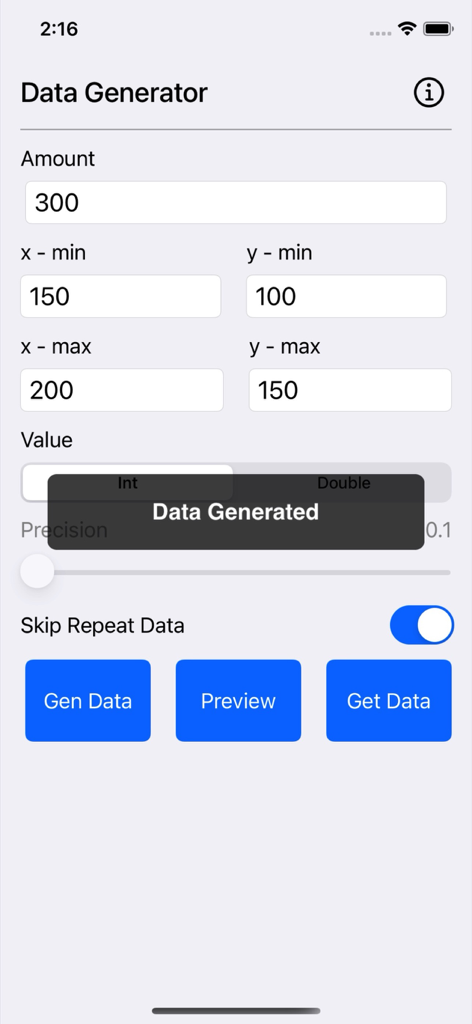
Interface of the Data Generator Plus app showing parameters for generating test data with x and y ranges.
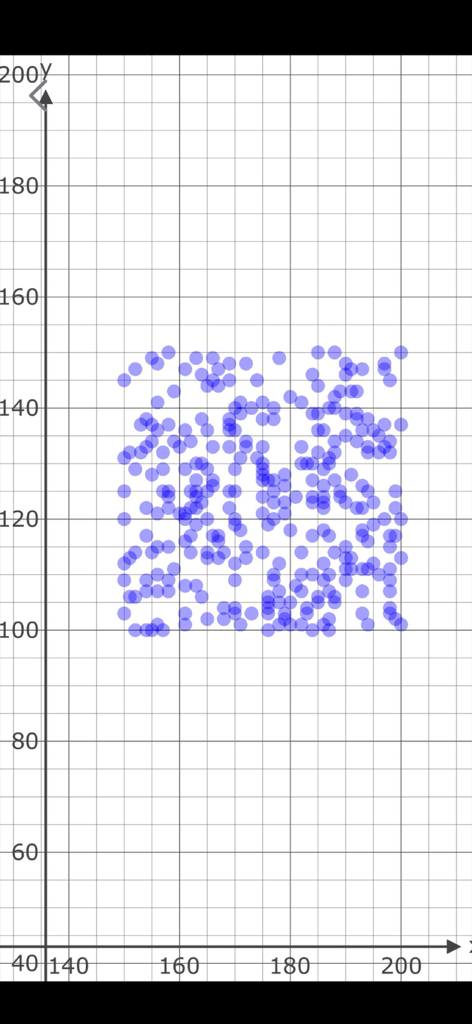
A scatter plot graph showing blue data points on a grid as a preview of generated test data.
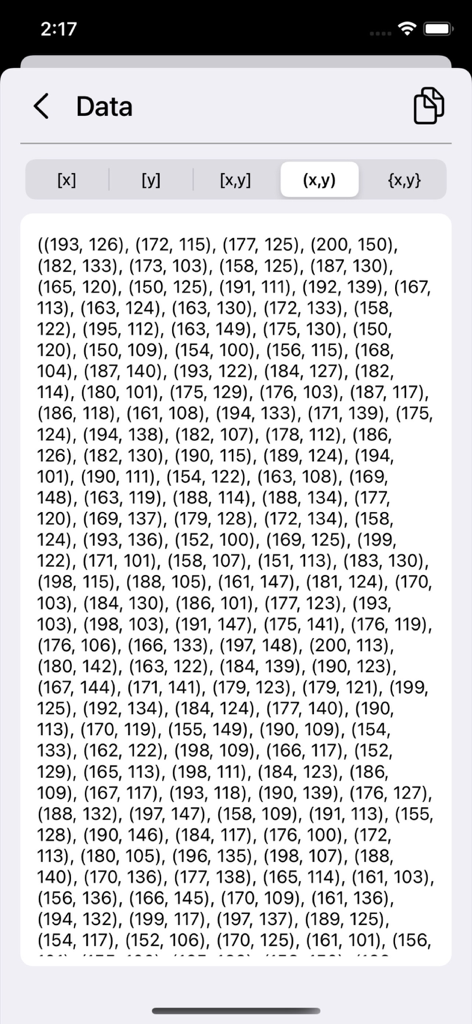
Preview of generated numerical test data in tuple format for developers
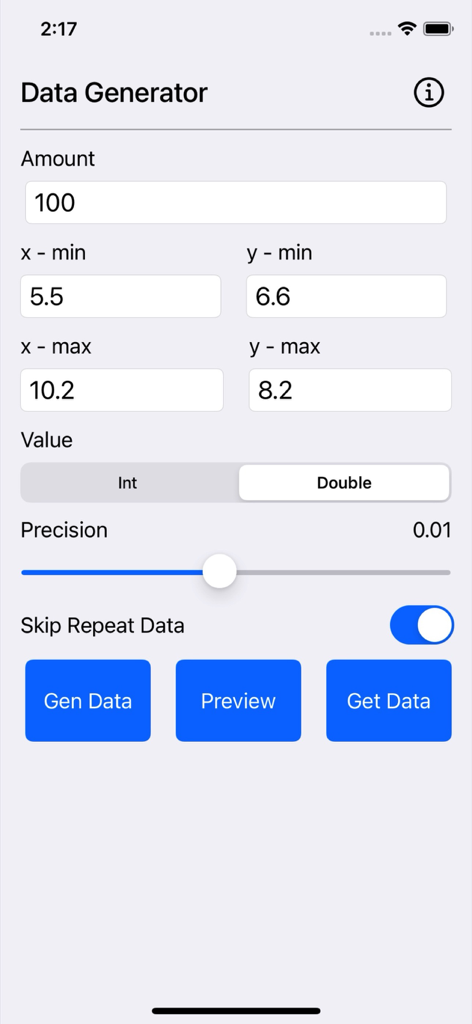
Data Generator Plus mobile app interface showing configuration settings for amount, coordinate ranges, and data types to generate test data.
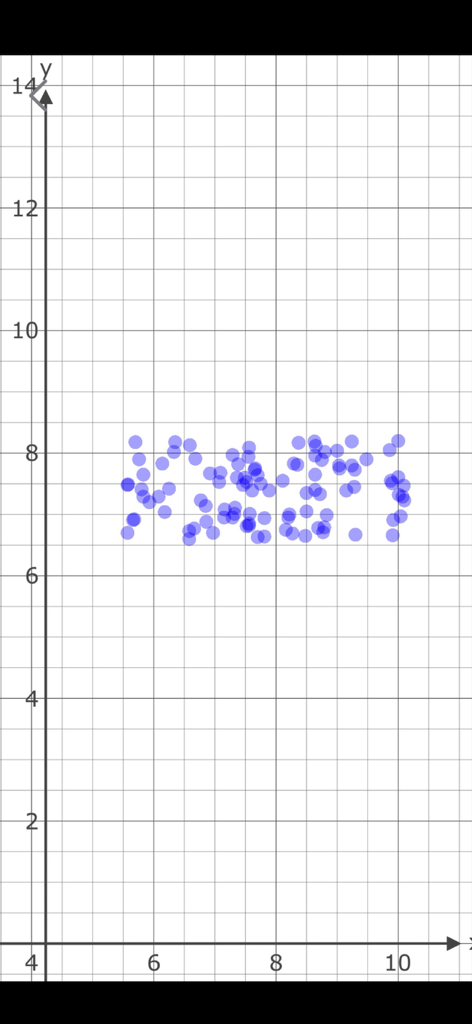
A scatter plot graph showing generated test data points on a coordinate plane.
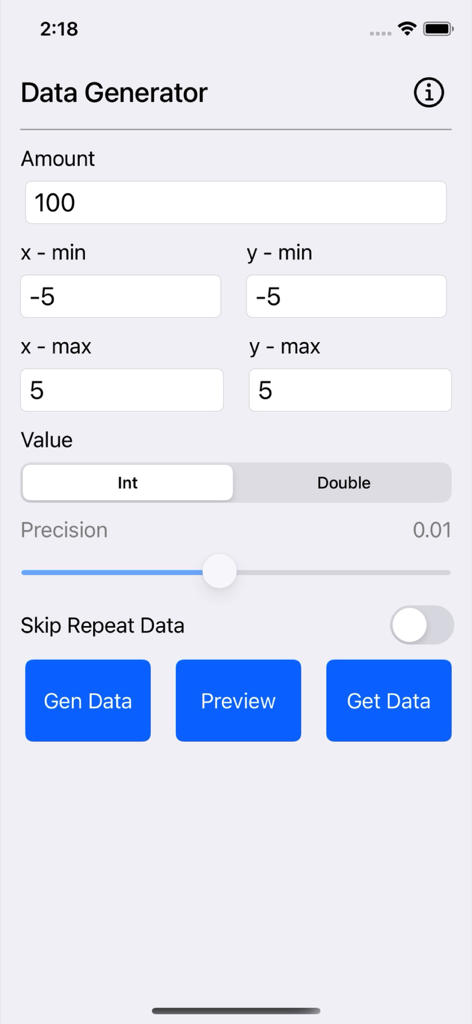
Main configuration screen of the Data Generator Plus app showing options for amount, range, and data type.
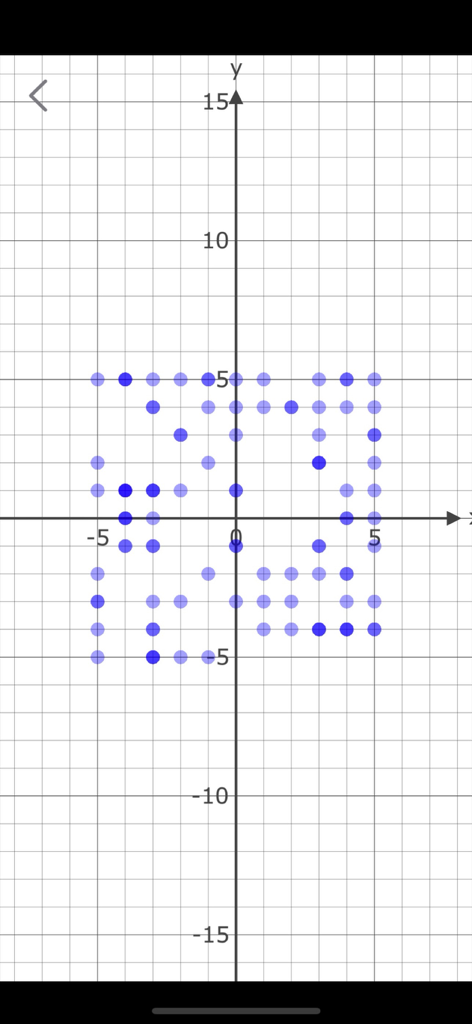
Scatter plot graph previewing generated data points on a coordinate grid
Description
Download
More Like This
Top-ranked apps in the same category

TestFlight
Apple Inc.

Replit: Vibe Code Apps
Replit, Inc

GitHub
GitHub

O-KAM Pro
Shenzhen VeePai IoT Intelligent Technology LLC

Apple Developer
Apple Inc.

Expo Go
650 Industries, Inc.

Scriptable
Simon Stovring

App Store Connect
Apple Inc.

Sekai: Create · Remix · Play
Versa AI, Inc.
This page is not an official page of the app or its developer, but an independent editorial publication created for informational and commentary purposes. Unless expressly stated otherwise, neither the app nor its developer is affiliated with, endorsed by, sponsored by, authorized by, or otherwise officially connected with MWM, Apple, Google Play, the app publisher, or the app's developer, and nothing on this page implies that the app was developed using MWM's services. Any trademarks, logos, screenshots, and other content remain the property of their respective owners.