
This page is not an official page of the app or its developer, but an independent editorial publication created for informational and commentary purposes. Unless expressly stated otherwise, neither the app nor its developer is affiliated with, endorsed by, sponsored by, authorized by, or otherwise officially connected with MWM, Apple, Google Play, the app publisher, or the app's developer, and nothing on this page implies that the app was developed using MWM's services. Any trademarks, logos, screenshots, and other content remain the property of their respective owners.

Data Transfer - MobileTrans
Stop the data migration nightmare. This app delivers your digital life, intact and without the wait.
Downloads
5M+User Rating
Total Ratings
3.1KPublisher
Category
UtilitiesLocales
12Latest Version
V4.7.34Size
272.7 MBFirst Released
Jan 21, 2021An in-depth evaluation of MobileTrans' core functionalities and their impact on mobile data migration for everyday users.
Key Features Analysis: Data Transfer - MobileTrans
WhatsApp Transfer & Backup
It allows users to securely move WhatsApp chats, including history, media, and stickers, to a new phone and offers backup and restore functionalities for critical chat data.
Cross-Platform Data Migration
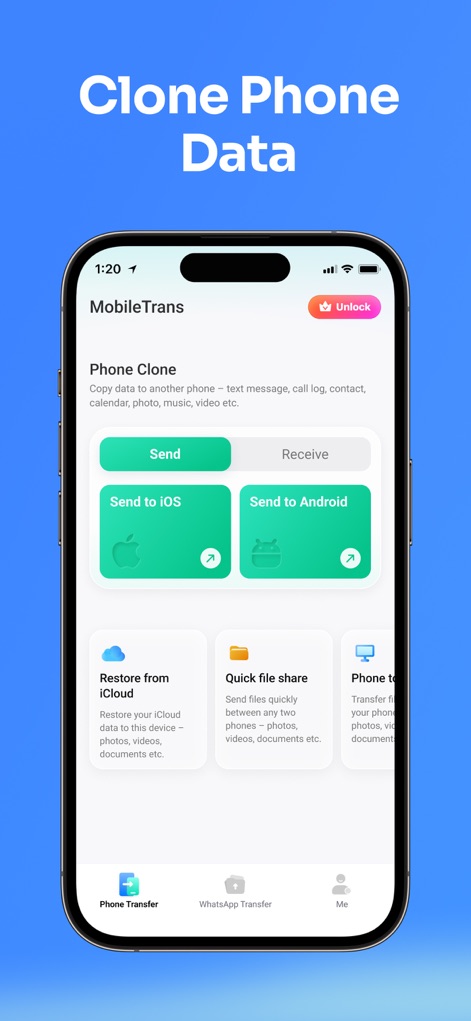
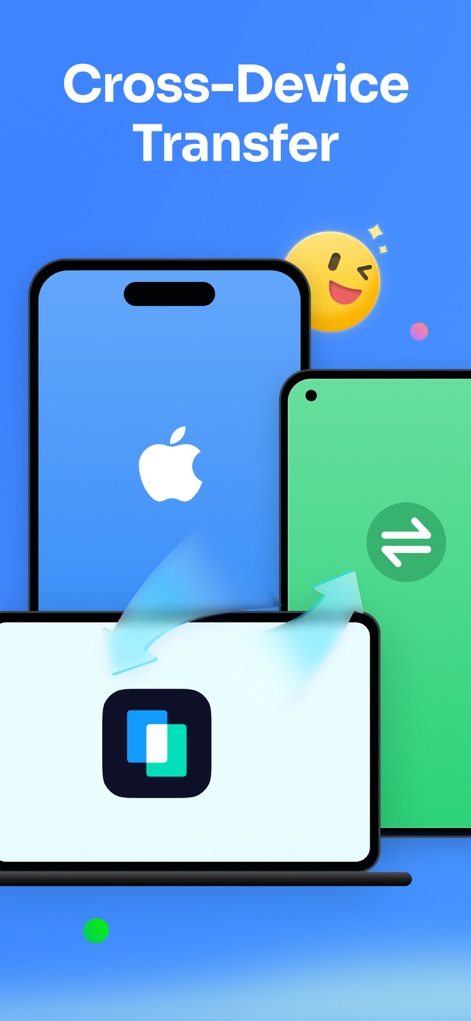
The app provides seamless data migration capabilities across different operating systems, including iOS to Android, Android to iOS, and within iOS devices, eliminating brand limitations.
Comprehensive Data Type Support
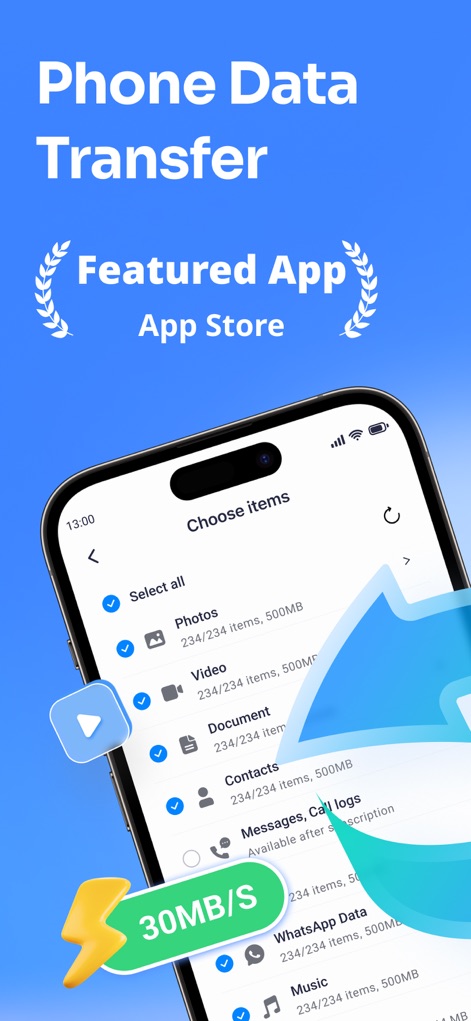
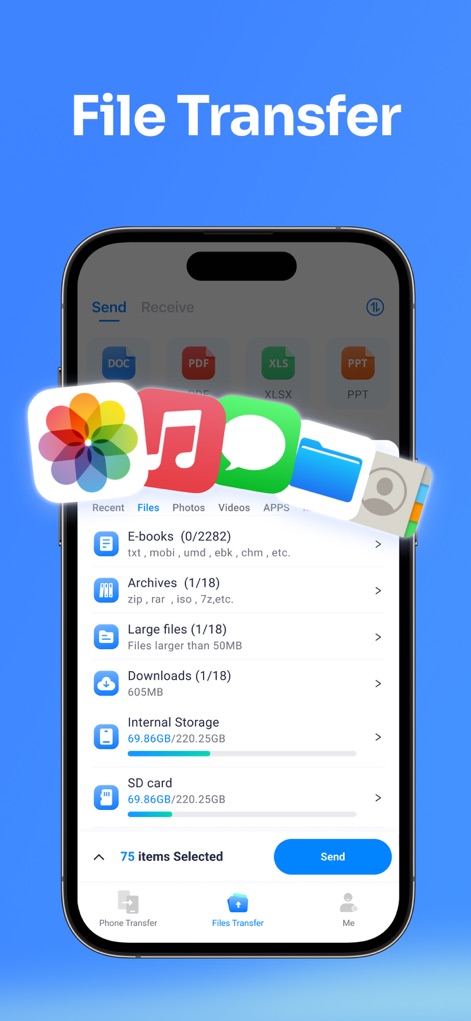
This tool features support for transferring all essential data types, such as photos, videos, audio, contacts, documents, apps, and calendar events, ensuring no digital content is left behind.
Effortless Backup & Restore (incl. iCloud)
The app provides robust backup and restore options, including the ability to restore iCloud data to a new device, offering an extra layer of data security before switching phones.
Fast & Efficient Transfer Speeds
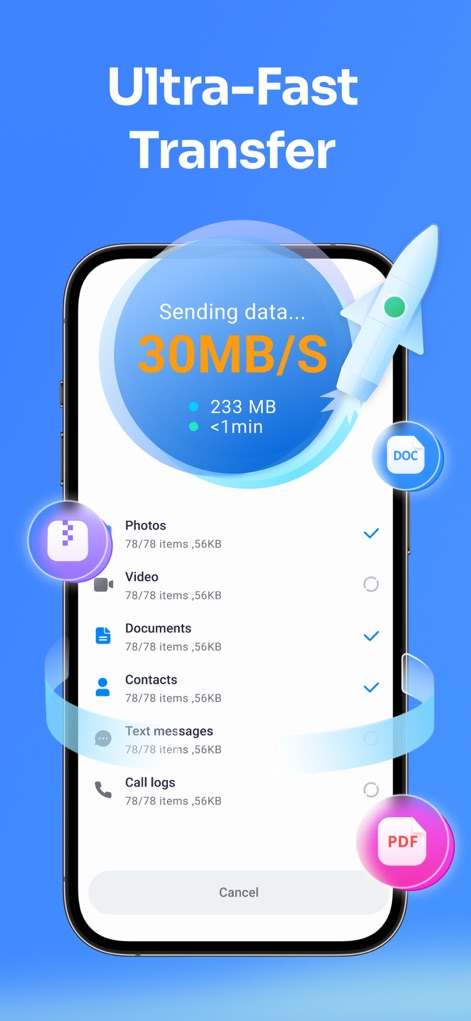
It allows for lightning-fast data transfers, up to 200x quicker than Bluetooth, significantly reducing waiting times for large data volumes.
Data-Free Transfer (Local Hotspot)
This tool ensures that no cellular data is consumed during the transfer process by utilizing a local hotspot connection, making it cost-effective and independent of Wi-Fi.
Secure QR Code Connection
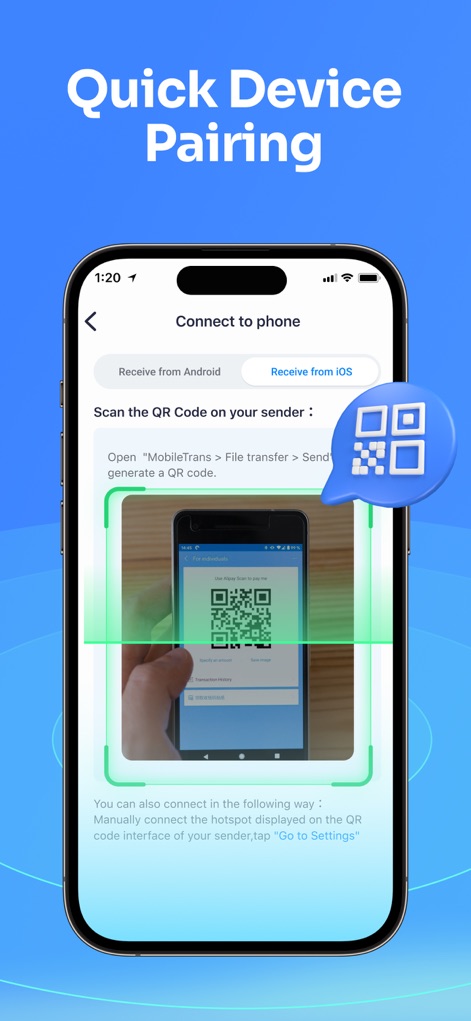
The app facilitates a quick and secure connection between devices via QR code scanning, removing the need for physical cables and simplifying the setup process.
High Privacy & Data Security
It emphasizes user privacy and secure data migration, acting as a protected bridge for transfers without compromising sensitive information.
Frequently Asked Questions
Everything you need to know about Data Transfer - MobileTrans
What is MobileTrans and what does it do?
MobileTrans is a data transfer tool that moves content like photos, videos, contacts, WhatsApp data, music, files, recordings, documents, apps, and calendars between phones. It supports cross-platform transfer, backup, and restore features.
What types of data can I transfer using MobileTrans?
MobileTrans supports the transfer of all data types including images, videos, WhatsApp data, audio, contacts, music, documents, and calendar events to your new mobile phone. It also handles common file formats like Word, Excel, PowerPoint, and PDF.
Does MobileTrans support cross-platform data transfer between different phone brands?
Yes, MobileTrans supports cross-platform data transfer. It can move data from iOS to Android, Android to iOS, and iOS to iOS. It is not limited by specific phone brands.
How fast is data transfer with the MobileTrans app?
MobileTrans provides lightning-fast data transfer speeds, up to 200x faster than Bluetooth. It achieves an average speed of 30MB/s, enabling the transfer of a 1GB video in approximately 30 seconds.
Does MobileTrans consume mobile data during the transfer process?
No, MobileTrans does not use your cellular data during transfer. It utilizes a local hotspot for direct data transfer between devices, which eliminates the need for a Wi-Fi connection and saves your data plan.
How do I connect two devices using MobileTrans for data transfer?
Devices are connected in MobileTrans by scanning a QR code. This QR Code-Based Connection allows for quick and secure pairing between two devices, supporting various operating systems and phone brands.
Can MobileTrans transfer and backup WhatsApp data?
Yes, MobileTrans supports WhatsApp transfer, including chat history, photos, videos, contacts, and stickers. It also provides backup and restore features for WhatsApp data, including iCloud restore.
Is MobileTrans a secure and private application for transferring data?
Yes, MobileTrans ensures high privacy and data security. It functions as a secure bridge for data transfer, prioritizing privacy protection and safe migration of user information between devices.
What subscription options are available for MobileTrans?
MobileTrans offers monthly subscription plans including Phone Transfer Monthly, Full Feature Monthly, and WhatsApp Monthly. Subscribing grants unlimited access to all features like Phone Transfer, File Transfer, and iCloud Transfer.
How do MobileTrans subscriptions renew?
MobileTrans subscriptions automatically renew. Renewal charges are applied to your iTunes account within 24 hours before the current period ends. You can manage and turn off auto-renewal in your Account Settings anytime after purchase.
The following screenshots and description are sourced directly from the app's official store listing and are the property of the app developer.
App Store
Screenshots
Description
Download
More Like This
Apps with similar features and user experience

Data Transfer - Copy My Data
Simple Health Limited

互传 - 快速换机数据迁移智能助手
家呈 郭

Copy My Data - Smart Transfer
Red Sky Labs, SOCIEDAD LIMITADA
Smart Switch - Copy My Data
学斌 林
Copy My Data - Mobile Transfer
KHD Plaza LLC

Phone Clone - Smart Switch .
俊杰 刘

Smart Switch: Data Transfer
Zadore Tracy
Smart Switch: Copy & Move Data
JW Marketing group s.r.o.
手机同步传输-同步转移数据文件
冰 杜
This page is not an official page of the app or its developer, but an independent editorial publication created for informational and commentary purposes. Unless expressly stated otherwise, neither the app nor its developer is affiliated with, endorsed by, sponsored by, authorized by, or otherwise officially connected with MWM, Apple, Google Play, the app publisher, or the app's developer, and nothing on this page implies that the app was developed using MWM's services. Any trademarks, logos, screenshots, and other content remain the property of their respective owners.