
This page is not an official page of the app or its developer, but an independent editorial publication created for informational and commentary purposes. Unless expressly stated otherwise, neither the app nor its developer is affiliated with, endorsed by, sponsored by, authorized by, or otherwise officially connected with MWM, Apple, Google Play, the app publisher, or the app's developer, and nothing on this page implies that the app was developed using MWM's services. Any trademarks, logos, screenshots, and other content remain the property of their respective owners.

DayCalc - Note Calculator
Stop forgetting what your figures mean. Annotate your calculation history, convert 600+ units, and manage live currencies with a beautiful, professional-grade tool designed for iPhone, iPad, and Apple Watch.
Downloads
139K+User Rating
Total Ratings
6K+Publisher
Category
UtilitiesLocales
15Latest Version
13.1Size
148.2 MBFirst Released
Jun 20, 2013Calculations with Context
Stay organized with integrated notes, 600+ unit conversions, and professional tools designed for your daily workflow.
Annotated Calculation History
Never ask "what was this for?" again. Add custom labels and notes to your history to track expenses, project costs, or study notes.
Universal Converter
Handle 600+ units across 20 categories and real-time currency exchange rates, perfect for international business and DIY projects.
The following screenshots and description are sourced directly from the app's official store listing and are the property of the app developer.
App Store
Screenshots
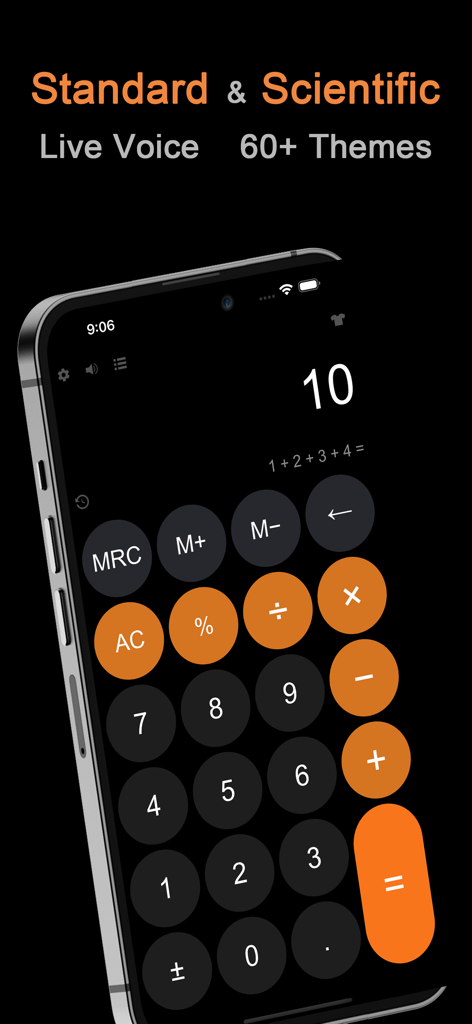
DayCalc app interface on iPhone showing standard and scientific calculator features with a dark theme and orange buttons
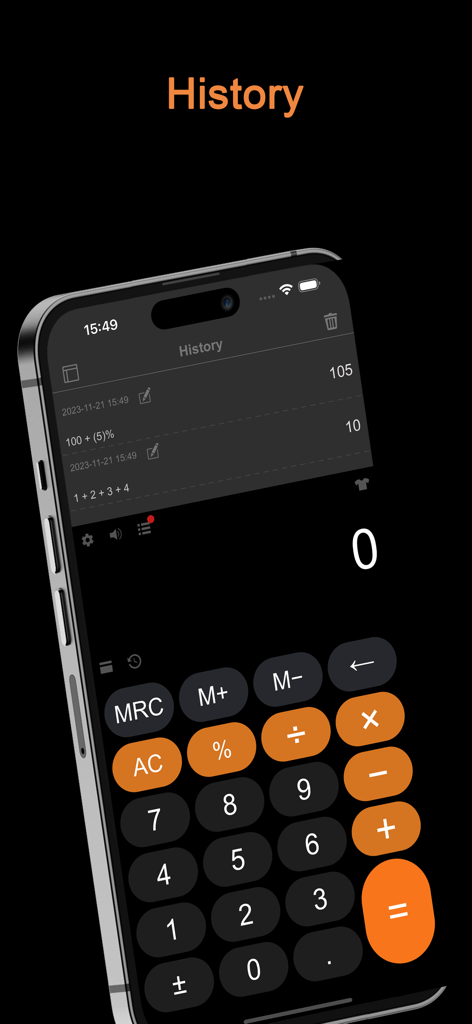
iPhone screenshot showing the history and calculation log feature of the DayCalc app
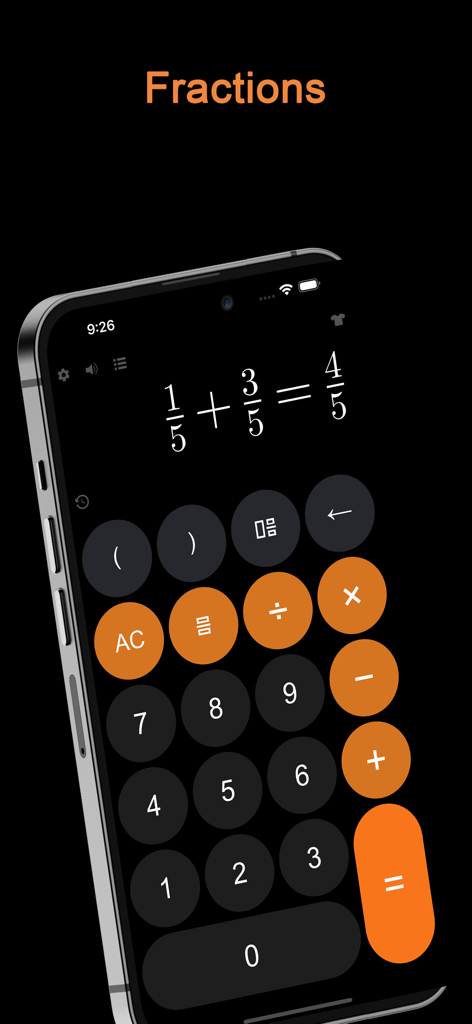
An iPhone screen displaying a fraction addition calculation within the DayCalc app using a dark theme with orange highlights.
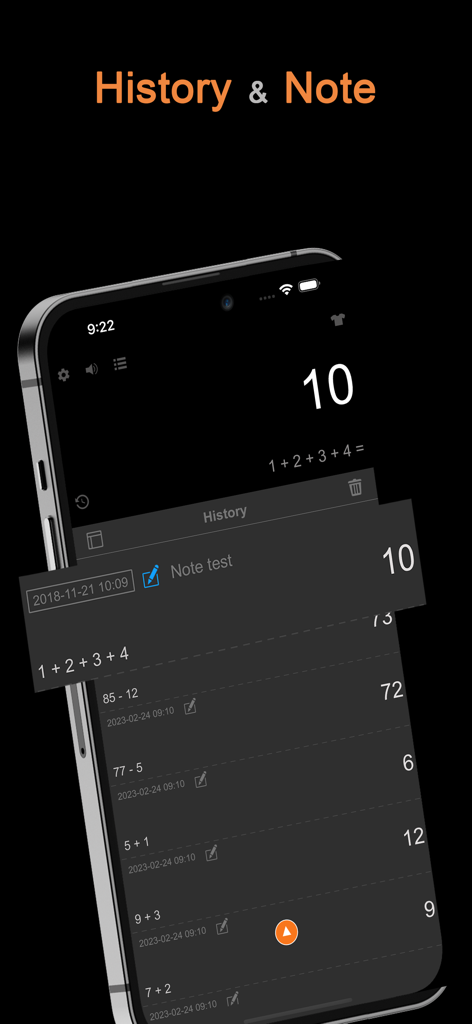
DayCalc app interface showing a list of calculation history with dates and notes in dark mode.
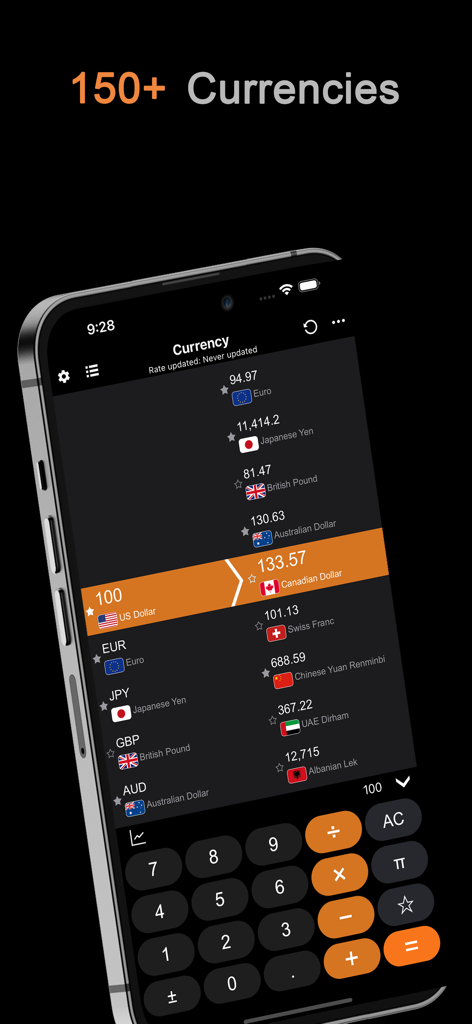
DayCalc app interface showing the currency converter feature with live exchange rates for over 150 currencies
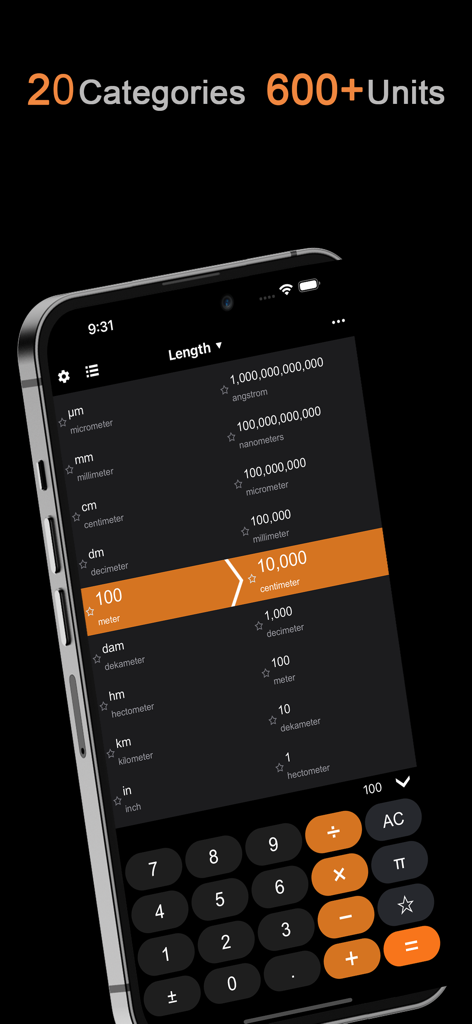
DayCalc app unit converter interface showing length conversion from meters to centimeters
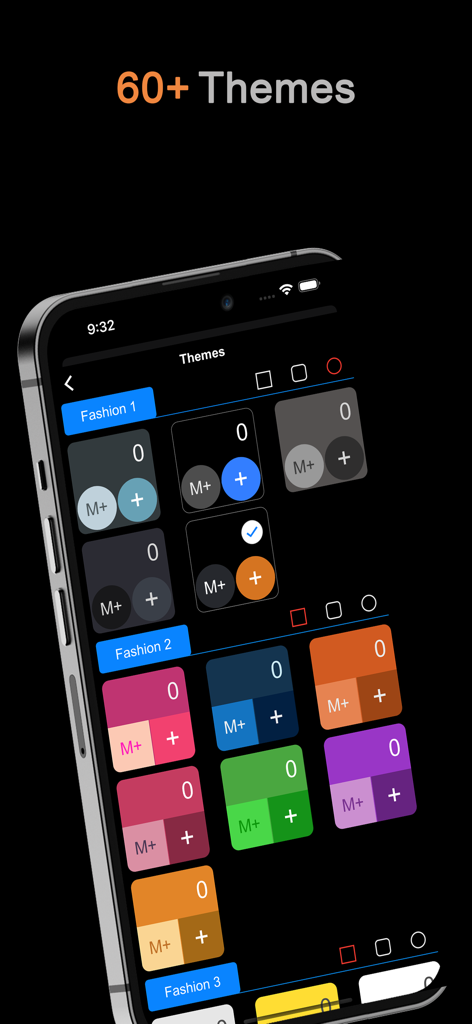
A collection of colorful calculator themes displayed in the DayCalc app interface on an iPhone.
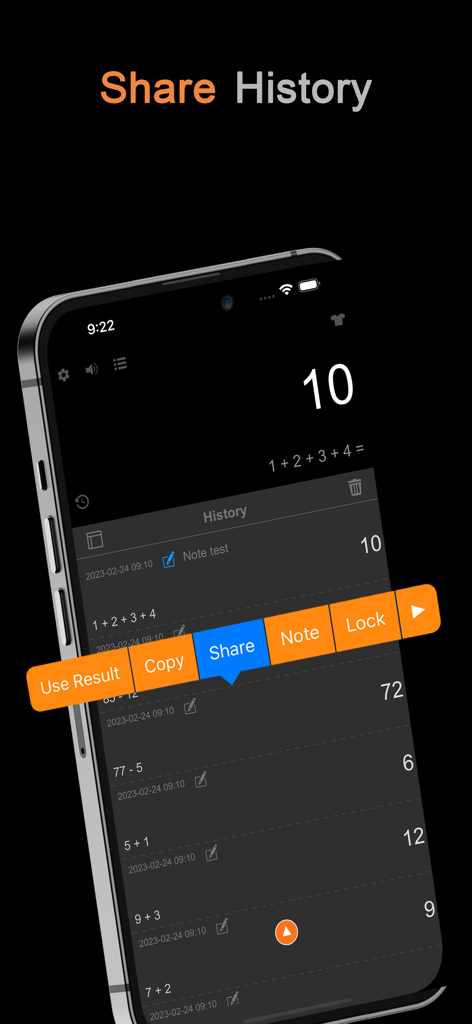
A smartphone showing the DayCalc app history screen with a pop-up menu for sharing, copying, and adding notes to previous calculations.
Description
Download
More Like This
Top-ranked apps in the same category

Google LLC

Google Chrome
Google LLC

中国移动(手机营业厅)
China Mobile Online Services Co., Ltd.

Google Authenticator
Google LLC

CNH do Brasil
Servicos e Informacoes do Brasil

Cleanup: Phone Storage Cleaner
DEEP FLOW SOFTWARE SERVICES - FZCO

gov.br
Servicos e Informacoes do Brasil

Microsoft Edge: AI Browser
Microsoft Corporation

Super VPN Fly 2026
YUNFAN TECHNOLOGY CO., LIMITED
This page is not an official page of the app or its developer, but an independent editorial publication created for informational and commentary purposes. Unless expressly stated otherwise, neither the app nor its developer is affiliated with, endorsed by, sponsored by, authorized by, or otherwise officially connected with MWM, Apple, Google Play, the app publisher, or the app's developer, and nothing on this page implies that the app was developed using MWM's services. Any trademarks, logos, screenshots, and other content remain the property of their respective owners.