DeckFilter
DeckFilter
Download on App Store

This page is not an official page of the app or its developer, but an independent editorial publication created for informational and commentary purposes. Unless expressly stated otherwise, neither the app nor its developer is affiliated with, endorsed by, sponsored by, authorized by, or otherwise officially connected with MWM, Apple, Google Play, the app publisher, or the app's developer, and nothing on this page implies that the app was developed using MWM's services. Any trademarks, logos, screenshots, and other content remain the property of their respective owners.


Logo of DeckFilter
Download on App Store

DeckFilter

Stop scrolling and start playing. Filter by ProtonDB ratings, Deck Verified status, and Time to Beat to find the perfect game for your schedule and mood.

Key Figures

Downloads

10K+

User Rating

4.8/5

Total Ratings

100

Publisher

WEBGEHEUER OU

Category

Utilities

Locales

1

Latest Version

1.11.6

Size

107.5 MB

First Released

Feb 2, 2024
Features

Stop Scrolling, Start Playing

Transform your massive Steam collection into a curated experience with advanced filters, community-driven ratings, and precise playtime estimates tailored for your Steam Deck.

Conquer Your Backlog

Filter by 'Time to Beat' and your current playtime to find the perfect game that fits your schedule, whether you have 20 minutes or 2 hours.

Play with Certainty

Access integrated ProtonDB tiers and Deck Verified status to ensure your next download runs flawlessly without the guesswork.

The following screenshots and description are sourced directly from the app's official store listing and are the property of the app developer.

App Store

Screenshots
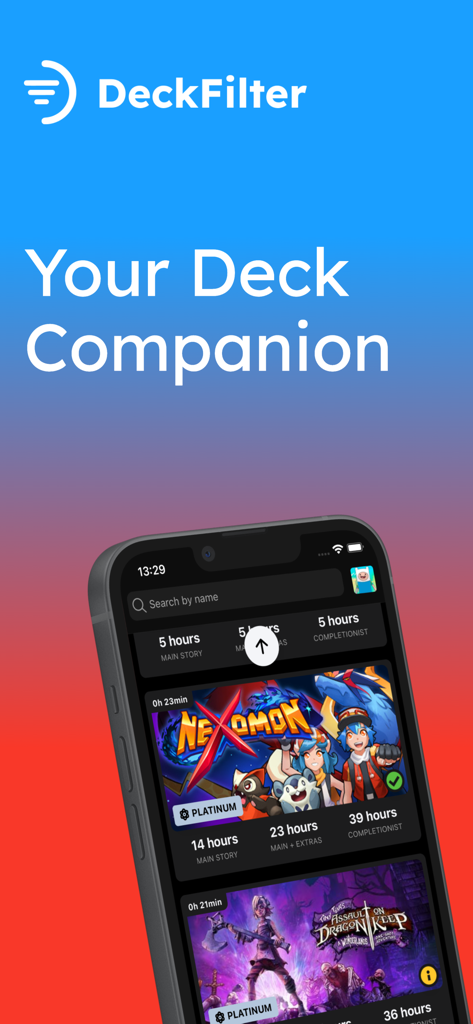
DeckFilter - DeckFilter app interface showing Steam library games with ProtonDB ratings and play time statistics
DeckFilter app interface showing Steam library games with ProtonDB ratings and play time statistics

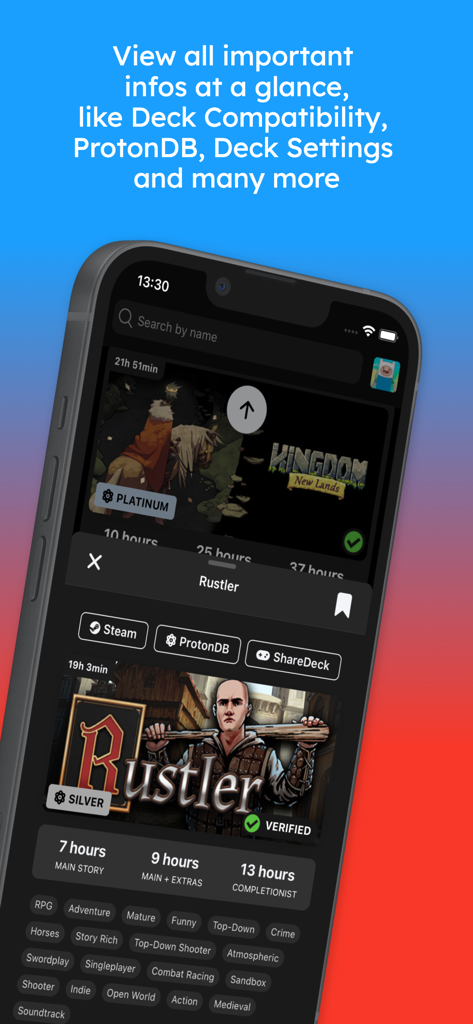
DeckFilter - DeckFilter mobile app showing game details for Rustler including ProtonDB rating, Deck Verified status, and time to beat data.
DeckFilter mobile app showing game details for Rustler including ProtonDB rating, Deck Verified status, and time to beat data.

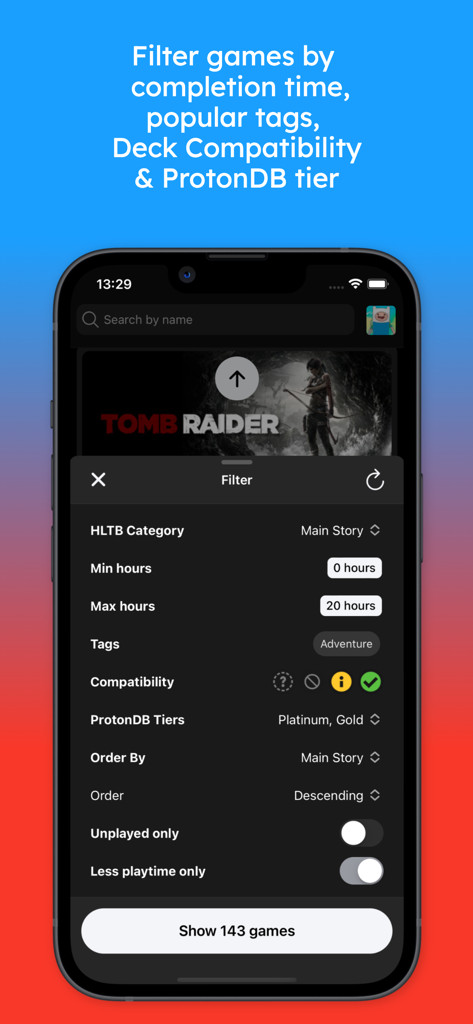
DeckFilter - DeckFilter app interface showing advanced filtering options for Steam Deck games by playtime and compatibility
DeckFilter app interface showing advanced filtering options for Steam Deck games by playtime and compatibility

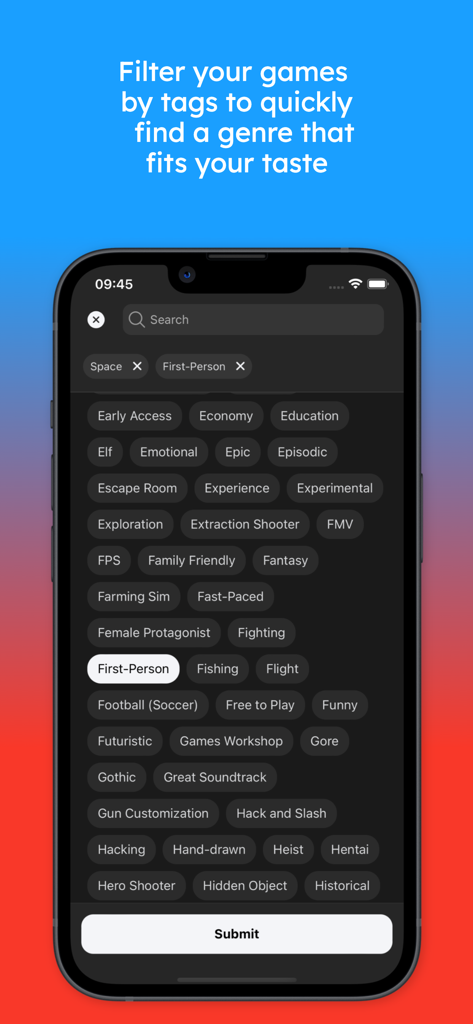
DeckFilter - Search interface in DeckFilter showing various game category tags for Steam library management.
Search interface in DeckFilter showing various game category tags for Steam library management.

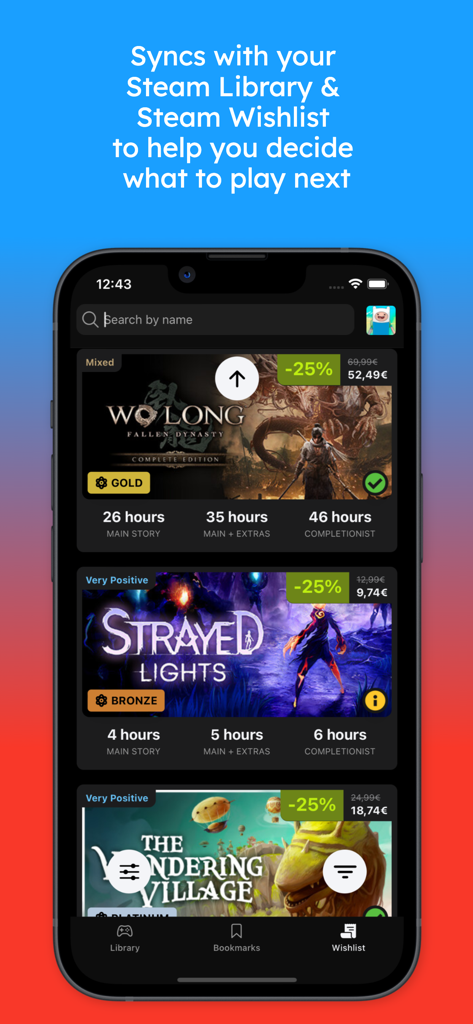
DeckFilter - DeckFilter mobile app interface showing synced Steam library and wishlist with game statistics

DeckFilter mobile app interface showing synced Steam library and wishlist with game statistics

Description

DeckFilter: Your Essential Companion App for the Steam Deck Make the most of every gaming session with DeckFilter, the ultimate tool for Steam Deck users. Filter your Steam library and wishlist effortlessly by playtime, ProtonDB ratings, Deck Verified status, tags, and more, so you can quickly discover games that fit both your mood and schedule. Sync and Organize Your Steam Library Stay up-to-date by syncing your Steam library and wishlist to DeckFilter. Instantly access vital game information like playtime, ProtonDB ratings, Deck Verified status, and estimated Time to Beat—everything you need at a glance. Powerful Filtering and Sorting Fine-tune your game search with advanced filters based on completion time, ProtonDB tiers, and Deck Verified compatibility. Sort by playtime, alphabetically, or even by the last sync date. Highlight unplayed or unfinished games, so you’re always ready to tackle the perfect game next. In-Depth Game Insights Access detailed information about each game, including playtime, ProtonDB ratings, and completion time. Get personalized recommendations and dive into optimized game settings through DeckFilter’s integration with SteamDeckHQ and ShareDeck for a flawless gaming experience. Seamless Wishlist Management Keep your Steam wishlist organized and always synced. With DeckFilter, instantly view discounts, reviews, compatibility, and playtime estimates, helping you prioritize your next purchase or playthrough. Sort by release date, price, or review score to find the best deal or game to play. Effortless Game Bookmarking Bookmark games with ease, creating personalized playlists or saving your favorite titles for later. DeckFilter helps you keep track of your top picks, right at your fingertips. Optimized Game Settings Get the best performance out of your Steam Deck by accessing community-tested settings powered by SteamDeckHQ and ShareDeck. Compare configurations and effortlessly balance performance and battery life for a superior gaming experience. Precision Tag Filtering Looking for a specific genre or theme? With DeckFilter's powerful tag system, you can refine your search using tags like Action-Adventure, RPG, or niche categories. Whatever you're in the mood for, you’ll find it fast. Why Choose DeckFilter? Maximize Playtime. Spend less time searching and more time gaming. DeckFilter helps you instantly find the games that fit your available time. No Guessing. Get precise recommendations based on your preferences and play history. Discover Hidden Gems. Uncover games you may have missed that perfectly align with your mood and schedule. Stay Updated. Always keep your library and wishlist synced with your latest Steam purchases. Play with Confidence. Know which games are fully optimized for your Steam Deck with instant Deck Verified checks. Designed for You. Enjoy a personalized gaming experience that fits your unique habits and available time. Elevate Your Steam Deck Experience Download DeckFilter and enjoy a gaming experience that’s perfectly tailored to you. Whether you’re looking to fill a short session or dive deep into a longer adventure, DeckFilter ensures you’ll always find the right game at the right time. Join now and transform how you game on your Steam Deck. Disclaimer: DeckFilter is not affiliated with, endorsed by, or sponsored by Valve Corporation, Steam, or Steam Deck. All trademarks, logos, and images related to Steam Deck are the property of Valve. Game images and logos belong to their respective owners. HowLongToBeat is a trademark of IGN Entertainment, Inc.

Download

Download on App Store

This page is not an official page of the app or its developer, but an independent editorial publication created for informational and commentary purposes. Unless expressly stated otherwise, neither the app nor its developer is affiliated with, endorsed by, sponsored by, authorized by, or otherwise officially connected with MWM, Apple, Google Play, the app publisher, or the app's developer, and nothing on this page implies that the app was developed using MWM's services. Any trademarks, logos, screenshots, and other content remain the property of their respective owners.








