Deckset: Your Notes to Slides
Download on App Store

This page is not an official page of the app or its developer, but an independent editorial publication created for informational and commentary purposes. Unless expressly stated otherwise, neither the app nor its developer is affiliated with, endorsed by, sponsored by, authorized by, or otherwise officially connected with MWM, Apple, Google Play, the app publisher, or the app's developer, and nothing on this page implies that the app was developed using MWM's services. Any trademarks, logos, screenshots, and other content remain the property of their respective owners.

Logo of Deckset: Your Notes to Slides
Download on App Store

Deckset: Your Notes to Slides

Stop wasting hours on manual formatting and design. Focus on your content in plain text while Deckset automatically builds beautiful, code-ready, and logic-driven slide decks for technical minimalists.

Key Figures

Downloads

800

User Rating

4.6/5

Total Ratings

0

Publisher

Pawel Dudek

Category

Productivity

Locales

1

Latest Version

1.0.34

Size

114.4 MB

First Released

Mar 12, 2024
Features

Present Your Ideas, Not Your Design Skills

Built for the technical minimalist: transform your plain-text notes into high-impact, professional presentations without the visual distractions of traditional slide editors.

Markdown-to-Slides Workflow

Leverage your existing notes from tools like Obsidian or Notion. Write your content once and watch as it automatically converts into a structured, clean presentation.

First-Class Technical Support

Showcase your work with native syntax highlighting for code, LaTeX for math formulas, and Mermaid.js for complex diagrams. Designed specifically for the STEM community.

The following screenshots and description are sourced directly from the app's official store listing and are the property of the app developer.

App Store

Screenshots
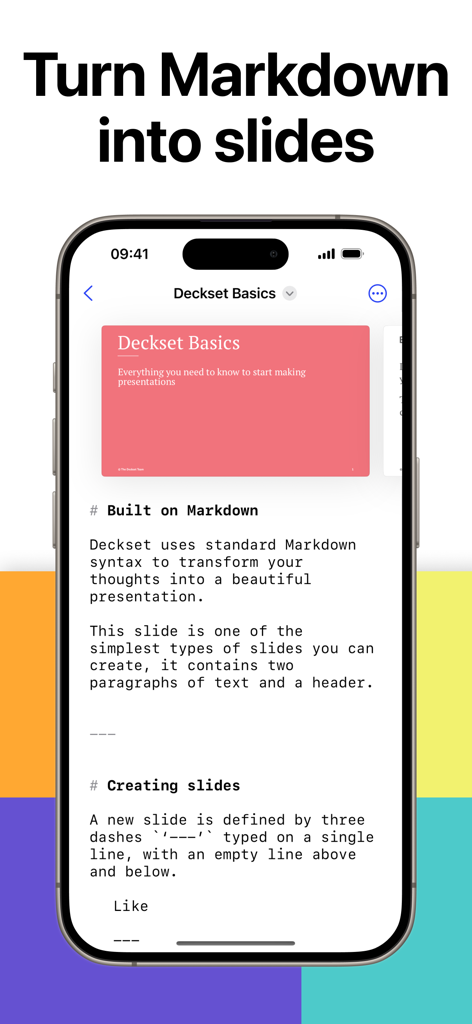
Deckset: Your Notes to Slides - iPhone showing the Deckset app interface converting Markdown text into a presentation slide.
iPhone showing the Deckset app interface converting Markdown text into a presentation slide.

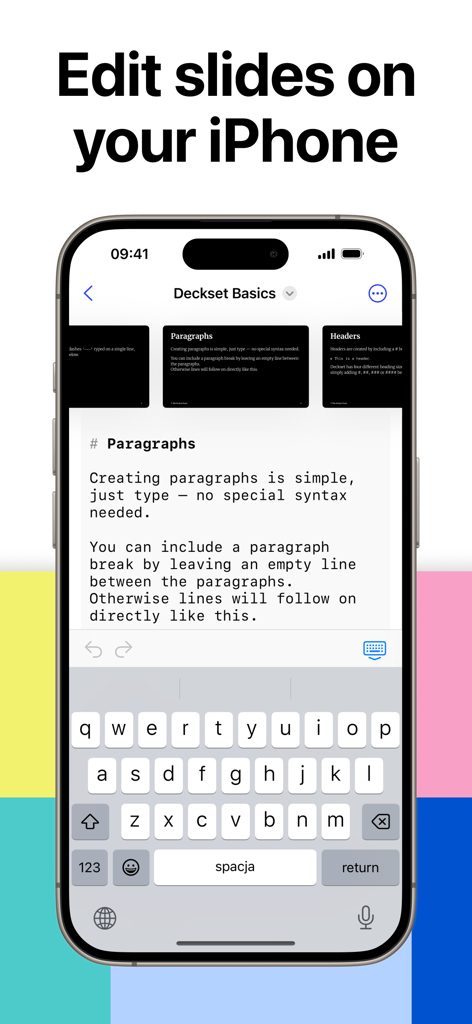
Deckset: Your Notes to Slides - iPhone screen showing a Markdown text editor for creating presentation slides in the Deckset app
iPhone screen showing a Markdown text editor for creating presentation slides in the Deckset app

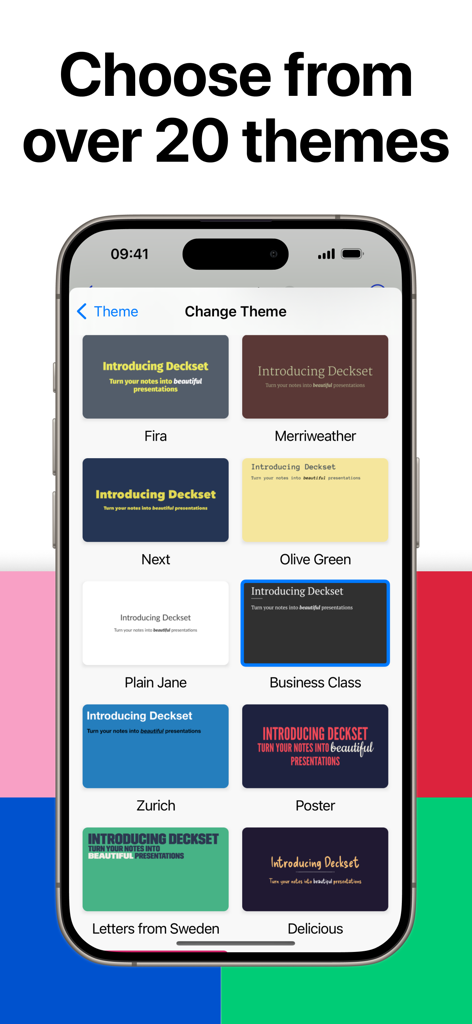
Deckset: Your Notes to Slides - Interface showing various professional presentation themes in the Deckset app

Interface showing various professional presentation themes in the Deckset app
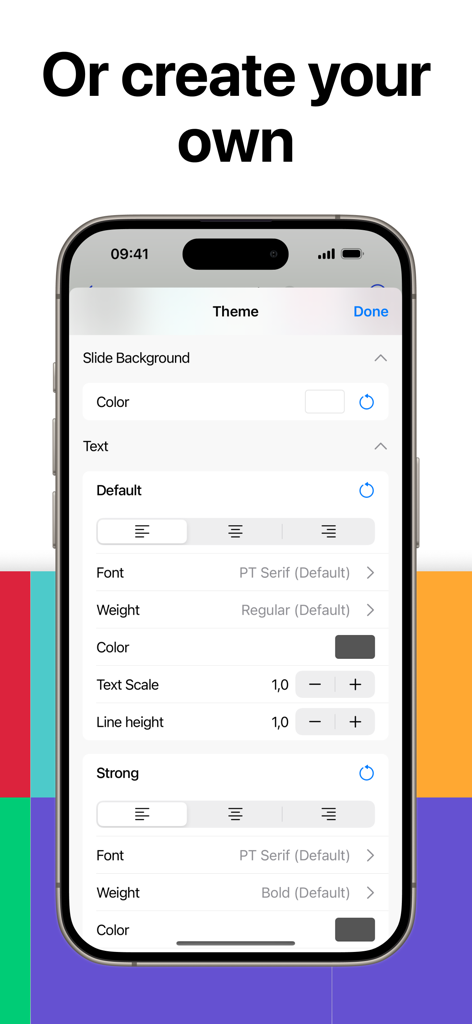
Deckset: Your Notes to Slides - A mobile interface for customizing presentation themes with settings for background colors, font styles, and text alignment.
A mobile interface for customizing presentation themes with settings for background colors, font styles, and text alignment.

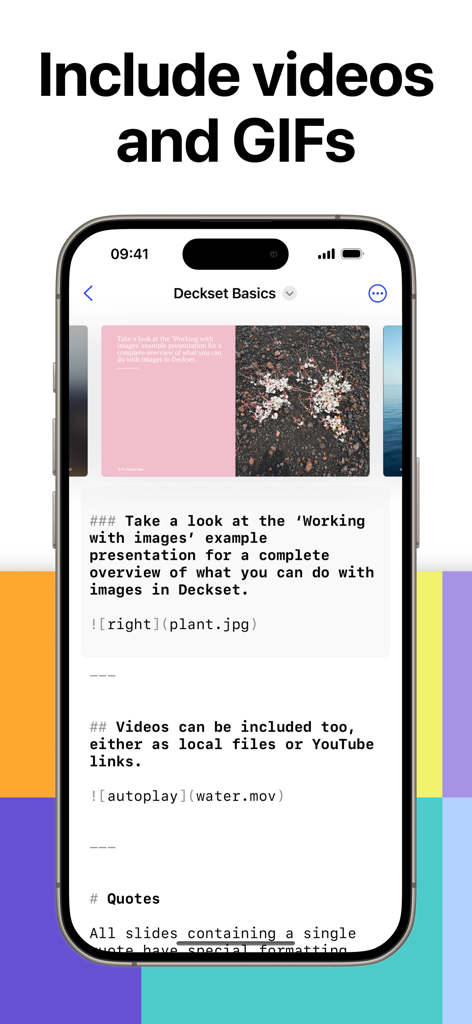
Deckset: Your Notes to Slides - Deckset app interface showing Markdown syntax used to include images and videos into a presentation slide.
Deckset app interface showing Markdown syntax used to include images and videos into a presentation slide.

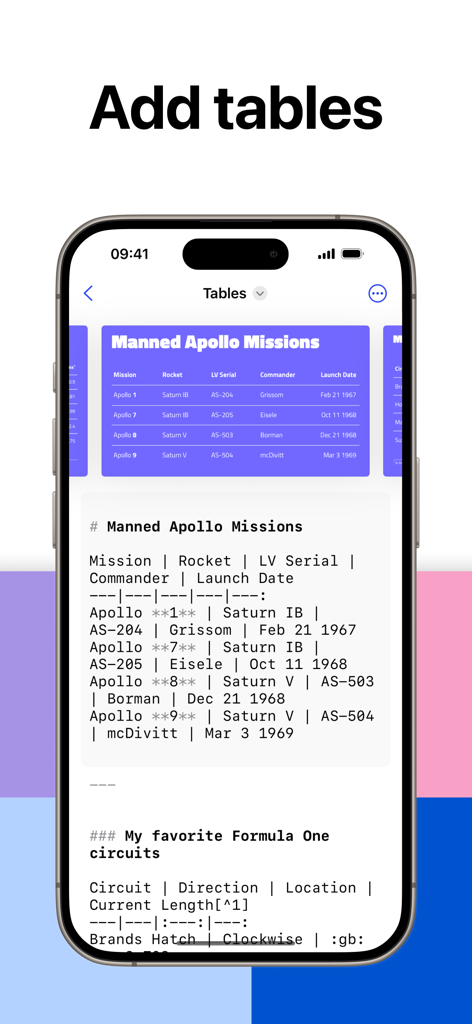
Deckset: Your Notes to Slides - Deckset app displaying a markdown editor and a rendered slide with a table about Apollo missions
Deckset app displaying a markdown editor and a rendered slide with a table about Apollo missions

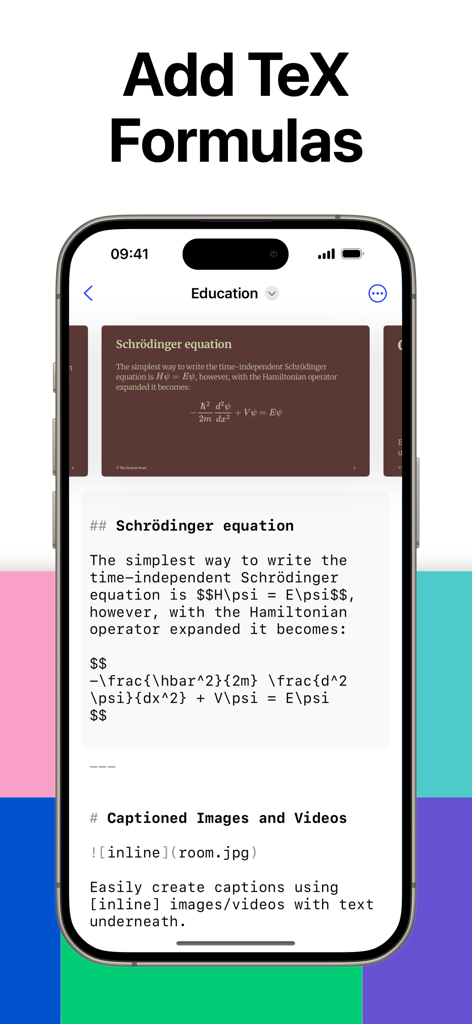
Deckset: Your Notes to Slides - iPhone screen showing the Deckset app converting LaTeX TeX formulas in Markdown into a professional presentation slide
iPhone screen showing the Deckset app converting LaTeX TeX formulas in Markdown into a professional presentation slide

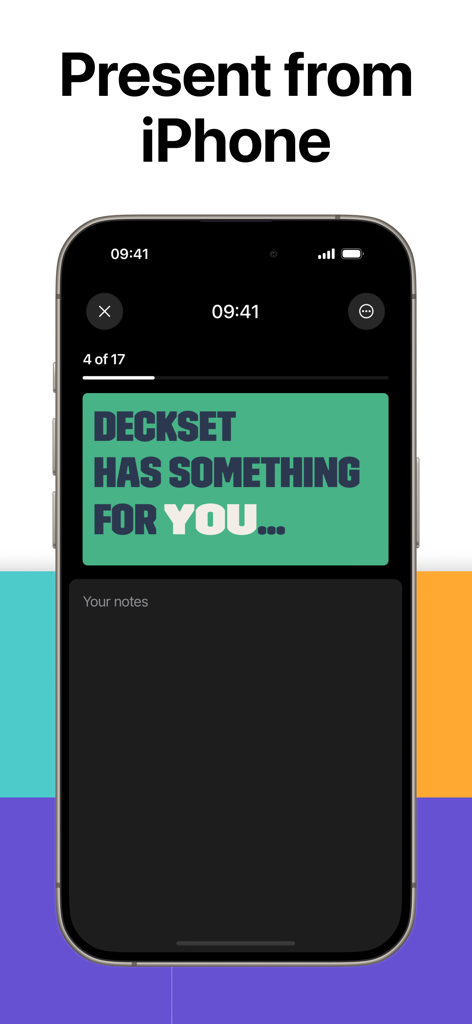
Deckset: Your Notes to Slides - iPhone displaying a slide presentation with presenter notes in the Deckset app

iPhone displaying a slide presentation with presenter notes in the Deckset app

Description

# Deckset — Create Powerful Markdown Presentations Fast Deckset is a presentation app that lets you create professional slides directly from plain text. Write your presentation in Markdown and Deckset automatically turns it into a full slide deck. It's built for anyone who wants to create presentations faster, design slides easily, and focus entirely on the message. Deckset is ideal for developers, teachers, founders, designers, researchers, students, and anyone who needs a simple but powerful slide creator. # Key Features - Markdown-based presentation creation: Write your slides in Markdown using our built-in text editor. Deckset converts your content into a complete presentation automatically. - Professional presentation themes: More than 25 design themes for lectures, conferences, startup pitches, classroom teaching, and business presentations. - Automatic slide layout and typography: Deckset handles formatting, slide design, spacing, fonts, and structure so you can create clean, consistent slides without manual editing. - Advanced support for technical presentations: - Syntax-highlighted code blocks for developers - Math formula rendering - Table support - Diagram and chart support using Mermaid.js - Rich media support: Insert images, videos, GIFs, and SVG files. Deckset automatically scales and optimizes them for your slides. - Presenter tools: Use presenter view, speaker notes, and rehearsal mode to deliver clear and confident presentations. - Flexible export options: Export your presentation to PDF, PNG, or JPG for printing, sharing, uploading, or distributing online. # Why Deckset Stands Out Deckset offers a faster, more efficient workflow than traditional slide design apps. Instead of manually arranging elements, you focus on writing your content. Deckset’s Markdown-based system gives you a clean, version-controlled, future-proof presentation workflow. This makes Deckset especially effective for: - Technical presentations - Startup pitch decks - Classroom lectures - Conference talks - Code-heavy presentations - Research presentations - Markdown-first workflows Users choose Deckset because it combines the simplicity of a text-based workflow with the power of high-quality slide design. You write the content once, and Deckset handles the presentation design automatically. Deckset is the modern, efficient way to create, design, and present ideas. TALK TO US If you have any questions or feedback, please don’t hesitate to get in touch. Visit https://www.deckset.com/support for support and feedback. Privacy policy: https://www.deckset.com/privacy/ Terms and Conditions: https://www.apple.com/legal/internet-services/itunes/dev/stdeula/

Download

Download on App Store

This page is not an official page of the app or its developer, but an independent editorial publication created for informational and commentary purposes. Unless expressly stated otherwise, neither the app nor its developer is affiliated with, endorsed by, sponsored by, authorized by, or otherwise officially connected with MWM, Apple, Google Play, the app publisher, or the app's developer, and nothing on this page implies that the app was developed using MWM's services. Any trademarks, logos, screenshots, and other content remain the property of their respective owners.








